

Site Kit is a one-stop solution for WordPress users to use everything Google has to offer to make…
About PDF Embedder
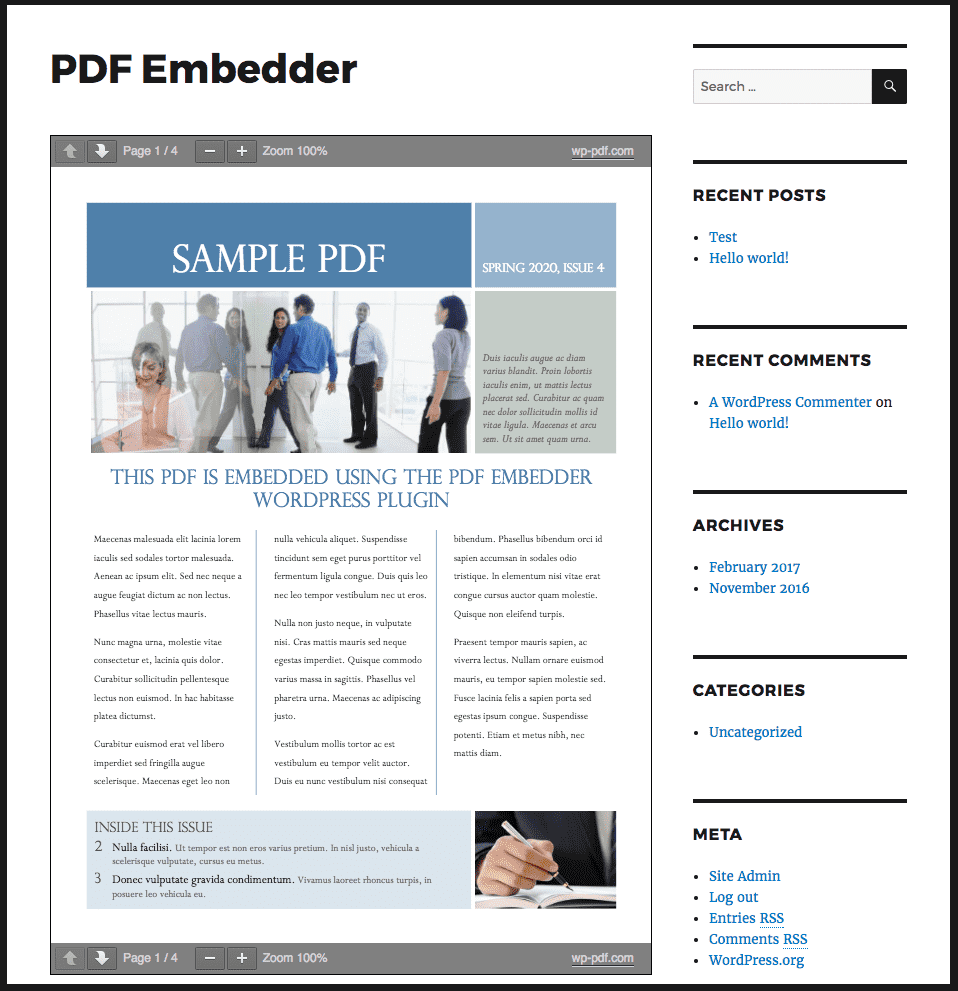
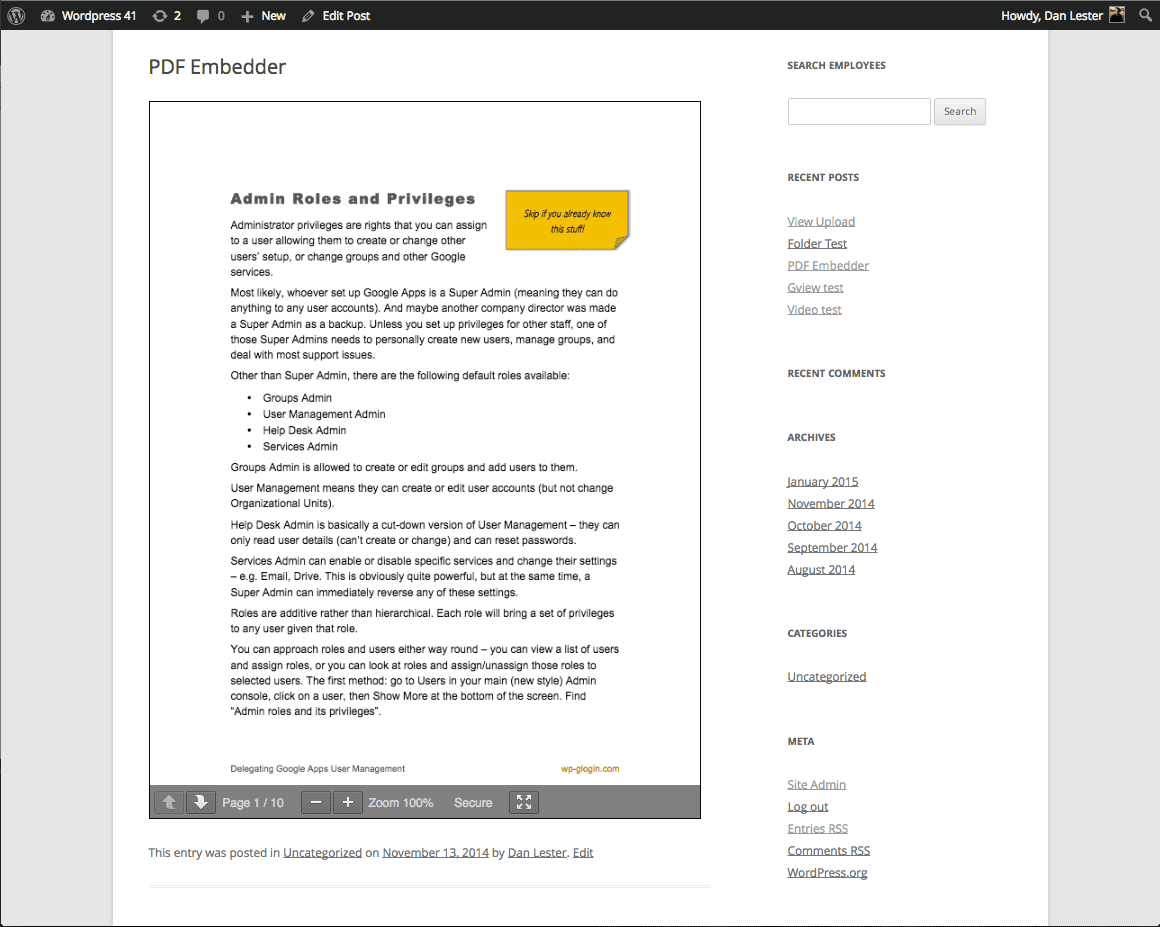
The PDF Embedder plugin allows you to upload and embed PDF files directly into your WordPress site's posts and pages. The plugin is fully responsive, automatically resizing the embedded PDF to fit any device. In the premium versions, you can add download buttons, enable hyperlinks, and track downloads and views.Screenshots
Frequently asked questions
How does the PDF Embedder plugin work?
The plugin uses Javascript to embed PDF files directly into your site's posts and pages. It offers flexibility over the appearance of your document.
What are the features of the Premium versions of the PDF Embedder plugin?
The Premium versions include features such as a download button, continuous scroll between pages, clickable hyperlinks, full screen mode, the ability to edit page numbers, tracking of downloads and views, mobile-friendliness, and a secure option to prevent downloading of the original PDF.
How can I change the default appearance of the embedded PDF?
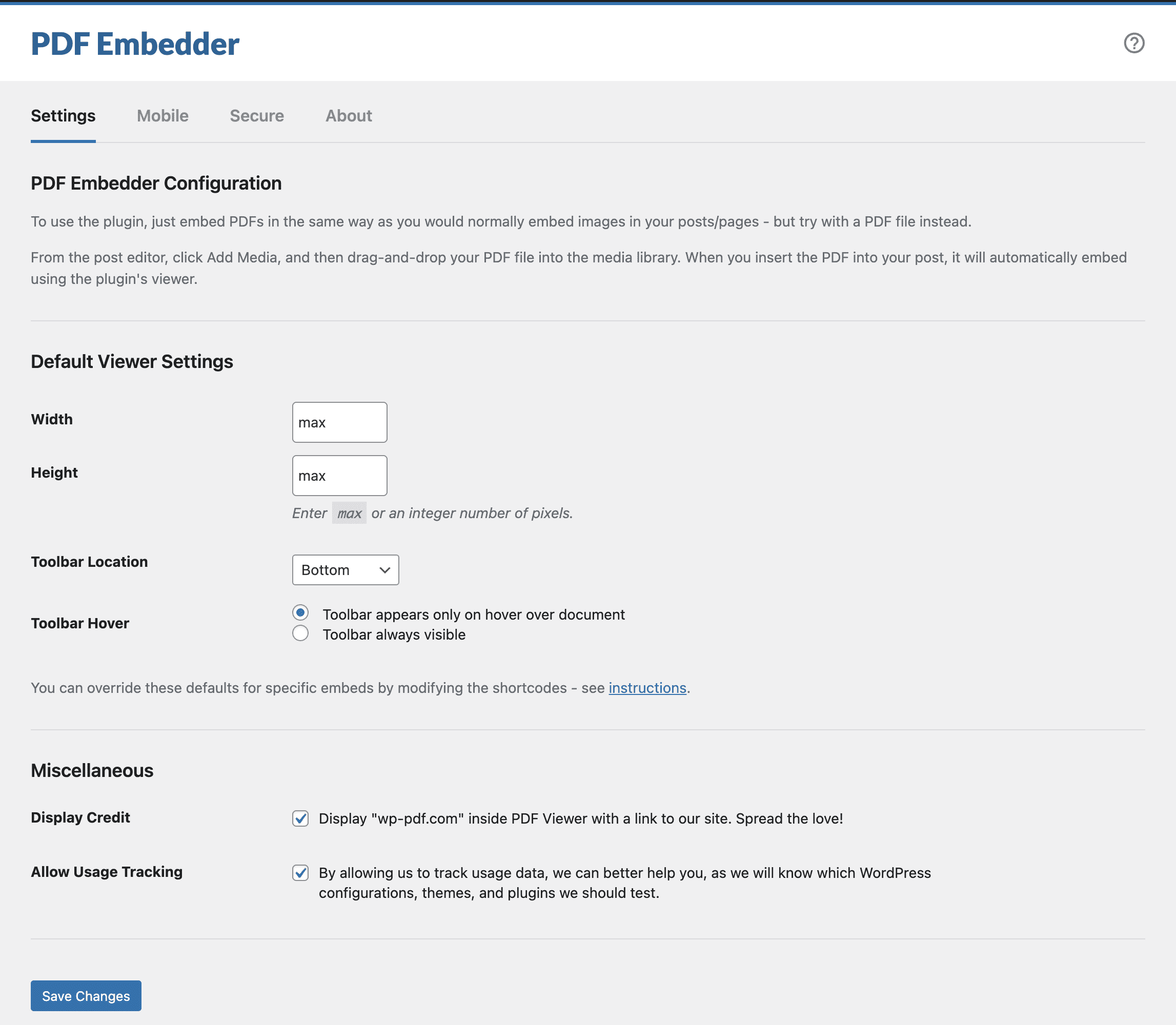
You can change the default appearance, such as the width and toolbar position/appearance, through Settings -> PDF Embedder.
Is there a download option available in the free version of the plugin?
No, the download option is only available in the Premium versions of the plugin.
Can I customize the shortcodes for individual embeds?
Yes, you can override your site-wide defaults on an individual embed by customizing the shortcodes. Refer to the Plugin Instructions for more information.
Changelog
4.9.2
- Changed: When just installed, the plugin was not saving its settings into the database upon activation. This caused the plugin to not work properly until the settings were saved at least once.
- Fixed: PDF Viewer Toolbar was displayed on the front-end even when disabled using block/shortcode attributes until the plugin settings were saved at least once.
4.9.1
- Fixed: The PDF Embedder block performance was improved slightly in the Block Editor.
- Fixed: Toolbar was not visible when configured to be displayed on hover.
- Fixed: Make sure that PDF URL has the domain when requesting the file from the server.
- Fixed: When the shortcode
heightattribute contained the valueauto– the PDF Viewer wasn’t correctly displaying the PDF file content. - Fixed: Do not output debug information in the browser console when the PDF file has some True Type fonts incorrect data. PDF Rendering is still fine.
4.9.0
- IMPORTANT: The minimum WordPress version has been raised to WordPress v6.1.
- IMPORTANT: The minimum PHP version has been raised to PHP v7.2.
- Added: A new dismissible “Get Started” section was added to the plugin settings page to help you get started with the plugin.
- Changed: Compatibility with WordPress 6.7.
- Changed: Various plugin admin area improvements.
- Changed: Further improvements to the PDF Embedder block in the Block Editor.
- Fixed: Address the issue with the WordPress Interactivity API and mobile navigation when the site works in SCRIPT_DEBUG mode.
- Fixed: Dropdown menus when opened were not able to “cover” the PDF Viewer toolbar due to the z-index value set for the toolbar.
- Fixed: Prevent occasional fatal errors from happening when the plugin is initiated during the cron request.
4.8.2
- Fixed: PDF files containing the text in certain languages (like Korean or Japanese) were not rendered properly due to a bug in PDF.js library incorrectly handling passed options.
4.8.1
- Fixed: Make sure that when
widthandheightshortcode/option values have an incorrect value, the plugin does not generate a fatal error.
4.8.0
- Changed: Compatibility with WordPress 6.5.
- Changed: Make the PDF Embedder block extensible.
- Changed: Improved the look and feel of the PDF Embedder block inside the Block Editor.
- Changed: Removed some unnecessary files from the released version to decrease the zip size.
- Fixed: Improved performance for the majority of sites by not loading an internal Action Scheduler library (which was also updated to v3.7.4) when it is not used.
- Fixed: Hide the Toolbar Hover options in the block if the “No Toolbar” option is chosen.
- Fixed: Security fixes in the way certain PDF files are rendered to prevent arbitrary scripts execution.
4.7.1
- Changed: The logic for displaying notices was adjusted.
- Fixed: Improved handling of incorrect URLs supplied to the shortcode – PDF viewer won’t even try to render it.
4.7.0
- IMPORTANT: The minimum WordPress version has been raised to WordPress v5.8.
- IMPORTANT: The minimum PHP version has been raised to PHP v7.0.
- IMPORTANT: If you are using a caching plugin and added PDF Embedder JS files to the exclusion list, you will need to do that again due to changed file names.
- Added: New option for the toolbar location called “No Toolbar” is now available. It allows you to hide the toolbar completely.
- Changed: Plugin admin area interface has been refreshed.
- Changed: The plugin has been tested with the latest version of WordPress.
- Changed: Block was rewritten from scratch, and now it looks better in the Block Editor, and also syncs its default settings with global plugin options.
- Fixed: A lot of strings in the plugin have been fixed to make them translatable and accurate.
- Fixed: Several security related improvements have been introduced (data sanitization and escaping).
- Fixed: Text in PDF files in certain languages (like, Japanese and Korean) was not rendered correctly.
The full changelog is located in the changelog.txt file.

