
Improve your WordPress SEO: Write better content and have a fully optimized WordPress site using the Yoast SEO…
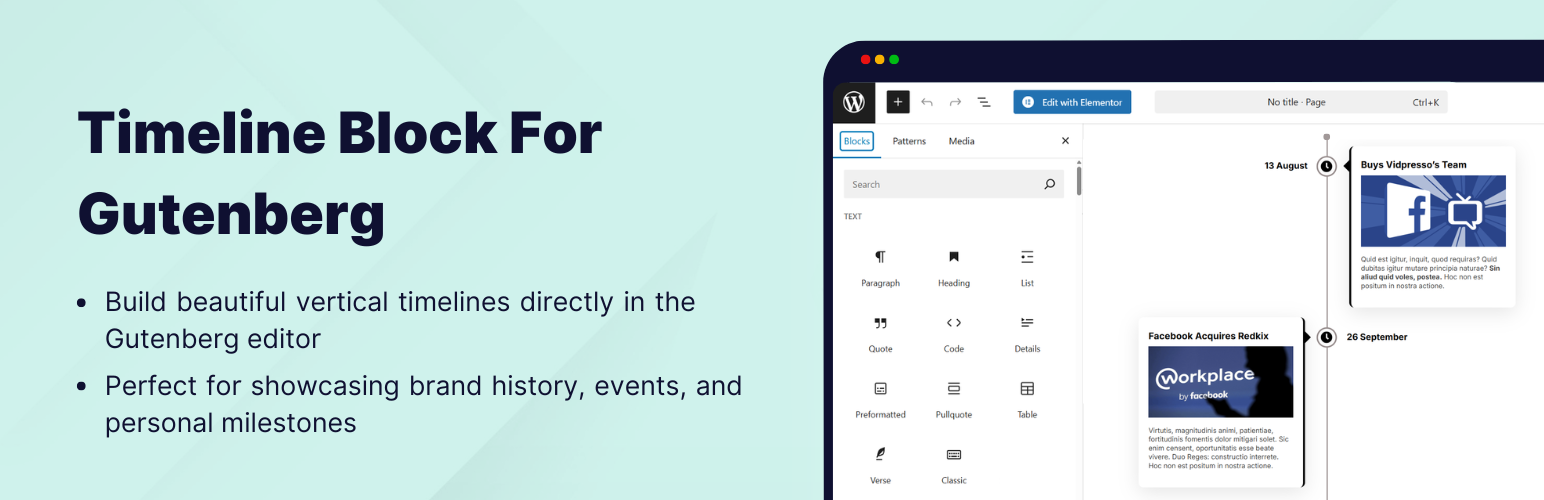
About Timeline Block For Gutenberg
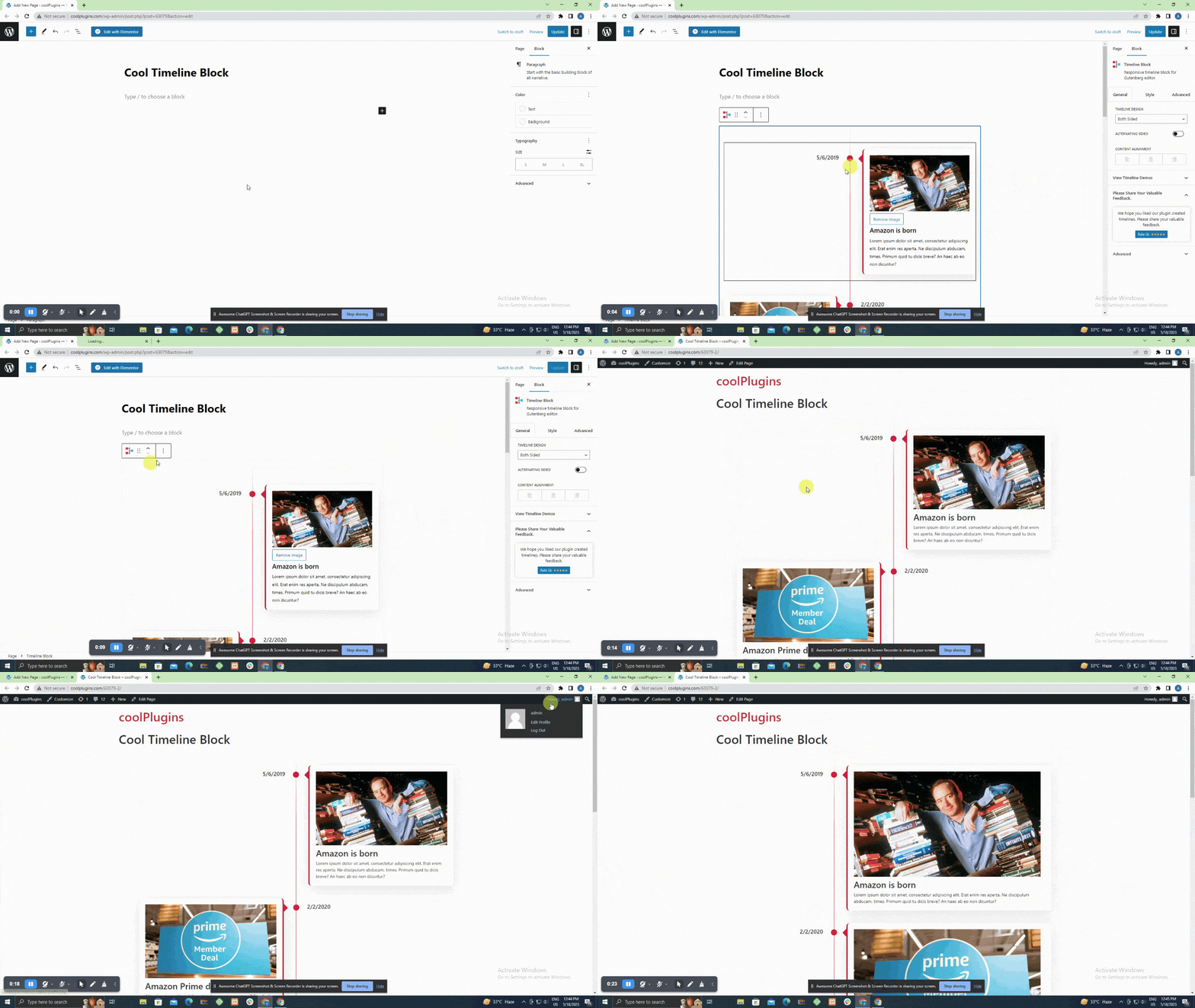
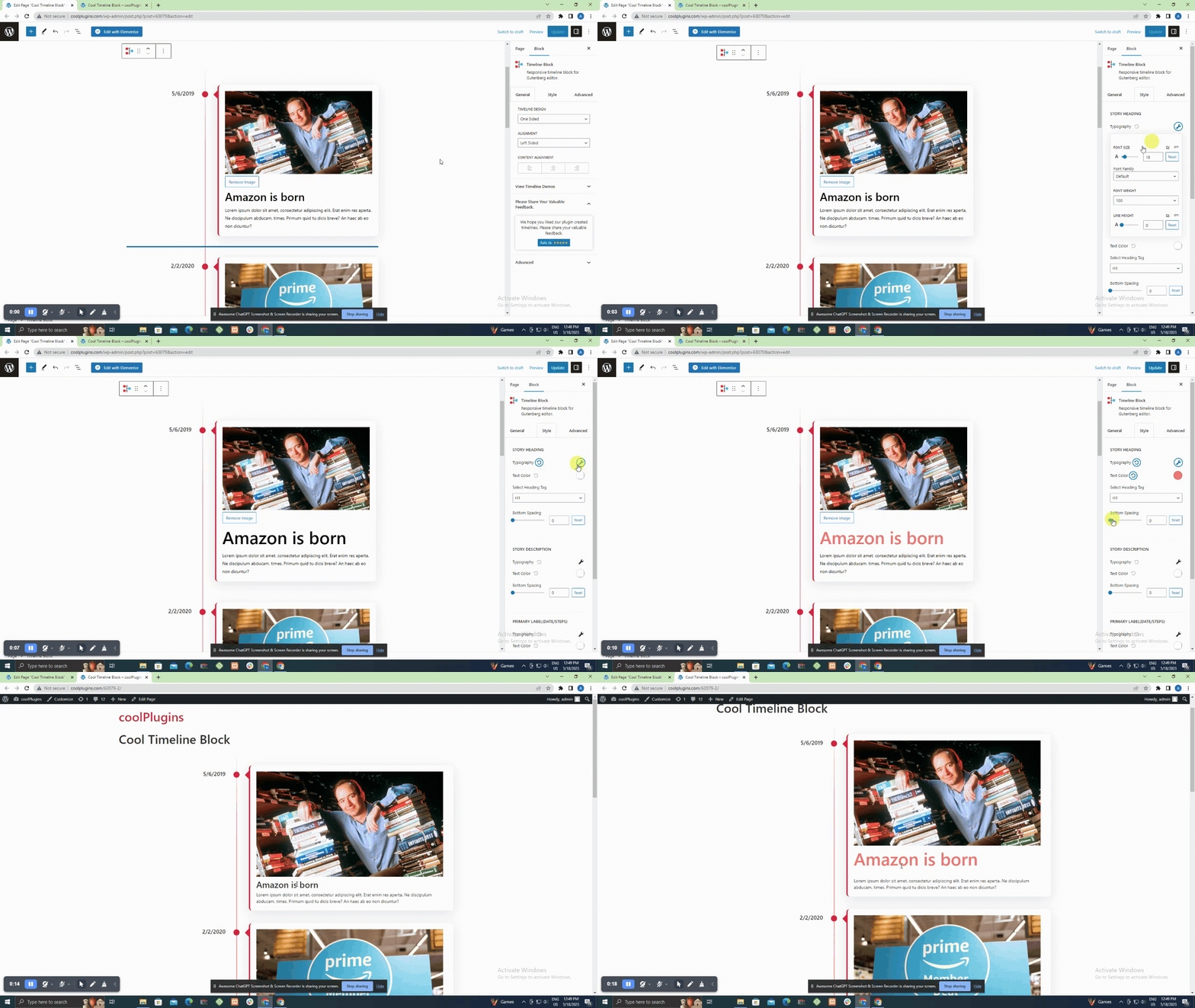
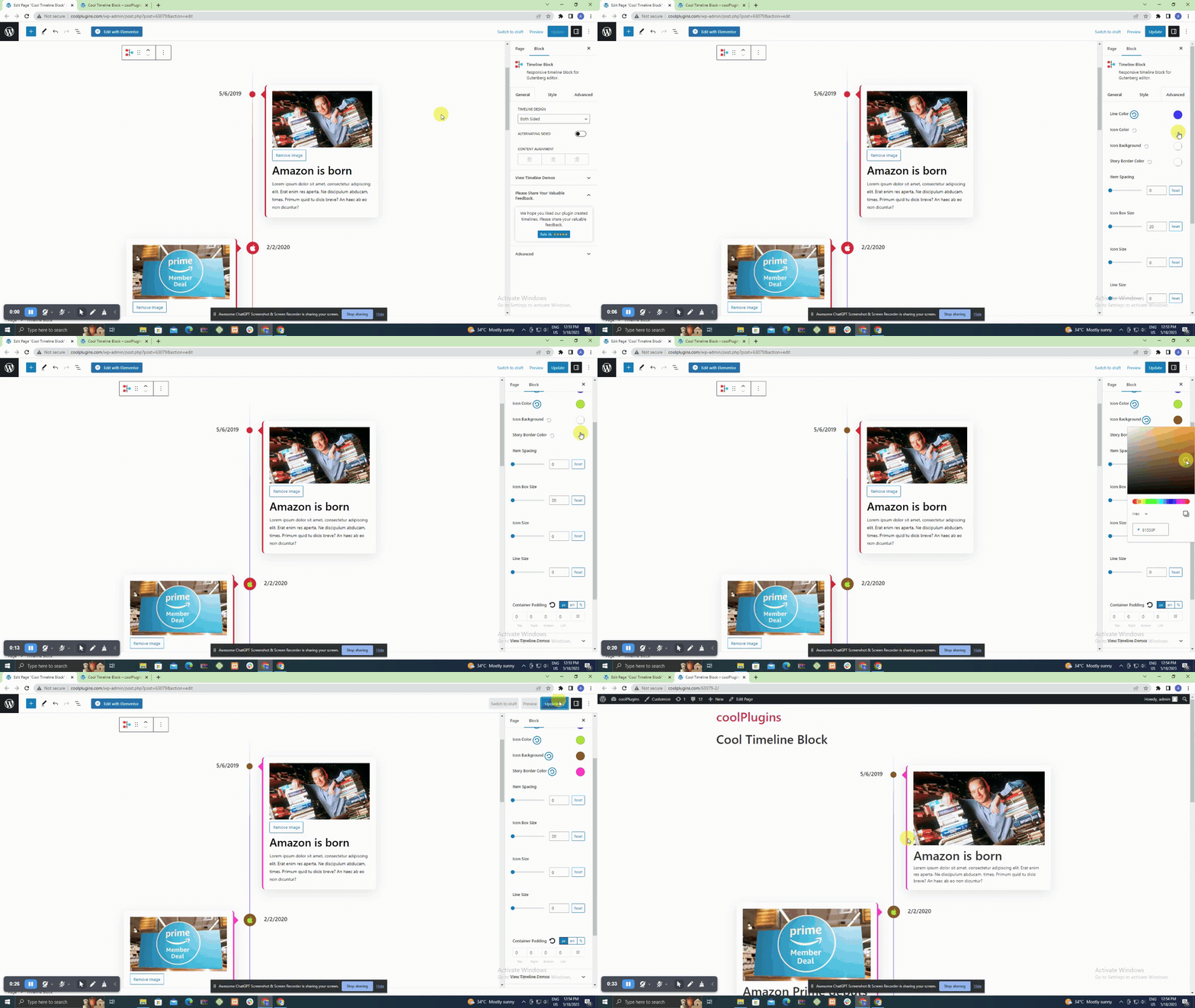
Timeline Block is a WordPress block plugin that allows you to create a vertical history timeline on your website using the Gutenberg block editor. It is easy to use and provides various customization options. If you want even more features and design options, you can upgrade to the Timeline Block Pro version.Screenshots
Changelog
We’re committed to delivering a seamless and enhanced experience with every update.
Upgrade to Version 1.7.1 to enjoy these new features, enhancements, and bug fixes.
Your feedback is invaluable as we continue to refine and improve our plugins.
Version 1.7.1 | 27 Jan 2025
-
Fixed:
- Javascript edtior side error
Version 1.7.0 | 18 Dec 2024
-
Added:
- Support for List & Button blocks in timeline description.
- Function load_plugin_textdomain() for translations.
- Option to change or remove element positions (e.g., media after description or title).
- Deprecated JavaScript component error in the block editor.
- Update Icon Library to prevent JavaScript errors.
- Tested Upto WordPress 6.7.1
Fixed:
Improved:
Tested:
Version 1.6.2 | 25 Apr 2024
-
Fixed:
- Fixed fatal error that arises when Cool Timeline Free is already activated.
Version 1.6.1 | 24 Apr 2024
-
Added:
- Integrated a share feedback popup upon plugin deactivation.
- Update the View Demos & Watch Videos link in the settings panel.
- Update readme file content.
Improved:
Version 1.6 | 11 Dec 2023
-
New Features:
- Added WordPress default Image, Heading, and Paragraph core blocks for more features.
- Added migration option in instant timeline builder to migrate into Timeline Block.
- Added migration option in Timeline Block to migrate into Cool Timeline Block.
- Cool Timeline Block static CSS replaced with variable-based CSS.
- Remove Heading, Image, and Paragraph settings from Cool Timeline Block.
Improved:
Removed:
Version 1.5.2 | 17 Oct 2023
-
Bug Fixes:
- Fixed Minor security update.
Version 1.5 | 24 Aug 2023
-
New Features:
- Introducing the “Add New Story” button within the Story toolbar, allowing you to seamlessly add new stories at any position you prefer.
- Conveniently access the settings panel with the newly added Timeline Settings button, now available within each nested block.
- Resolved conditional loading of styles and assets, ensuring optimal performance and loading only when necessary.
- Eliminated duplicate loading of the style.css file for a cleaner and more efficient codebase.
- Rectified the Font Family issue, ensuring the consistent and accurate rendering of fonts throughout the application.
- Successfully tested with WordPress 6.3 to ensure a smooth user experience.
Enhancements:
Bug Fixes:
Compatibility:
Version 1.4 | 05 Apr 2023
-
Added:
- New settings for Heading Tag
- New Font Icon library. Special Thanks to @drzraf for contributions.
- Icon && center line position issue
- ALT Tag issue in image
- Font icon library
- Tested Upto WordPress 6.2
Fixed:
Removed:
Tested:
Version 1.3.3 | 23 Jan 2023
-
Fixed:
- styles not loading on frontend issue
Version 1.3.2 | 18 Jan 2023
-
Added:
- Active controller reset button when style is applied.
- Timeline disappeared on frontend side
- Icon position issue.
- Minor CSS issue.
Fixed:
Version 1.3.1 | 09 Jan 2023
-
Added:
- responsive device CSS.
- responsive device style issue.
- the Attempt recovery option after clicking on Reset Typography.
Fixed:
Version 1.3 | 03 Jan 2023
-
Added:
- Alternating Sided in both side settings
- Content alignment setting
- Heading and description bottom spacing setting
- Item spacing setting
- Icon box size setting
- Icon size setting
- Line size setting
- Content box padding setting integration
- Share review option
- Content update
- Swiper file removes
- tested Upto WP.6.1
Updated:
Improved:
Version 1.2.2 | 04 July 2022
-
Added:
- Added source code.
Version 1.2.1 | 09 June 2022
-
Tested:
- tested Upto WP.6.0
Version 1.2 | 06 JAN, 2022
-
Added:
- Integrated New Block with an advanced story ordering functionality.
- Added image size option, Font Awesome icons, color and typography settings for each element of Cool Timeline Gutenberg Timeline Block
- Added right-aligned one-sided timeline layout in Gutenberg Timeline Block
- Story position(left/right) option or both-sided layout of Gutenberg Timeline Block
- tested upto 5.8.2
Tested:
Version 1.1 | 30 June 2021
-
Added:
- integrated story ordering feature
- minor bug fixes
Fixed:
Version 1.0 | 18 AUG, 2020
- Initial release

