

Advanced Custom Fields (ACF) helps you easily customize WordPress with powerful, professional and intuitive fields. Proudly powering over…

About Slim Maintenance Mode
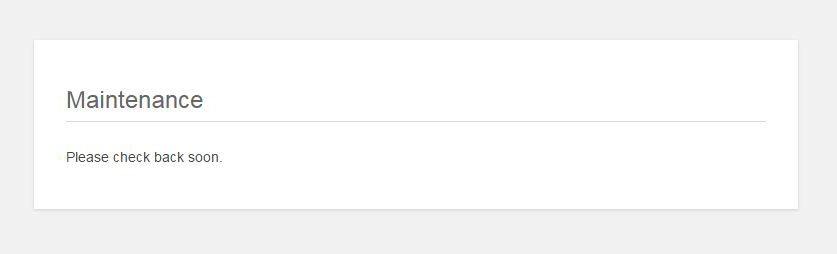
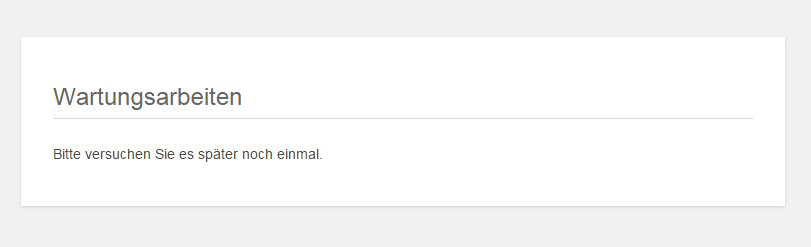
Slim Maintenance Mode is a simple and lightweight plugin that allows you to put your website into maintenance mode. It only allows administrators to access the website while you do maintenance work. It also supports various cache plugins and sends the appropriate HTTP response code to search engines.Screenshots
Frequently asked questions
What is Slim Maintenance Mode?
Slim Maintenance Mode is a lightweight WordPress plugin designed for scheduled website maintenance. It allows only administrators to view the website when activated.
How do I use Slim Maintenance Mode?
Simply activate the plugin to put your site into maintenance mode. There are no extra settings; once your maintenance work is done, deactivate it.
Does it work with caching plugins?
Yes, it supports several caching plugins including Cachify, LiteSpeed Cache, Super Cache, WP Rocket, WP Fastest Cache, and W3 Total Cache.
What happens to search engines when the plugin is active?
When active, the plugin sends an HTTP response status code 503 Service Unavailable, which is relevant for search engines.
Where can I report bugs or contribute?
Bug reports and contributions are welcome. Please open an issue in the support forum.
Changelog
1.4.3
- Fixed a bug that prevented logging into the administration area
1.4.2
- Fixed a bug with the HTTP response code
1.4.1
- Fixed a bug that prevented the plugin from working reliably with block themes
1.4
- Disable Web feeds (e.g. RSS, Atom) when the plugin is active
1.3.7
- Added support for the LiteSpeed Cache plugin
1.3.6
- Fix for a problem which occurs when DISALLOW_FILE_EDIT is set true.
1.3.5
- Added support for the WP Fastest Cache plugin
1.3.4
- Opening the plugin to WordPress Translate
1.3.3
- Added support for the WP-Rocket Cache plugin
- Changed the way to get directly to the plugin deactivation from the note in the backend
1.3.2
- Fixed a bug which caused problems in multisite environments
1.3.1
- Russian translation
1.3
- Fixed a bug which caused problems, when loading translated strings
- Brazilian Portuguese translation
- Fixed the FAQ
1.2
- French translation
- Spanish translation
1.1
- Several corrections and enhancements of the information texts
- Added two screenshots
- Polish translation
1.0
- Initial version
- Support for the following cache plugins: Cachify, Super Cache, W3 Total Cache
- German translation

