

A comprehensive collection of visual components for your site
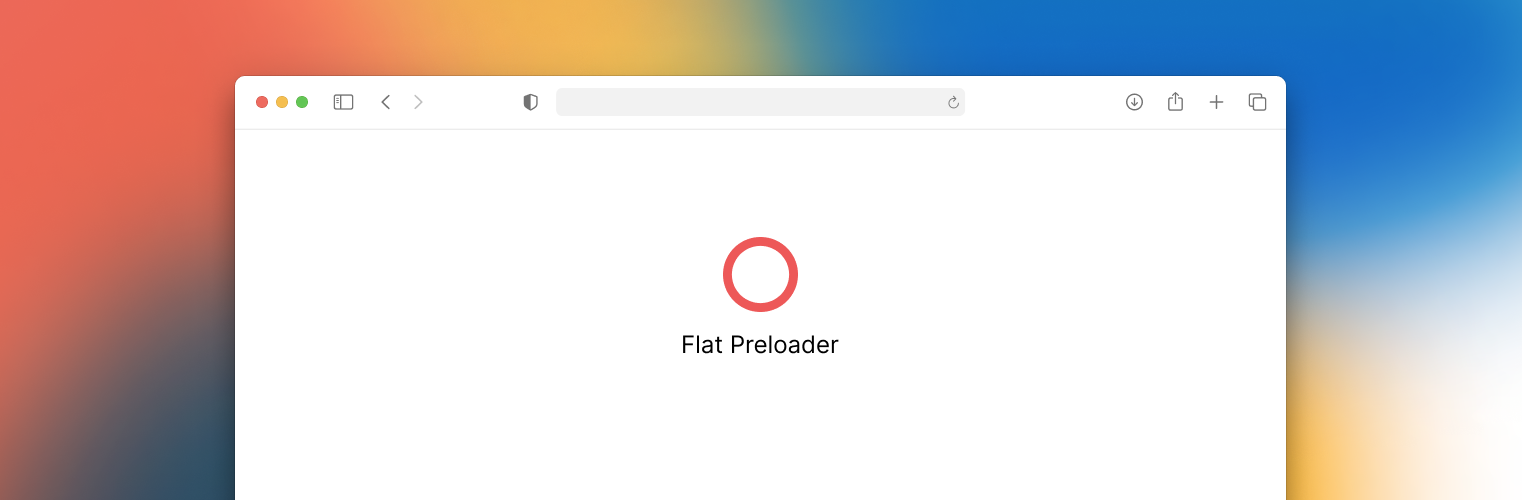
About Flat Preloader
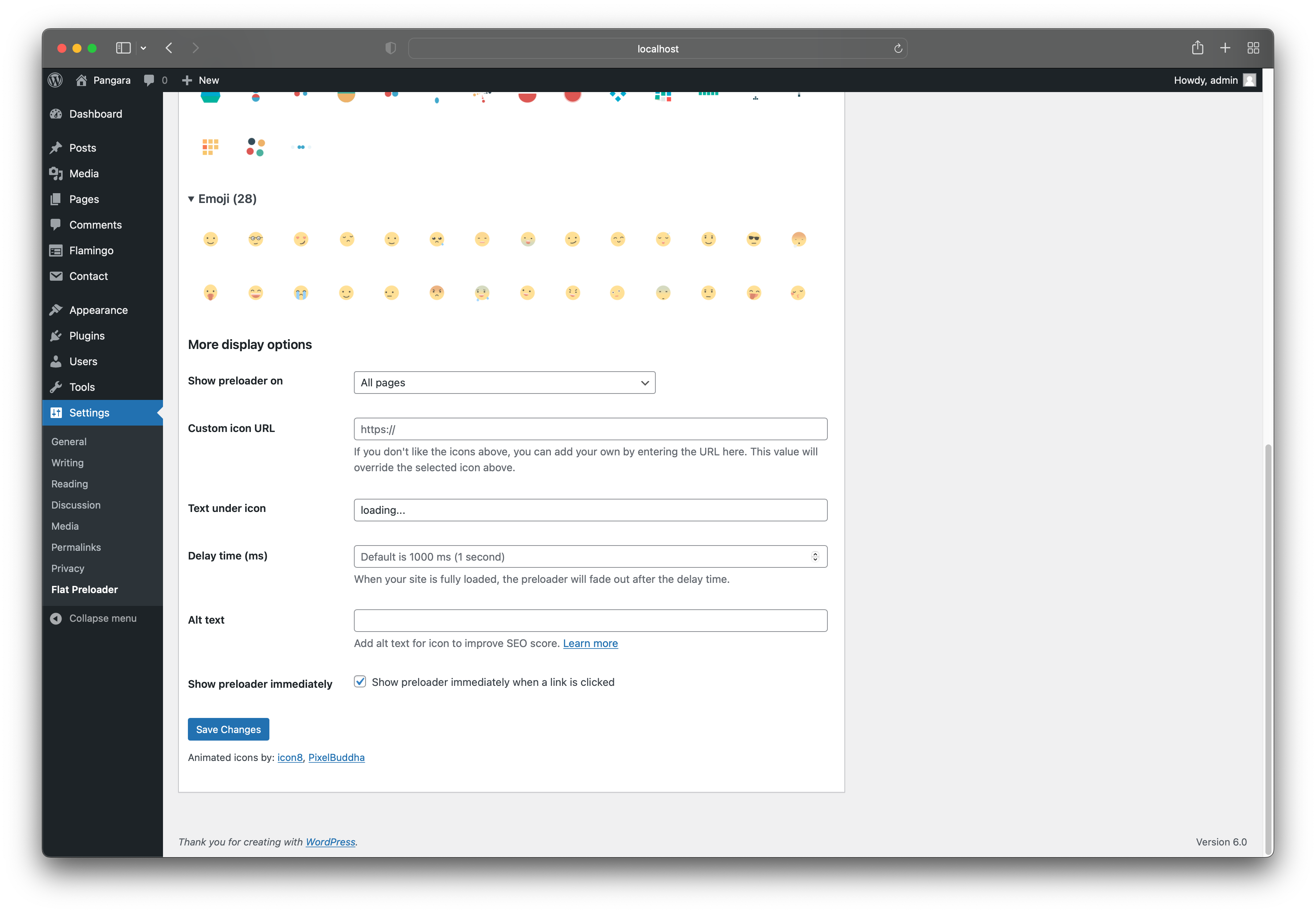
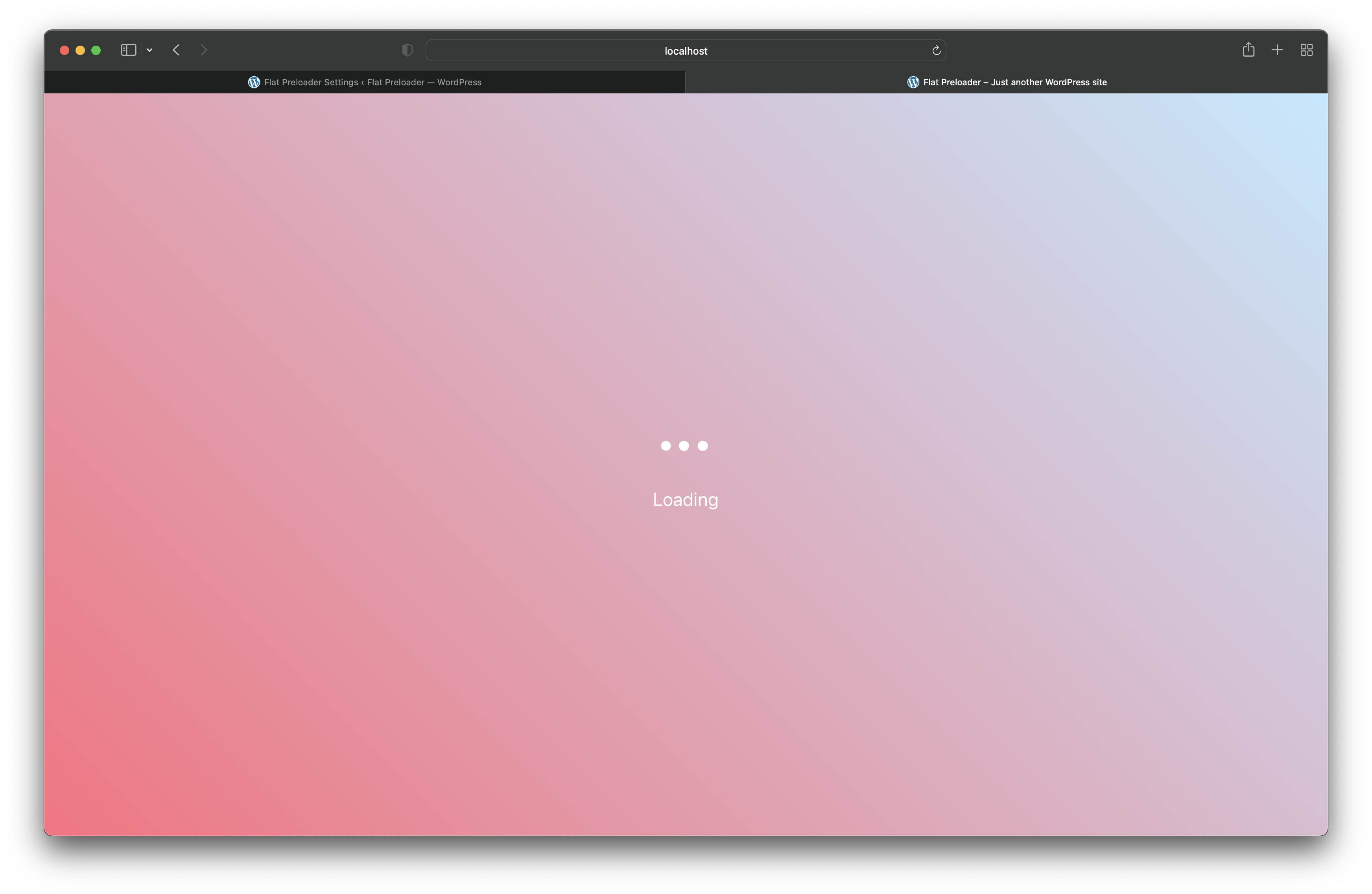
Flat Preloader is a plugin that allows you to create loading pages with animated gif icons. You can choose where the loading page will be displayed and customize it with different features like adding custom icons, text, and delay time. There is also a Pro version available with additional features like unlimited CSS loading animations and the ability to change background image, color, and text size.Screenshots




Changelog
1.16.0
- Feat: add filter hooks for 2 options: ignore links and show preloader immediately.
1.15.0
- Fix: do not show loader immediately when click on link that contains tel:, mailto:
- Feat: add link attribute
data-fp-ignore=trueto ignore the link that you don’t want to show the loader when click on it.
1.14.1
- Fix: do not show loader immediately when click on link with hashtag
1.14.0
- Feat: in the previous versions if you click on
/path-to-somewhere, it won’t show the loader immediately. This update allows the loaders to show up right after the click.
1.13.0
- Fix: prevent constant variables conflict with other code.
1.12.0
- Test: latest WordPress version compatible
- Fix: loading screen is not hidden when clicking on the browser’s back button (https://wordpress.org/support/topic/preloader-does-not-disappear-after-browser-back-navigation/)
1.11.3
- Fix: loading screen is not hidden on Divi Builder
1.11.2
- Fix: undefined keys when install Flat Preloader for the first time.
1.11.1
- Introduce new plugin: WP Block Mindmap. There are no new features or bug fixes.
1.11.0
- Minor updates to support pro version. There are no new features or bug fixes.
1.10.0
- Feat: Allow multiple post ID for custom display
1.9.0
- Introduce Flat Preloader Pro
1.8.1
- Improve: Settings page UI
1.8.0
- Feat: Show preloader immediately when a link is clicked
1.7.0
- Feat: Able to collapse/expand the icons list
- Improve: Settings page UI
1.6.0
- Feat: Allow showing loading icon on a specific post (any post-type)
1.5.5
- Fix: XSS on front-end
1.5.4
- Improve: Securing the input & output of settings
1.5.3
- Improve: Securing the input & output of settings
1.5.2
- Chore: Update button “Buy me a coffee”
1.5.1
- Fix: Missing verify nonce which allows CSRF attack.
1.5
- Feat: You can add custom icon url if you don’t like the available icons.
- Feat: Able to add icon alt text. This will help improve SEO score of your page.
- Improve: Show total icons count in each icon section.
1.4.1
- Fix: Change HTML event from DOMContentLoaded to load. I encounter an issue when some websites use optimization plugins to minify JavaScript and load JavaScript with defer. If the script is loaded with defer, it will execute before DOMContentLoader. Hence, the loading screen will be stuck and will not be hidden.
1.4
- Update: Remove text domain header.
- Update: Change text domain from ‘flat_preloader’ to ‘flat-preloader’
1.3.1
- Fix: The overlay does not remove after faded out.
1.3
- Feat: Add more 60+ animated icons.
- Update: Get rid of jQuery. The script that shows the loading icon on the front-end is pure JavaScript.
- Update: Styles of hover, active animated icons in the settings page.
1.2
- Update: Re-arrange the settings page.
- Feat: Add text under loading icon.
- Feat: Add delay time. The loading icon will fade out after the delay time.
1.1.2
- Fix: cannot scroll the site when it was rendered in iframe.
1.1.1
- Fix: remove duplicate slash from asset URLs
1.1
- Add Modern Flat icons
1.0.1
- Add more icons
- Add options to select where the preloading page will be appeared