

Order Categories and all custom taxonomies terms (hierarchically) using a Drag and Drop Sortable JavaScript capability.

About WP-ServerInfo
This is a summary of the information provided: - The plugin's build status can be found on Travis CI. - The development of the plugin can be found on GitHub. - Translations for the plugin can be found on the WordPress translation project. - The plugin icon was created by Picol from Flaticon. - Donations for the plugin are appreciated but not required. - To upgrade the plugin, deactivate it, replace the plugin folder, and then reactivate it.Screenshots

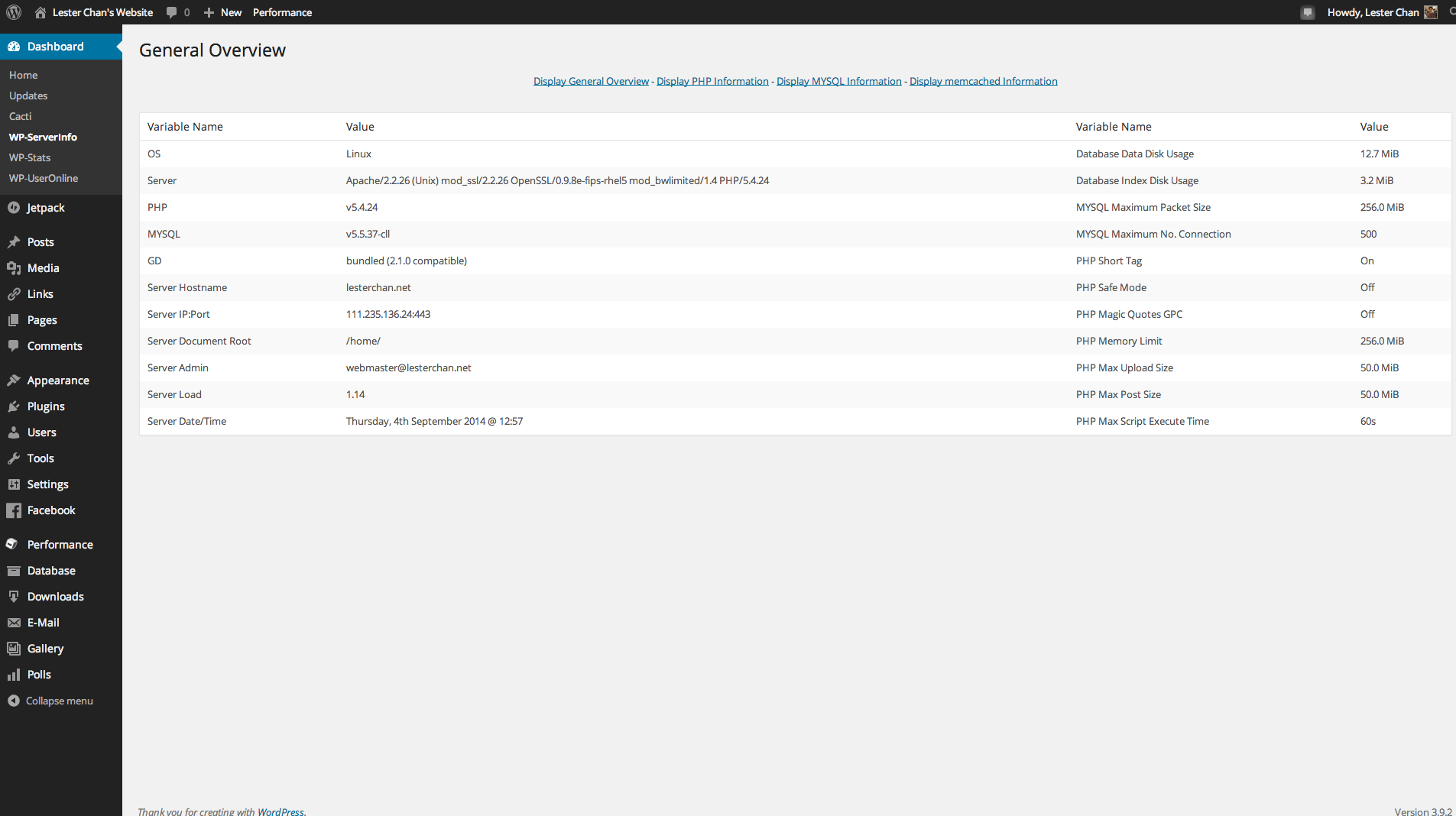
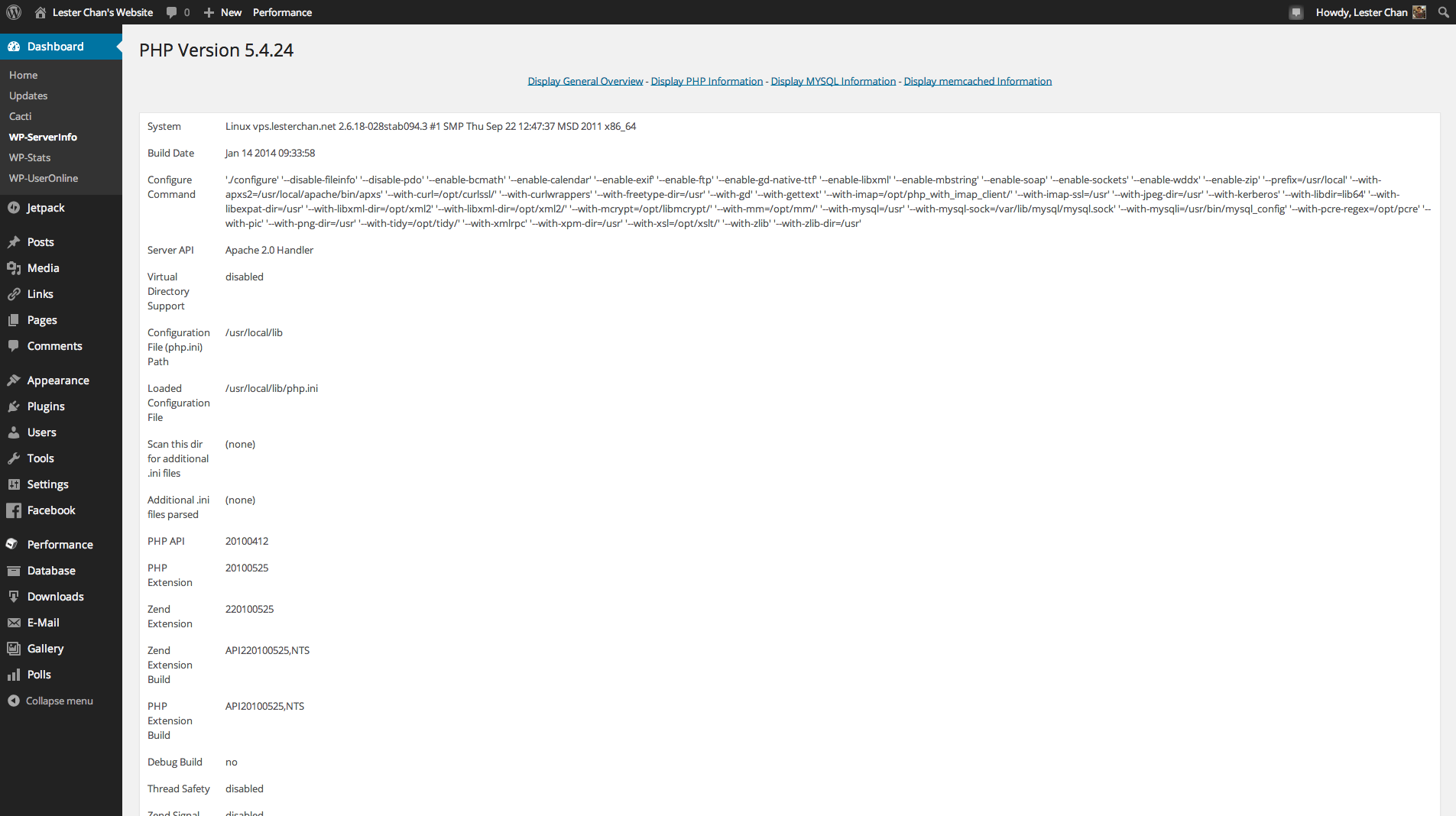
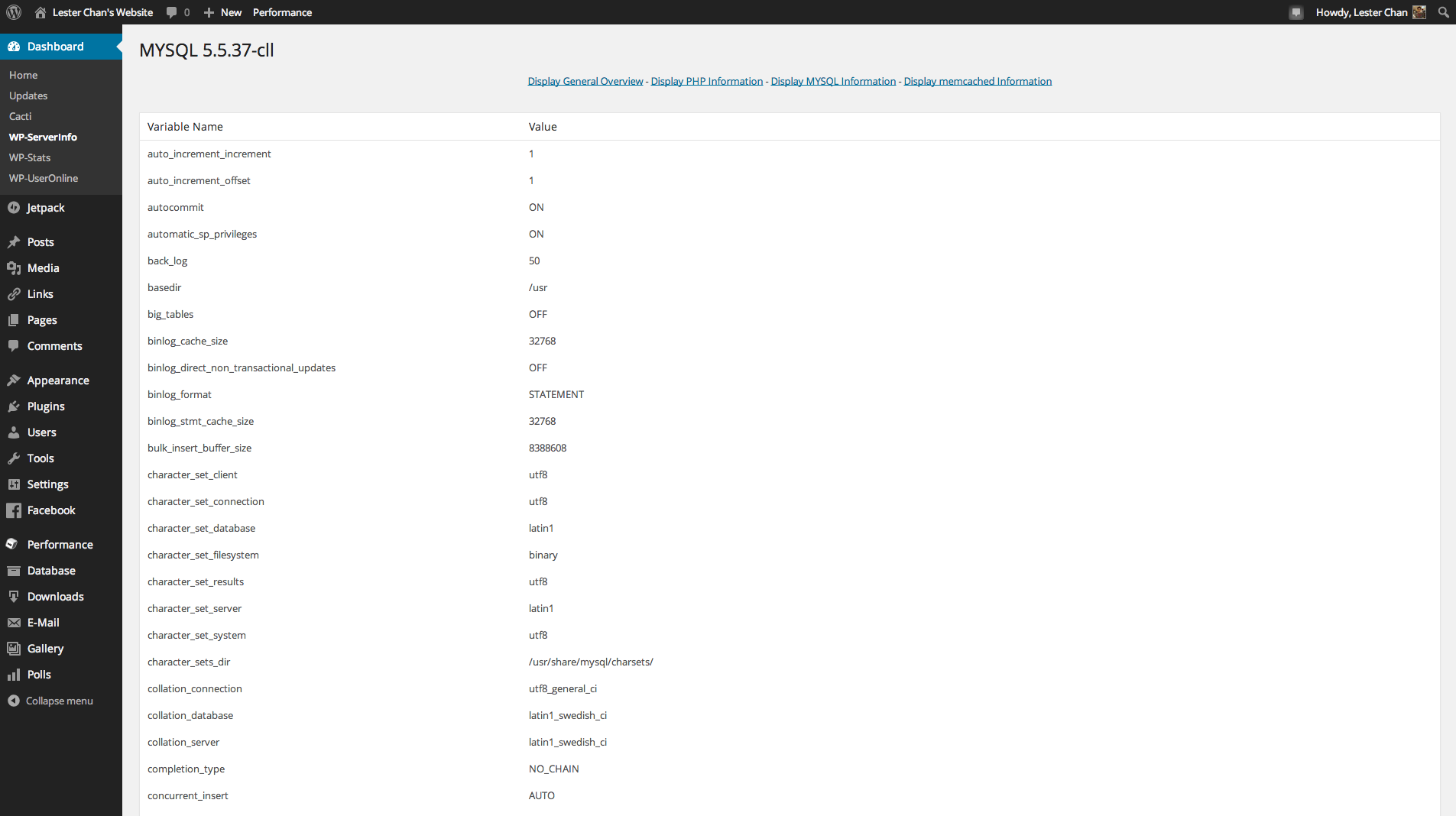
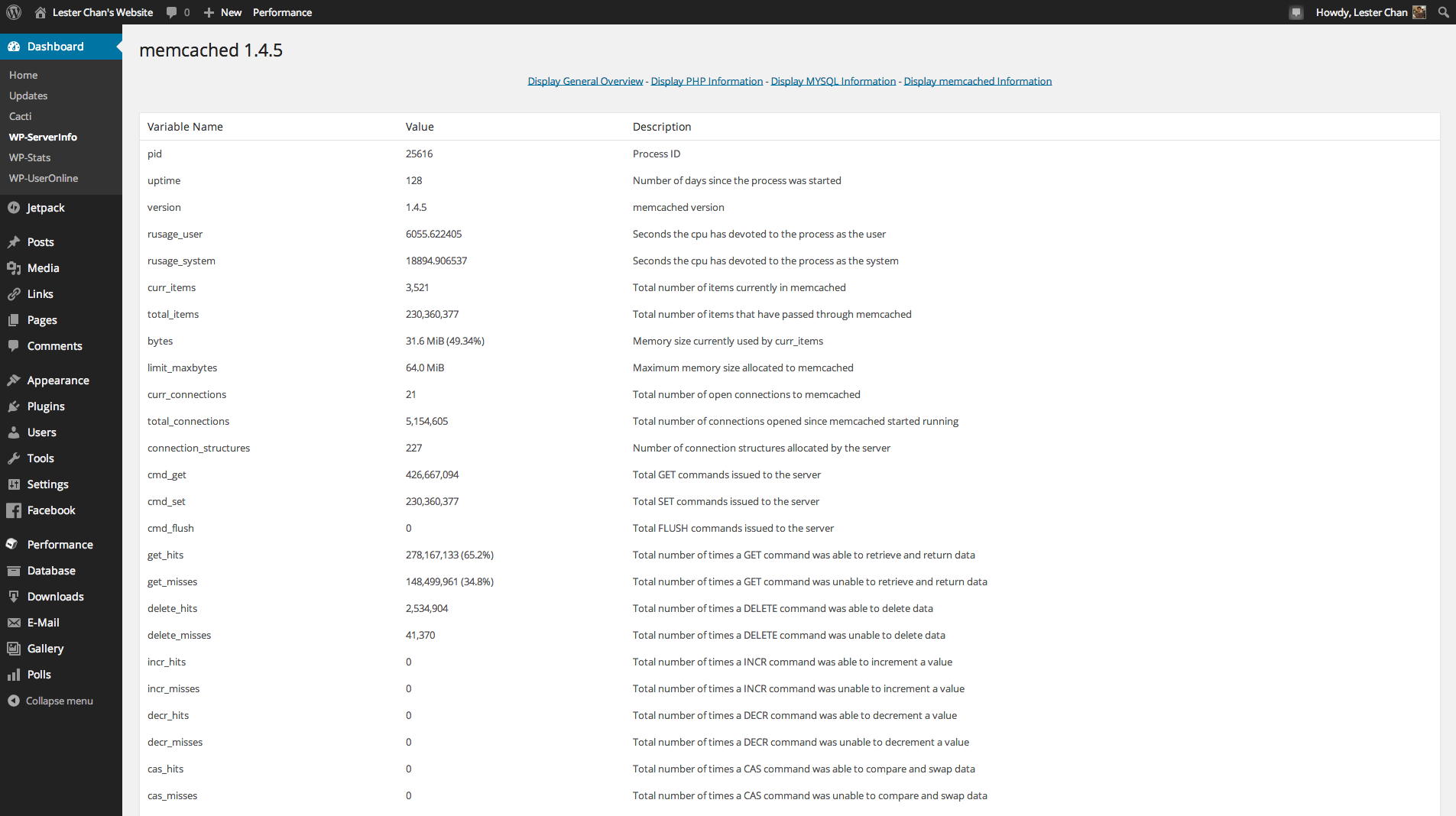
Frequently asked questions
What is the build status of WP-ServerInfo plugin?
The build status of WP-ServerInfo plugin can be found at https://travis-ci.org/lesterchan/wp-serverinfo
Where can I find the development repository of WP-ServerInfo plugin?
The development repository of WP-ServerInfo plugin is located at https://github.com/lesterchan/wp-serverinfo
Where can I find translations for WP-ServerInfo plugin?
Translations for WP-ServerInfo plugin can be found at https://translate.wordpress.org/projects/wp-plugins/wp-serverinfo
Who created the plugin icon for WP-ServerInfo?
The plugin icon for WP-ServerInfo was created by Picol from Flaticon
How can I upgrade WP-ServerInfo plugin?
To upgrade WP-ServerInfo plugin, follow these steps: 1. Deactivate WP-ServerInfo Plugin 2. Open wp-content/plugins Folder 3. Put/Overwrite: Folder: wp-serverinfo 4. Activate WP-ServerInfo Plugin
Changelog
1.66
- NEW: Remove get_php_magic_quotes_gpc() and SERVER_ADMIN
1.65
- NEW: Bump version to force update
1.64
- FIXED: Remove safe mode and replace it with MySQL Query Cache Size
1.63
- FIXED: Uses WordPress Polyglots for translation rather than po/mo
1.62
- FIXED: phpinfo() display issue. Now uses DOMDocument to parse it
1.61
- FIXED: PHP notices & remove eregi()
1.60 (09-01-2011)
- NEW: Added memcached info if your PHP is compiled with memcached extension
- NEW: Ported readme.html to readme.txt
1.50 (01-06-2009)
- NEW: Works For WordPress 2.8
- NEW: Minified Javascript Instead Of Packed Javascript
- NEW: Renamed serverinfo-js-packed.js To serverinfo-js.js
- NEW: Renamed serverinfo-js.js To pserverinfo-js.dev.js
- NEW: Added “View all” Link To WP-ServerInfo Page On WP-ServerInfo Dashboard Widget
- FIXED: Server Date/Time Too Fast
1.40 (12-12-2008)
- NEW: Works For WordPress 2.7 Only
- NEW: Load Admin JS And CSS Only In WP-ServerInfo Dashboard Page
- NEW: Right To Left Language Support by Kambiz R. Khojasteh
- NEW: Uses plugins_url()
- FIXED: SSL Support
- FIXED: In “General Overview”, Used format_filesize() To Format Size Related PHP Values by Kambiz R. Khojasteh
1.31 (16-07-2008)
- NEW: Works For WordPress 2.6
1.30 (01-06-2008)
- NEW: Works With WordPress 2.5 Only
- NEW: Uses /wp-serverinfo/ Folder Instead Of /serverinfo/
- NEW: Uses wp-serverinfo.php Instead Of serverinfo.php
- NEW: Renamed serverinfo-js.php To serverinfo-js.js
- NEW: Uses serverinfo-js-packed.js
- NEW: Removed serverinfo-css.css
1.00 (01-02-2007)
- NEW: Initial Release

