

Import your demo content, widgets and theme settings with one click. Theme authors! Enable simple theme demo import…

About Intuitive Custom Post Order
This plugin allows you to easily reorder items in WordPress using a drag and drop interface. You can specify the order of items using parameters in your theme, and also override the default order if needed. The plugin is available on GitHub for download.Screenshots


Frequently asked questions
What is Intuitive Custom Post Order?
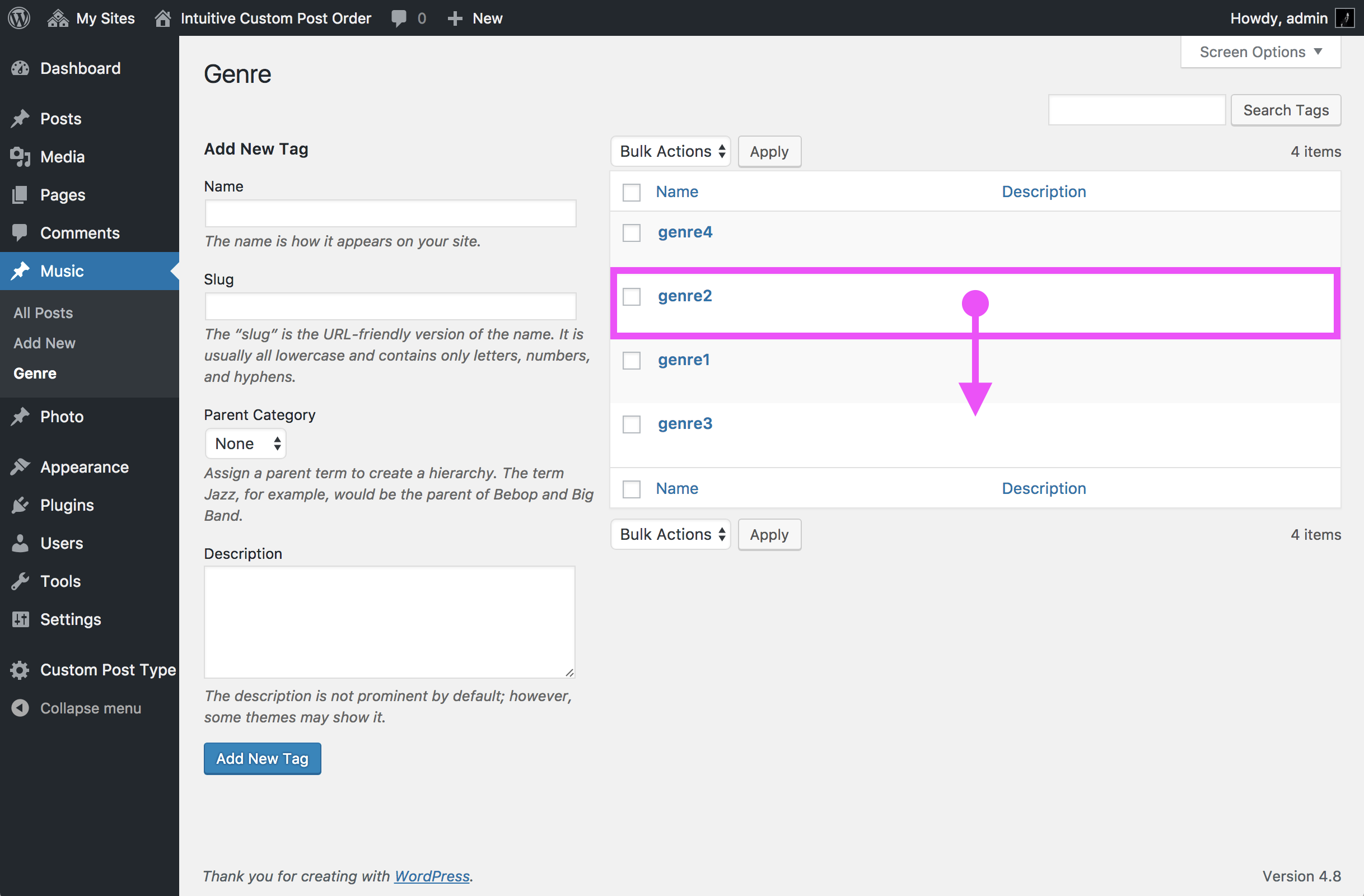
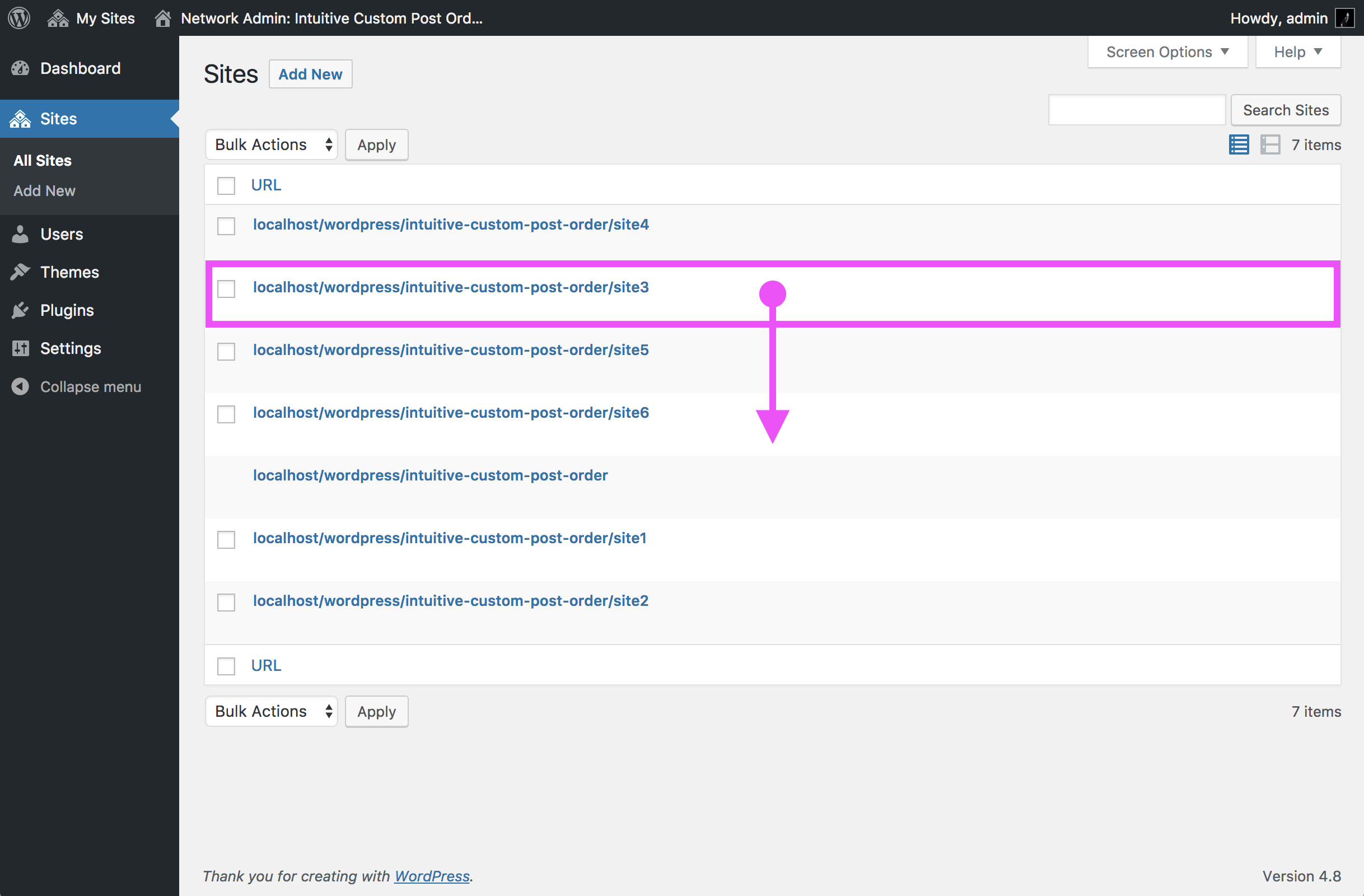
Intuitive Custom Post Order is a WordPress plugin that allows users to intuitively order items like Posts, Pages, Custom Post Types, Custom Taxonomies, and Sites using a drag and drop sortable JavaScript. It has over 400,000 active installs.
How do I use this plugin?
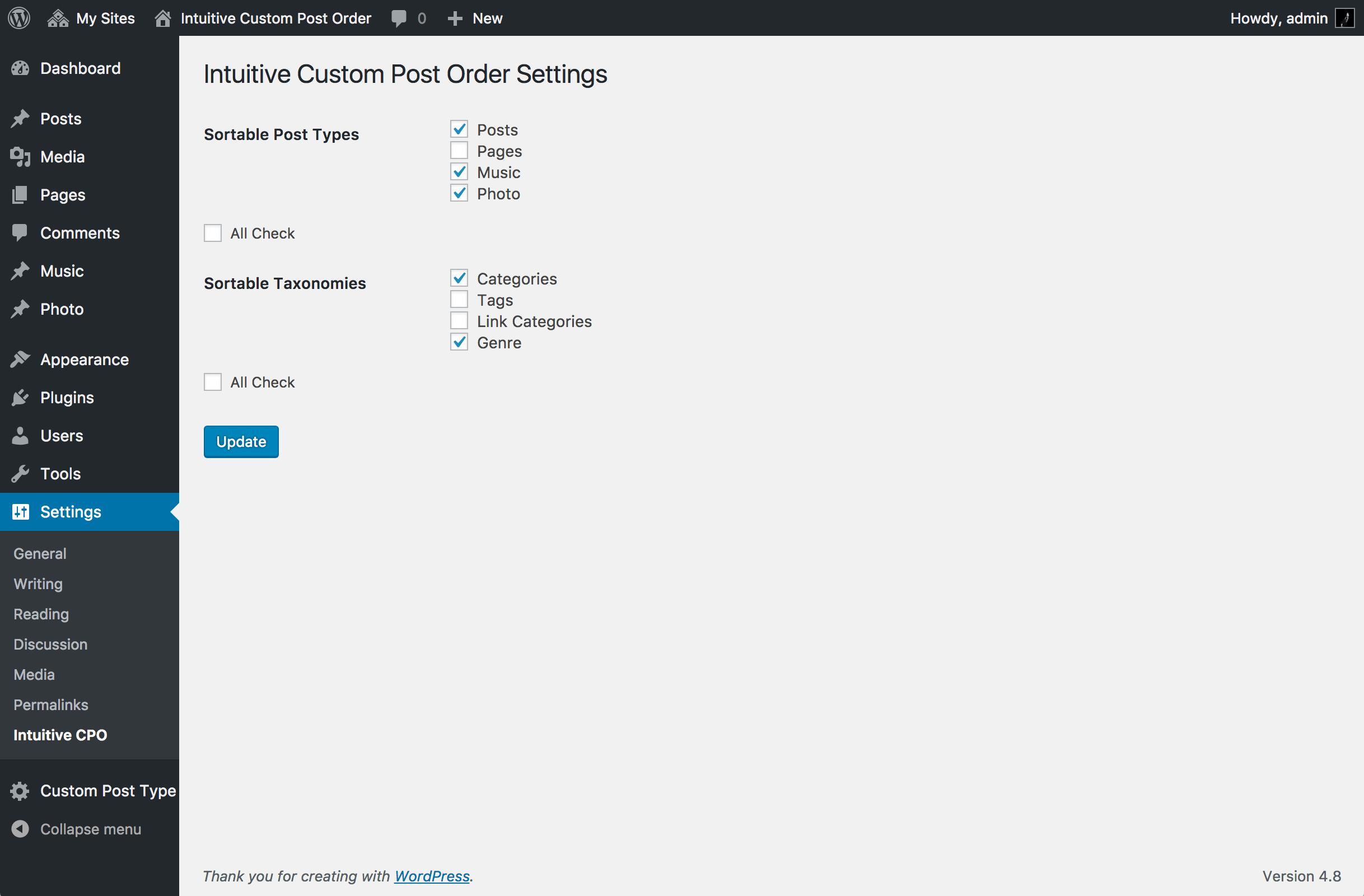
You can select sortable items from the 'Intuitive CPO' menu within the WordPress Setting menu. To utilize the custom order, you should use the parameters 'orderby = menu_order' and 'order = ASC' in your theme.
Can I override the default order parameters?
Yes, you can override the auto-converted parameters for 'orderby' and 'order'. If you use 'get_posts()' and need to revert to the default order (orderby = date, order = DESC), you should use the custom parameter 'orderby = default_date'.
Where can I find the plugin's code?
This plugin is published on GitHub.
Changelog
3.1.5.1
- Fixed bug
3.1.4.1
- fixed hicpo_add_capabilities: add capabilities only when role exists.
3.1.4
- fixed current security issues. (Thank you @timohubois)
Arbitrary Menu Order Update via CSRF.
Subscriber+ Arbitrary Menu Order Update.
3.1.3
- Added the ability to repair duplicate orders.
3.1.2.1
- Update the WordPress version this plugin was tested.
3.1.2
- Solved the problem of layout collapse during drag and drop sorting.
3.1.1
- Remove deprecated function ‘secreen_icon()’.
3.1.0
- Support the Sites.
- Improved Activation.
3.0.8
- Even for ‘get_posts()’, Your custom Query which uses the ‘order’ or ‘orderby’ parameters is preferred.
ATTENTION: Only if you use ‘get_posts()’ to re-overwrite to the default order( orderby=date, order=DESC ), You need to use own custom parameter ‘orderby=default_date’.
3.0.7
- This plugin will imported listed above into the translate.wordpress.org translation system. Language packs will also be enabled for this plugin, for any locales that are fully translated (at 100%).
3.0.6
- Support ‘next_post_link()’ and ‘previous_post_link(), etc.
- Parameters( $in_same_term, $excluded_terms, $taxonomy ) works perfectly.
3.0.5
- Fixed bug
- Initialize of menu_order of pages.( orderby=menu_order, post_title, order=asc )
3.0.4
- Your custom Query which uses the ‘order’ or ‘orderby’ parameters is preferred.
In order to prefer the parameters of your query, You must use the ‘WP_Query()’ or ‘query_posts()’.
Excluded ‘get_posts()’. - Fixed bug
- Decision of Enabling Sortable JavaScript.
- Initialize of menu_order of pages.( orderby=post_title, order=asc )
3.0.3
- Performance improvement for Activation.
- Add Initialize of Custom Taxonomy Order.
- Fixed bug of refresh method.
- Overwirting orderby, order improved.(Thanks @newash and @anriettec)
3.0.1 & 3.0.2
- Fixed bug
3.0.0
- Support the Custom Taxonomy Order!!
( wp_list_categories, get_categories, the_terms, the_tags, get_terms, get_the_terms, get_the_term_list, the_category, wp_dropdown_categories, the_taxonomies ) - Support the sorting in admin UI.
While having sorted, Drag and Drop Sortable Javascript don’t run. - Support non public objects( show_ui=true, show_in_menu=true )
- Add Japanese Translations.
2.1.0
- Fixed bug: Custom Query which uses ‘order’ or ‘orderby’ parameters is preferred.
- It does not depend on the designation manner of arguments( Parameters ).
( $args = ‘orderby=&order=’ or $args = array( ‘orderby’ => ”, ‘order’ => ” ) ) - The trouble which exists in 2.0.7, 2.0.8, 2.0.9 was improved!
- From 2.0.6 please update in 2.1.0.
2.0.9
- Performance improvement for Admin.
Fatal performance problem was improved dramatically. - Fixed bug: Attachment objects are not broken.
- Fixed bug: Alert warning on the multisite was solved.
- Fixed bug: First when enabling items, ‘menu order’ of items are not broken.
- Custom Query which uses ‘order’ or ‘orderby’ parameters is preferred.
2.0.8
- Performance improvement for Admin.
Refresh method( re-constructing all menu order) run on only active object’s List page.
2.0.7
- Fixed bug: for WordPress 3.8
- Add Swedish Translations.(by Thomas)
2.0.6
- ver.2.0.5 fixed.
2.0.5
- Support ‘next_post_link()’ and ‘previous_post_link()'(single to single).
2.0.4
- Fixed bug
2.0.3
- Intuitive CPO Settings Page was moved to Settings menu.
2.0.2
- Fixed bug
2.0.0
- Select Sortable Objects. (Posts, Pages, and Custom Post Types)
- Support Pages and hierarchical Custom Post Types.
- Sortable Item’s status is not only ‘publish’ but also other all status(‘pending’, ‘draft’, ‘private’, ‘future’).
- In Paging, it’s all activated normaly. So, ‘screen-per-page’ is User like.
- In Lists which sorted any category(Category, Tag, Taxonomy), it’s all activated normaly.
- Support Child posts and Child pages. When you sort any item, Relation of parent item between it’s child items is maintained.
1.2.1
- Bug fixed
1.2.0
- Sortable UI that Visually cleared. (Change cursor, and so on.)
- Sortable items can be dragged only vertically.
- Quick Edit Menu was enabled.
- It is not collapse of the cell widths any more whenever dragging any items.
1.1.1
- Fixed bug
1.1.0
- screen-per-page is configurated to ‘999’ automatically to prevent the trouble due to not setting it.
- Excluding custom query which uses ‘order’ or ‘orderby’ parameters, in ‘get_posts’ or ‘query_posts’ and so on.
1.0.0
Initial Release

