

Import your demo content, widgets and theme settings with one click. Theme authors! Enable simple theme demo import…
About Simple Custom CSS and JS
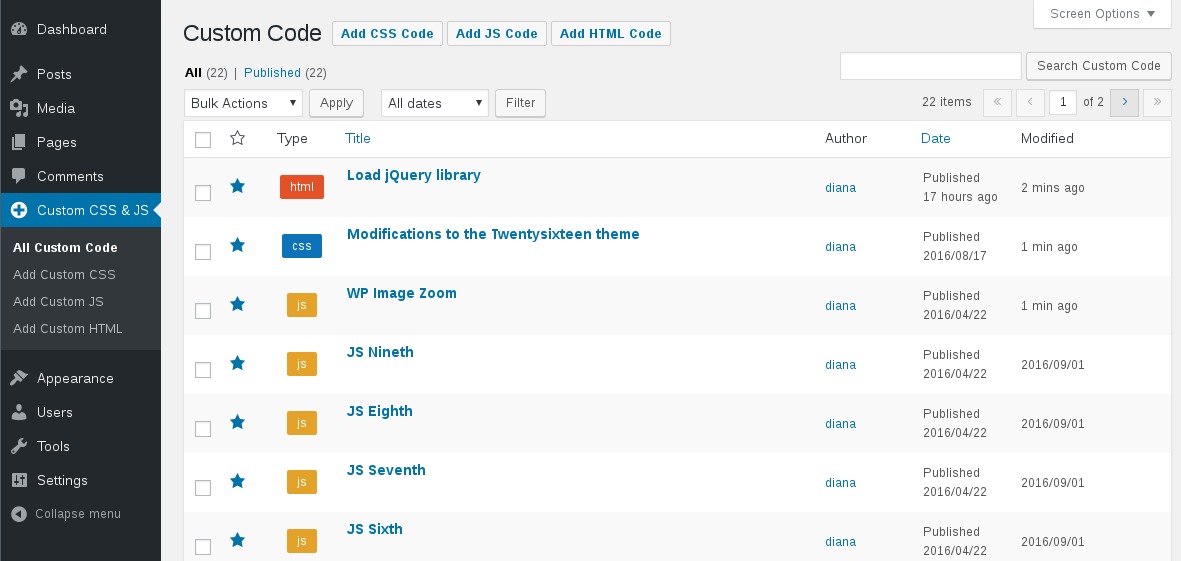
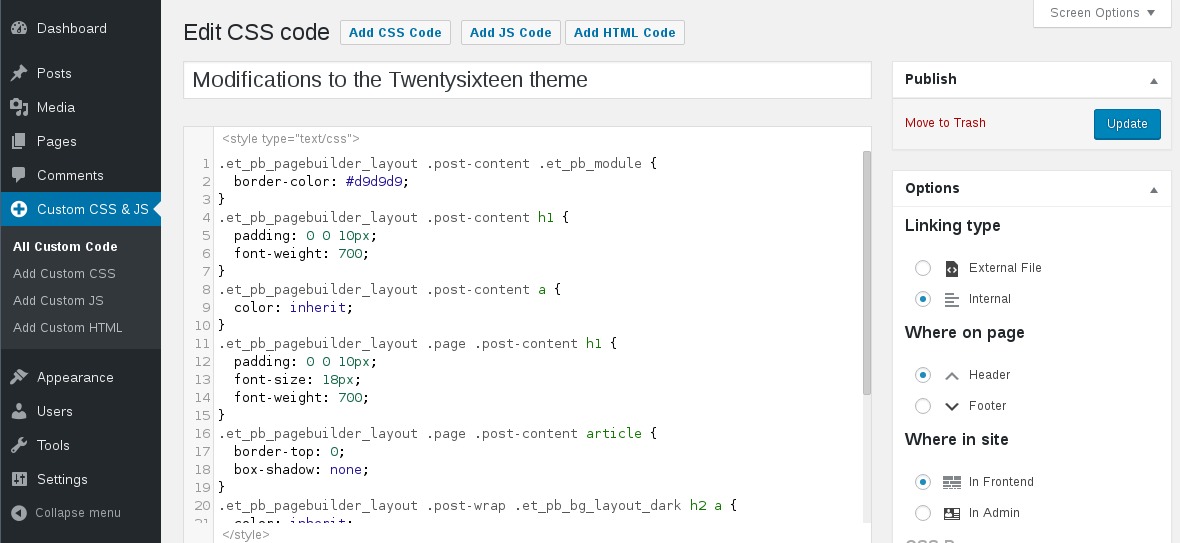
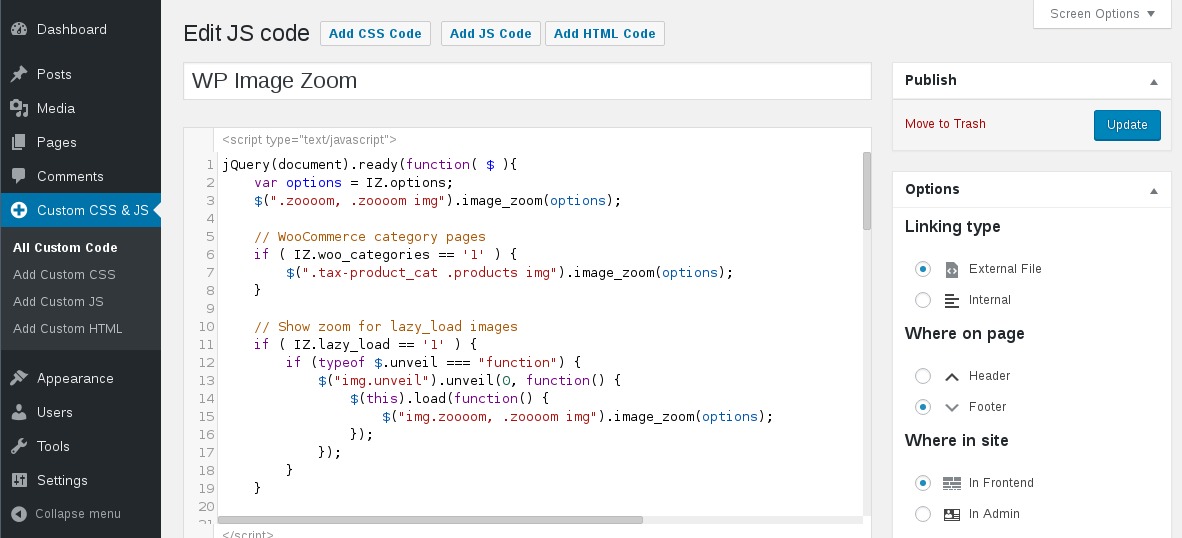
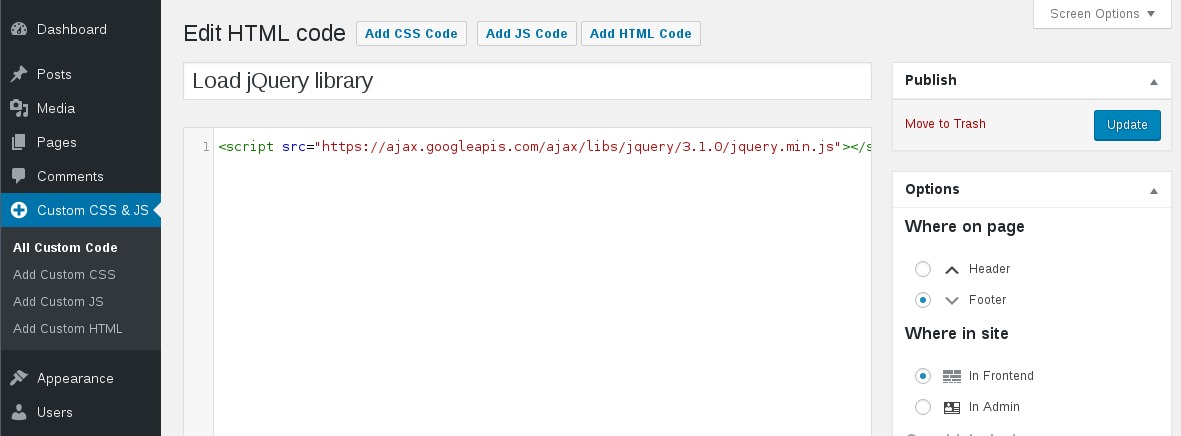
The Custom CSS & JS plugin allows you to easily customize the appearance of your WordPress site by adding custom CSS and JS code. You can choose to print the code inline or in an external file, in the header or footer, and on the frontend or admin side. You can add as many codes as you want and your changes will be kept even if you change the theme.Screenshots
Frequently asked questions
What is Simple Custom CSS and JS?
Simple Custom CSS and JS is a WordPress plugin that allows you to easily add custom CSS and JS code to your website. It is designed for customizing your site's appearance without modifying theme or plugin files.
What are the key features of Simple Custom CSS and JS?
Key features include a text editor with syntax highlighting, options to print code inline or as an external file, and the ability to place code in the header or footer. You can also add CSS or JS to the frontend or admin side, and add as many codes as you want.
Will my custom code be saved if I change my WordPress theme?
Yes, Simple Custom CSS and JS is designed to keep your changes even when you change your theme. This ensures your customizations persist across theme updates or switches.
Who is the author of Simple Custom CSS and JS?
The plugin is authored by SilkyPress. It currently has over 600,000 active installs.
Changelog
3.50
- 02/17/2025
- Fix: the editor doesn’t show up under certain conditions
- Fix: don’t show the code excerpts in the list table, if the “Extended View” option is enabled for posts or pages
3.49
- 11/13/2024
- Fix: add nuance for the “in Block editor” option for websites with WP before v6.6 and after
3.48
- 09/24/2024
- Feature: add JS/CSS custom codes to the Block editor
3.47
- 05/27/2024
- Fix: use the GMT time for showing when a custom code was published or modified
3.46
- 01/31/2024
- Tweak: update the Bootstrap and jQuery library links
- Tweak: remove the qTranslate-x warning. The qTranslate-x plugin was removed from wp.org since Aug 2021
3.45
- 10/17/2023
- Fix: enqueue the jQuery library only if there is a frontend JS custom code that requires it
3.44
- 06/07/2023
- Compatibility with the WooCommerce “custom order tables” feature
3.43
- 03/13/2023
- Fix: PHP8.1 deprecation notices
- Fix: after adding a JS/HTML custom code with empty content will show the CSS default message in the editor
3.42
- 01/17/2023
- Fix: the “LH Archived Post Status” plugin was removing the “Publish” button on the add/edit custom code page
- Feature: multiple values for the “Where in site” option

