Here’s something that keeps developers up at night: WordPress powers 43.2% of the web, and hackers know exactly where developers are weakest. It’s not the production server they’re targeting first. They’re hunting for that staging site someone spun up last Tuesday or the local environment running on an unprotected laptop.
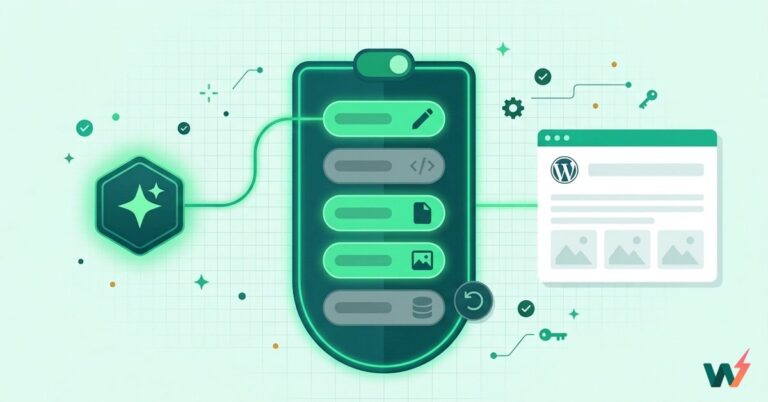
InstaWP’s sandbox environment is a safe place for your staging site.
This became painfully clear when a major agency’s entire codebase got exposed through an unsecured development server. The breach didn’t come through some sophisticated zero-day exploit. Nope, it happened because a developer pushed changes from a coffee shop’s WiFi without proper protection.
Why Development Environments Are Sitting Ducks
Let’s be honest about how modern WordPress development actually works. Developers are scattered across time zones, jumping between Starbucks WiFi and their home networks. They’re pushing code to GitHub, syncing databases, and accessing staging servers that probably have weaker passwords than they should.
Every one of these touchpoints is basically an open invitation for trouble. Public WiFi? That’s like coding with the screen facing the entire coffee shop. ISPs log every connection made (yes, even in incognito mode). And those geographic blocks suddenly lock developers out of their own servers when they’re traveling.
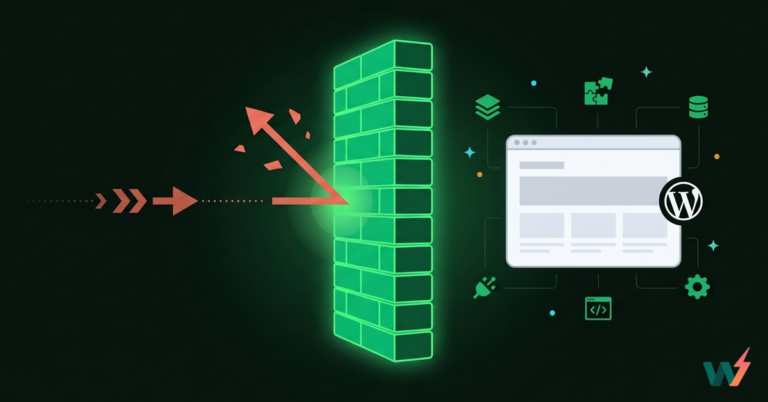
Most dev teams think they’re covered because production is locked down tight. But here’s the thing: hackers aren’t dumb. Why break through Fort Knox when the back door’s wide open? Using the best VPN with Residential IP essentially makes development traffic look like someone binge-watching Netflix, not a juicy target managing client databases.
How VPNs Actually Work (Without the Marketing Fluff)
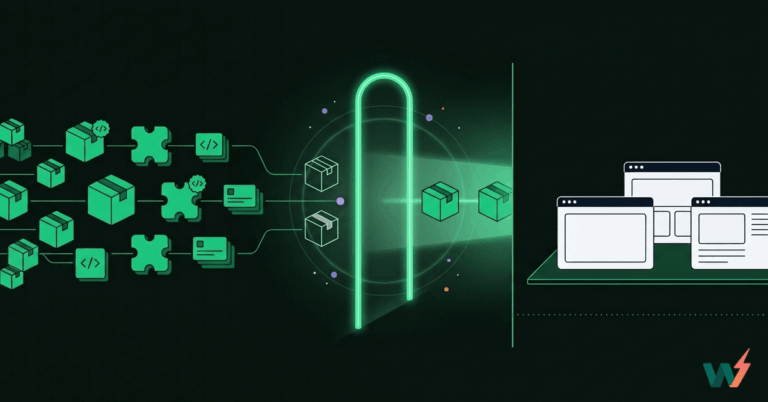
A VPN basically wraps internet traffic in an encrypted envelope. Think of it as sending data through a secure tunnel instead of shouting across a crowded room. For WordPress developers, this means database credentials aren’t flying around in plain text.
But protocol choice matters more than most people realize. OpenVPN works everywhere but can be sluggish. WireGuard? Lightning fast, but some older systems throw tantrums. IKEv2 is great for those constantly switching between WiFi and cellular (looking at you, digital nomads).
The catch? Standard VPN setups often backfire spectacularly. CDNs like Cloudflare see datacenter IPs and immediately think “bot attack.” WordPress security plugins start blocking legitimate access. Suddenly, teams spend more time fighting false positives than actually coding.
Setting Up Development Workflows That Don’t Suck
Split tunneling becomes essential here. Route sensitive stuff through the VPN, keep local traffic direct. This way, nobody’s trying to access localhost through a server in Amsterdam (trust anyone who’s debugged that nightmare).
Tools like InstaWP have recognized this security gap by providing instant WordPress sandboxes that eliminate the need for unsecured local environments. Their approach lets developers spin up isolated testing sites in seconds, already configured with proper security defaults. Combined with VPN protection, this creates a bulletproof development workflow.
MFA isn’t optional anymore. Microsoft’s data shows it blocks 99.9% of automated attacks. That’s not marketing hyperbole; it’s literally the difference between getting hacked and not getting hacked.
Database connections need extra attention. Never expose MySQL ports to the public internet. Tunnel everything through VPN endpoints instead. Sure, it adds a few milliseconds of latency, but it beats explaining to clients why their customer data ended up on the dark web.
Making It Fast Enough to Actually Use
Nobody’s going to use security tools that slow them down. A VPN that adds 500ms to every request? Dead on arrival. But with smart configuration, latency stays under 30ms.
For browser-based tasks in wp-admin, a fast, secure free proxy can keep teams moving without the overhead of a full tunnel. Pair split tunneling with a speed-focused option such as VPN Pro: route dashboard logins and asset fetches through the proxy for minimal latency, while reserving full VPN tunnels for database migrations and SSH. This setup preserves snappy page loads and still encrypts credentials on public WiFi, reducing false positives from CDNs while maintaining the security baseline your workflow expects.
Pick servers close to your location (revolutionary, right?). Enable compression for those massive SQL dumps. Use connection pooling to avoid constantly renegotiating encrypted tunnels. These tweaks make the difference between a VPN that gets used and one that gets disabled after day two.
The official WordPress hardening guide treats network security as foundational. VPNs complement these practices by protecting data in transit. It’s not either/or; both are necessary.
When Compliance Gets Real
GDPR fines aren’t theoretical anymore. Companies are getting hammered for data breaches, and “we didn’t know” isn’t a defense. Anyone handling European data, American health records, or payment information can’t treat compliance as optional.
VPNs help by creating audit trails and ensuring data stays in approved regions. But more importantly, they demonstrate due diligence. When audits happen, encrypted connections and access logs prove security measures were in place. Cloudflare’s zero-trust framework explains why this layered approach works: assume everything’s compromised, verify constantly.
The Advanced Stuff That Actually Matters
Kill switches save bacon when connections drop. DNS leak protection stops queries from bypassing the VPN. IPv6 blocking prevents those sneaky protocol downgrade attacks.
But here’s what nobody mentions: configure these features wrong, and local development breaks. Plugin developers need localhost access. Theme builders need a live preview. Database admins need persistent connections. Each requires specific VPN exceptions, or teams waste hours debugging phantom issues.