

Just another contact form plugin. Simple but flexible.
About WP Encryption – One Click Free SSL Certificate & SSL / HTTPS Redirect to Force HTTPS, SSL Score
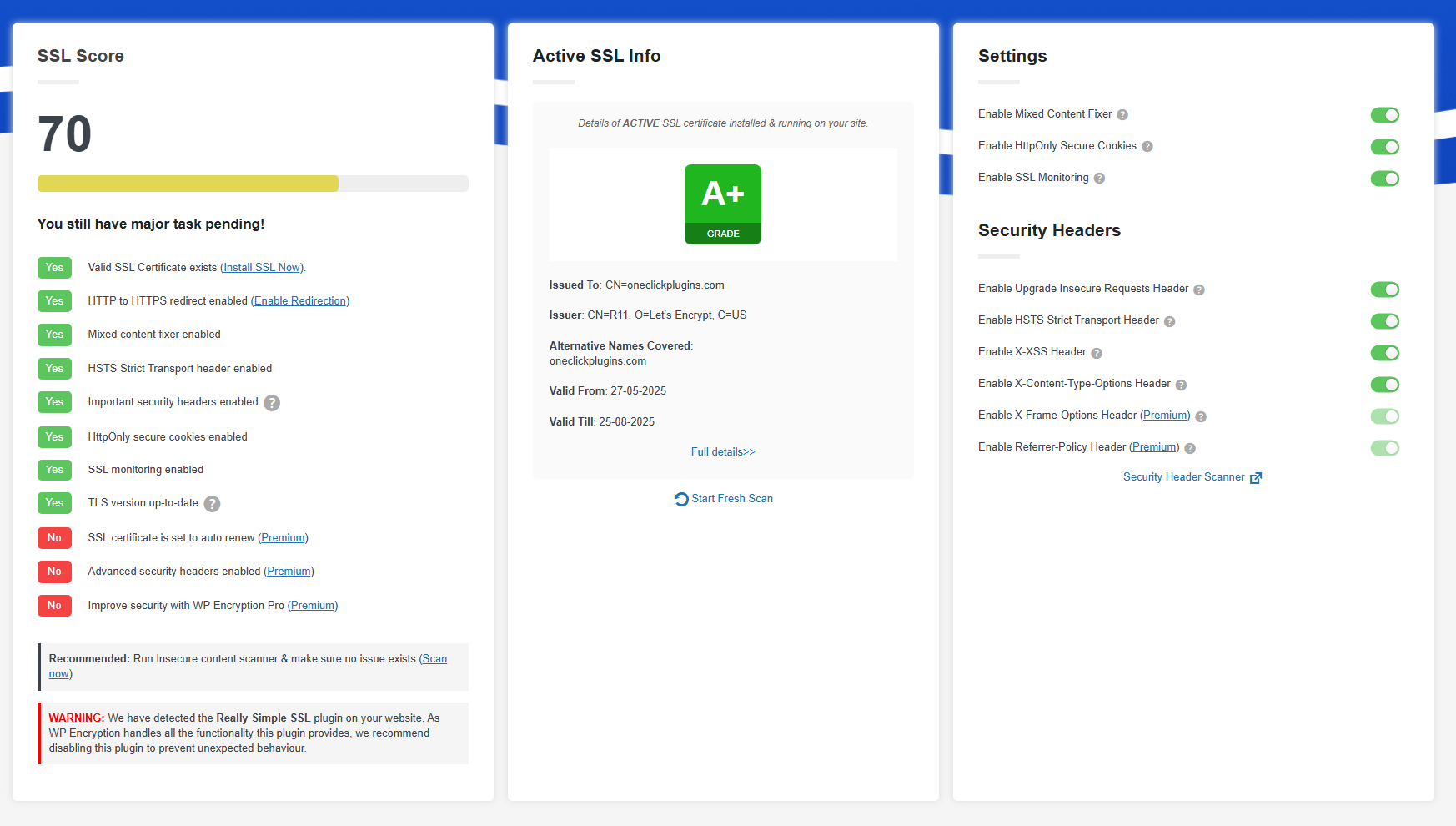
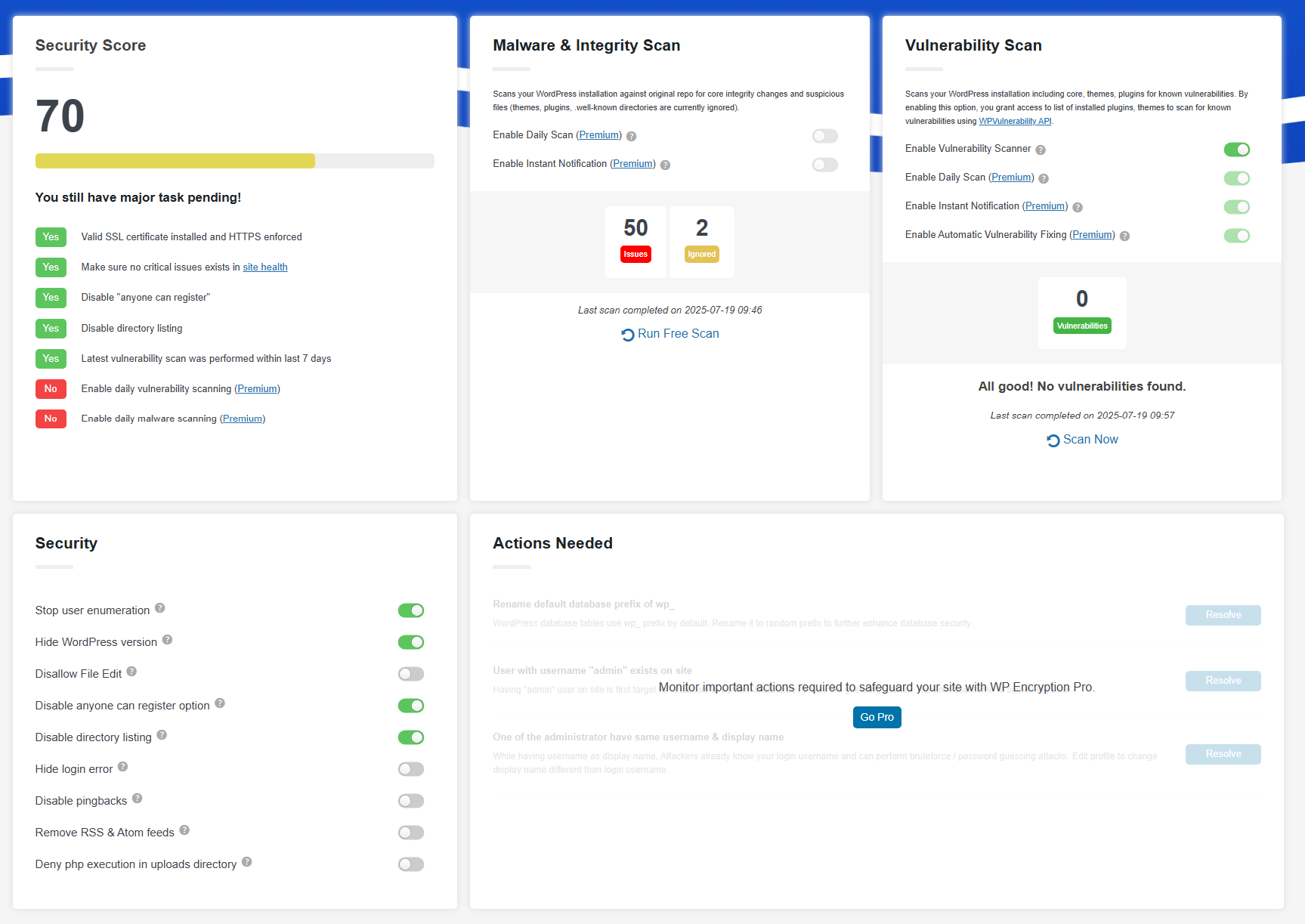
WP Encryption is a plugin that helps secure your WordPress site by providing an SSL certificate from Let's Encrypt and forcing HTTPS sitewide. It also offers additional features such as a vulnerability scanner and automatic SSL renewal. The plugin is easy to use and does not require any technical knowledge.Screenshots


Frequently asked questions
What does the WP Encryption plugin do?
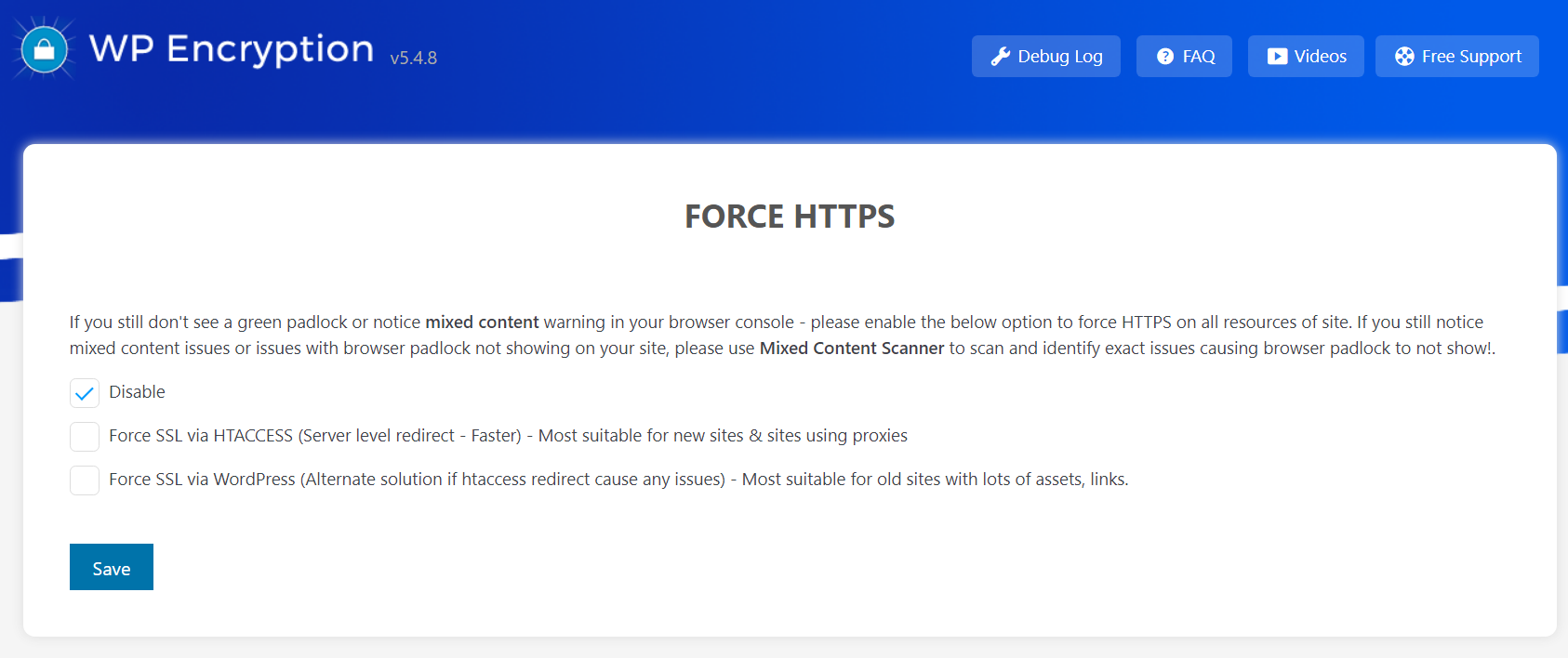
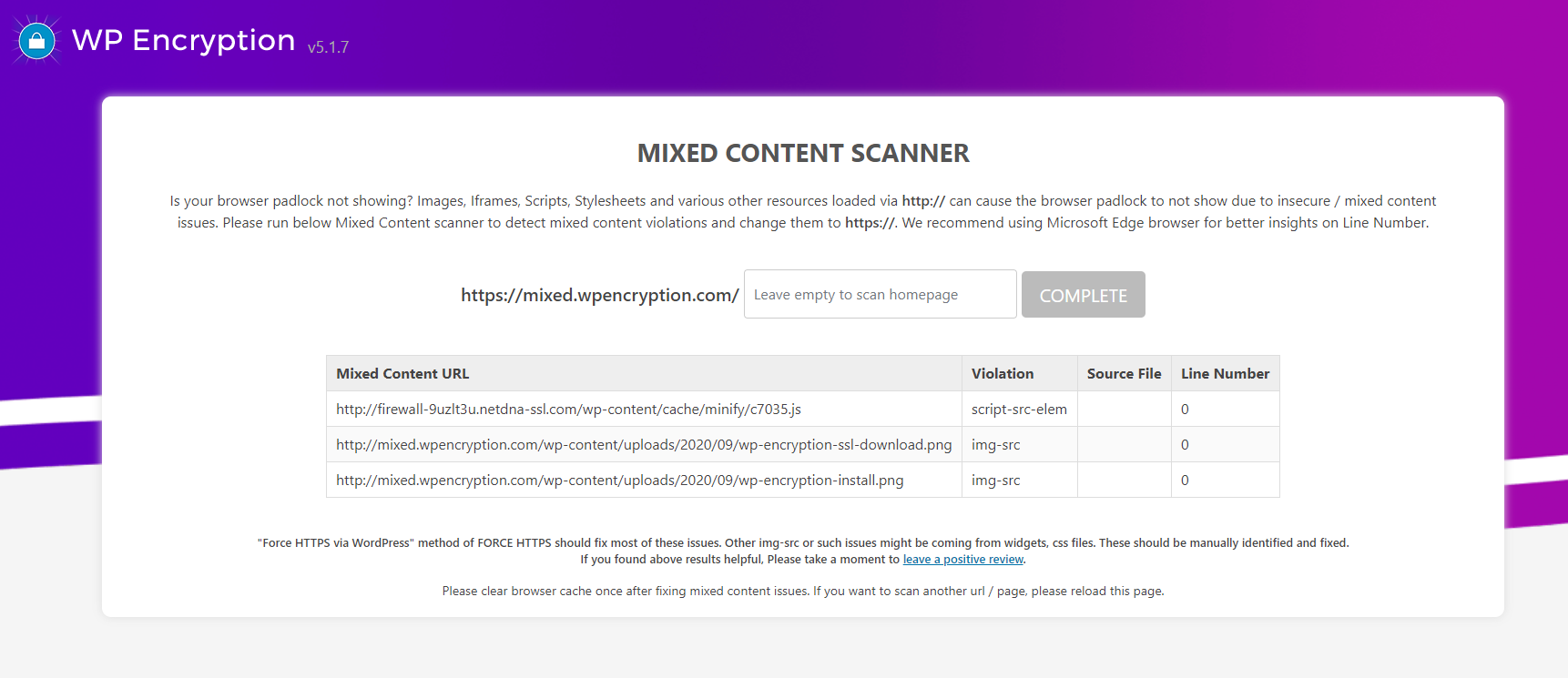
The WP Encryption plugin helps secure your WordPress site by providing an SSL certificate from Let's Encrypt®, forcing sitewide HTTPS, checking your SSL score, and fixing insecure and mixed content issues. It enables a secure HTTPS padlock on your site within minutes by registering your site, verifying your domain, and generating an SSL certificate with simple mouse clicks.
How does WP Encryption simplify SSL installation?
WP Encryption simplifies SSL installation by eliminating the need for technical tasks such as generating CSR, proving domain ownership, or providing business data. It automates these processes, making SSL certificate generation straightforward.
What are some of the advanced features available in the PRO version?
The PRO version offers features like automatic domain verification, automatic SSL certificate installation and renewal, and Wildcard SSL support for primary and all sub-domains. It also includes multisite and mapped domain support, automated vulnerability scanning, and an automatic Content Delivery Network (CDN) for annual plan subscribers.
What security protections does the PRO version offer?
The PRO version blocks various web application vulnerabilities and common WordPress attacks, including SQL injection, XSS, Shellshock, and Brute force attacks. It also protects against invalid user agents, CSRF, and convicted bot traffic.
What kind of support is available for PRO users?
PRO users receive top-notch one-to-one priority support through Live Chat, Email, and a Premium Support Forum. They also get assistance with SSL installation for non-cPanel sites.
Changelog
7.7.2
- Premium only – WPLE_Security class fix
7.7.1
- le-security file path correction
7.7.0
- Freemius sdk update 2.9.0
7.6.1
- fixed php conflict btw free & pro version
- improved http challenge check
- PRO – plesk api error handling
- PRO – CA bundle fix for multisite mapped domain
7.6.0
- Improved daily SSL scan
- Improved SSL monitoring
- New Add-on
7.5.0
- Freemius sdk update to 2.7.4
- Legacy checkout
7.4.0
- Important – Leaf signature issue fix with dynamic CA bundle. Update immediately.
7.3.0
- Important – New R11 Intermediate CA added.
7.2.0
- ajax plugin activation error fix
- fixed issue with vulnerability scan setting not saving
- store last csr for premium install process
- re-check active ssl before showing short expiry & RF notice
- mixed content scanner result improved
- PRO – automatic SSL install for Plesk
7.1.0
- Free Version – Store SSL certificate & key in ssl/domain.com/ directory above web root to avoid public access in case htaccess is not supported
- Store keys as option if root dir access is restricted
7.0.0
- PRO – CERT PANEL improvements
- Free – New Vulnerability scanner & security page
- Security Headers enforcing via WP hook
6.6.0
- http file names correction
- SSL labs scan improvements
- Freemius SDK update to 2.6.2
- Fixed issue with http verification file names
6.5.0
- PRO – resolved php path issue in crontab
- Revert to WP cron when crontab update fail
- php errors fixed
- SSL Renewal improvements
- Waited DNS propagation code flow fix during renewal process
- Please use RESET & run SSL install form once after update
6.4.0
- Intermediate CA fix
- Fixed php error cases in 2-3 places
- Handle fatal error when emailing certs
- Daily SSL scan
- Reminder admin notices will be cleared based on daily scan result
6.3.7
- PRO – Removed advert on plugins page
6.3.6
- PRO – Curl IP binding fix
6.3.5
- Requires minimum php 7.0
- PRO – Vulnerability daily scan & email notification
- PRO – retain existing cert & key upon renewal abort
- PRO – Set interface to avoid LE directory rate limits
- PRO – Email notification when last 10 days to expiry
6.3.2
- Daily vulnerability scan and email notification
- Mixed content scanner results improved
- SSL Health page css fixes
6.3.1
- IMPORTANT – PLEASE UPDATE
- HSTS header typo fix – please disable & re-enable HSTS header in SSL Health page
- Generate SSL for www & non-www checkbox fix
- php warning fix
6.3.0
- Important update – www & non-www domain check fix
- Freemius sdk update
6.2.1
- PRO – Cron rate hitting fix
6.2.0
- PRO – plugin updation issue fix
- PRO – updated php cron path
- Lets Debug removed
- SSLLabs API integration
- SSL grade block in SSL health page
- Use SSLLabs as fallback for ssl verification failure
- www & non-www checkbox fix for SSL install form
6.1.3
- Removed source IP usage for now due to issues
6.1.0
- Auto re-create invalid order upon verification failure
- clean acme-challenge on reset
- source ip support for LE calls to avoid rate limits
6.0
- (New) Vulnerability Scanner in SSL Health & Security Page
- layout cleanups
5.11.5
- POST JWS not signed issue fix
- HSTS & CSP set via htaccess
- log authz response only when invalid status
- PRO – re-try after 30mins of DNS propagation Fixed
- PRO – cron holding
- PRO – include www has to be verified and not set by default
5.11.4
- PRO – Complete state conflict fix
- PRO – Better debugging with logging
- PRO – Hold daily SSL cron in case of fatal failure – reset or success to remove the hold
- Full auth resp logging
- Acmename resolution
5.11.2
- Slowness & error fix for previous release
5.11.1
- improved cp detection
- improved logging
5.11.0
- Major code re-build
- Improved SSL renewal crons for PRO
- pricing v2
- priority based SSL state flow
- renew button always enabled
- Mapped domains SSL support for native WP mapping in multisite
5.10.4
- PRO – Bundle JS fix
5.10.3
- PRO – Cert Panel blank page issue fix
- PRO – Automatic verification
5.10.1
- PRO – Cert Panel redirection fix
5.10.0
- PRO only release
5.9.5
- Composer issue fix
- PRO – Godaddy DNS error fix
- PRO – proceed to verification after waiting
5.9.4
- Php error fix for previous release
5.9.3
- htaccess handling improved
- additional security headers
- interface cleanup
5.9.2
- PRO – Re-try unsuccessful renewals improved
- Free – case when either http or dns challenges are missing
5.9.1
- CSS improvements
- Freemius SDK update
5.9.0
- PRO – resolved a php bug related to SSL renewal
- PRO – Correctly set success screen after successful renewals
- PRO – Visibility of log and fresh install ssl
- Free – pre-check if http verification possible
5.8.5
- FS SDK update
- Other improvements
5.8.4
- SSL monitoring
- security features added
5.8.2
- HTTP challenge fail cases
5.8.1
- paragraph improvements
- experience level input
5.8.0
- Freemius SDK update
- DNS verification improved
- helpful tooltips and info
- defined checks and many more improvements
- PRO – cron hook improved, force spmode, improved security
5.7.19
- PRO – Fixed expiry date issue in cron tab
- PRO – No cron renewal for SP mode users
5.7.18
- PRO – Fixed issue with cron tab
5.7.17
- Function exists check
- help with http local verification
5.7.16
- Moved backup suggestion to top
- PRO – local check DNS and auto proceed later
- PRO – Cron based SSL renewal after all WP Cron jobs fail
5.7.14
- Backup suggestion
5.7.13
- HTTP code checking removed for acme-challenge
5.7.11
- Important: Logic correction for HTTP based domain verification
5.7.10
- SDK update
5.7.9
- Improved HTTP challenge verification
5.7.8
- Active SSL info block for SSL health page to show installed SSL details
- Sleep before ACME DNS verification
- improved logging
5.7.6
- HTTP based domain verification – correct .txt extension
- log pending authorizations when SSL domain verification fail
5.7.5
- Remove certain options upon plugin deactivation
- fopen error catch during ssl expiration check process
5.7.4
- Log why order got invalid later
- Wording fixes
- PRO – ability to input cpanel host
- PRO – admin notice when auto renewal failed
- PRO – different flows rechecked
5.7.2
- Improved CSS
- Improved explanations
- Fix – don’t show empty rows in advanced mixed content scanner
- Added – How it works Faq
- No more review requests for PRO users
5.7.1
- Updated – Intermediate cert priority. Please RESET and re-run SSL install form.
5.7.0
- New – Advanced Insecure content scanner
- Fixed path issue for subdirectory based WordPress installations
- DNS verify ajax issue fix
5.6.3
- Fixed the ajax call for “generate SSL for both www & non-www” checkbox
5.6.2
- Ajax check before enabling both “generate SSL for www & non-www” Checkbox
5.6.1
- SSL health in admin toolbar
- Improved instructions
- Always show checbkox to generate SSL for www & non-www together
- Activator SELF class error fix
- Fixed SSL certificate expiry date in email
- Many more improvements
5.6.0
- Check valid SSL before enabling HSTS & SSL Health page settings
- Security updates
5.5.0
- All new SSL Health page ?
- HSTS Strict Transport Security
- Mixed content fixer
- Important Security Headers
- Upgrade Insecure Requests
5.4.8
- Secure webmail with an SSL Certificate
- Make htaccess writable
5.4.7
- Fix for PRO users – PLEASE UPDATE
5.4.6
- Get more insights on SSL verification via Letsdebug
5.4.4
- PHP Fatal error fix
5.4.2
- Image width
- Activation error
- Better logging
5.4.1
- Session handling fix
- Ajax url fix
- Improved instructions
5.4.0
- CA Signature fix
- Admin color tweaks
- PRO – Fix for auto renewal
5.3.16
- SSL Install page redesign
- Special note for SPMode
- Plugin interface changes
5.3.13
- Fixed wpleauto
5.3.12
- Ajaxified SSL notices
- UI Improved
- Improved SSL alerts for PRO
5.3.11
- Improved navigation
- Bug fix for DNS verification of SSL
5.3.10
- PRO – cPanel login check fix
- PRO – Minor bug fix
5.3.9
- Minor pricing changes
- Added support link
5.3.8
- PRO – Improved SPmode flow & cpanel backup method
5.3.6
- Ability to activate the plugin network wide
- PRO – Activate license network wide
- Minor bug fixes
5.3.5
- PRO – More precise DNS verification
- PRO – Bug fixes
- FREE – Get SSL certs emailed as attachment but enabling the option in “Download SSL certificates” page.
5.3.4
- SP mode redirect loop fix
- Cleaner plugin deactivation
5.3.3
- Double check auto renewal of SSL
- Bypass SSL verify peer
- Styling fixes + asset updates
- Privacy enabled youtube videos
5.3.1
- Added contact form
- Reduced plugin size
- Updated links
- SSL renewal reminder email
- removed BF banner
5.3.0
- Certificate chain fix – Please update
- FAQs updated
5.2.13
- SSL Leaf Signature issue fix
5.2.10
- Bug fixes for Premium SSL setup
- User flow fixes for SP Mode
5.2.4
- Optimized code
- minor bug fixes
- force generate SSL for www & non-www
- spmode related fixes
5.2.2
- SDK update
- minor link fixes
5.2.0
- SP mode for annual PRO users
- Faq & Videos moved to nav
- Bug Fix related to memory exhaust
5.1.11
- User flow improvements
- Improved error catching
- Improved instructions
- PLEASE UPDATE
5.1.8
- Identify mixed content issues
- minor fixes
5.1.6
- Fixed a bug with Manual DNS verification
5.1.5
- PRO – Fixed major bug related to Wildcard SSL – Please update
5.1.0
- Fixed – Minor bugs
- Improved – Cluster free SSL generate interface
- Improved – Complete user interface design
- Improved – Sub pages instead of confusing tabs
- Added – retain SSL stage
- Added – Force SSL improvements
- Added – Checkbox to generate SSL for both www & non-www domain
- PRO – Improved DNS automation
- PRO – Improved error handling
- PRO – Added important notifications
5.0.9
- Fixed – Download SSL tab not showing after success
5.0.8
- Fixed – DNS verification feature for http verification failures of noscript
5.0.7
- Added – Attempt http verification before offering manual verification options
5.0.6
- Improved – Domain verification interface
- Fixed – minor bug
- Fixed – Cron handling
5.0.4
- Added – SSL support for cPanel users with shell_exec function disabled
- PRO only release
5.0.0
- NEW – Upon various Non-cPanel user requests, Introducing FIREWALL plan for Non-cPanel sites
- PRO – New instant firewall setup wizard
- Improved – More cleaner admin interface
- Improved – Admin css, overall coding
- Added – Force HTTPS, FAQ, SSL videos as sub pages
- Fixed – minor php error

