

The Elementor Website Builder has it all: drag and drop page builder, pixel perfect design, mobile responsive editing,…

About WP-DBManager
WP-DBManager is a plugin that allows you to optimize, repair, backup and restore your WordPress database. It also supports automatic scheduling of these tasks. Please note that the plugin passes your database password in the command line, which may be insecure. If this is a concern, another plugin called WP-DB-Backup is recommended.Screenshots
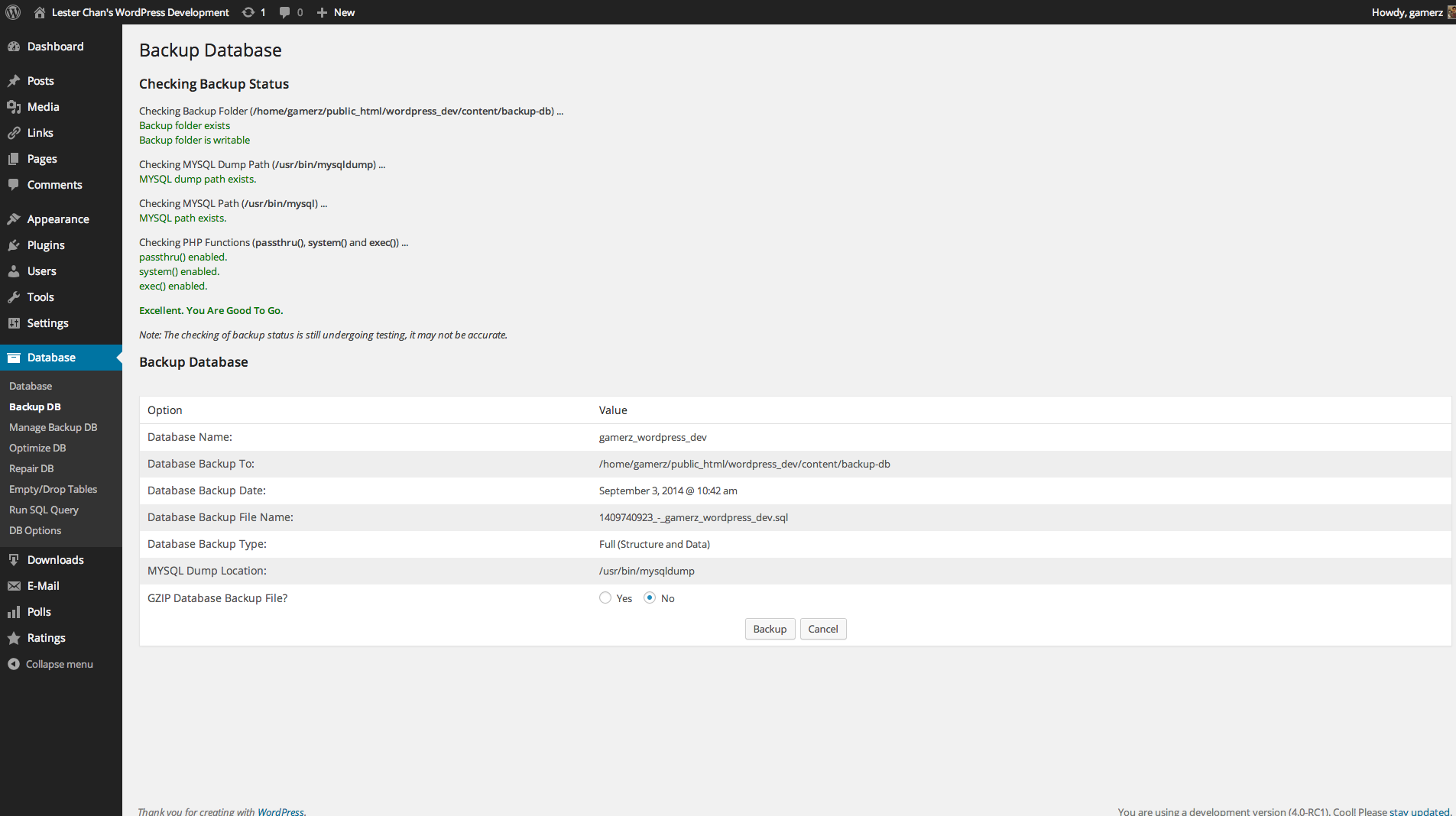
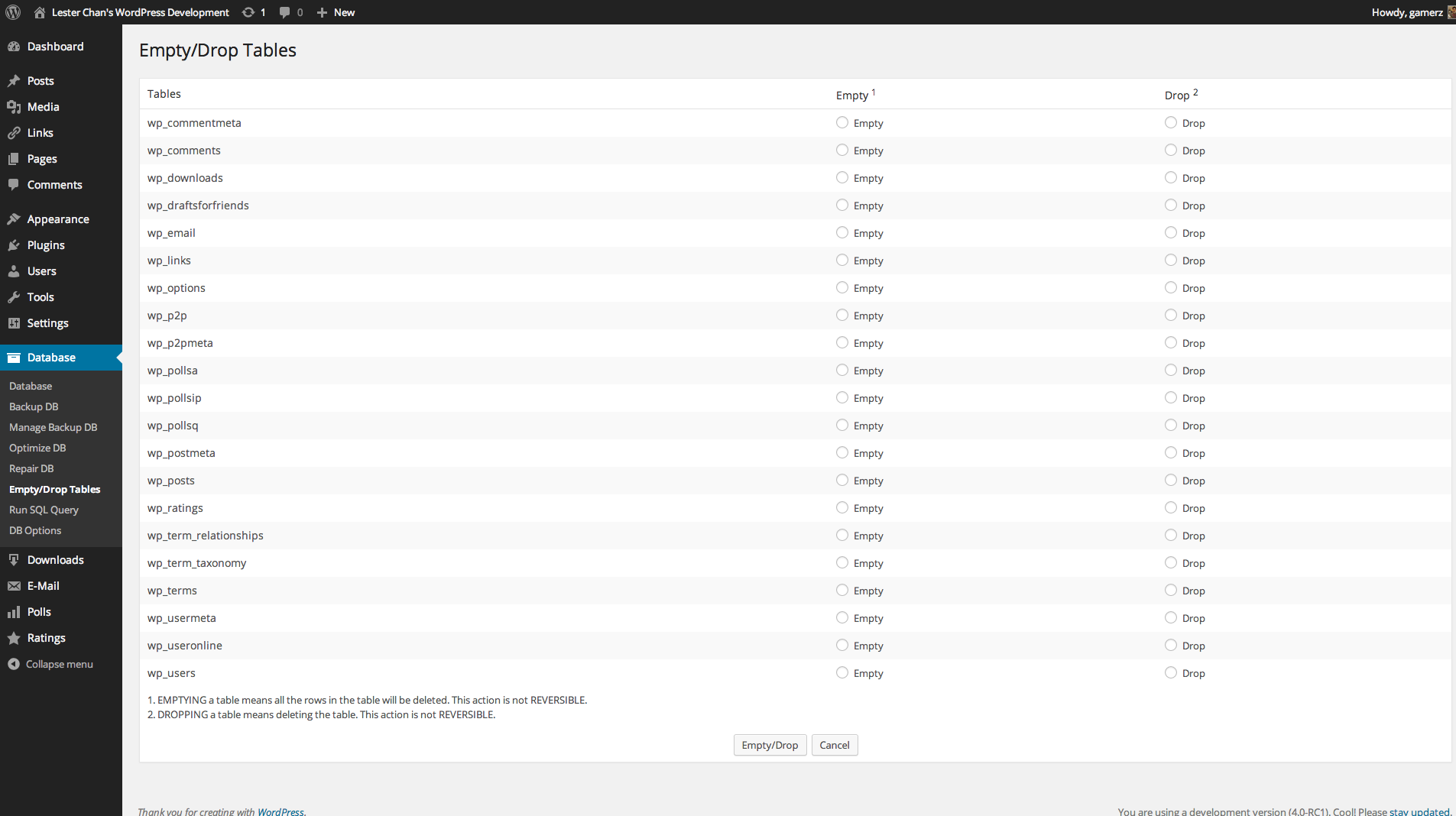
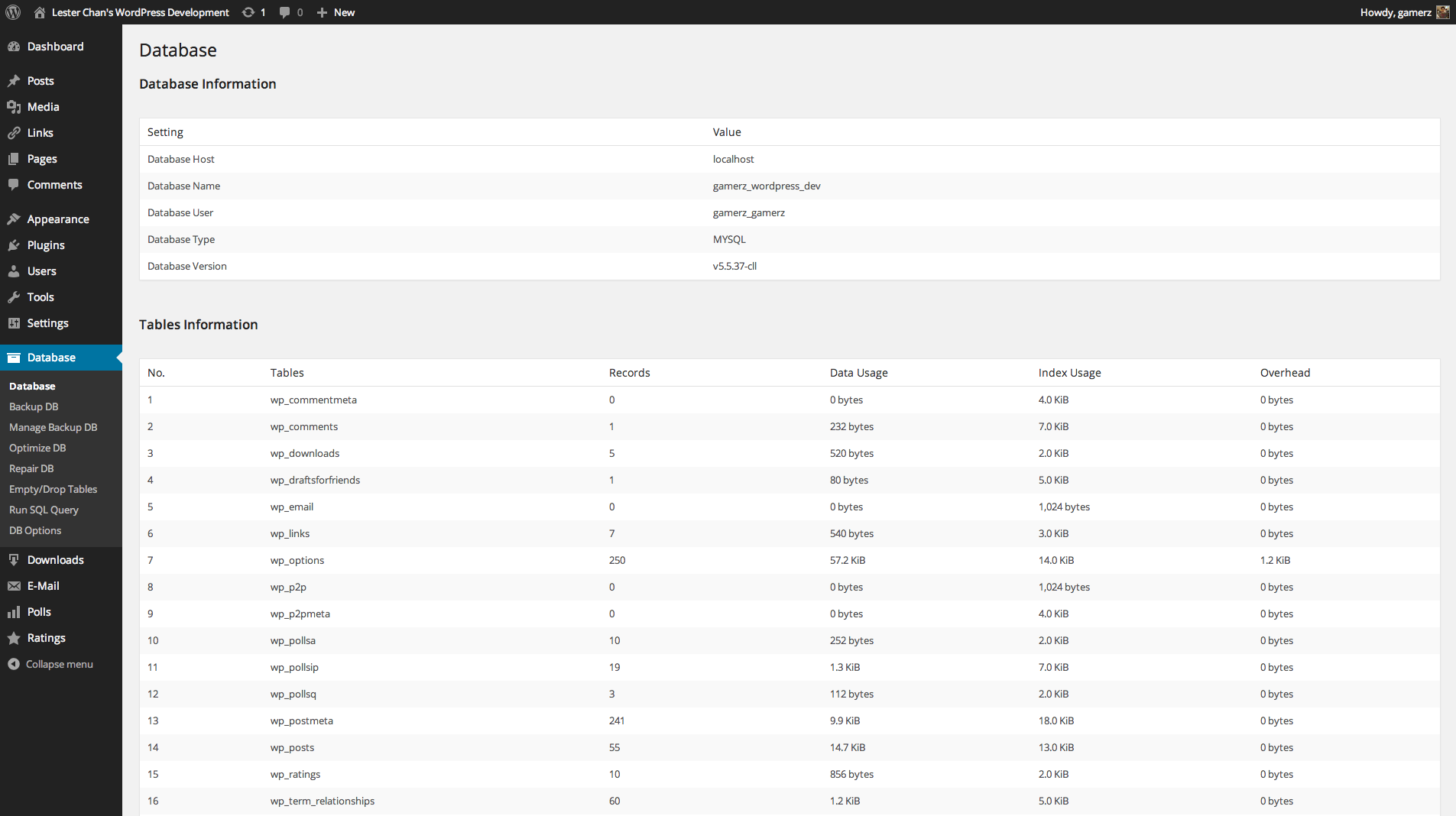

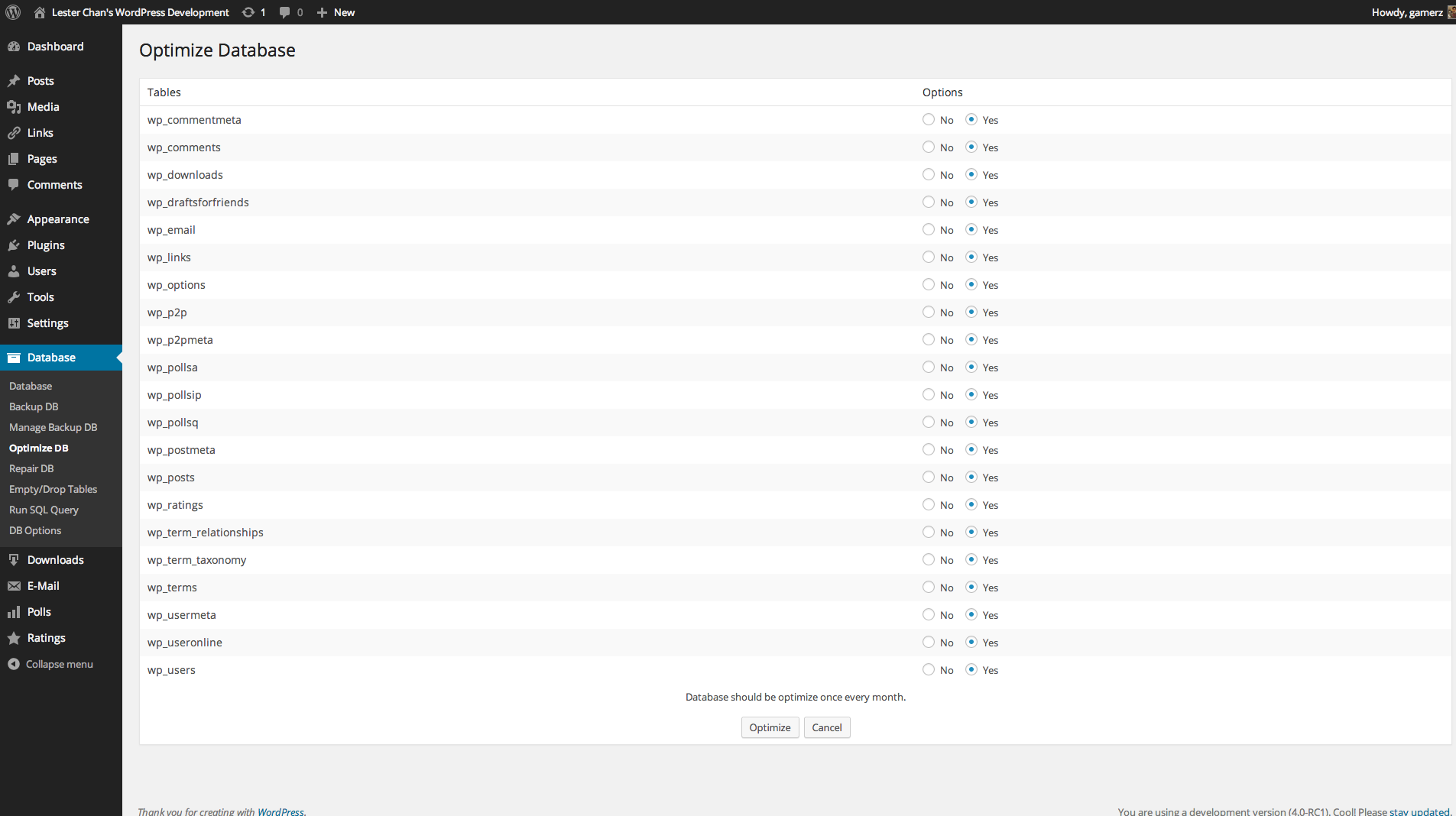
Frequently asked questions
How do I activate the WP-DBManager Plugin?
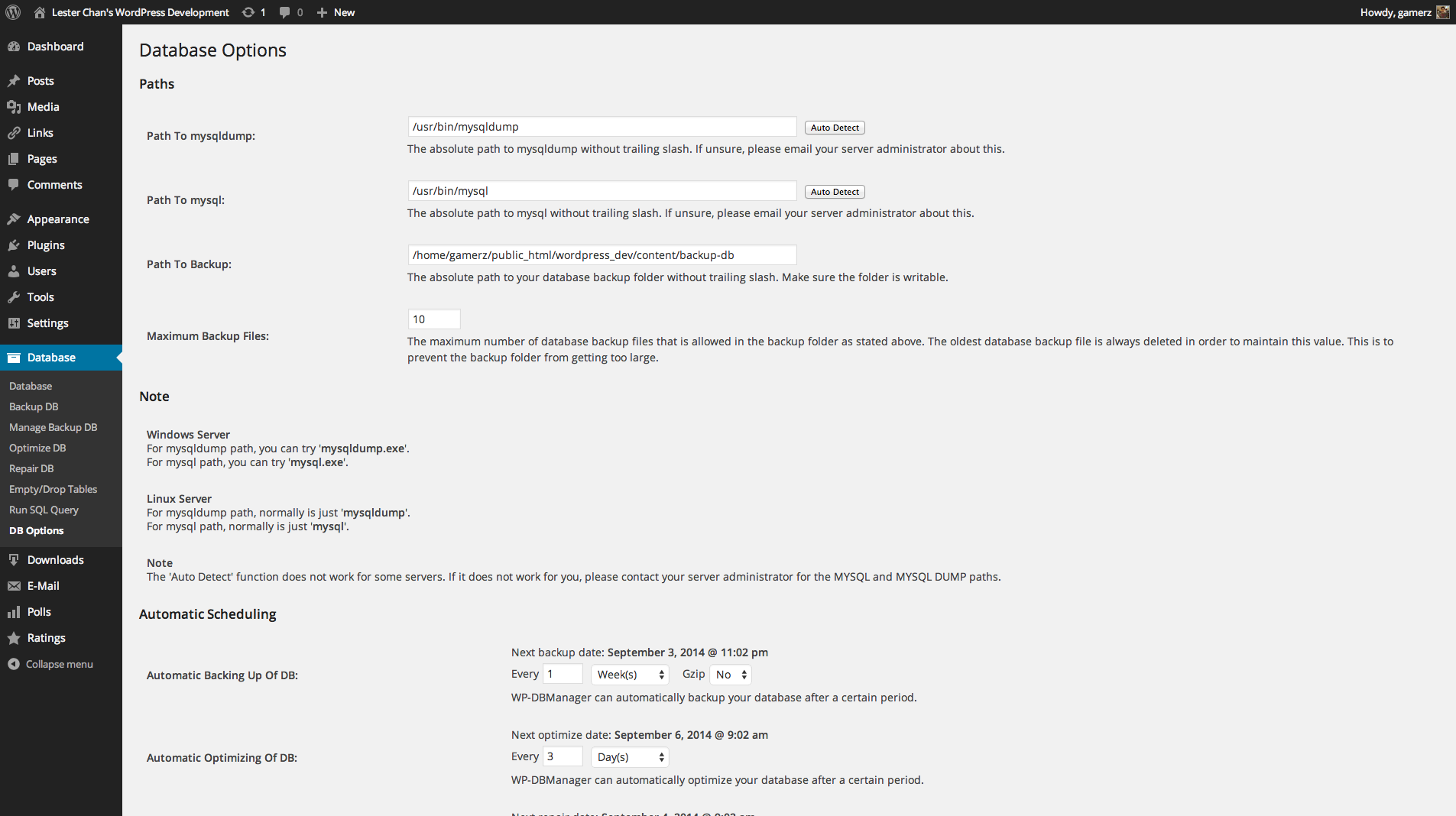
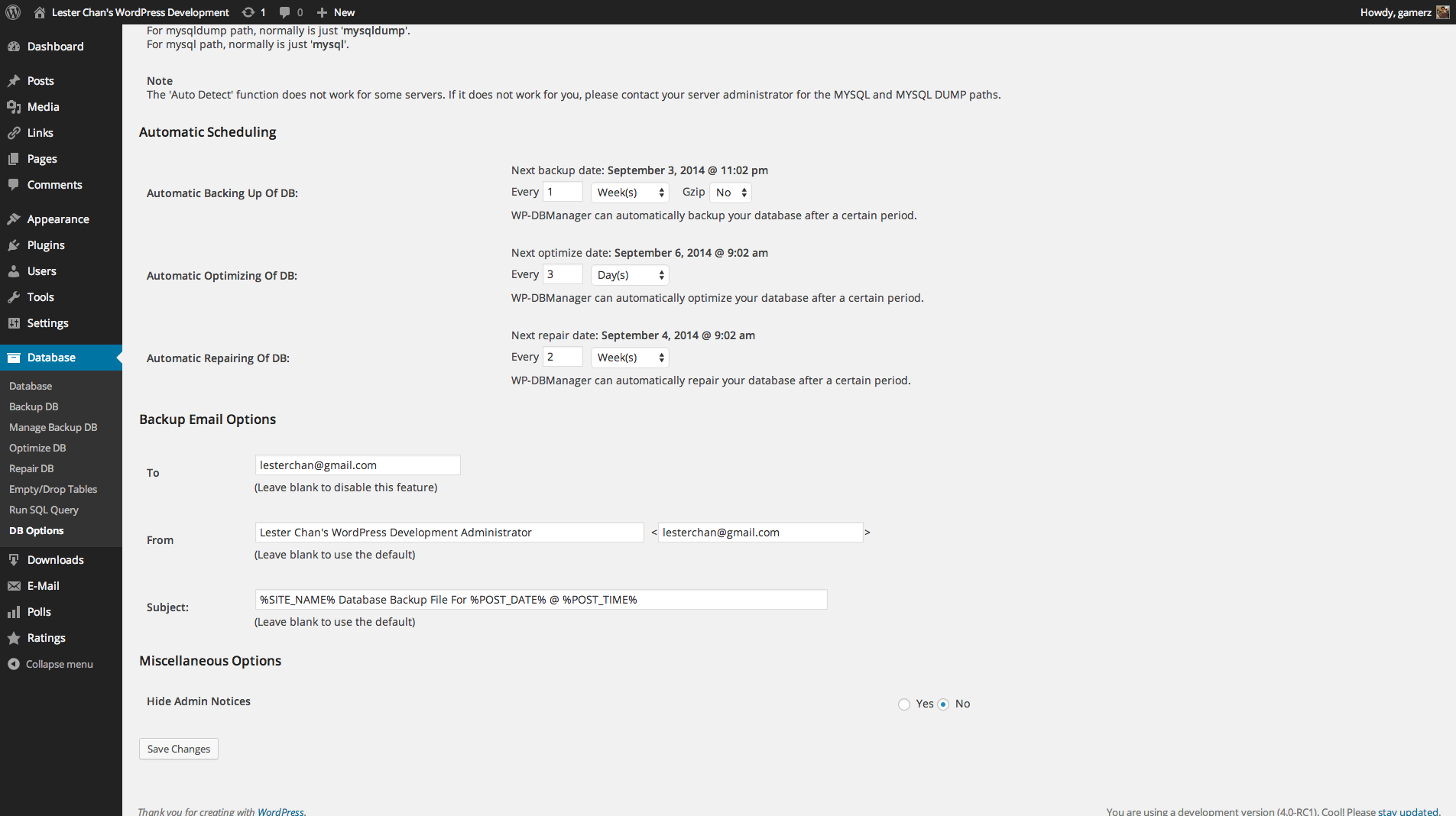
To activate the WP-DBManager Plugin, follow these steps:n1. Activate WP-DBManager Pluginn2. The script will automatically create a folder called backup-db in the wp-content folder if that folder is writable. If it is not created, please create the folder and ensure that the folder is writablen3. Open Folder: wp-content/backup-dbn4. If you are on Apache, move the htaccess.txt file from Folder: wp-content/plugins/wp-dbmanager to Folder: wp-content/backup-db/.htaccess if it is not there alreadyn5. If you are on IIS, move the Web.config.txt file from Folder: wp-content/plugins/wp-dbmanager to Folder: wp-content/backup-db/Web.config if it is not there alreadyn6. Move index.php file from Folder: wp-content/plugins/wp-dbmanager to Folder: wp-content/backup-db/index.php if it is not there alreadyn7. Go to WP-Admin -> Database -> DB Options to configure the database options
Where can I find the development of WP-DBManager?
You can find the development of WP-DBManager on the following GitHub repository: https://github.com/lesterchan/wp-dbmanager
Where can I find translations for WP-DBManager?
You can find translations for WP-DBManager on the following website: http://dev.wp-plugins.org/browser/wp-dbmanager/i18n/
Who created the plugin icon for WP-DBManager?
The plugin icon for WP-DBManager was created by Freepik from Flaticon
Is it secure to use WP-DBManager for database backup?
Using WP-DBManager for database backup may not be secure as it passes your database password via the command line of mysqldump. On some systems, your password becomes visible to system status programs such as ps that may be invoked by other users to display command lines. MySQL clients typically overwrite the command-line password argument with zeros during their initialization sequence, but there is still a brief interval during which the value is visible. If this is a concern to you, it is recommended to use another database backup plugin called WP-DB-Backup. To know more about the difference between WP-DBManager and WP-DB-Backup, please refer to the FAQ section of the WP-DBManager plugin.
Changelog
Version 2.80.10
- FIXED: Don’t throw fatal error if unknown .sql files are inside the database backup folder.
Version 2.80.9
- FIXED: Handle folder permissions properly
Version 2.80.8
- FIXED: Miss out database-backup.php.
Version 2.80.7
- FIXED: Changed ‘edit_files’ capability to ‘install_plugins’ instead.
Version 2.80.6
- FIXED: Remove ‘manage_database’ and use ‘edit_files’ to check for capability instead.
Version 2.80.5
- FIXED: Changed utf8 to utf8mb4 for backing up
Version 2.80.4
- FIXED: Clear WP-DBManager cron jobs on uninstall
Version 2.80.3
- FIXED: Poly fill array_key_first() for PHP < 7.3
Version 2.80.2
- FIXED: Newer backup is being replaced instead of older backup
Version 2.80.1
- FIXED: 1970 date issues.
- FIXED: Sorting order of backup files.
Version 2.80
- NEW: Prefix MD5 checksum to the database backup file to prevent user from guessing the filename.
Version 2.79.2
- FIXED: Arbitrary file delete bug by sanitizing filename. Props RIPS Technologies.
Version 2.79.1
- FIXED: Added default utf8 charset
Version 2.79
- FIXED: Proper check for disabled functions
Version 2.78.1
- NEW: Bump WordPress 4.7
- FIXED: Undefined index: repair and repair_period
Version 2.78
- FIXED: escapeshellcmd on Windows. Props Gregory Karpinsky.
- FIXED: Move wp_mkdir_p() up before if check. Props Scott Allen.
Version 2.77
- FIXED: Blank screen downloading backup
- FIXED: Remove MySQL Version check to display tables stats
Version 2.76
- NEW: Add wp_dbmanager_before_escapeshellcmd action just before escapeshellcmd()
- FIXED: Missing / for Windows
Version 2.75
- FIXED: When activating the plugin, copy index.php to the backup folder
- FIXED: If you are on Apache, .htaccess will be copied to the backup folder, if you are on IIS, Web.config will be copied to the backup folder
- FIXED: When choosing 1 Month(s) for Backup/Optimize/Repair, the next date calculation is wrong
Version 2.74
- FIXED: escapeshellarg() already escape $, no need to double escape it
Version 2.73
- FIXED: Unable to backup/restore database if user database password has certain special characters in them
Version 2.72
- FIXED: Use escapeshellcmd() to escape shell commands. Props Larry W. Cashdollari.
- FIXED: Do not allow LOAD_FILE to be run. Props Larry W. Cashdollari.
- FIXED: Uses dbmanager_is_valid_path() to check for mysql and mysqldump path. Fixes arbitrary command injection using backup path. Props Larry W. Cashdollari.
- FIXED: Uses realpath() to check for backup path. Fixes arbitrary command injection using backup path. Props Larry W. Cashdollari.
Version 2.71
- NEW: Bump to 4.0
Version 2.70
- New: Uses WordPress 3.9 Dashicons
- NEW: Allow you to hide admin notices in the DB Options page
- NEW: Allow Multisite Network Activate
- NEW: Uses WordPress uninstall.php file to uninstall the plugin
- NEW: Uses wp_mail() to send email instead of PHP mail()
- NEW: New From E-mail, From Name & Subject template
- FIXED: Issues with email from field if site title contains , (comma)
- FIXED: Notices
Version 2.65
- FIXED: Set default character set to UTF-8. Props Karsonito
Version 2.64
- FIXED: Use intval() instead of is_int() when checking for port number. Props Webby Scots
Version 2.63 (03-05-2011)
- NEW: Added Auto Repair Functionality
- NEW: Added nonce To All Forms For Added Security

