

Just another contact form plugin. Simple but flexible.

About Visual Composer Website Builder, Landing Page Builder, Custom Theme Builder, Maintenance Mode & Coming Soon Pages
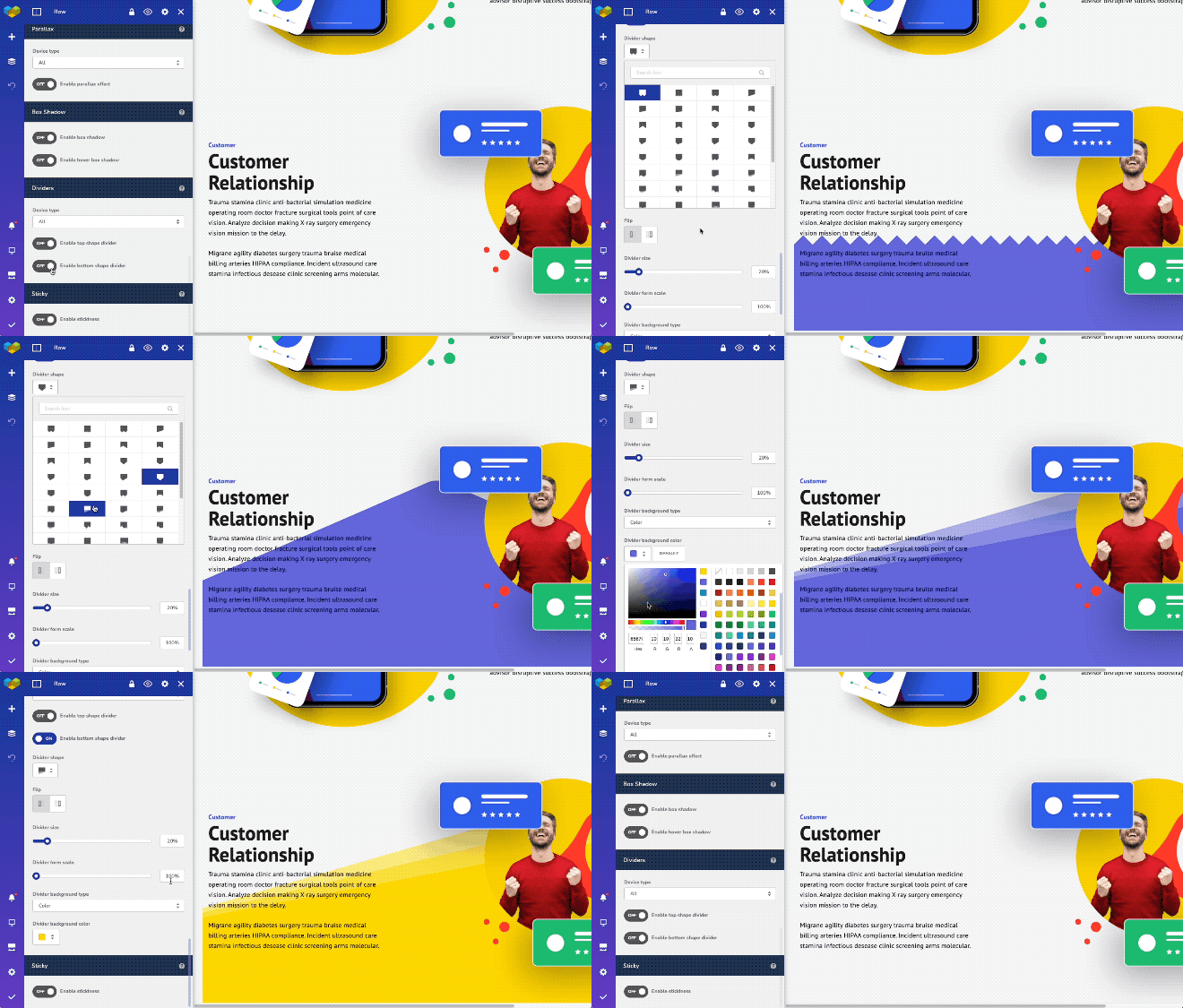
Visual Composer is a free WordPress website builder that allows you to create professional websites easily. It offers advanced design features, a drag and drop editor, and compatibility with other plugins. With Visual Composer, you can save time, use fewer plugins, and deliver beautiful websites to your customers faster.Screenshots
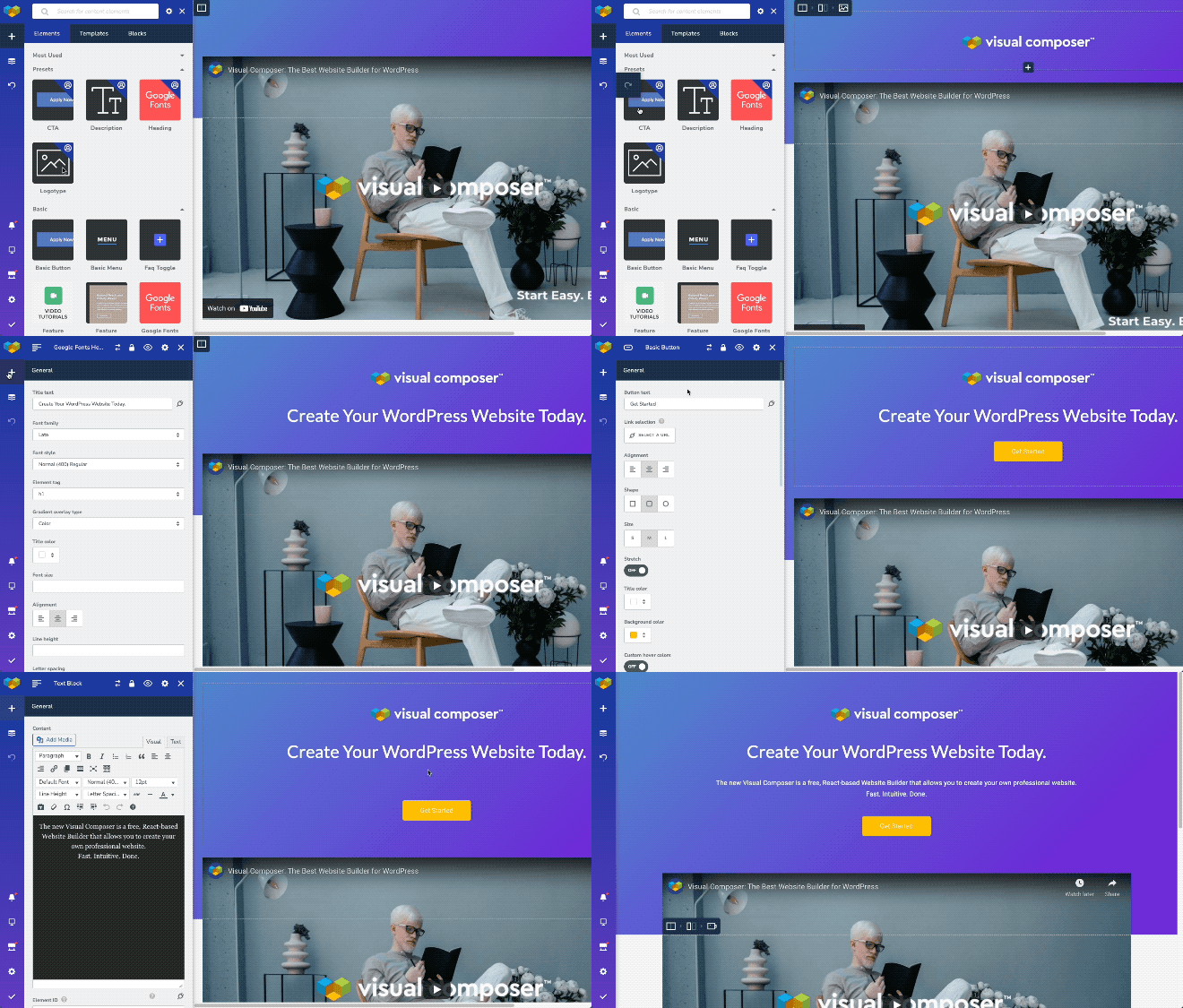
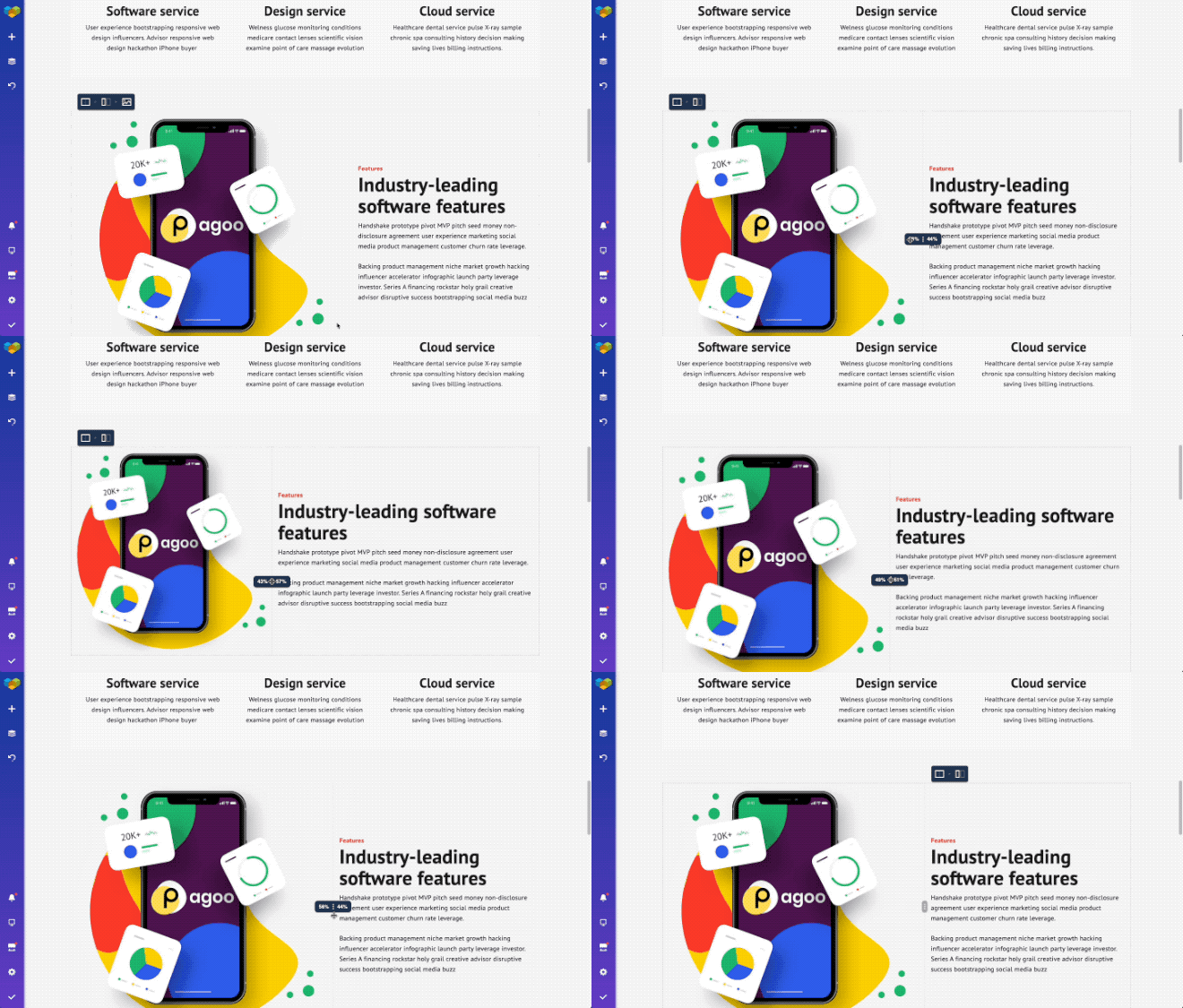
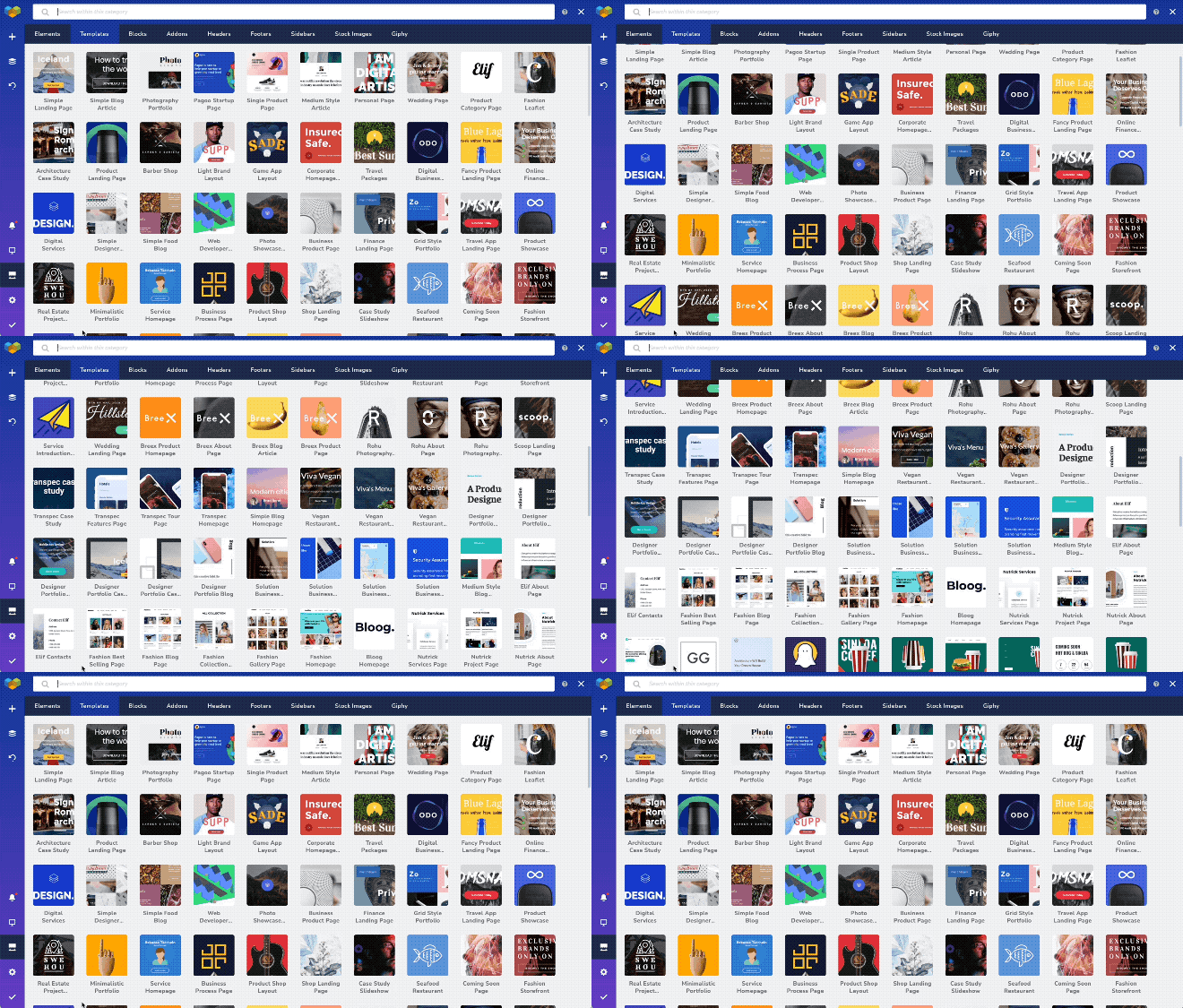
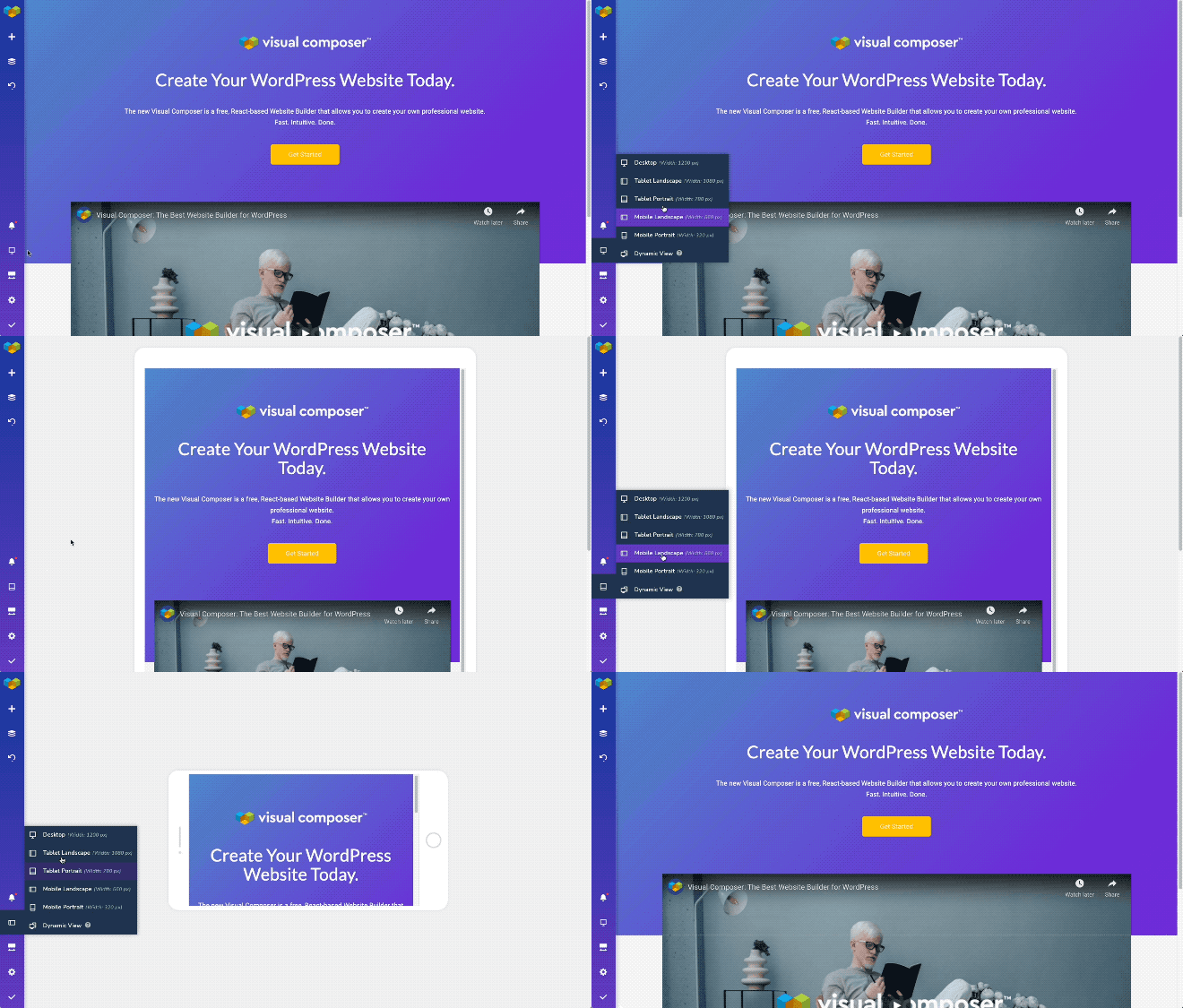
Frequently asked questions
What is Visual Composer?
Visual Composer is a free WordPress website builder that allows you to create professional websites efficiently. It offers advanced design features, responsive fonts, an easy-to-use interface, and a drag and drop editor powered by React.
What can I create with Visual Composer?
With Visual Composer, you can create a variety of websites, including personal sites, business websites, portfolios, landing pages, coming soon pages, under construction pages, maintenance mode pages, blogs, and ecommerce sites.
Do I need coding skills to use Visual Composer?
No, you don't need coding skills to use Visual Composer. It is designed for users to create landing pages without any coding skills. Simply select a predesigned template and drag and drop elements across the page.
What can I find in the Visual Composer Hub?
The Visual Composer Hub is a cloud-based marketplace that offers over 500 templates, elements, addons, and blocks. It includes content elements, templates for different web projects, addons to enhance your experience, integrations with other plugins, and powerful design options.
Is Visual Composer mobile-friendly?
Yes, Visual Composer automatically creates responsive websites. You can also adjust your site's look, width, and behavior for every device: mobile, tablet, and desktop.
Changelog
45.10.0
Release Date – 2024-09-16
Free:
- Update: Google Fonts are updated to feature all latest typographies
- Fix: Warning about document.write usage has been introduced
- Fix: Hidden elements work properly and do not break the editor
- Fix: Strings are set properly and translatable
Premium:
- Compatibility: reCaptcha v2 works properly with the editor
- Compatibility: Visual Composer compatibility with WPML improved
- Fix: Custom ratio works properly for the post grid elements
- Fix: Post tag element is being styled properly in the Layout builder templates
- Fix: Content slider works properly with margin properties
- Fix: Default Visual Composer layouts without comment area do not have comments option control
- Fix: Countdown timer element works properly with the CSS animations in Design Options
- Fix: Accordion element presets work properly in the editor
- Fix: Menu element link colors work properly
- Fix: Popups get triggered properly on button actions
- Fix: Post grid filters work properly on mobile devices
- Fix: A description for custom excerpt length has been updated
- Fix: Import options works properly with webp and avif file format
- Fix: Post title element works properly even if the general title is being disabled
- Fix: Dynamic title works properly for the post grid buttons
- Fix: Half outline button is available in Visual Composer Hub
- Fix: Popups work properly in header and footer layouts
- Fix: Deletion of global templates is being handled properly
- Fix: Classic tab background works properly
45.9.0
Release Date – 2024-05-20
Free:
- Fix: XSS vulnerability fix for the editor
45.8.0
Release Date – 2024-03-20
Free:
- Fix: System status page works properly
- Fix: Stretched row works properly
45.7.0
Release Date – 2024-02-15
Free:
- Update: Editor performance improved
- Update: Editor performance on Safari has been improved
- Update: Performance improvement for operating with large number of assets from the Media Library
- Fix: DISALLOW_UNFILTERED_HTML is applied now properly
- Fix: Sanitization and escaping of user data improved
- Fix: RSS feed validation works properly
- Fix: Fonts loading and display works properly in TinyMCE
- Fix: Content duplication has been prevented when working with Image galleries
- Fix: The editor now works properly in case the user has multiple roles
- Fix: Switching between TinyMCE editor modes does not affect content display
- Fix: Show/Hide option works properly
Premium:
- Compatibility: Compatibility with WPML improved for the archive pages
- Fix: Logo widget works properly with no logo added to the website
- Fix: Column controls for post grid elements work properly
- Fix: Menu replace after source deletion works properly
- Fix: Menu element dropdown works properly on Windows devices
- Fix: Post title element works properly with theme title disabled
45.6.0
Release Date – 2023-10-19
Free:
- Fix: 3rd party elements work properly
- Fix: URL option works properly for gallery elements
Premium:
- Fix: Font Manager preview works properly
- Fix: WPML works properly with custom layouts
- Fix: Layout width works properly for header and footer layouts
- Fix: Layouts with sidebars work properly
45.5.0
Release Date – 2023-08-28
Premium:
- Update: Updated the library of available Google Fonts
- Fix: Maintenance mode works properly with blank layout
45.4.1
Release Date – 2023-08-08
Free:
- Fix: Prevent double text translation in WPML
Premium:
- Fix: Video player element works properly and does not affect editor loading
45.4.0
Release Date – 2023-07-13
Free:
- Fix: Insights analysis works properly for the footer part of the website
- Fix: Gutenberg content editing works properly
Premium:
- Fix: Video elements work properly in the editor
- Fix: The video player element works properly in the editor
- Fix: The video popup element works properly in the editor
- Fix: The social icon set works properly within the Icon Button element
45.3.0
Release Date – 2023-06-19
Free:
- Fix: Template download works properly for different environments
- Fix: Notifications inside the Visual Composer dashboard have been improved for design consistency
- Fix: Gutenberg content editing works properly
Premium:
- New: Role Manager controls user access to the edit element window tabs
- Fix: Row resizing controls work properly in Popup Builder
- Fix: Naming consistency improved for the post grid elements
- Fix: Template import from previous versions of the editor works properly
- Fix: Sliders work properly when using mouse to switch slides
45.2.0
Release Date – 2023-06-01
Free:
- New: Custom CSS option is available for all elements in the element edit window
- New: Data attributes are available for all elements in the element edit window
- New: Navigation to parent element is available for all elements
- New: Element window has tabs for content, design, layout, and advanced attributes
- Update: Improved editor load speed
- Update: User satisfaction survey updated
- Compatibility: The editor works properly with Easy Content Tables
- Compatibility: The editor works properly with the One User Avatar
- Fix: Visual Composer works properly with a multisite environment
- Fix: Posts with no content work properly in the editor
- Fix: Editor works properly on specifically preconfigured server environments
- Fix: Status check works properly and does not deactivate the plugin
- Fix: Memory limit displays properly on the system status page
- Fix: The editor works properly with multiple shortcodes
- Fix: CSS animations work properly with custom responsiveness enabled
- Fix: A large amount of content works properly with WPML
- Fix: Gzip works properly on different server environments
- Fix: Element update works properly with the newest version of the plugin
- Fix: Instant update works properly for nested elements
- Fix: Right-click controls work properly
- Fix: Hidden elements don’t produce extra space
- Fix: The editor works properly with One-Click Demo Import
- Fix: The editor works properly with PHP 8.1
- Fix: The toggle to hide elements in Design Options works properly
Premium:
- New: Div container element is available
- New: Editor recognizes usage of global templates, popups, and layout before deletion
- Update: The Search element improved for ADA compliance
- Compatibility: Theme Builder works properly with WooCommerce 7
- Fix: Custom excerpt length works properly for grid (loop) elements
- Fix: Adding a popup via link selector works properly
- Fix: Layout options work properly for posts
- Fix: Header, footer, and sidebar assigning works properly
- Fix: Search queries and categorizing work properly in the layout builder
- Fix: Global template width works properly in page layouts
- Fix: YouTube videos work properly in the header
- Fix: Role manager presets work properly on the initial save
- Fix: Featured Image Post Grid title is clickable
- Fix: Template importing works properly
- Fix: HubSpot element works properly for different user roles
- Fix: Captions work properly with custom fields
- Fix: Settings reset does not remove the custom header and footer settings
- Fix: Importing and exporting options work properly with Global Templates
- Fix: All Google Fonts work properly with the Font Manager
- Fix: Post list element displays a proper WordPress date format
- Fix: Custom fields with no value are not displayed publicly
- Fix: Custom layout controls work properly
- Fix: Locked elements are not accessible with double-click
- Fix: Spacing for headers in the header builder works properly
- Fix: wp_body_open hook is available for the layout builder layouts
- Fix: Post grid elements work properly with sticky posts enabled
- Fix: Tab links are working properly when linking to another tab
45.1.3
Release Date – 2023-03-22
Free:
- New: Integration with Atarim for better collaboration when developing websites and working with clients
45.1.2
Release Date – 2023-02-02
Free:
- New: pNPS survey added to the editor to collect your feedback
- Compatibility: WPML is fully compatible with the editor
- Fix: gZip works properly on different environments
- Fix: A proper labels are displayed for all free users considering updating to Premium
45.1.1
Release Date – 2022-11-01
Premium:
- Update: License management mechanism improved
45.1.0
Release Date – 2022-10-19
Free:
- Update: CSS Animations for elements improved (Contribution by Lucas Selsek)
- Update: Plugin activation process improved
- Update: Plugin code style updated
- Compatibility: WPML and Visual Composer compatibility improved
- Compatibility: Contact Form 7 works properly in Visual Composer
- Compatibility: Yoast SEO breadcrumbs work properly in Visual Composer
- Fix: Global Custom CSS works properly
- Fix: Initial welcome survey works properly
- Fix: Translation of WordPress works properly with Visual Composer and WooCommerce installed
Premium:
- Compatibility: Theme Builder works properly with WooCommerce 7
- Fix: Font Manager and post grid elements work properly
- Fix: CounterUp element works properly
- Fix: Template import works properly
- Fix: Popups in a sitewide header work properly
- Fix: Font Manager does not impact the CSS styles of the buttons
- Fix: Font Manager does not apply unneeded underline for images and widgets
- Fix: Disabling header and footer works properly
- Fix: Popups added in the Theme Builder layouts work properly
- Fix: Bulk import works properly
- Fix: Dynamic content and ACF works properly
- Fix: Layout width works properly with the Global Template element
- Fix: Gap controls work properly in Twenty Twenty One theme
- Fix: Replace option for headers, footers, and sidebars work properly
- Fix: Link selection works properly in the Typewriter Heading element
- Fix: Countdown Timer element works properly
- Fix: Enabling filters for post grids works properly when working with pages
- Fix: An empty post title does not take space in the layout
- Fix: Php directive “allow_url_fopen” works properly with the Visual Composer import/export
- Fix: Theme Builder layouts work properly in block themes
- Fix: Tab links are working properly when linking to another tab
45.0.1
Release Date – 2022-09-01
Free:
- Fix: To prevent xss vulnerabilities, all roles without ‘unfiltered_html’ capability don’t have an access to the editor
45.0
Release Date – 2022-08-17
Free:
- New: Blank page wizard added for an easier start
- New: Option to drag an image or images from your desktop to an empty column added
- New: Element edit window top menu (dots) introduced for better user experience
- New: Additional API hooks introduced for the 3rd party vendors
- Update: New mixin logic introduced for better performance
- Fix: Layout width settings work properly
- Fix: Data collections work properly in the editor
- Fix: The editor recognizes the end of the session
Premium:
- New: HubSpot form element added to the Visual Composer Hub for compatibility (HubSpot plugin is required)
- Fix: Underline option works properly with the Font Manager settings
- Fix: Accordion element performance improved
- Fix: Dynamic content works properly
- Fix: Nested dynamic fields work properly
- Fix: Tag titles work properly in the archive layouts
- Fix: The maintenance mode add-on is displayed properly in the Visual Composer Hub
- Fix: Export error messages improved
- Fix: The author’s profile picture works properly when added as a dynamic background

