

Improve your WordPress SEO: Write better content and have a fully optimized WordPress site using the Yoast SEO…

About Proxy Cache Purge
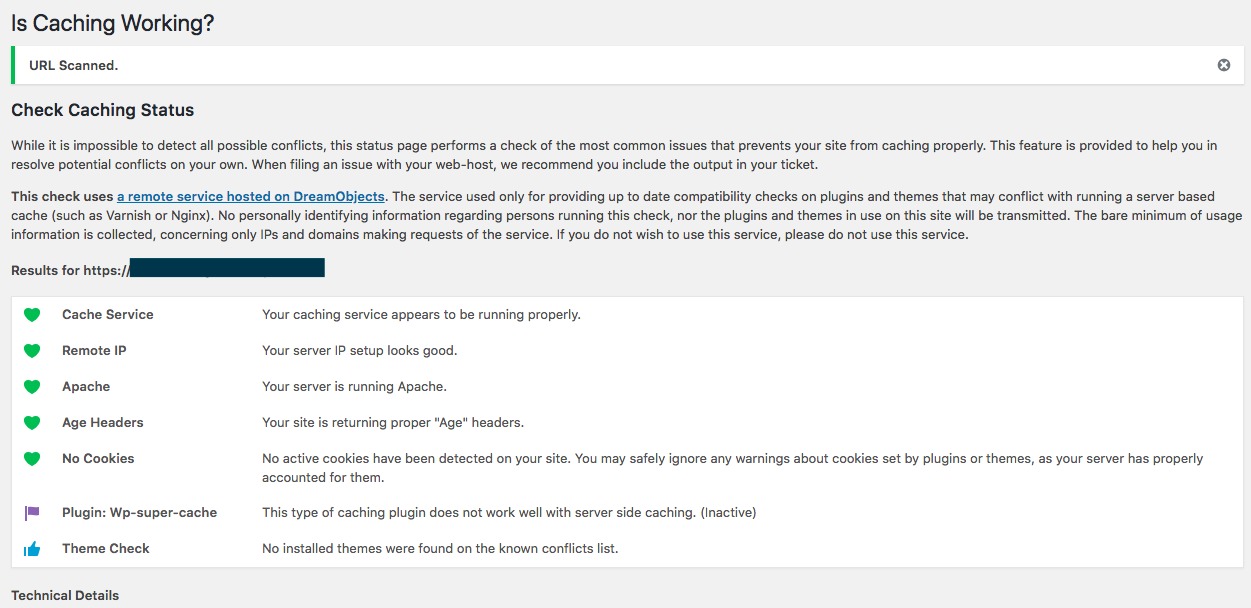
The Proxy Cache Purge plugin is not actively maintained and is looking for someone to take over development. This plugin does not install or configure a cache proxy, but acts as an interface with services like Varnish and Nginx. It sends a request to delete the cached data of a page or post whenever it is modified. The plugin also provides commands for purging the cache and debugging cache issues.Screenshots
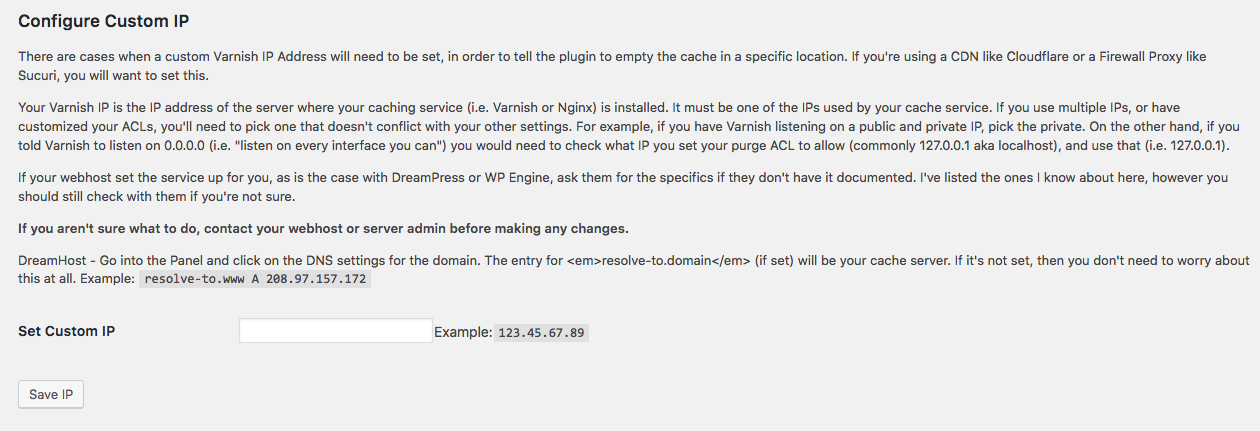
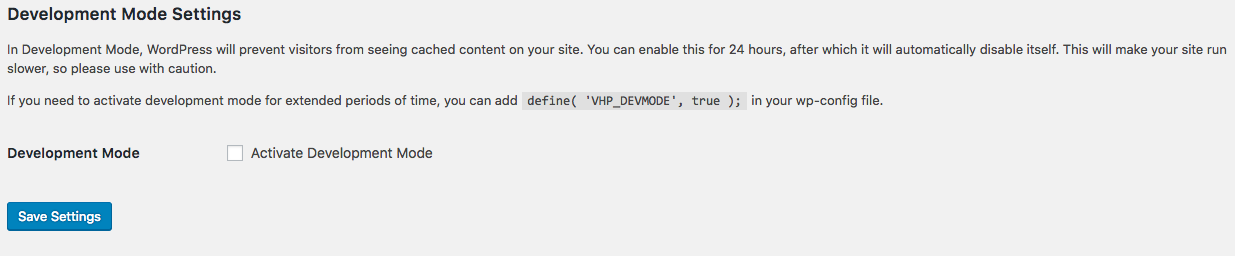

Frequently asked questions
What is the Proxy Cache Purge plugin?
The Proxy Cache Purge plugin acts as an interface with reverse proxy caching services such as Varnish and Nginx. It sends a request to delete the cached data of a page or post every time it's modified.
When does the plugin purge the cache?
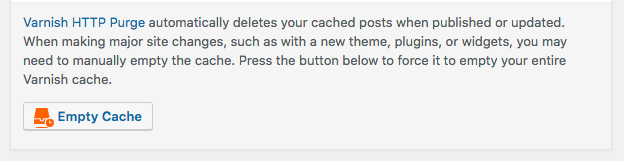
The plugin purges the cache for the front page, the edited post or page, any associated categories, tags, and custom taxonomies, related feeds, and associated JSON API pages. Additionally, the entire cache is deleted when changing themes or pressing the 'Empty Cache' button on the toolbar.
How can I turn off caching temporarily?
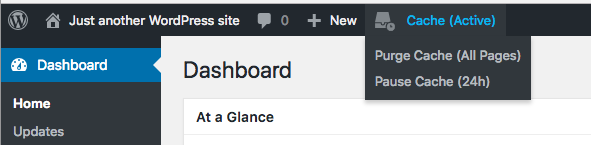
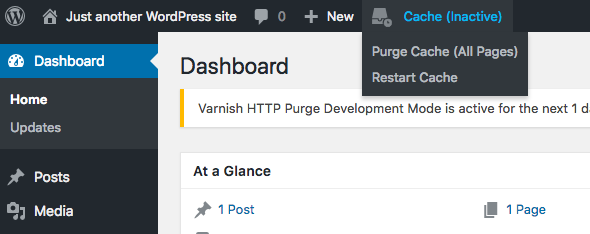
To turn off caching temporarily, you can either add 'define( 'VHP_DEVMODE', true );' to your wp-config.php file or enable debug mode in the Proxy Cache settings for 24 hours at a time. However, this is not recommended for production.
What WP CLI commands are available for the plugin?
The plugin provides 'purge' commands to empty the cache, including 'wp varnish purge' to flush the cache for the front page and 'wp varnish purge [<url>]' to flush the cache for a specific URL. The 'debug' command can be used to troubleshoot cache issues, and the 'devmode' command allows you to change the development mode state.
Does the plugin collect any remote data?
No, as of version 5, the plugin no longer uses any remote data.
Changelog
5.2.2
- August 2024
- Fix undefined variable $rest_api_route
5.2.1
- January 2024
- Allow custom X-Varnish header name.
5.2.0
- July 2023
- Fix debug for if Via headers are an array (props @iverok)

