

Enables the previous "classic" editor and the old-style Edit Post screen with TinyMCE, Meta Boxes, etc. Supports all…

About String locator
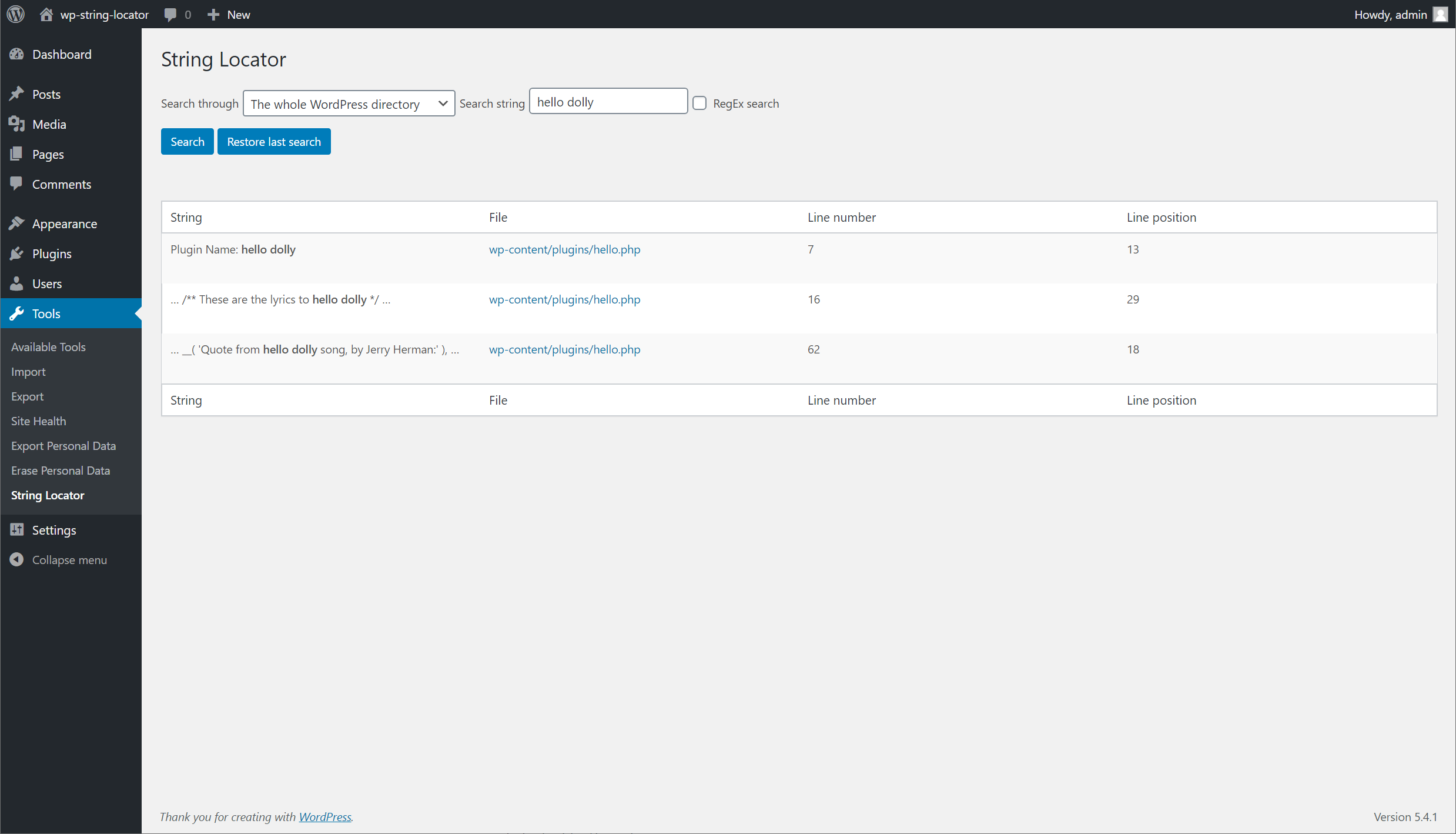
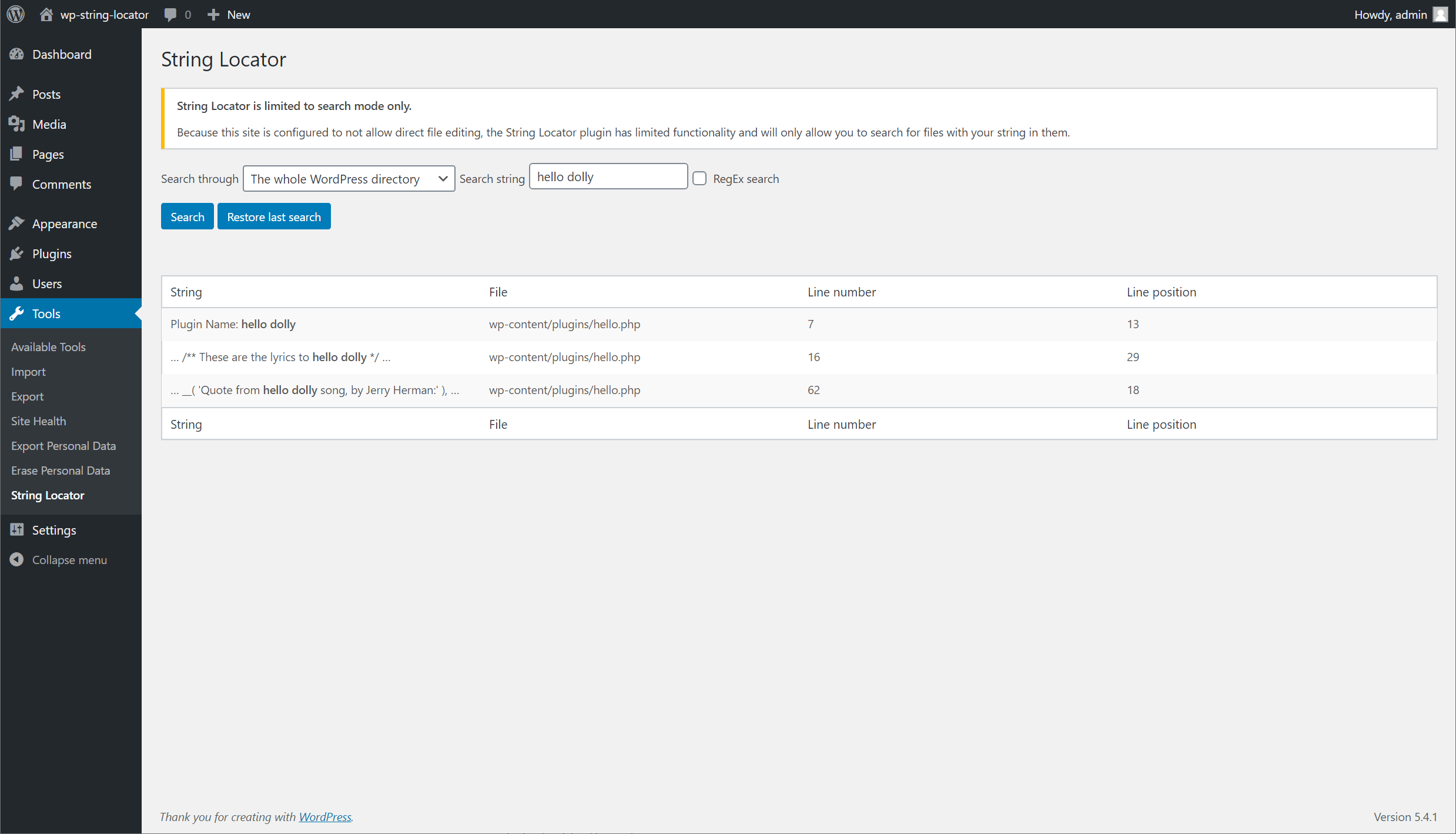
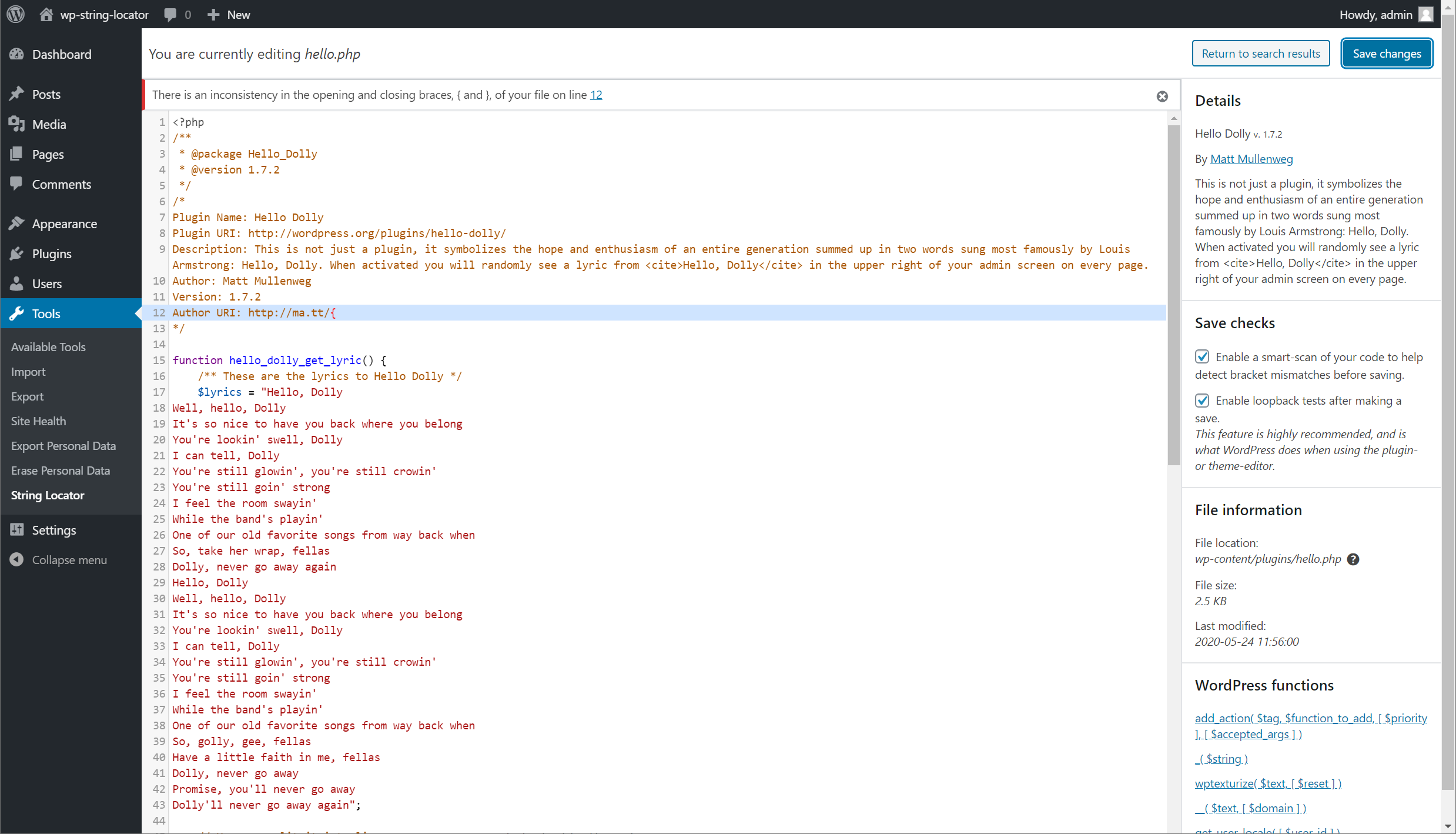
This tool allows you to easily search for and modify hardcoded text in your themes, plugins, or WordPress core files. It provides a list of files, the matched text, and the specific line in the file where the text is located. You can make edits directly in your browser and a consistency check is performed to reduce the risk of breaking your site.Screenshots

Frequently asked questions
How can I search for hardcoded text in themes and plugins?
You can easily search through your themes, plugins or even WordPress core and be presented with a list of files, the matched text and what line of the file matched your search.
How can I make edits directly in my browser?
You can quickly make edits directly in your browser by clicking the link from the search results.
Is there a consistency check performed when making edits to files?
By default, a consistency check is performed when making edits to files. This will look for inconsistencies with braces, brackets, and parenthesis that are often accidentally left in.
What is the purpose of a WordPress Staging site?
A WordPress Staging site is a replica of your live site. It is used for testing substitutions before implementing them on your live site.
Changelog
2.6.7 (2025-01-15)
- Fixed secured unserialized data handling to prevent potential vulnerabilities.
- Verified compatibility with WordPress 6.7
2.6.6 (2024-08-21)
- Fixed missing URL input sanitization.
- Verified compatibility with WordPress 6.6
2.6.5 (2024-03-12)
- Verified compatibility with WordPress 6.5
2.6.4 (2024-03-12)
- Verified compatibility with WordPress 6.4
2.6.3 (2023-08-10)
- CSS/JS Loading bug fixes
2.6.2 (2023-08-10)
- Added InstaWP integration.
- WP ORG Support ticket fixes.
2.6.1 (2022-11-02)
- Fixed a bug causing certain setups to be unable to perform searches when editing would also be unavailable.
- Fixed a bug causing certain plugins to prevent the search results list from being displayed properly.
- Verified compatibility with WordPress 6.1
2.6.0 (2022-07-20)
- Added database search feature.
- Added tools for quickly replacing data in the search results.
- Added many more filters and actions.
- Added hardening of file path checks.
- Removed one-time donation notice.
- Removed jQuery dependency in favor of vanilla JavaScript code.
- Separated search class into a base class for extenders.
- Fixed bug with code viewer sizes when resizing your window.
- Fixed bug in the list view if special characters were in the search string.
- Fixed a bug where RegEx search validation may have a false positive check for invalid patterns.
- Fixed missing translator function if Javascript is missing.
- Improved capability checks for displaying the search interface when editing is disabled.
Older entries
See changelog.txt for the version history.

