

Advanced Custom Fields (ACF) helps you easily customize WordPress with powerful, professional and intuitive fields. Proudly powering over…
About SiteOrigin CSS
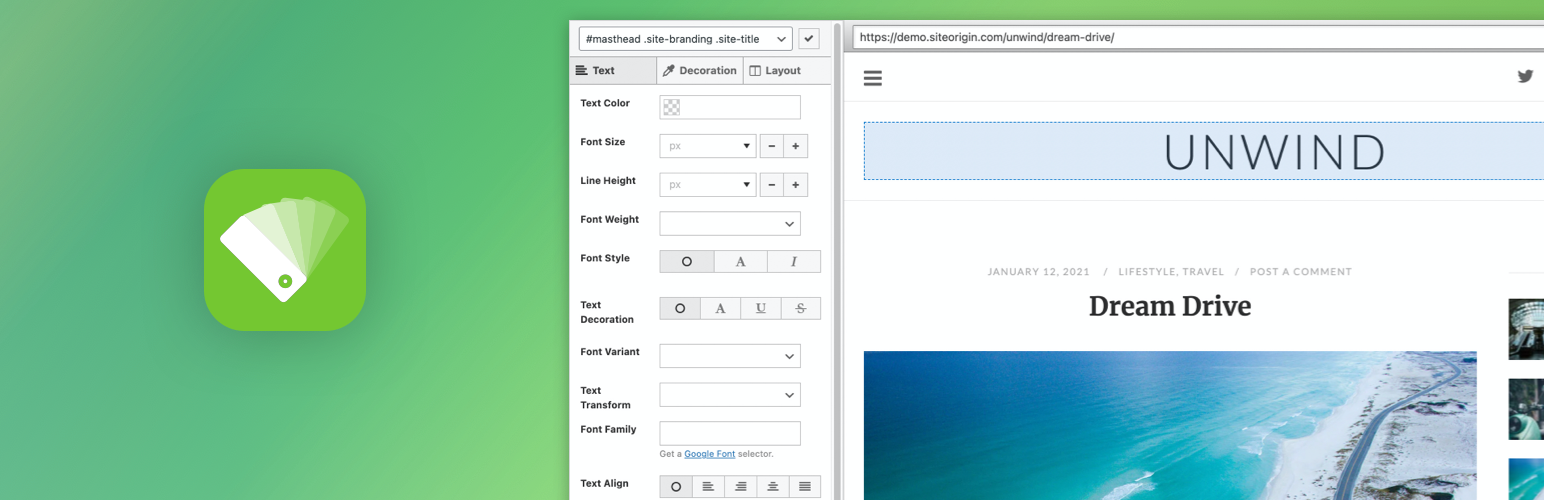
SiteOrigin CSS is a powerful CSS editor for WordPress that allows you to visually edit the look and feel of your site in real-time. It offers both simple controls for beginners and advanced features like code autocompletion for experienced users. It's free to use, works with any theme, and is actively developed with documentation and support available. Additionally, there is a premium version available that includes a Google Web Font Selector and professional email support.Screenshots

Frequently asked questions
What is SiteOrigin CSS?
SiteOrigin CSS is a WordPress plugin that provides a powerful and intuitive CSS editor for customizing your site's look and feel. It offers real-time visual controls for an easy editing experience. It caters to both beginners and advanced developers, offering features like live previews and robust code autocompletion.
How does the Inspector feature work?
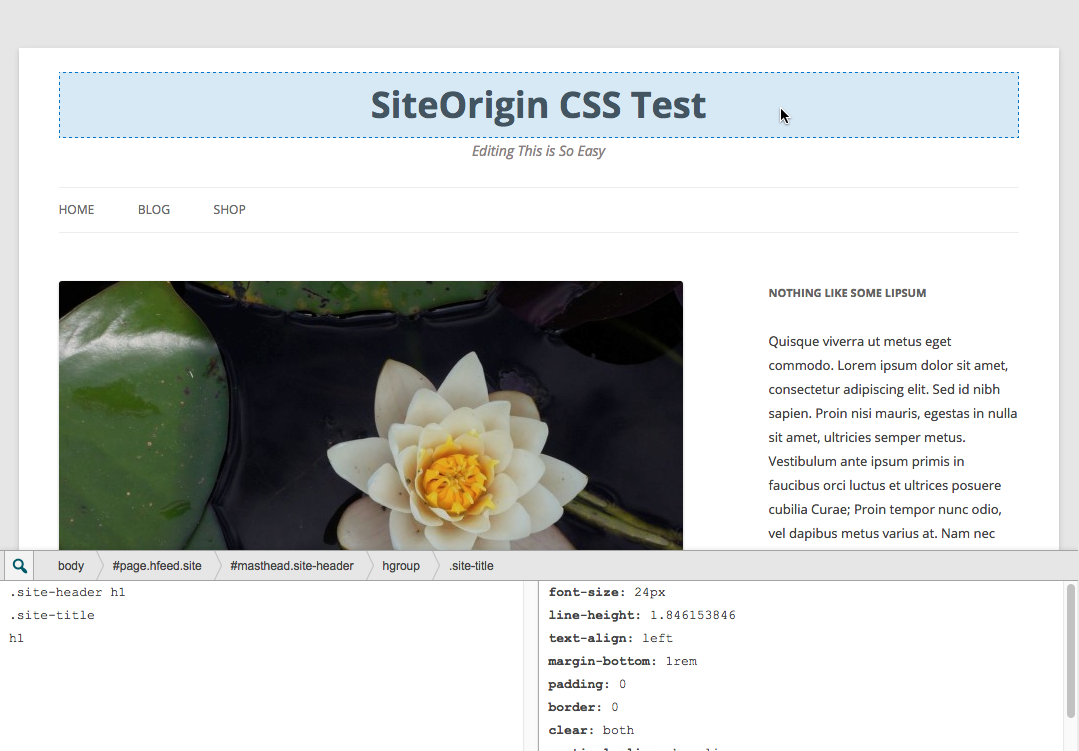
The Inspector feature in SiteOrigin CSS helps users find the correct CSS selector for elements on their site. By clicking on an element in a full preview, the Inspector identifies the best selector to target that specific element. This simplifies the process of editing your site's design, even for those unfamiliar with CSS selectors.
What are the capabilities of the Visual Editor?
The Visual Editor in SiteOrigin CSS provides simple controls for choosing colors, styles, and measurements. It allows users to make design changes with just a few clicks, without needing to write code. Combined with the Inspector, it offers an easy way to customize your site's appearance.
What advanced features does the CSS Editor offer?
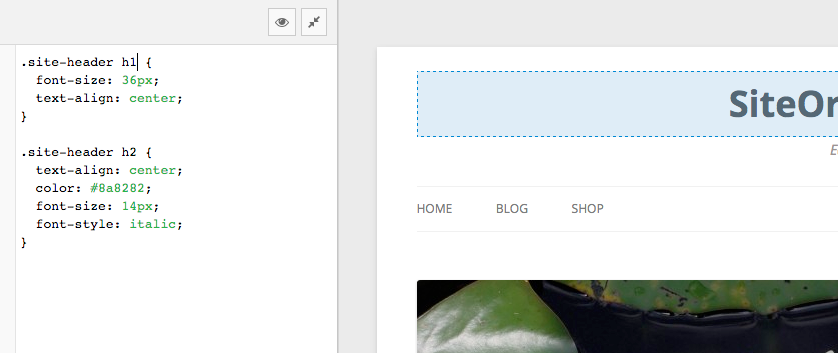
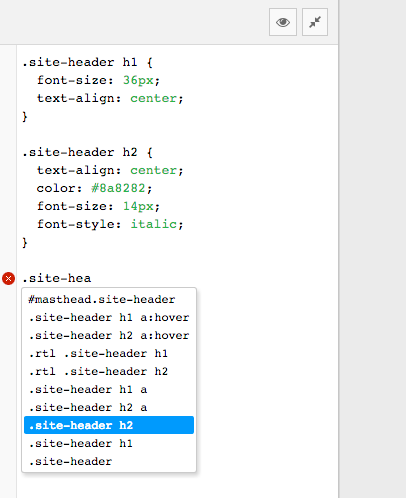
The CSS Editor in SiteOrigin CSS is a powerful tool with features typically found in high-end IDEs. It includes autocompletion for both CSS selectors and attributes, speeding up the workflow for advanced users. It also provides CSS linting to help identify and correct issues in your code before publishing changes.
Is SiteOrigin CSS free to use?
Yes, SiteOrigin CSS is a free WordPress plugin. The provided description explicitly states, "It's Free.".
Changelog
1.6.4 – 26 May 2025
- Installer: Updated submodule.
- Updated Tested up to tag.
1.6.3 – 15 January 2025
- Resolved Uninstall Notice: Updated
register_uninstall_hookcallback to use a static class method, addressing a WordPress notice introduced in version 3.1.0.
1.6.2 – 13 January 2025
- Fixed uninstall process to prevent PHP fatal error by updating the
register_uninstall_hookcallback to use a valid instance method.
1.6.1 – 25 November 2024
- CSS Output Location: Additional check to ensure the default is Dedicated File.
1.6.0 – 22 November 2024
- Added
Visual Editor: Decoration > Background Attachmentsetting. - Added CSS Ouput Location setting. Dedicated CSS File offers best performance, Internal CSS embeds styles in page HTML.
1.5.11 – 13 August 2024
- Added Divi theme compatibility.
- Accounted for for themes that don’t use menu item selectors by adding them automatically.
1.5.10 – 31 May 2024
- Updated SiteOrigin Installer.
- Updated Tested up to tag.
- Updated Required PHP version.

