

Just another contact form plugin. Simple but flexible.
About NinjaFirewall (WP Edition) – Advanced Security Plugin and Firewall
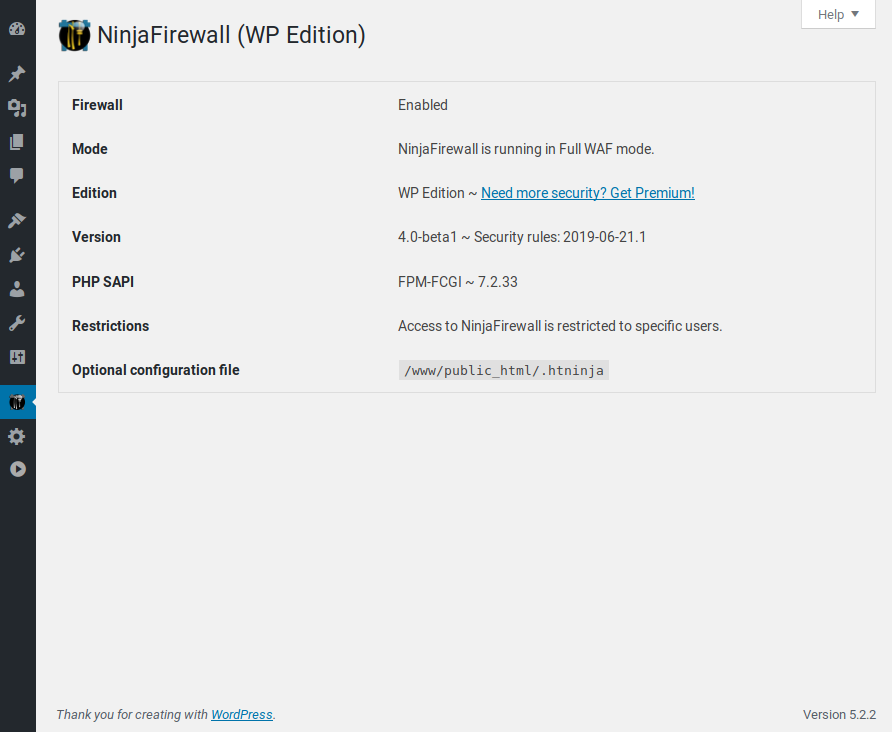
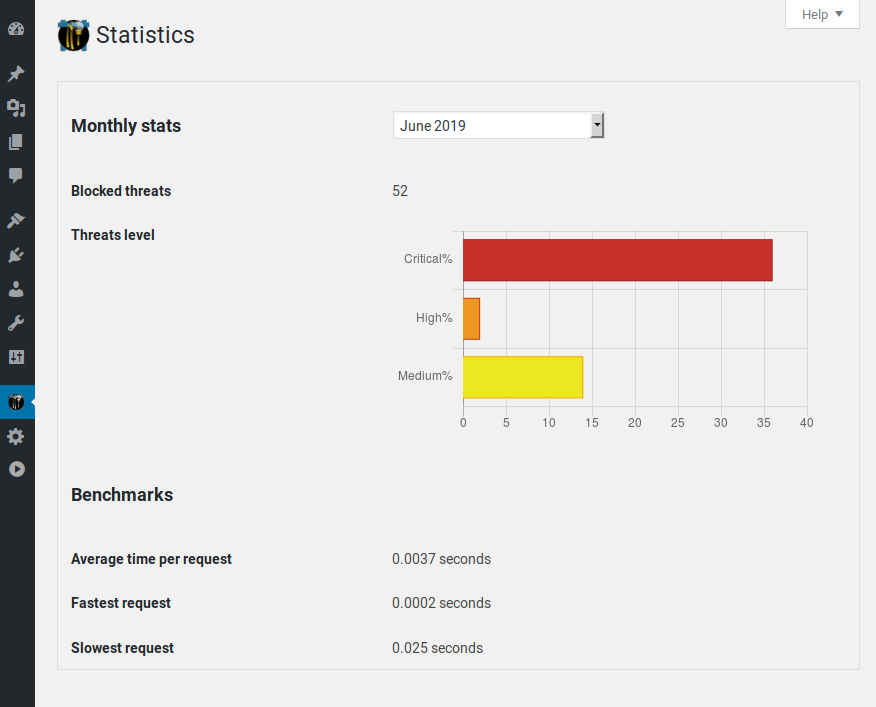
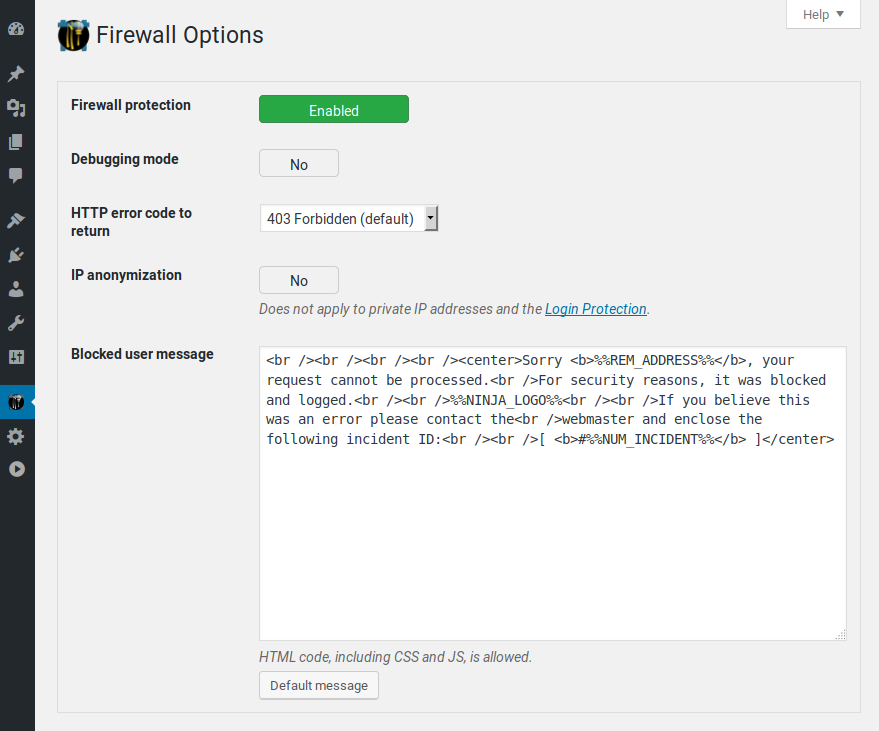
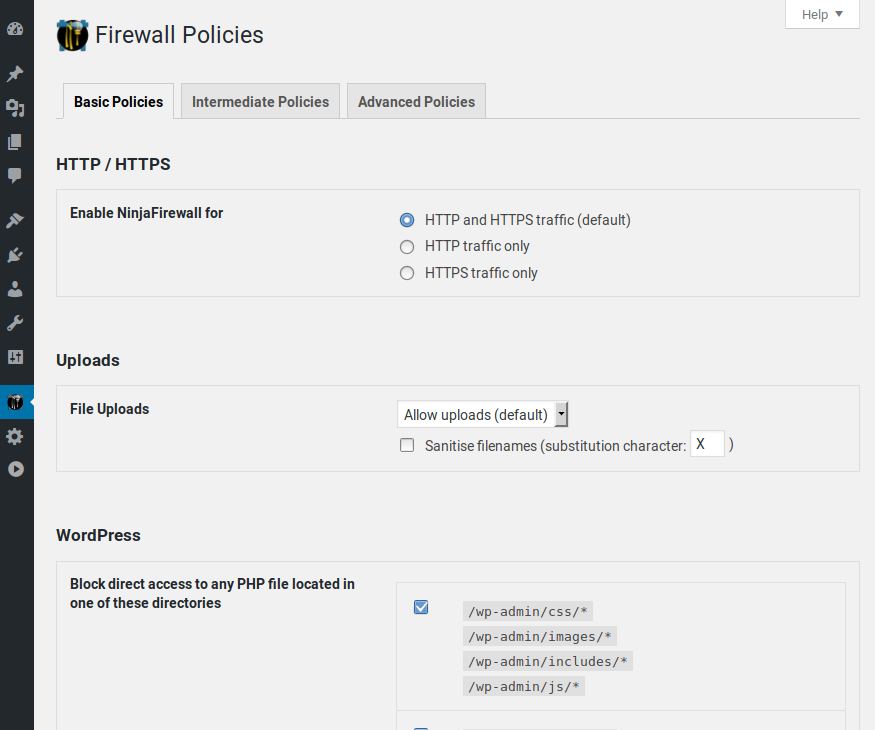
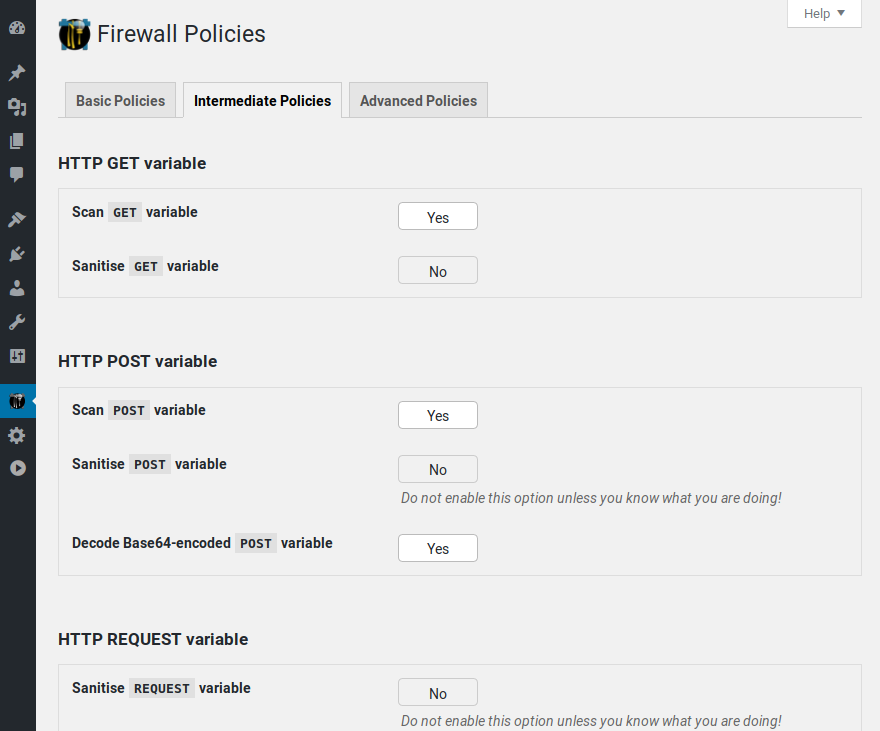
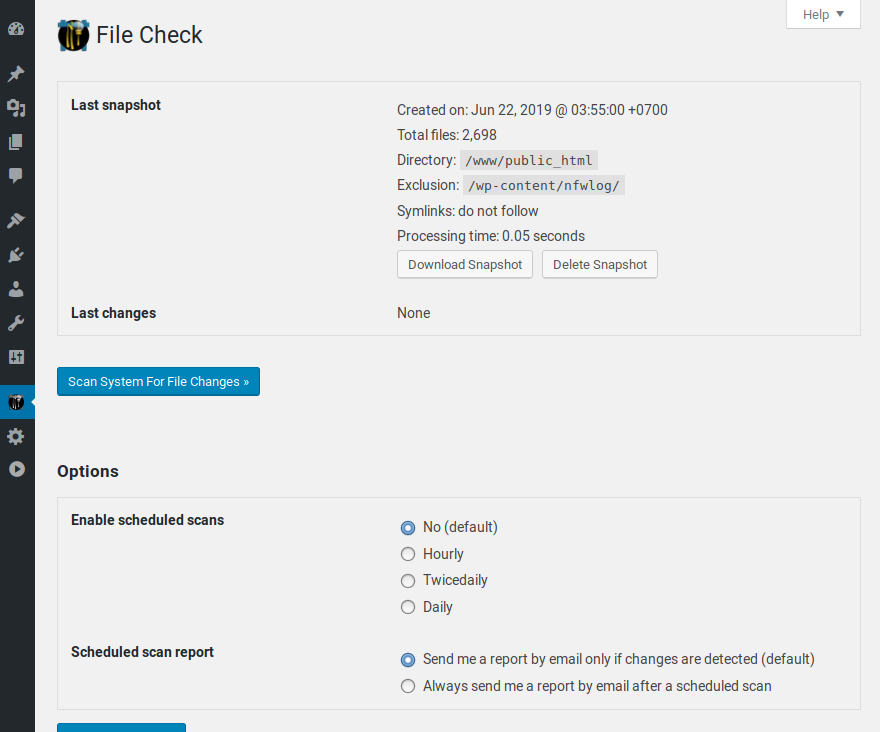
NinjaFirewall (WP Edition) is a powerful Web Application Firewall that provides advanced security features for your WordPress website. It can protect your site against brute-force attacks, detect file modifications in real-time, monitor file integrity, and more. It is compatible with IPv4 and IPv6, supports multi-site networks, and has a low system resource footprint.Screenshots


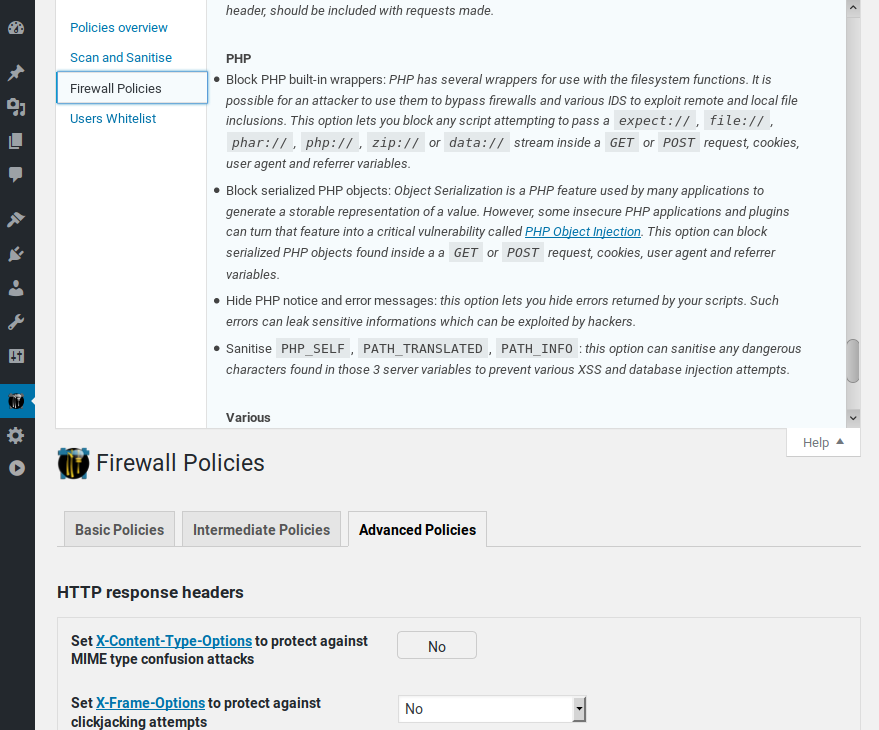
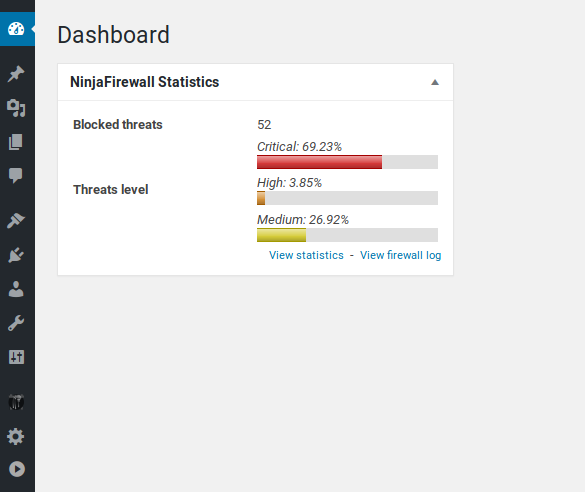
Frequently asked questions
What is NinjaFirewall?
NinjaFirewall is a true Web Application Firewall that can be installed and configured as a plugin but functions as a stand-alone firewall in front of WordPress. It offers advanced security features that are not typically available at the WordPress level.
What can NinjaFirewall protect against?
NinjaFirewall can hook, scan, sanitize, or reject any HTTP/HTTPS request sent to a PHP script before it reaches WordPress or any of its plugins. It can protect all scripts located in the blog installation directories, including those outside of the WordPress package.
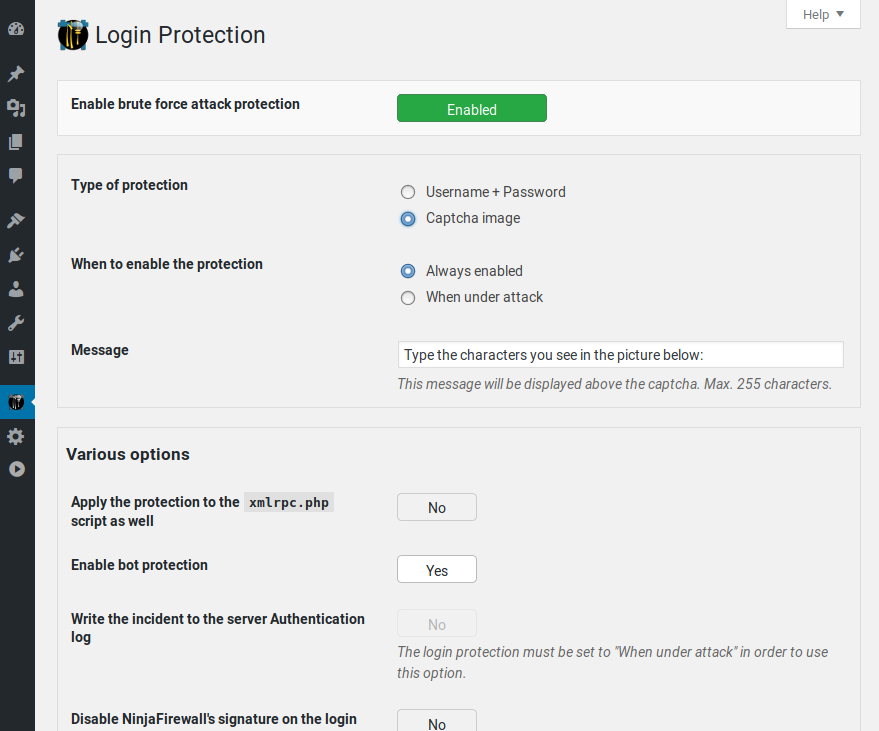
Does NinjaFirewall protect against brute-force attacks?
Yes, NinjaFirewall can protect against large brute-force attacks, including distributed attacks from thousands of different IPs. It can also write incidents to the server AUTH log for monitoring purposes or banning IPs at the server level.
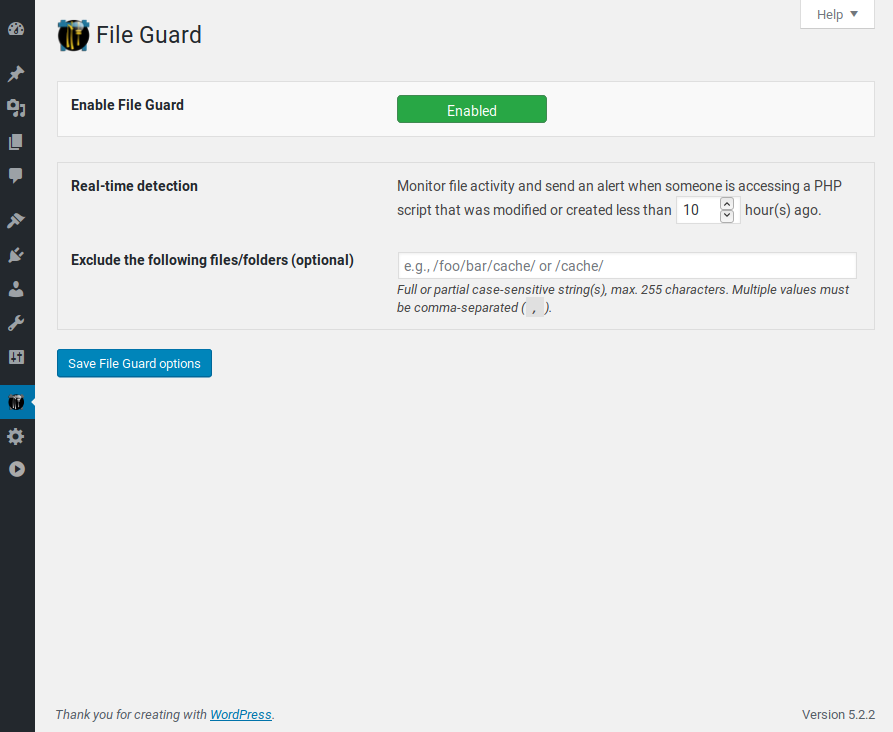
What is File Guard in NinjaFirewall?
File Guard is a real-time detection feature in NinjaFirewall. It can detect any access to a recently modified or created PHP file and send an alert with details such as the script name, IP, request, date, and time.
Can NinjaFirewall update its security rules automatically?
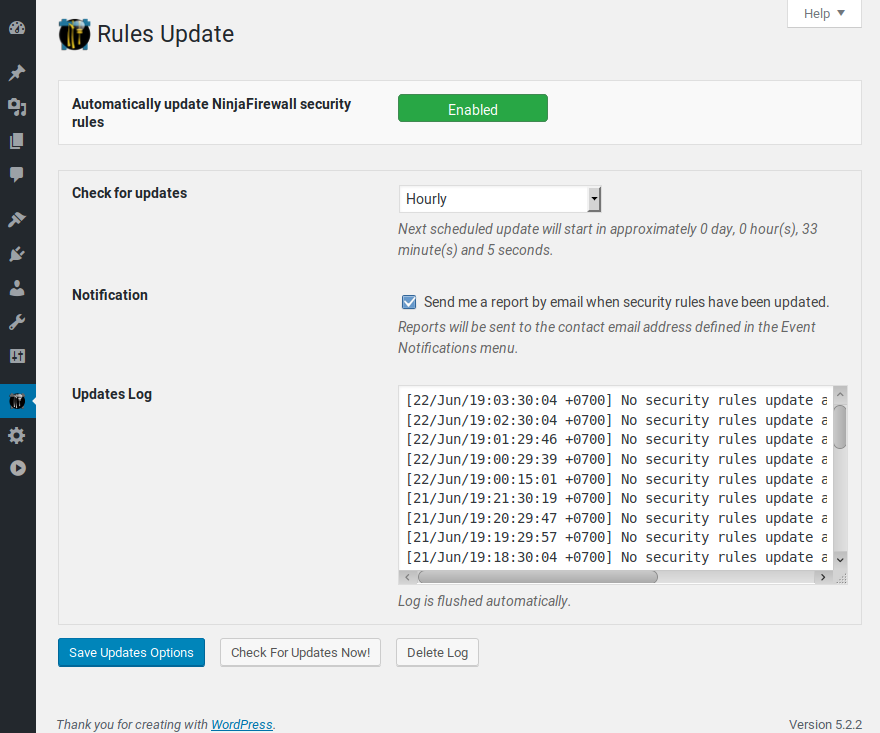
Yes, NinjaFirewall can automatically update its security rules daily, twice daily, or even hourly to protect against the latest WordPress security vulnerabilities.
Changelog
Need more security? Take the time to explore our supercharged Premium edition: NinjaFirewall WP+ Edition
4.7
- This new version introduces NinjaFirewall sessions, an alternative to PHP sessions. They are an hybrid of PHP sessions and object caching, without session blocking. If you want to switch between PHP sessions and NinjaFirewall sessions, go to “NinjaFirewall > Dashboard” and follow the instructions.
- Fixed a “Undefined constant NFW_RULES” fatal error when migrating NinjaFirewall to another host.
- We have a new API (updates, security rules etc): api.nintechnet.com. Make sure to whitelist this subdomain if you are filtering outgoing connections.
- Updated Charts.js.
- WP+ Edition (Premium): Updated GeoIP databases.
4.6.1
- WP+ Edition (Premium): You can now enter your license key from WP CLI. Type “wp ninjafirewall license” and enter your license at the prompt.
- Fixed an issue with bulk user deletion: when multiple users were deleted at once, only the first one was written to the firewall log.
- Fixed an issue with the login protection: after disabling it and logging out, NinjaFirewall was still displaying a notice on the login page.
- Fixed a potential PHP fatal error: Attempt to modify property “no_update” on bool.
- Replaced all calls to the PHP glob() function with DirectoryIterator() to make file search compatible with remote files.
- Fixed an issue where some scheduled tasks were executed too often on multisite installations.
- WP+ Edition (Premium): Updated GeoIP databases.
- Updated Charts.js.
- Many additional small fixes and adjustments.
4.5.11
- Updated Charts.js.
- WP+ Edition (Premium): updated PayPal IPN and Automattic IP addresses.
- WP+ Edition (Premium): Updated GeoIP databases.
- Small fixes and adjustments.
4.5.10
- Added compatibility with blogs that don’t have a database prefix.
- In the “Custom HTTP headers” section, NinjaFirewall will automatically convert header names to lowercase.
- Fixed a potential “Timezone ID is invalid” PHP notice when viewing the log.
- Updated Charts.js library.
- WP+ Edition (Premium): Updated GeoIP databases.
- Small fixes and adjustments.
4.5.9
- Added a new policy to protect against user accounts deletion. It can be found in the “Firewall Policies > WordPress > Permissions” section.
- Fixed an issue with the firewall log where the time and date could be using the wrong timezone.
- Fixed a PHP deprecated notice in the sodium_crypto_generichash function.
- WP+ Edition (Premium): Fixed a bug in the firewall where some uploaded images could be wrongly blocked.
- Updated Charts.js library.
- Small fixes and adjustments.
- WP+ Edition (Premium): Updated GeoIP databases.
4.5.8
- Added a “Line wrapping” checkbox in the “Live Log” page: it can be used to wrap or unwrap the lines in the textarea field.
- Updated Charts.js library.
- Small fixes and adjustments.
- WP+ Edition (Premium): Updated GeoIP databases.
4.5.7
- You can now select to block access to the REST API only if the user is not authenticated. See “Firewall Policies > WordPress REST API > Allow logged-in users to access the API”.
- Fixed an accessibility issue with the toggle switches used in NinjaFirewall’s settings. They were not compatible with screen readers.
- Added a new constant that can be used to change the frequency used by the firewall to monitor the database:
NFW_DBCHECK_INTERVAL. It can be added to the wp-config.php or .htninja script. For instance, a 300-second interval:define('NFW_DBCHECK_INTERVAL', 300);. The lowest possible value, which is also the default, is 60 seconds. - Small fixes and adjustments.
- WP+ Edition (Premium): Updated GeoIP databases.
4.5.6
- WP+ Edition (Premium): Updated GeoIP databases.
- Updated Charts.js library.
- Small fixes and adjustments.
4.5.5
- NinjaFirewall will always rely on the timezone that was set by WordPress and PHP, and will no longer attempt to set it.
- Updated Charts.js library.
- Small fixes and adjustments.
- WP+ Edition (Premium): Updated GeoIP databases.
4.5.4
- Fixed a potential “syntax error” on sites running PHP <=7.2.
- Fixed a bug where quotes in “Custom HTTP headers” values were escaped with slashes.
- Updated Charts.js library.
- WP+ Edition (Premium): Updated GeoIP databases.
- Small fixes and adjustments.
4.5.2
- Fixed several deprecated messages on websites running PHP 8.1.
- Updated Charts.js library.
- Small fixes and adjustments.
- WP+ Edition (Premium): Updated GeoIP databases.
4.5.1
- Fixed a PHP “Cannot use object of type WP_Error as array” error.
- Activating/deactivating NinjaFirewall from WP CLI doesn’t require the
--userparameter anymore. - On websites running PHP 7.3 or above, NinjaFirewall will use the hrtime() function instead of microtime() for its metrics, because it is more reliable as it is not based on the internal system clock.
- WP+ Edition (Premium): Fixed a bug with right-to-left (RTL) WordPress sites where the checkboxes below the log were all messed up.
- The detection of base64-encoded injection has been slightly tweaked to lower the risk of false positives.
- WP+ Edition (Premium): The Bot Access Control input now accepts the following 6 additional characters:
( ) , ; ' ". - The “Monthly Statistics” graph and tooltip colours were improved.
- Updated Charts.js library.
- Small fixes and adjustments.
- WP+ Edition (Premium): Updated GeoIP databases.
4.5
- Added the possibility to enter custom HTTP response headers. See “Firewall Policies > Advanced Policies > HTTP response headers > Custom HTTP headers”.
- Added the possibility to view the server’s HTTP response headers. Click on the “Firewall Policies > Advanced Policies > HTTP response headers > HTTP headers test” button.
- Added a warning if WordPress is running inside a Docker image and the user wants to upgrade NinjaFirewall to Full WAF mode.
- Fixed a PHP “Undefined array key pluginzip” warning when reinstalling a plugin from a ZIP archive.
- WP+ Edition (Premium): The Access Control URI whitelist and blacklist now support permalinks.
- Fixed an issue where the daily report could be sent multiple times on some multisite installations.
- Fixed deprecated readonly() function message on WordPress 5.9.
- Fixed an issue where the firewall would wrongly send a WordPress update notification.
- WP+ Edition (Premium): Updated Stripes webhook notifications IP addresses in the Access Control section.
- Updated Charts.js library.
- WP+ Edition (Premium): Updated GeoIP databases.
- Many small fixes and adjustments.

