

Just another contact form plugin. Simple but flexible.
About MainWP Dashboard – WordPress Manager for Multiple Websites Maintenance
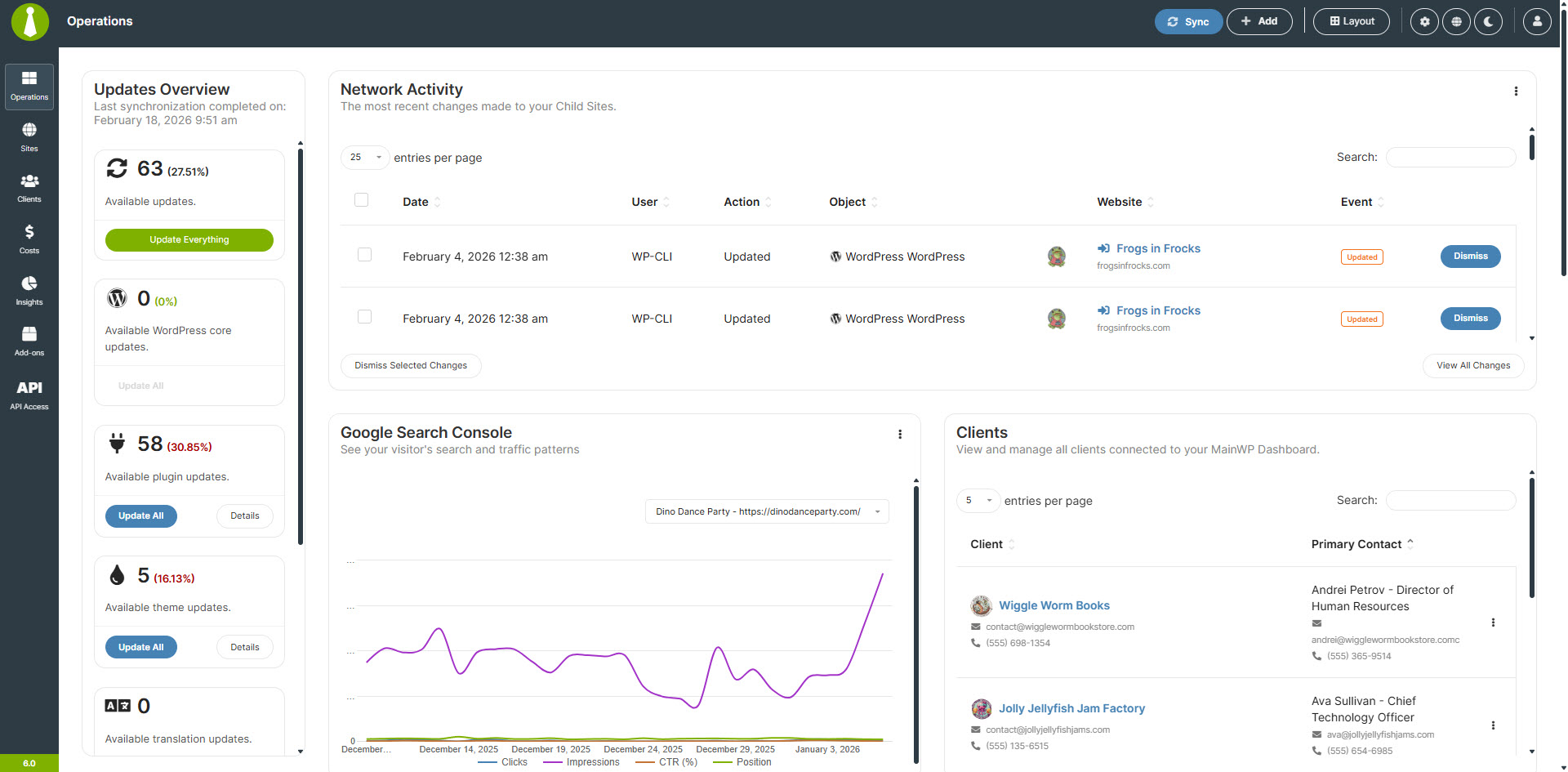
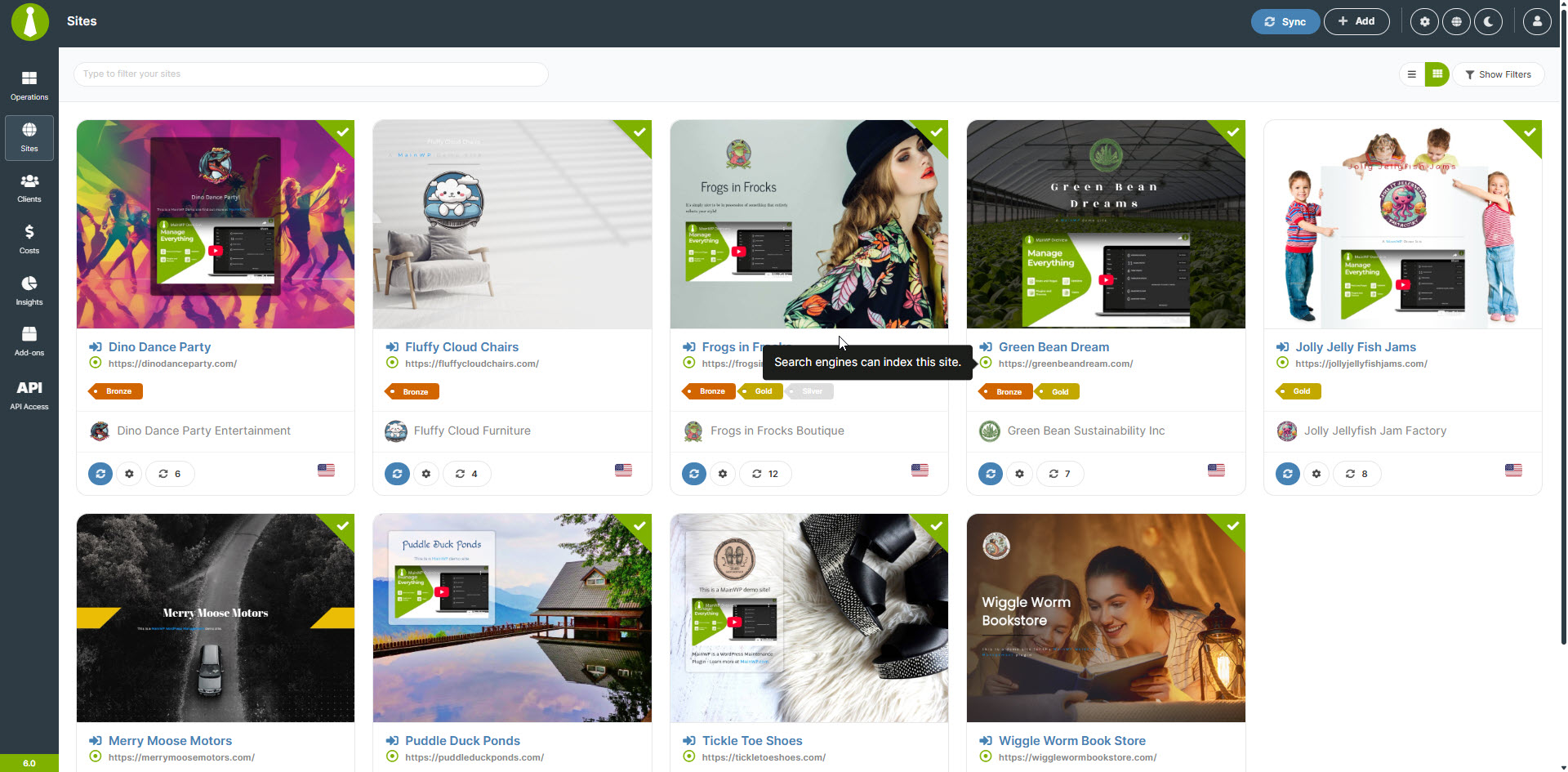
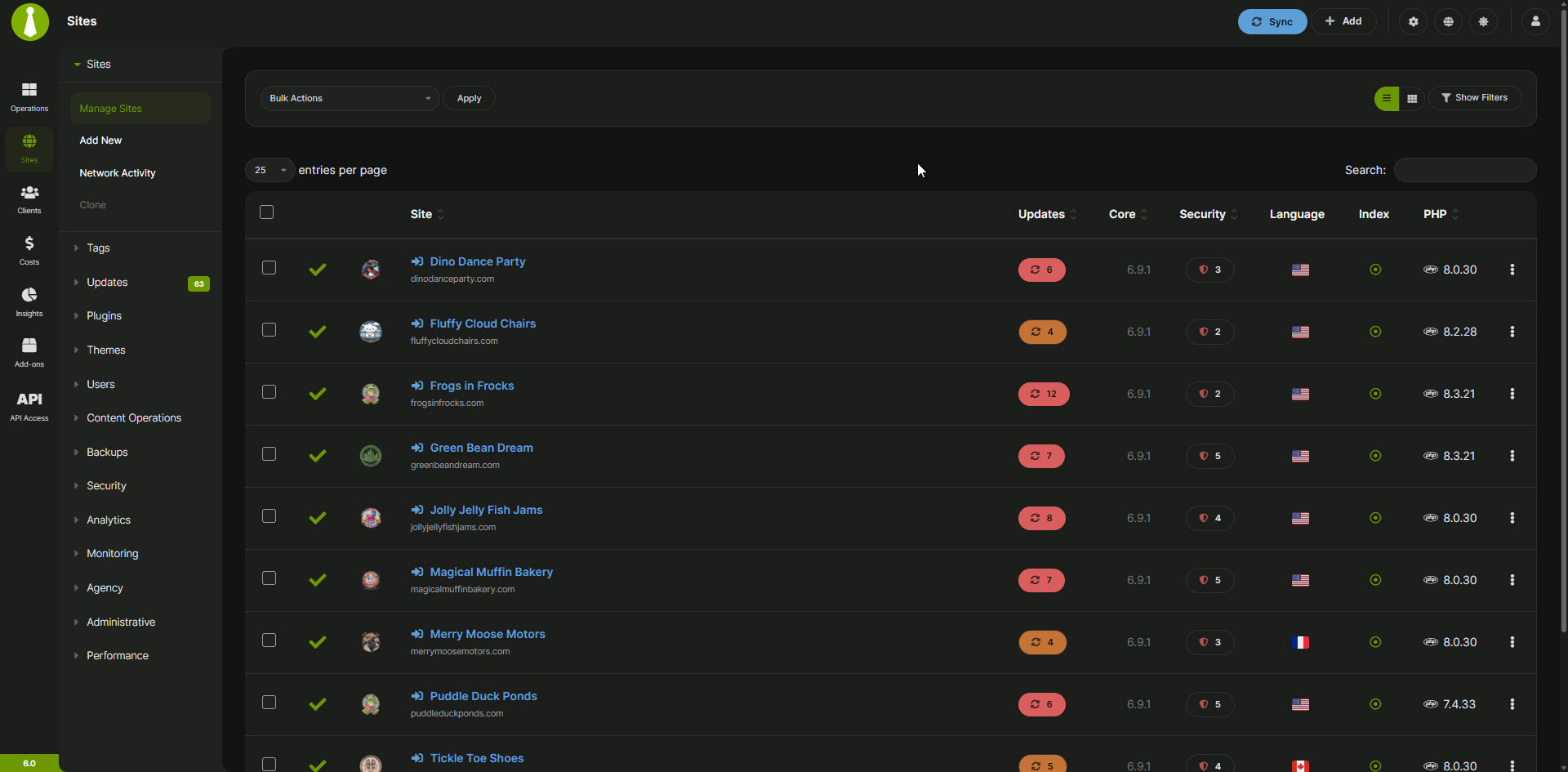
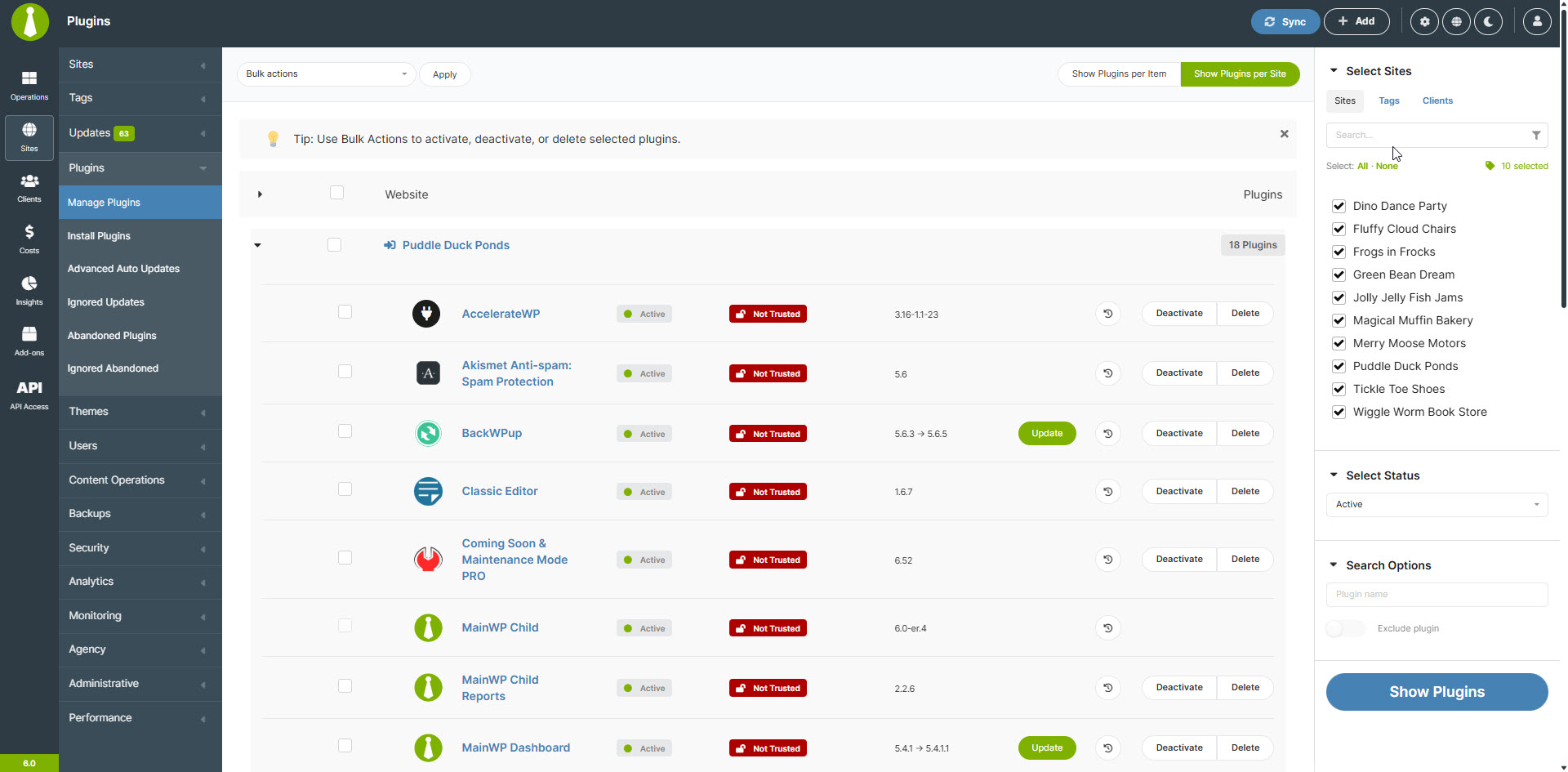
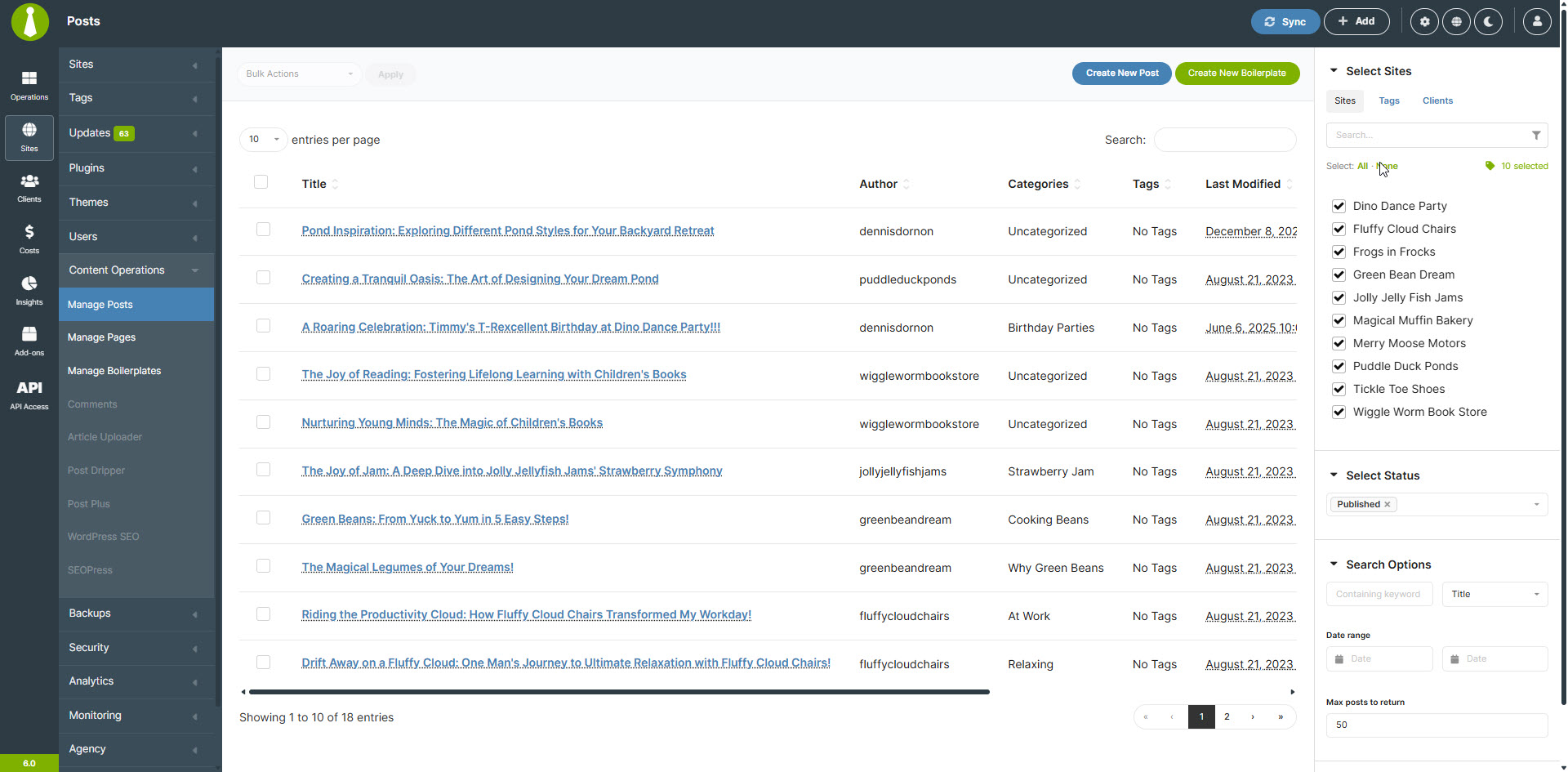
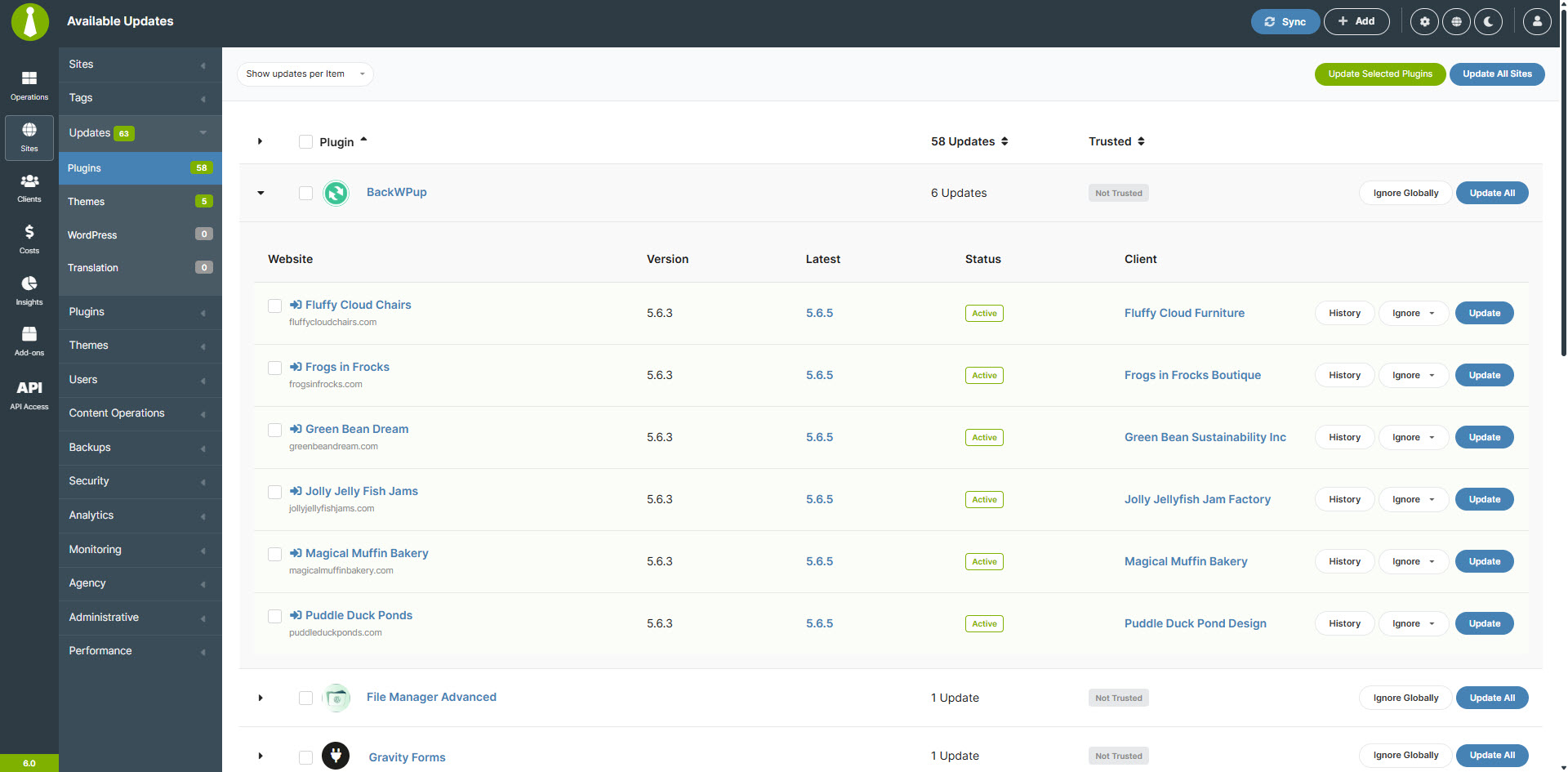
MainWP Dashboard is a WordPress management tool that allows you to efficiently manage and secure multiple WordPress sites from one centralized dashboard. With features like centralized updates, secure backups, client management, and privacy-focused plugins, MainWP is a powerful alternative to other WordPress management solutions. The core MainWP Dashboard plugin is free, with the option to upgrade to MainWP Pro for additional premium extensions.Screenshots
Frequently asked questions
What is MainWP Dashboard?
The MainWP Dashboard is a WordPress plugin designed to help users manage multiple WordPress sites efficiently. It allows for centralized management of updates, backups, and other maintenance tasks from a single, self-hosted dashboard. It is built on WordPress's core principles and offers a privacy-first approach.
What are some key features of MainWP Dashboard?
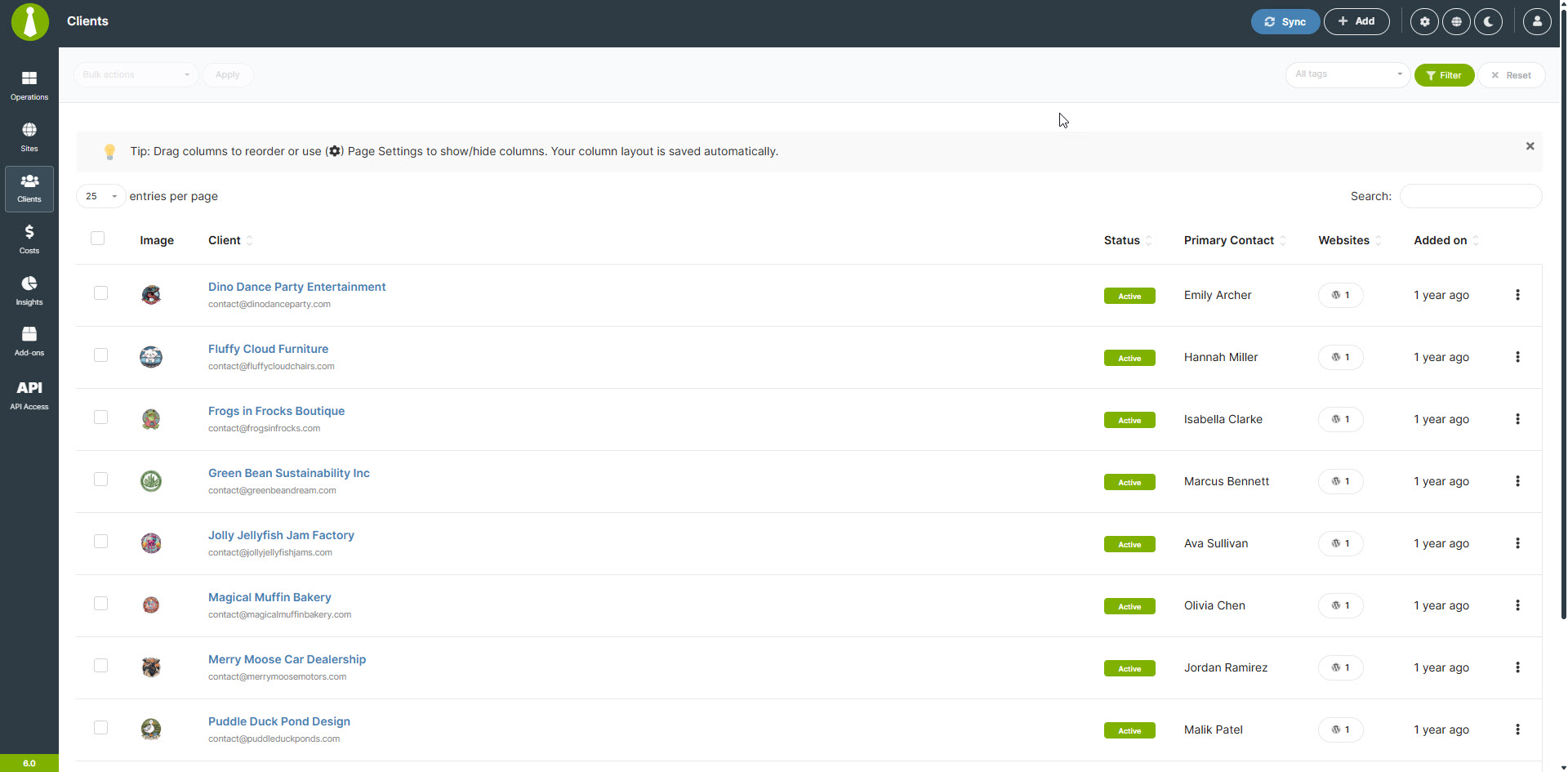
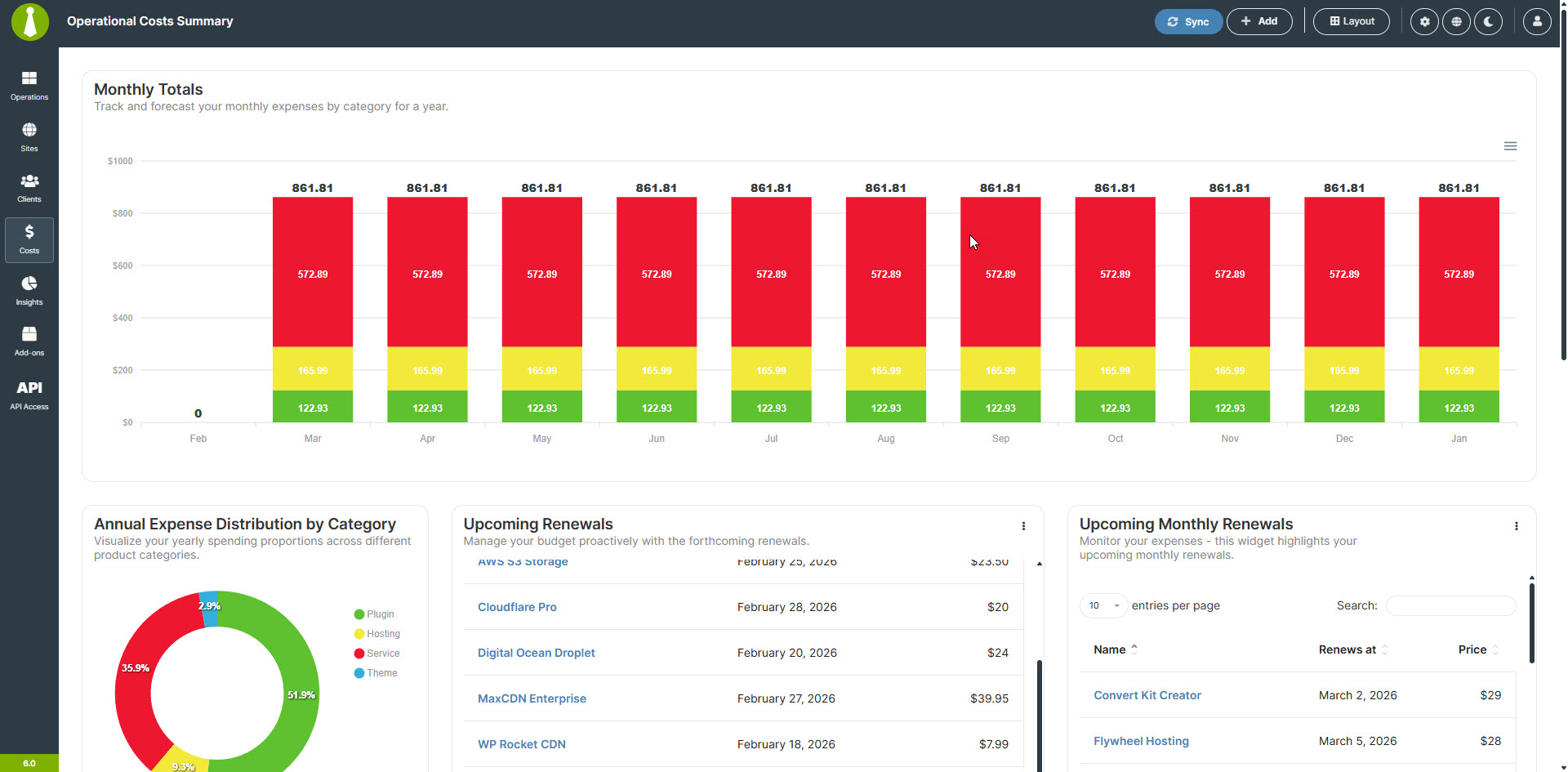
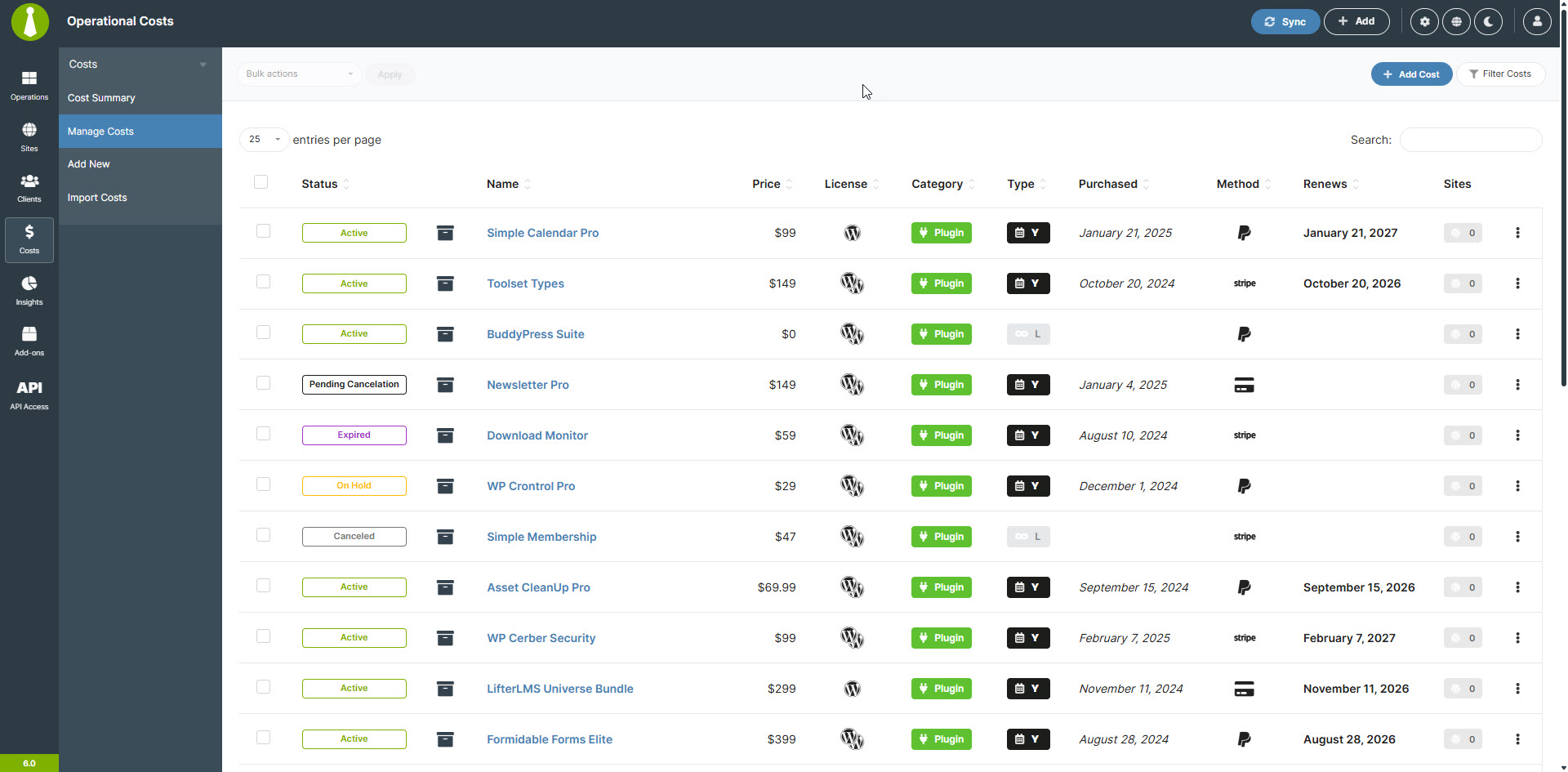
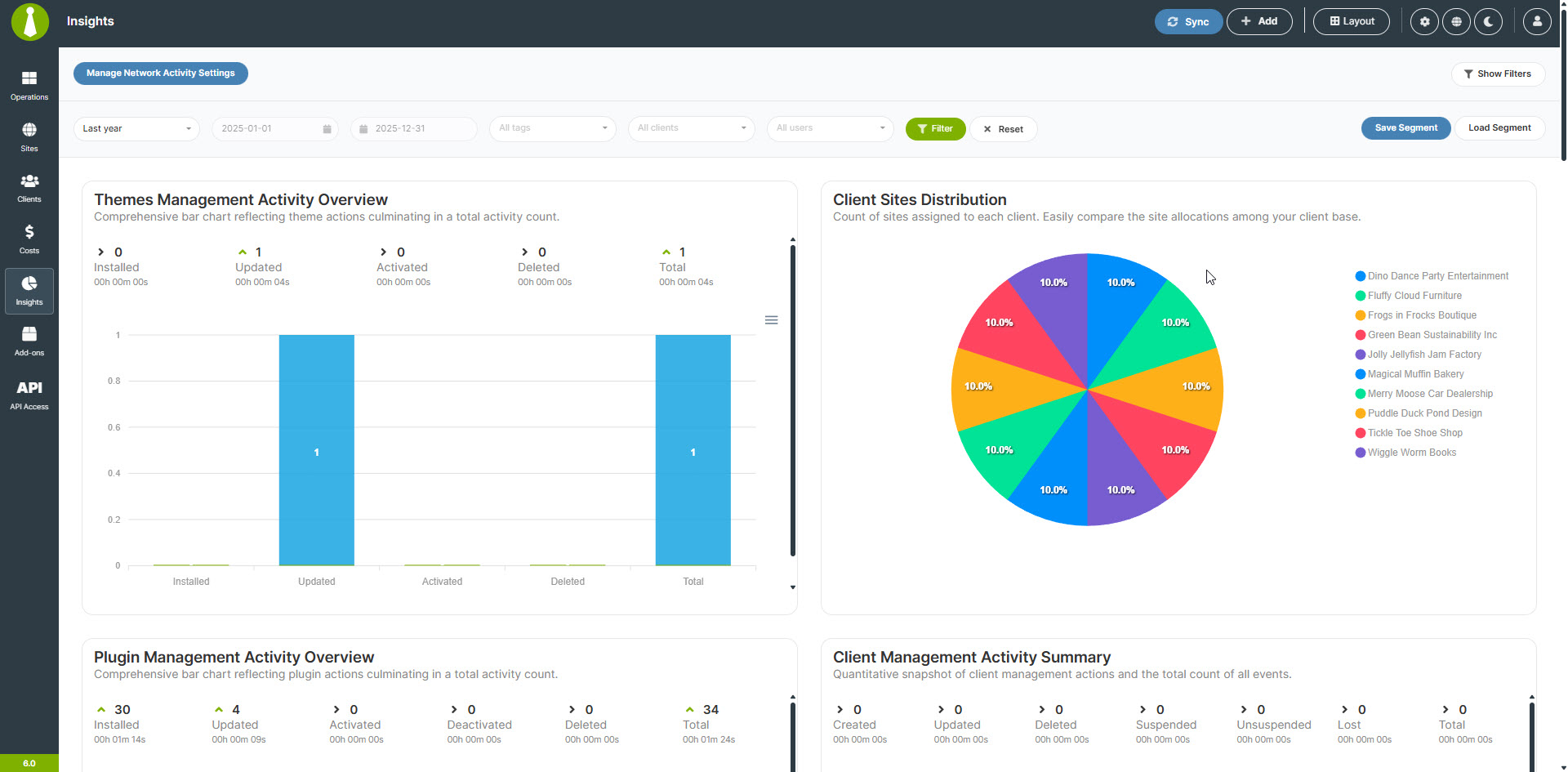
Key features include centralized updates for all WordPress sites, scheduled or on-demand secure backups, and client management. It also offers a built-in Cost Tracker and is private and self-hosted, ensuring data privacy and control.
Who is MainWP Dashboard designed for?
MainWP Dashboard is designed for agencies, freelancers, and web professionals who need to manage and secure multiple WordPress sites. It aims to save time by centralizing various WordPress maintenance tasks.
Is MainWP Dashboard open-source and privacy-focused?
Yes, MainWP plugins are open-source and privacy-focused. They come with their own privacy policies to ensure that no personally identifiable information (PII) is collected.
Can MainWP Dashboard be extended or integrated with other tools?
Yes, the MainWP Dashboard is extendable, allowing third-party developers to hook into it. It also provides support for CLI and has its own REST API, enabling customization and integration for business needs.
Changelog
5.3.5.1 – 2-6-2025
- Fixed: Resolved a syntax error caused by the incorrect use of a named argument, ensuring compatibility with PHP 7.x and earlier versions.
5.3.5 – 2-6-2025
- Security Enhancement: Implemented nonce verification in the icon deletion process.
- Security Enhancement: Sanitized child site responses in the Test Connection and Add Site processes.
- Fixed: Issue where the modal screen did not properly indicate that updates were completed.
- Fixed: Several PHP warnings.
- Added: Option to hide or show all items in the Site Hardening widget.
- Added: HTTP status code display in the Uptime Monitoring widget.
- Updated: Adjusted the position of the “Go to WP Admin” icon in the Update modal.
- Updated: Irrelevant options in Uptime Monitoring settings are now hidden when the monitor type is set to Ping or Keyword.
5.3.4 – 12-27-2024
- Fixed: Database error when saving data in the Custom Event Monitor during automated update checks.
5.3.3 – 12-26-2024
- Added: Informational message indicating that MainWP does not store administrator passwords in the Quick Setup Wizard, sample CSV, or export CSV files.
- Fixed: Issue with processing automatic updates for certain configurations.
- Fixed: Text visibility issue in selected table rows when using the Dark theme.
- Fixed: Problem with adding sites via REST API when the site name parameter was omitted.
- Fixed: Error in the bulk update process when “Backup Before Update” was required.
- Fixed: Incorrect placeholder image for themes on the Manage Themes and Updates pages.
- Fixed: Incorrect changelog link for the MainWP SSL Monitor Extension.
- Fixed: Broken “Import Demo Content” process.
- Fixed: Miscalculation of the number of monitoring incidents.
- Fixed: Incorrect uptime ratio displayed in the Uptime Monitoring widget.
- Updated: Background color for dropdown menu items in the Dark theme for better visibility.
- Updated: Informational message on the Uptime Monitoring page.
- Updated: Redesigned Welcome page in the Quick Setup Wizard for a more user-friendly experience.
- Updated: Content and layout of the “Request Review” informational message.
5.3.2 – 12-12-2024
- Fixed: Issue where the Uptime Monitor widget and Manage Sites table column were not removed after disabling the Uptime Monitoring feature.
- Fixed: Incorrect encoding of plugin and theme names in confirmation modals when ignoring item updates.
- Fixed: Misaligned labels for the “Select All/None” action in the site selection element when the translation string exceeds the original string’s length.
- Fixed: Uptime monitoring issue with detecting status code 500 in specific cases.
- Fixed: Overflow issue in the Connection Status widget.
- Fixed: Typo in the Updates Overview widget (#718) – thanks to david-prv
- Added: New “Forced Reconnect” feature for cases requiring re-authentication.
- Updated: Default Uptime Monitor method set to HEAD.
5.3.1 – 11-27-2024
- Fixed: Issue with saving the state of the last configuration in the Site Hardening widget.
- Fixed: Issue with the “Fix All Issues” button overflow in the Site Hardening widget.
- Added: Missing option to unset the Uptime Monitoring widget in the Overview page settings.
- Added: Link to the Monitoring page in the Uptime Monitoring widget footer.
- Added: “Jump to WP Admin” link in the Connection Status widget list items.
- Added: “Jump to WP Admin” link in the Site Hardening widget list items.
- Updated: Icon in the Available Translations card element in the Updates Overview widget.
- Updated: Mini-label text in the Total Available Updates card element in the Updates Overview widget.
- Updated: Font weight of feed elements in the Non-MainWP Changes widget for better readability.
- Updated: Scrollbar colors in the Dark theme
- Updated: Error message returned in case Child Site already contains connection data and needs reset
5.3 – 11-26-2024
- Security Enhancement: Enhanced the pre-connection process with additional security features to address recommendations from a security company. Read more
- Fixed: Issue with the Manage Sites filter for available updates.
- Fixed: Incorrect labeling of the “Install Trusted Updates” option on the Site Settings page.
- Fixed: DataTables error on the empty error log page.
- Fixed: Excessive sort indicator icons on the Translation Updates page.
- Fixed: Issue with updating trusted plugins.
- Fixed: Issue with sending Daily Digest emails on certain setups.
- Fixed: Incorrect WordPress REST API base URL check (#713) – thanks to Franz Armas.
- Fixed Missing folder creation during file uploads (#712) – thanks to Sixela.
- Added: Basic Uptime Monitoring has been greatly upgraded and turned into a full-fledged Uptime Monitoring feature
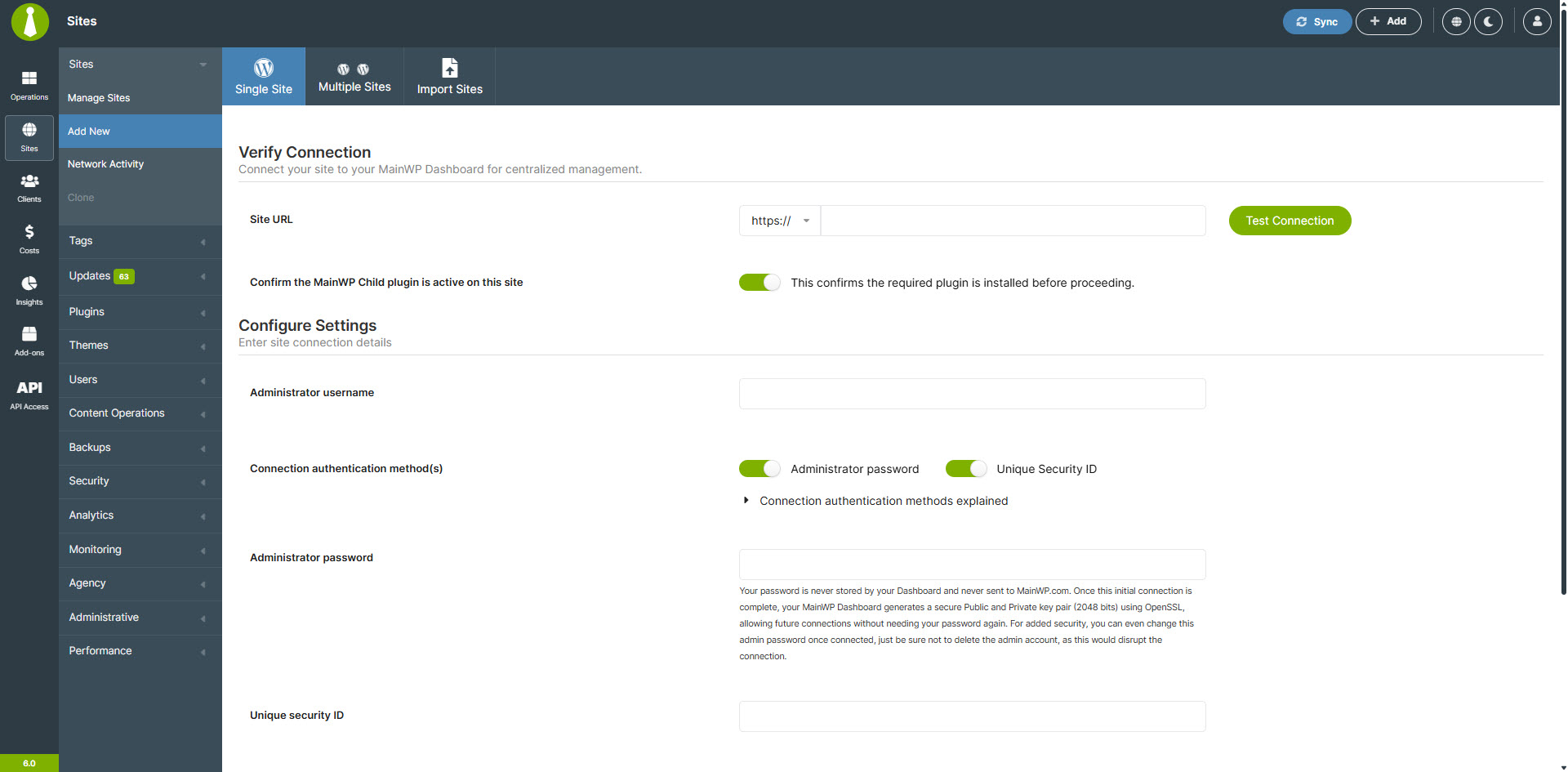
- Added: Password authentication to the connect site process for added security.
- Added: “Connect Multiple Sites” feature for faster site management.
- Added: Translations for French (fr_FR), Spanish (es_ES), German (de_DE), and Portuguese (pt_BR).
- Added: Site thumbnails in the page navigation within individual site areas.
- Added: “Remove Site” button on the Site Settings page.
- Added: Various informational messages throughout the platform.
- Added: Tabular menu on the “Add Site” page.
- Updated: Quick Setup Wizard with bulk “Add Sites” and “Add Clients” forms.
- Updated: Verbiage on the Plugin Updates and Theme Updates pages for clarity.
- Updated: Button colors and tooltips for “View Ignored Plugin Updates,” “View Ignored Theme Updates,” and “View Ignored WP Core Updates” buttons.
- Updated: Input types on the Advanced Options page replaced with slider elements.
- Updated: Sub-item padding in the Manage Plugins and Themes tables for improved readability.
- Updated: Label of “Site Edit” page updated to “Site Settings” for consistency.
- Updated: Message element styling on the Manage Pages page.
- Updated: Widget scrollbar positioning for better separation from content.
- Updated: Layout of the “Add Site” form.
- Updated: Border radius for the www/non-www dropdown in the Site Settings form.

