

Just another contact form plugin. Simple but flexible.

About MailChimp List Subscribe Form
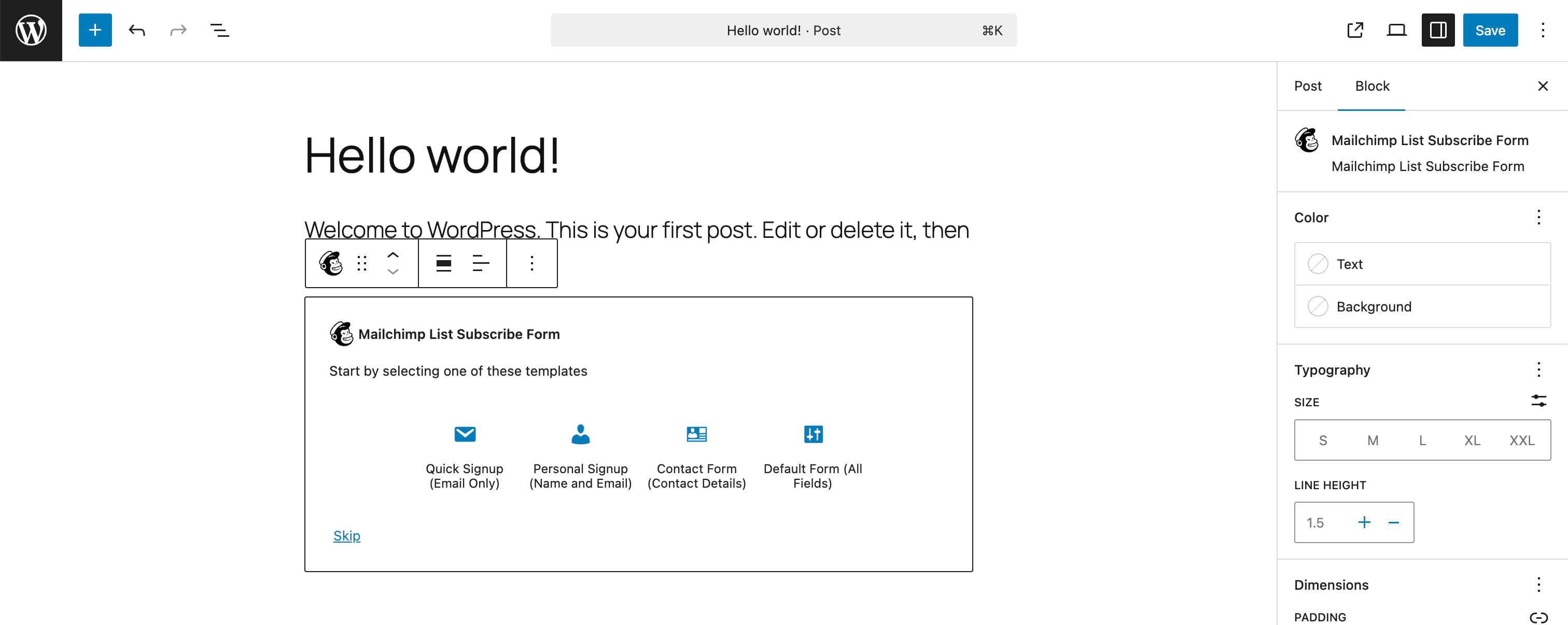
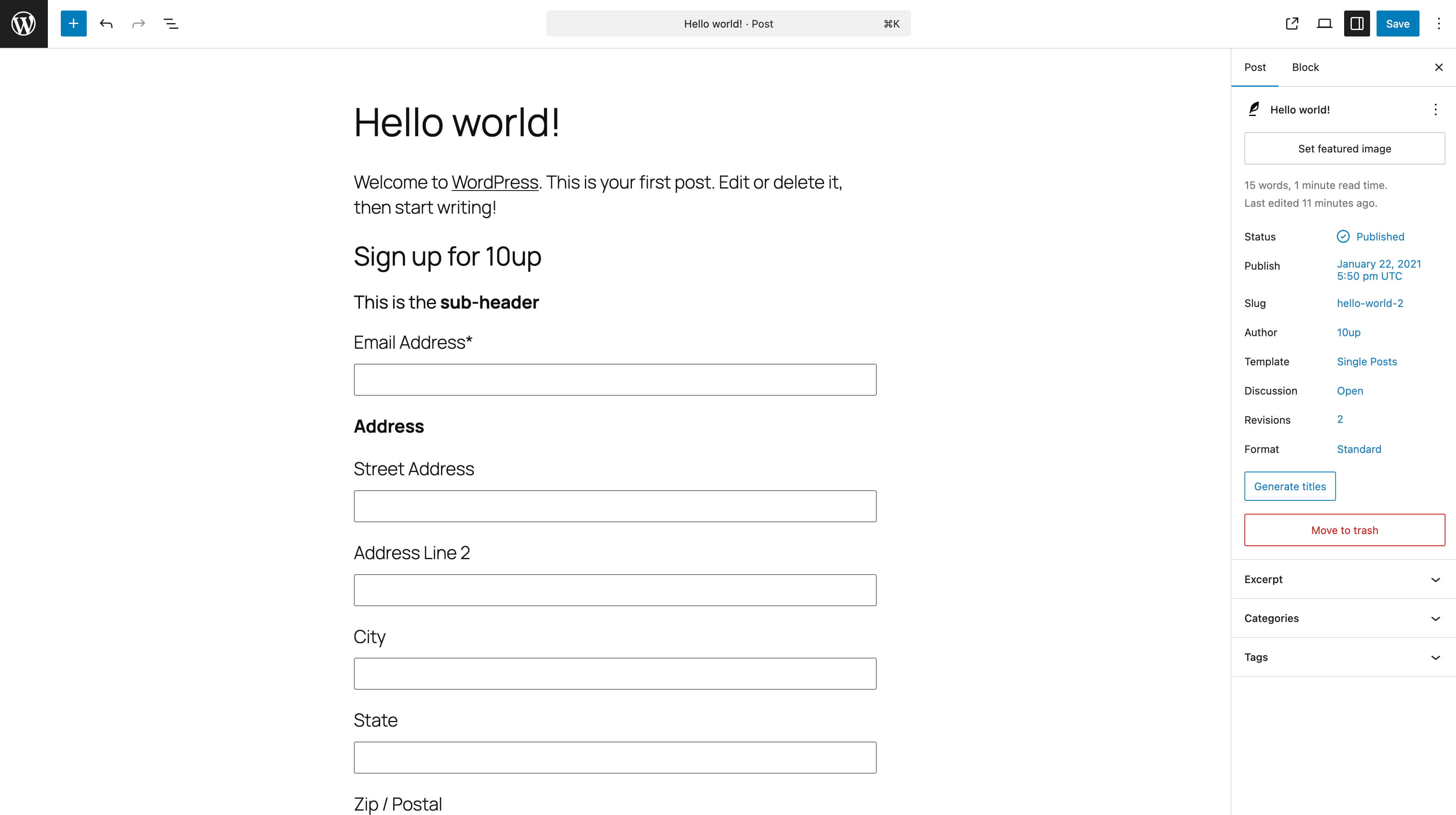
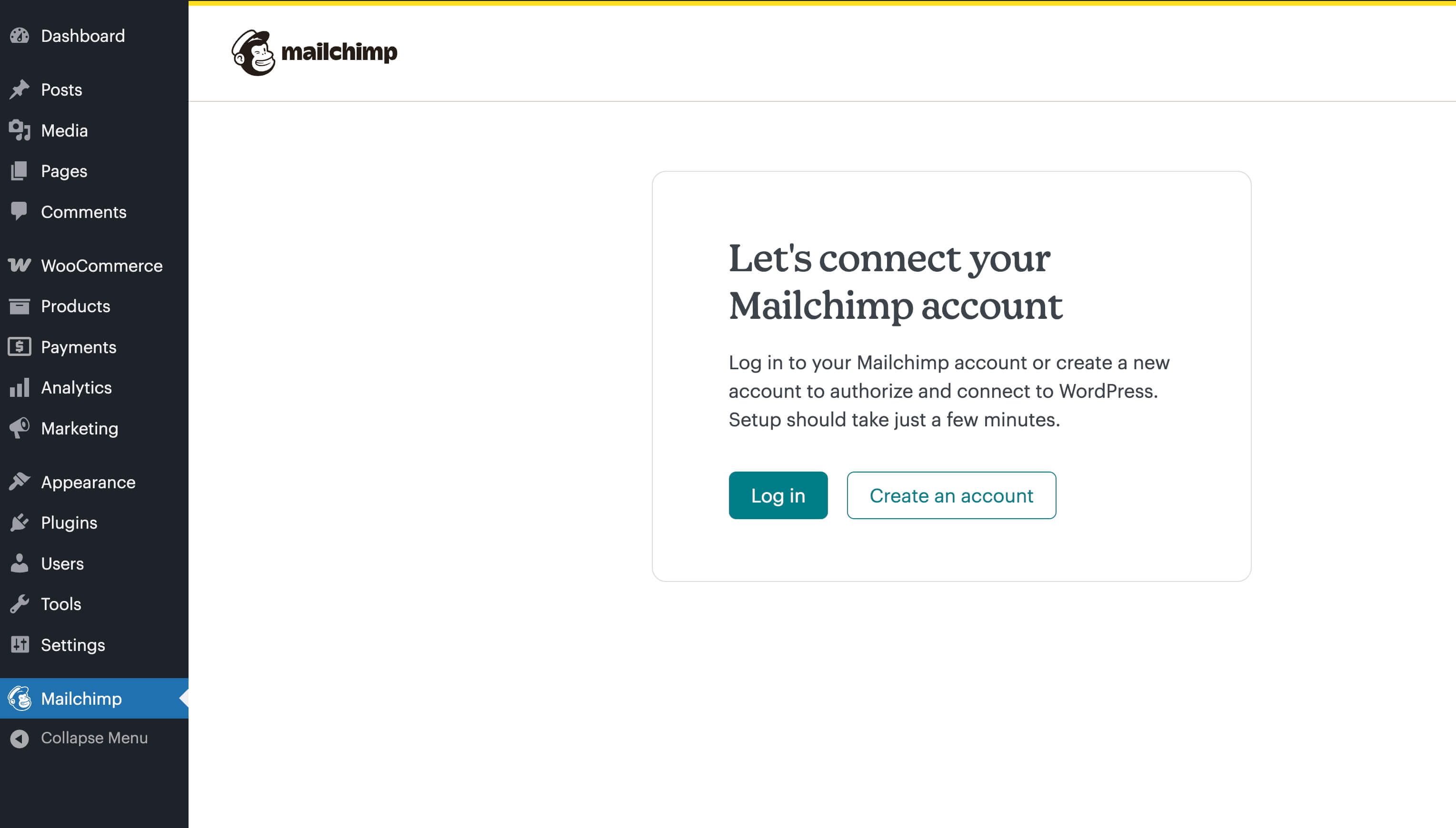
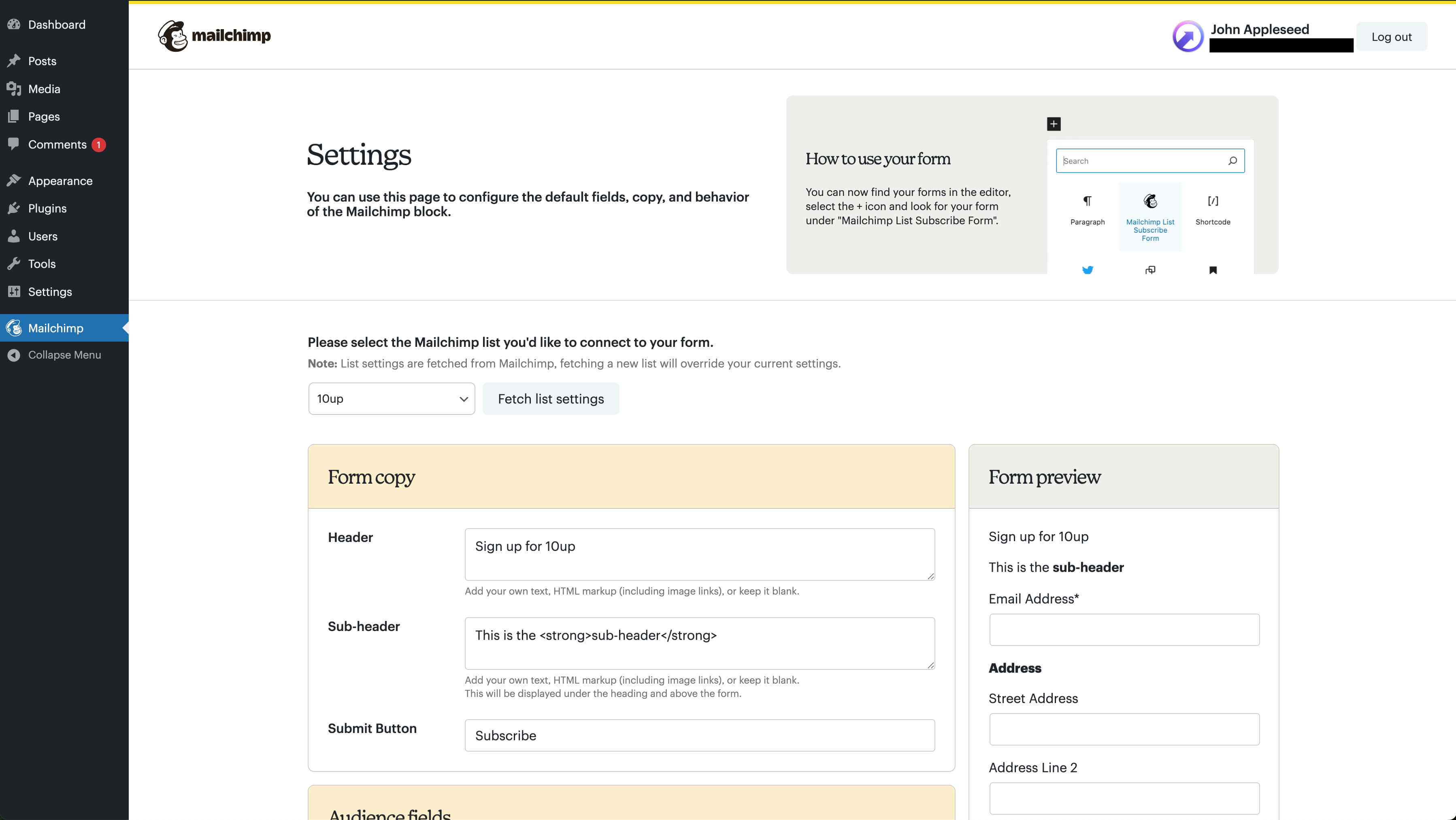
The Mailchimp List Subscribe plugin allows you to easily add a signup form to your WordPress site. You can either use your existing Mailchimp account or create a new one within the plugin. The plugin also provides instructions on how to ensure the security of your access token by adding additional constants to your wp-config.php file.Screenshots

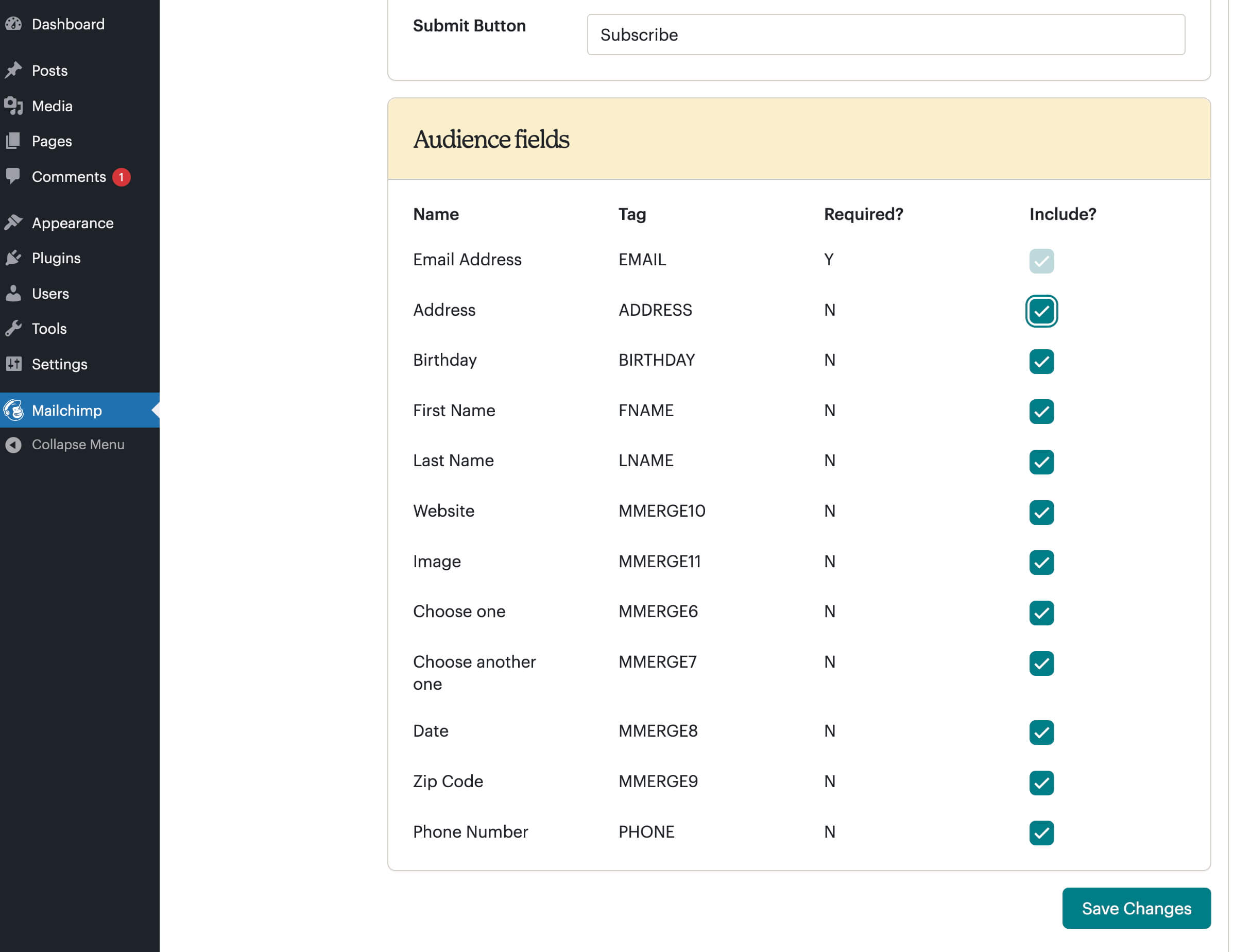
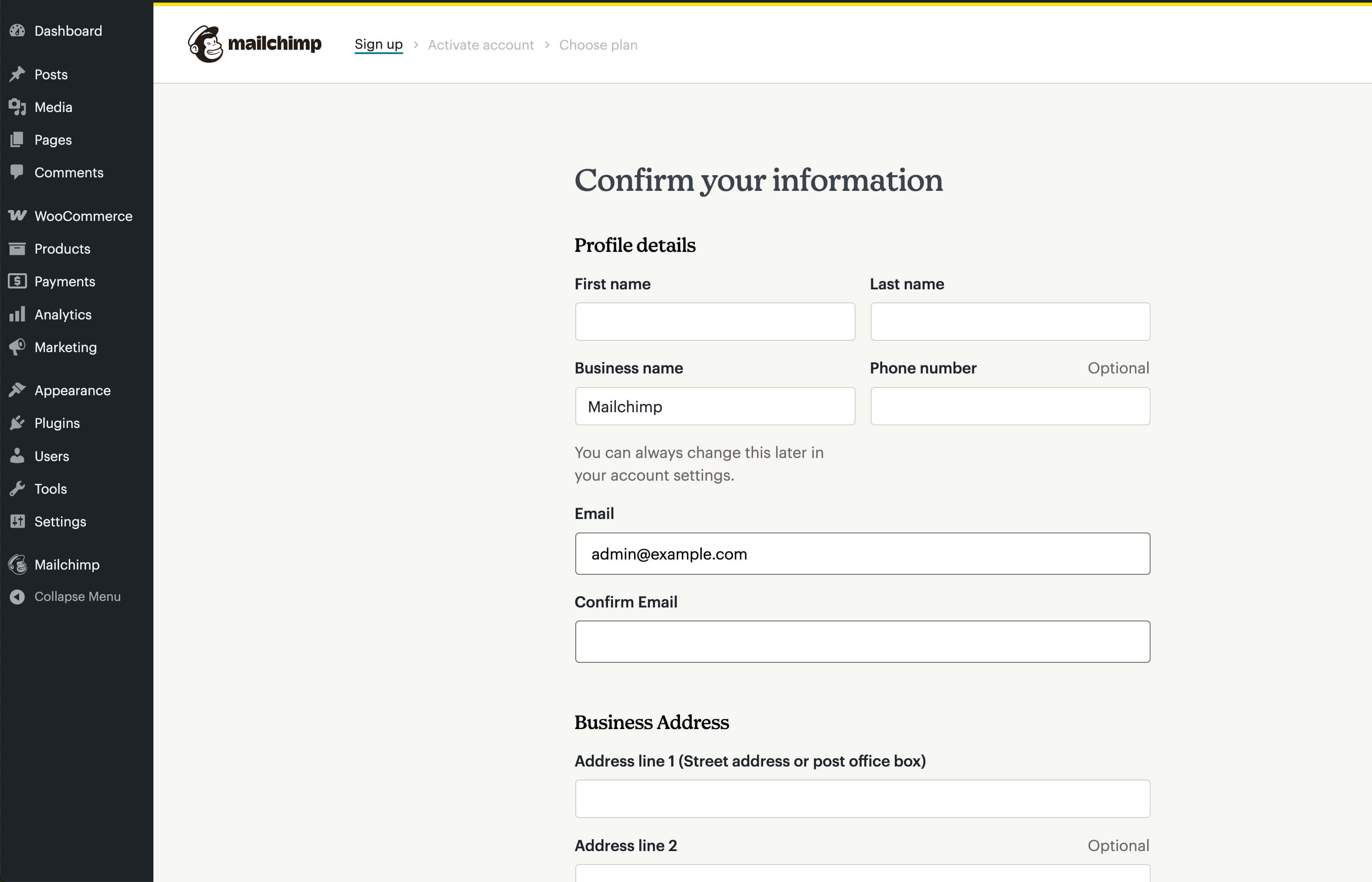
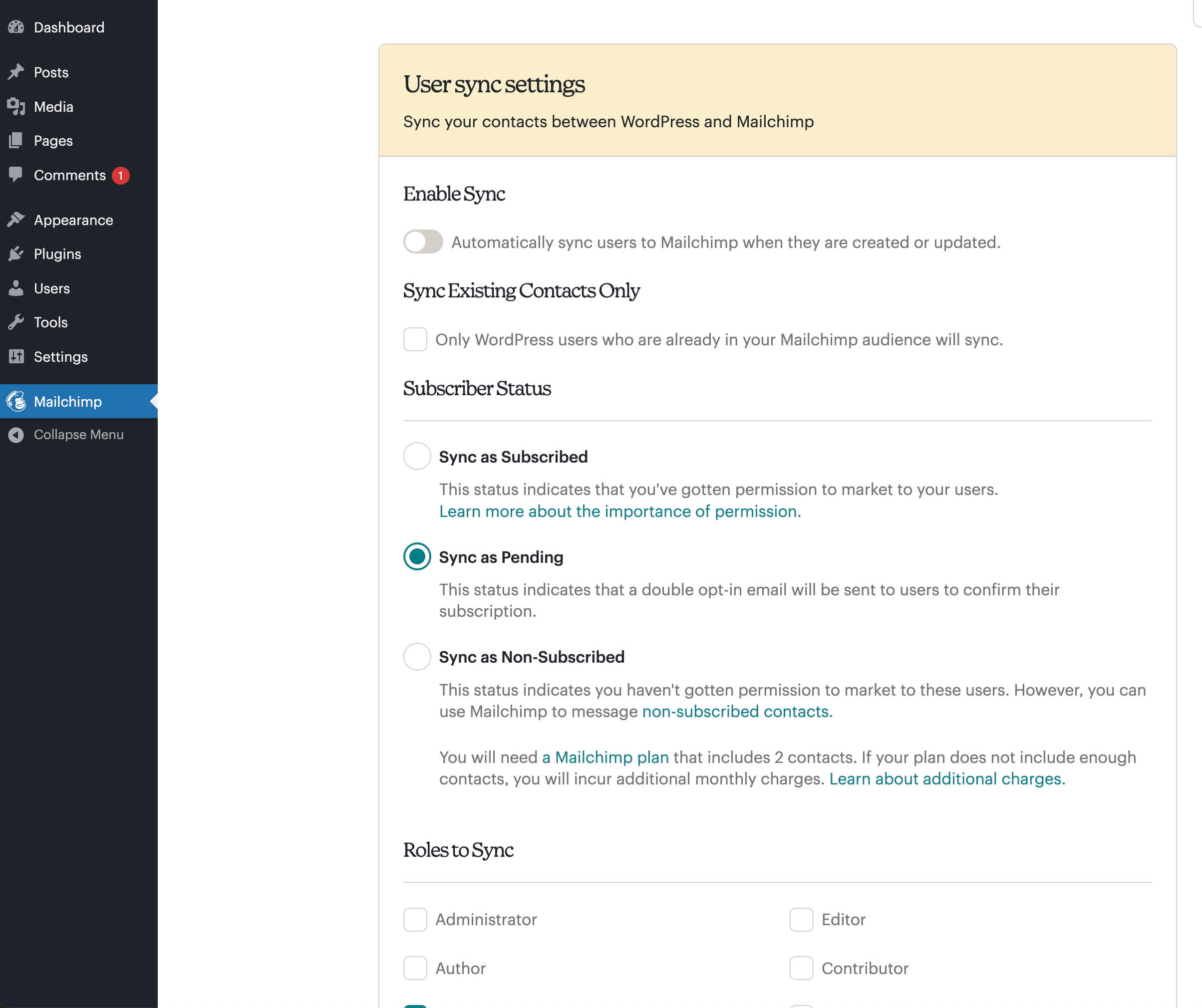
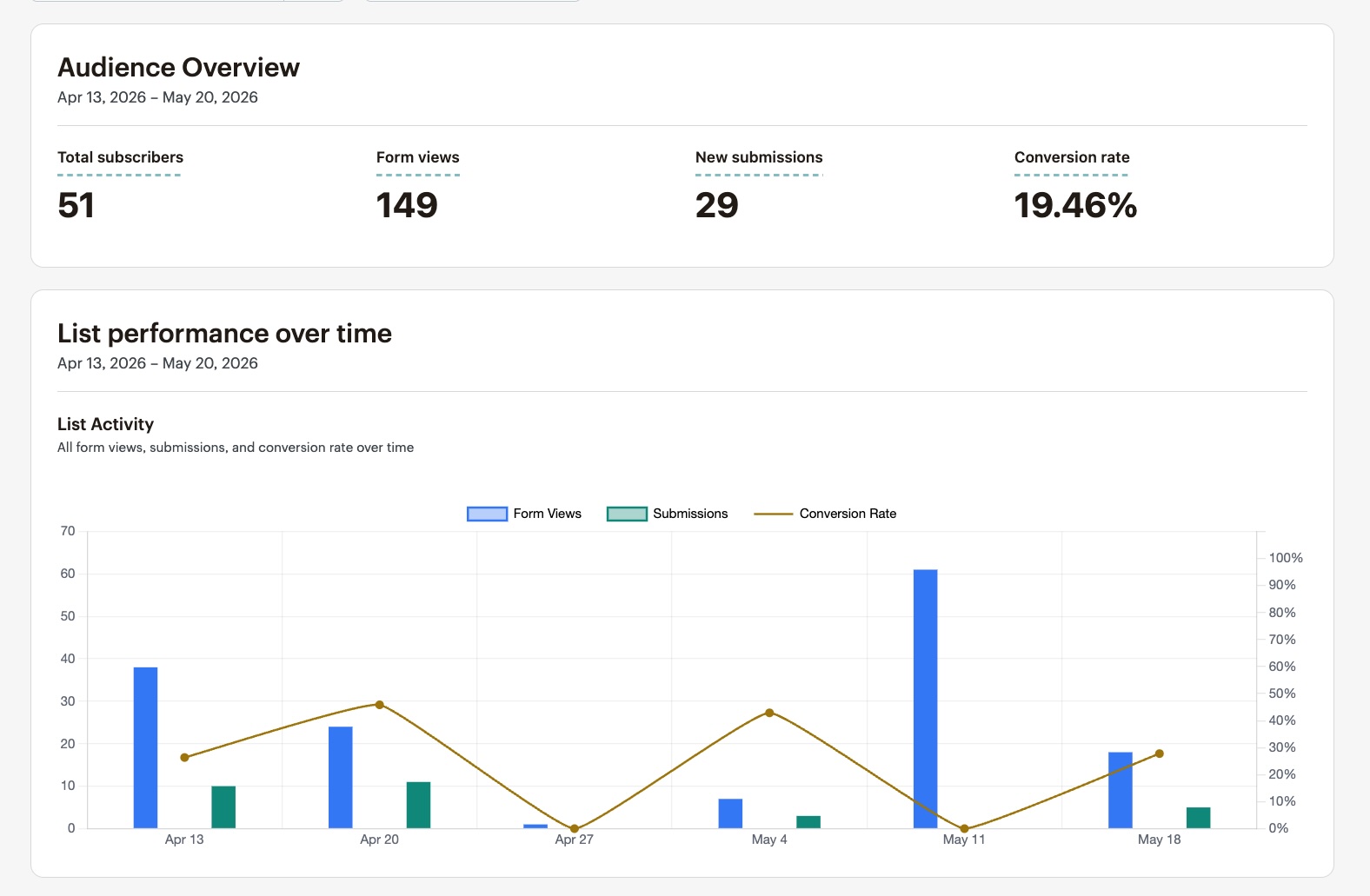
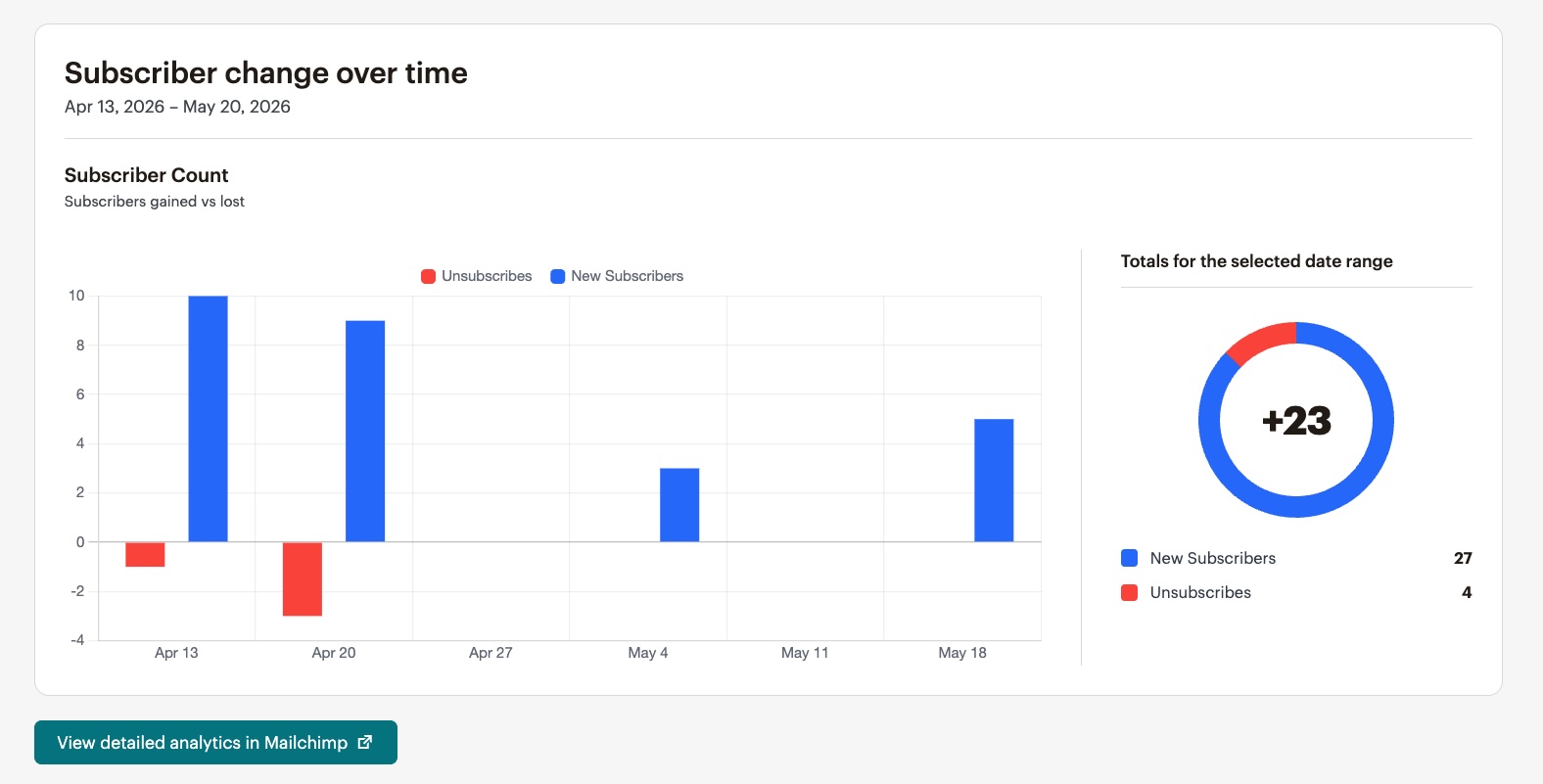
Frequently asked questions
How do I add a MailChimp signup form widget to my WordPress site?
Use the MailChimp List Subscribe plugin to quickly add a MailChimp signup form widget to your WordPress site. After installation, you’ll log in with your API key, select your MailChimp list, choose merge fields and groups, and add the widget to your site. Typically, installation and setup will take about 5-10 minutes, and absolutely everything can be done via the WordPress Setting GUI, with no file editing at all.
How do I add a signup form if I have a WordPress.com site?
WordPress.com compatibility is limited to Business tier users only. You can learn how to add a signup form if you have a WordPress.com site by visiting the link: [How to add a signup form if you have a WordPress.com site](https://mailchimp.com/help/ways-to-add-a-signup-form-in-wordpress/)
What do I need to do when upgrading to version 1.2.1 of the plugin?
If you are upgrading to version 1.2.1 and you used the widget in your sidebar previously, all you need to do is drag the MailChimp Widget back into the sidebar, visit the MailChimp settings page (which will have maintained your prior settings), click the “Update List” button, and you’re done!
Which languages are supported for the plugin?
The plugin is currently configured to be easily translated and supports the following languages: Bulgarian in Bulgaria, Czech in the Czech Republic, Danish in Denmark, German in Germany, Modern Greek in Greece, English in the U.S., Spanish in Chile, Spanish in Spain, Estonian in Estonia, French in France, Hebrew in Israel, Hungarian in Hungary, Italian in Italy, Korean, Norwegian, Dutch, Portuguese in Brazil, Portuguese in Portugal, Romanian in Romania, Russian in the Russian Federation, Swedish in Sweden, and Turkish in Turkey.
How can I contribute a translation for a language that is not listed above?
If your language is not listed above, feel free to create a translation. You can follow these basic steps: Copy “mailchimp_i18n-en_US.po” to “mailchimp_i18n-LANG_COUNTRY.po” – fill in LANG and COUNTRY with whatever you use for WPLANG in wp-config.php. Grab a translation editor such as POedit. Translate each line – if you need some context, just open up mailchimp.php and search for the line number or text. Fork the repository on github. Clone the develop branch. Add the appropriately named files to the /po/ directory and edit the /readme.txt to include how you’d like to be attributed. Make a pull request.
Changelog
1.6.3 – 2025-01-30
- Added: Transform the
mailchimp_sf_shortcodeshortcode to the Mailchimp List Subscribe Form block (props @MaxwellGarceau, @jeffpaul, @dkotter, @qasumitbagthariya via #84). - Removed: Deprecated Sopresto code (props @MaxwellGarceau, @jeffpaul, @dkotter via #98).
- Fixed: Fatal PHP error that would occur when the phone merge field was set to US format, but the merge field was not included in the Mailchimp plugin (props @MaxwellGarceau, @jeffpaul, @dkotter, @qasumitbagthariya via #108).
- Fixed: Bug causing merge fields on the Mailchimp WP admin page to incorrectly display as not required when they were, in fact, required (props @MaxwellGarceau, @jeffpaul, @dkotter, @qasumitbagthariya via #109).
- Fixed: Fix an issue that allows a user to select merge fields that were not selected as visible in the Mailchimp account (props @MaxwellGarceau, @jeffpaul, @dkotter, @qasumitbagthariya via #110).
- Fixed: Bug causing all new subscribers to receive a double opt-in email (props Nathan Tetzlaff, @MaxwellGarceau, @jeffpaul, @dkotter, @qasumitbagthariya via #115).
- Fixed: Bug causing contacts with any Mailchimp status (subscribed, unsubscribed, pending, etc.) to be able to submit the sign-up form even if “Update Existing Subscriber?” was disabled (props @MaxwellGarceau, @jeffpaul, @dkotter, @qasumitbagthariya via #115).
- Fixed: Pending contacts will now still be required to confirm their original confirmation email if they try to update their contact while “Update Existing Subscribers?” and “Double Opt-in” are both enabled (props @MaxwellGarceau, @jeffpaul, @dkotter, @qasumitbagthariya via #115).
- Security: Bump
nanoidfrom 3.3.7 to 3.3.8 (props @dependabot, @iamdharmesh via #111).
1.6.2 – 2024-11-12
Note that this release bumps the WordPress minimum version from 6.1 to 6.3.
- Changed: Bump WordPress “tested up to” version 6.7 (props @qasumitbagthariya, @vikrampm1, @dkotter via #71).
- Changed: Bump WordPress minimum supported version from 6.1 to 6.3 (props @qasumitbagthariya, @vikrampm1, @dkotter via #71).
- Fixed: Ensure the field name is properly added to the error message when the email address is blank (props @iamdharmesh, @jerclarke, @dkotter via #74).
1.6.1 – 2024-10-14
- Changed: Improved migration flow from API Key to OAuth authentication for a better user experience (props @iamdharmesh, @jeffpaul, @dkotter, @qasumitbagthariya via #67).
- Changed: Updated the menu SVG icon (props @dkotter, @jeffpaul via #65).
- Fixed: Ensure that the settings remain persistent between logging out of the account and logging in again (props @iamdharmesh, @jeffpaul, @dkotter, @qasumitbagthariya via #66).
- Security: Bump
serve-staticfrom 1.15.0 to 1.16.2 andexpressfrom 4.19.2 to 4.21.0 (props @dependabot, @dkotter via #55). - Security: Bump
webpackfrom 5.91.0 to 5.94.0 (props @dependabot, @dkotter via #59).
1.6.0 – 2024-09-24
Note this version increased the WordPress minimum version to 6.1 and the PHP minimum version to 7.0.
- Added: Mailchimp List Subscribe Form custom block (props @nateconley, @dkotter, @jeffpaul via #35, #38).
- Added: PHP 8.3 compatibility and minimum PHP version of 7.0 (props @nateconley, @jeffpaul, @dkotter via #26).
- Added: WordPress 6.5 compatibility (props @nateconley, @dkotter, @jeffpaul via #27).
- Added: OAuth authentication for connecting a Mailchimp account with WordPress (props @iamdharmesh, @dkotter, @jeffpaul via #47, #48, #50, #52).
- Added: New user signup flow, allowing users to sign up for a Mailchimp account from within the plugin (props @iamdharmesh, @dkotter, @jeffpaul via #51).
- Added: Created a
LICENSE.mdfile and sets the license in the plugin toGPL-2.0-or-later(props @jeffpaul, @dkotter via #14). - Added: Plugin icon and banner assets (props @eddieshrake, @jeffpaul, @dkotter via #28).
- Changed: Bump WordPress “tested up to” version 6.6 (props @qasumitbagthariya, @vikrampm1, @jeffpaul via #43).
- Changed: Ensure the signup form is only visible when a list is selected in the settings (props @iamdharmesh, @dkotter, @qasumitbagthariya via #54).
- Changed: Moved settings page and link to top-level WP Admin menu item (props @nateconley, @dkotter, @jeffpaul via #29, #33).
- Changed: Admin styles to match updated Mailchimp brand guidelines (props @nateconley, @dkotter, @jeffpaul, @eddieshrake via #31).
- Changed: Replaced references of MailChimp to Mailchimp except where those references are explicitly functional code (to limit the additional class/function updates needed) (props @jeffpaul, @dkotter via #14).
- Changed: Updated
readme.txtandmailchimp.phpheader values to the WP.org standards (props @jeffpaul, @dkotter via #14). - Changed: Moved screenshots into a new
.wordpress-orgdirectory (props @jeffpaul, @dkotter via #14). - Changed: Moved translations to GlotPress (props @nateconley, @dkotter, @jeffpaul via #39).
- Deprecated: Function
mailchimpSF_signup_formdeprecated in favor ofmailchimp_sf_signup_form(props @nateconley, @dkotter via #24). - Deprecated: jQuery scrollTo (props @nateconley, @dkotter, @jeffpaul via #27).
- Removed: Support for WordPress < 6.1.1 (props @nateconley, @dkotter, @jeffpaul via #27).
- Removed: Polyfills for WordPress < 2.8.0 (props @nateconley, @dkotter, @jeffpaul via #27).
- Removed: Monkey Rewards integration (props @nateconley, @dkotter, @jeffpaul via #30).
- Removed: IE-specific admin stylesheet (props @nateconley, @dkotter, @jeffpaul, @eddieshrake via #31).
- Fixed: Formatting from linting checks (props @nateconley, @dkotter via #23).
- Fixed: Datepicker display on frontend (props @nateconley, @dkotter, @jeffpaul via #25).
- Fixed: Accessibility for admin settings page (props @nateconley, @dkotter, @jeffpaul, @eddieshrake via #31).
- Fixed: Properly handle the scenario where a non-valid list is updated (props @dkotter, @qasumitbagthariya, @nateconley, @vikrampm1 via #40).
- Fixed: Ensure the custom block and shortcode both have consistent spacing (props @dkotter, @qasumitbagthariya, @nateconley, @vikrampm1 via #41).
- Fixed: Address some PHP warnings when a form submission happens (props @iamdharmesh, @dkotter, @qasumitbagthariya via #54).
1.5.8 – 2022-09-26
- Changed: Updated
readme.txtlink. - **Fixed:* PHP warning for merge tags.
- Fixed: Double slashes on resources being loaded.

