

Just another contact form plugin. Simple but flexible.
About Limit Login Attempts Reloaded
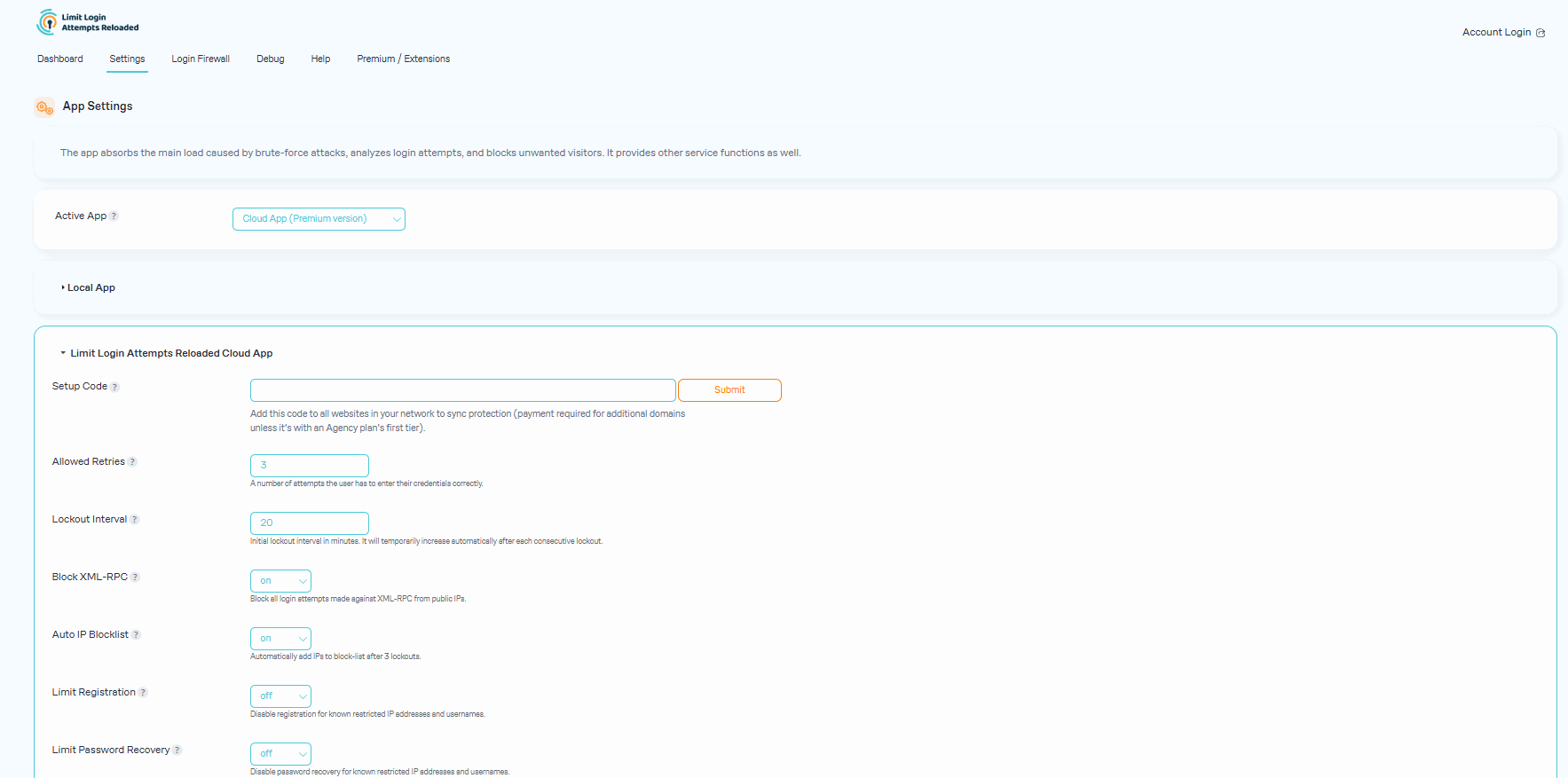
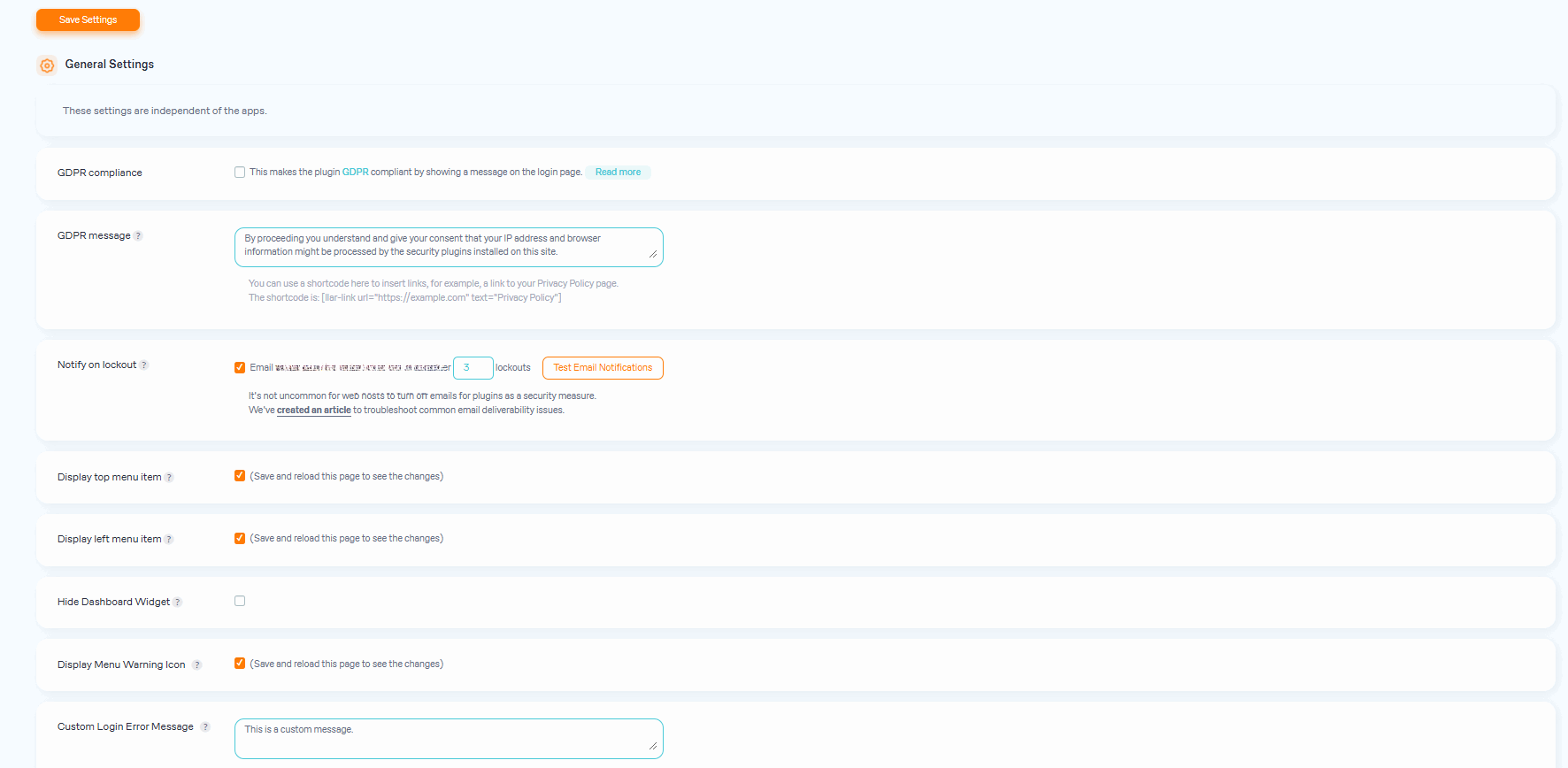
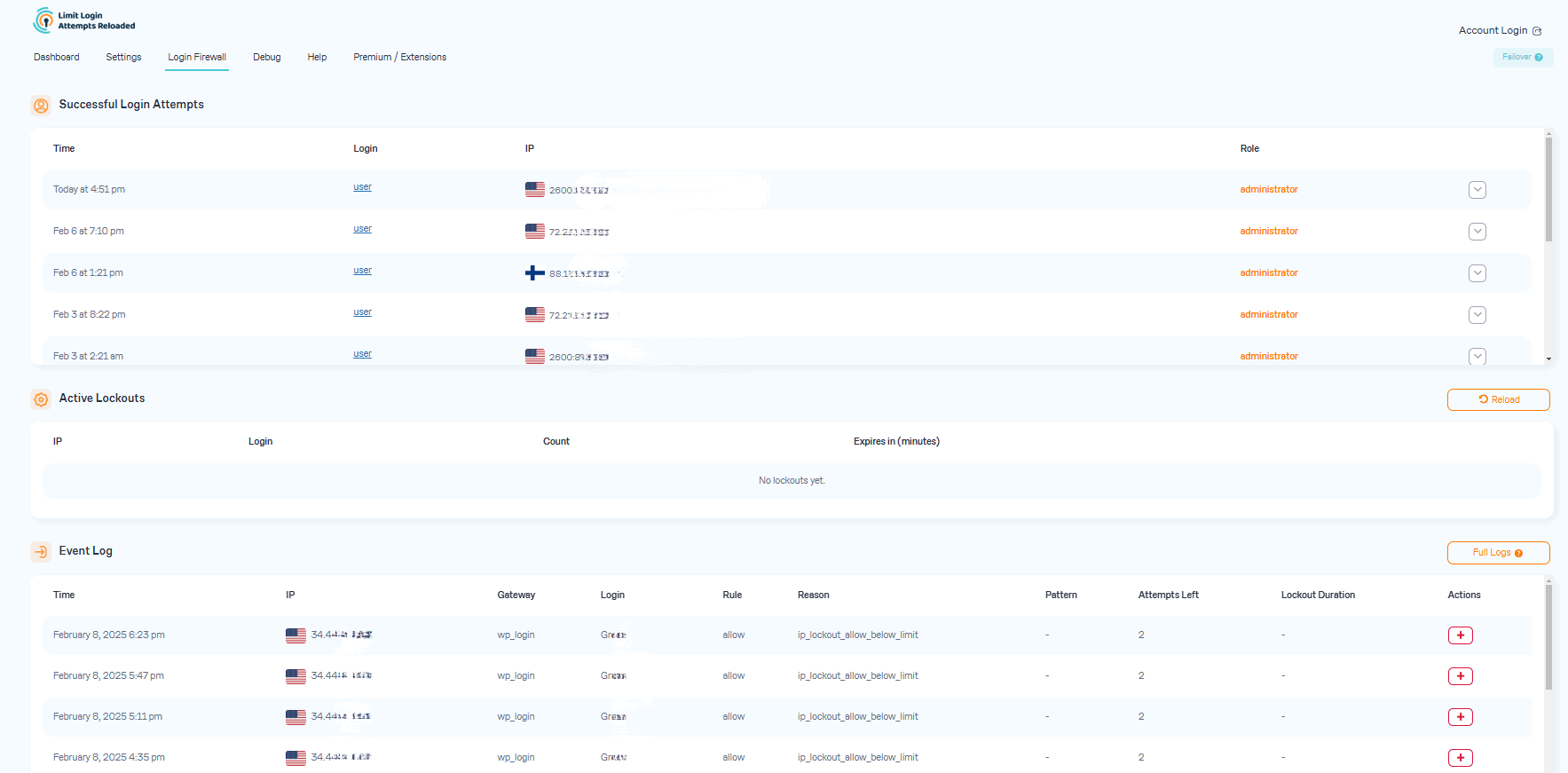
Limit Login Attempts Reloaded is a plugin that helps protect your website from brute force attacks by limiting the number of login attempts allowed. It automatically blocks further attempts from specific IP addresses or usernames after a certain number of retries. The premium version of the plugin offers additional features such as IP intelligence and cloud-based protection.Screenshots
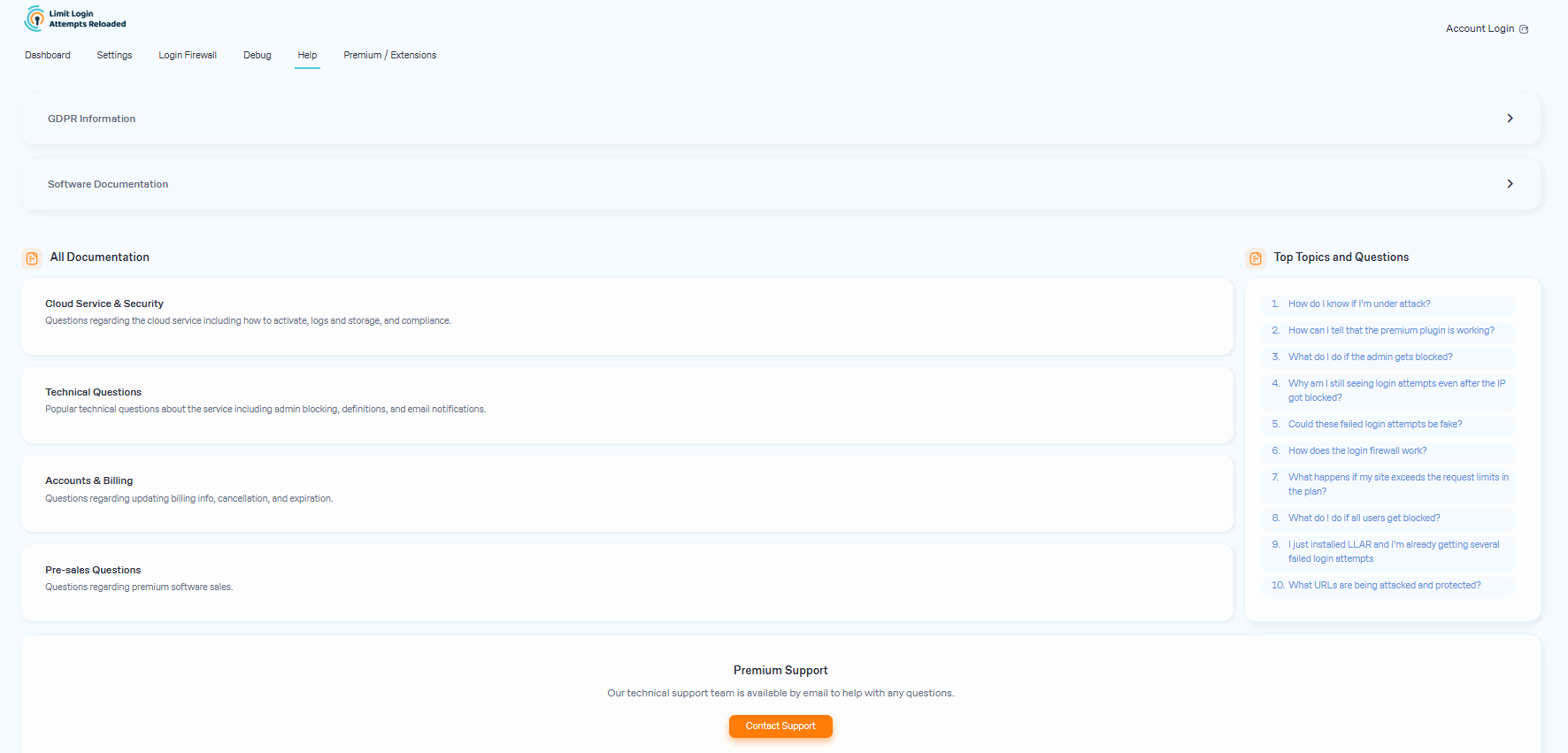
Frequently asked questions
What is the purpose of the Limit Login Attempts Reloaded plugin?
The Limit Login Attempts Reloaded plugin functions as a robust deterrent against brute force attacks, bolstering your website's security measures and optimizing its performance. It achieves this by restricting the number of login attempts allowed.
How does the plugin prevent brute force attacks on a website?
The plugin automatically prevents further attempts from a particular IP address and/or username once a predetermined limit of retries has been surpassed. This significantly weakens the effectiveness of brute force attacks on your website.
What are the features of the free version of Limit Login Attempts Reloaded?
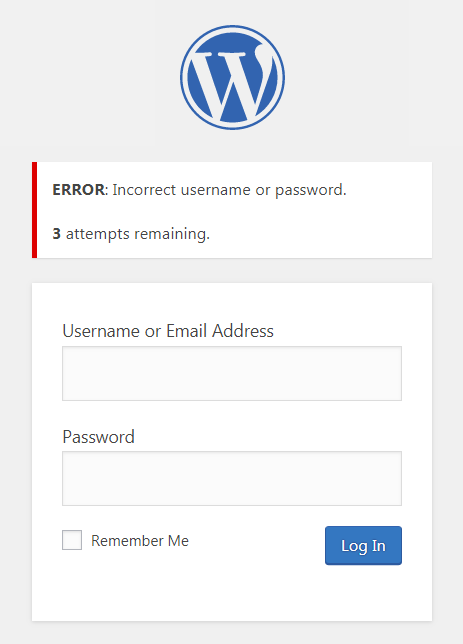
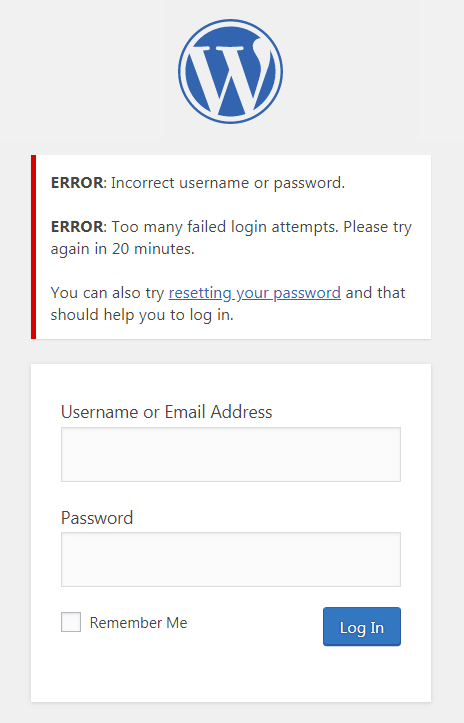
The features of the free version include limiting logins, configurable lockout timings, informing the user about remaining retries or lockout time, lockout email notifications, denied attempt logs, IP and username safelist/denylist, and compatibility with Sucuri, Wordfence, and Ultimate Member.
What are the features of the premium version of Limit Login Attempts Reloaded?
The features of the premium version include performance optimizer, enhanced IP intelligence, enhanced throttling, deny by country, auto IP denylist, global denylist protection, synchronized lockouts, synchronized safelist/denylist, premium support, auto backups of all IP data, enhanced lockout logs, CSV download of IP data, supports IPV6 ranges for safelist/denylist, and unlock the locked admin.
How can I upgrade from the old Limit Login Attempts plugin to Limit Login Attempts Reloaded?
To upgrade, go to the Plugins section in your site's backend, remove the old Limit Login Attempts plugin, and install the Limit Login Attempts Reloaded plugin. Your settings will be kept intact.
Changelog
2.26.19
- Added links to the IP2Location page.
2.26.18
- Better displaying IPv6 in the log.
2.26.17
- Added default registration protection for cloud accounts (free and paid).
2.26.16
- Fixed GDPR message issue for some themes.
2.26.15
- Fixed translation compatibility with WordPress 6.7.
- Fixed GDPR message on the Woocommerce login page.
- Fix: load login-page-styles.css (on wp-login.php) only if it is necessary (thanks to georgejipa).
- CSS fixes.
2.26.14
- Improved compatibility with custom login pages, including WooCommerce and UltimateMember.
- Standardized display of login messages.
- A new Custom Error Message setting is added. The message is being appended to all asynchronous messages.
- Fixed translation compatibility with WordPress 6.7.
- CSS fixes.
2.26.13
- New “llar_admin” capability added to let other roles access the plugin.
- CSS fixes.
- Sticky headers added to the log tables.
- Small interface changes.
2.26.12
- Better displaying IPv6 in successful login attempts block.
- Possible intersections in tabs with other plugins fixed.
- PHP 8, 9 compatibility updates.
- Refactoring.
2.26.11
- Fixed possible style conflicts related to tables.
- Fixed possible PHP warnings.
- Fixed some I18N issues, thanks to alexclassroom!
- Better displaying multiple roles in login logs.
2.26.10
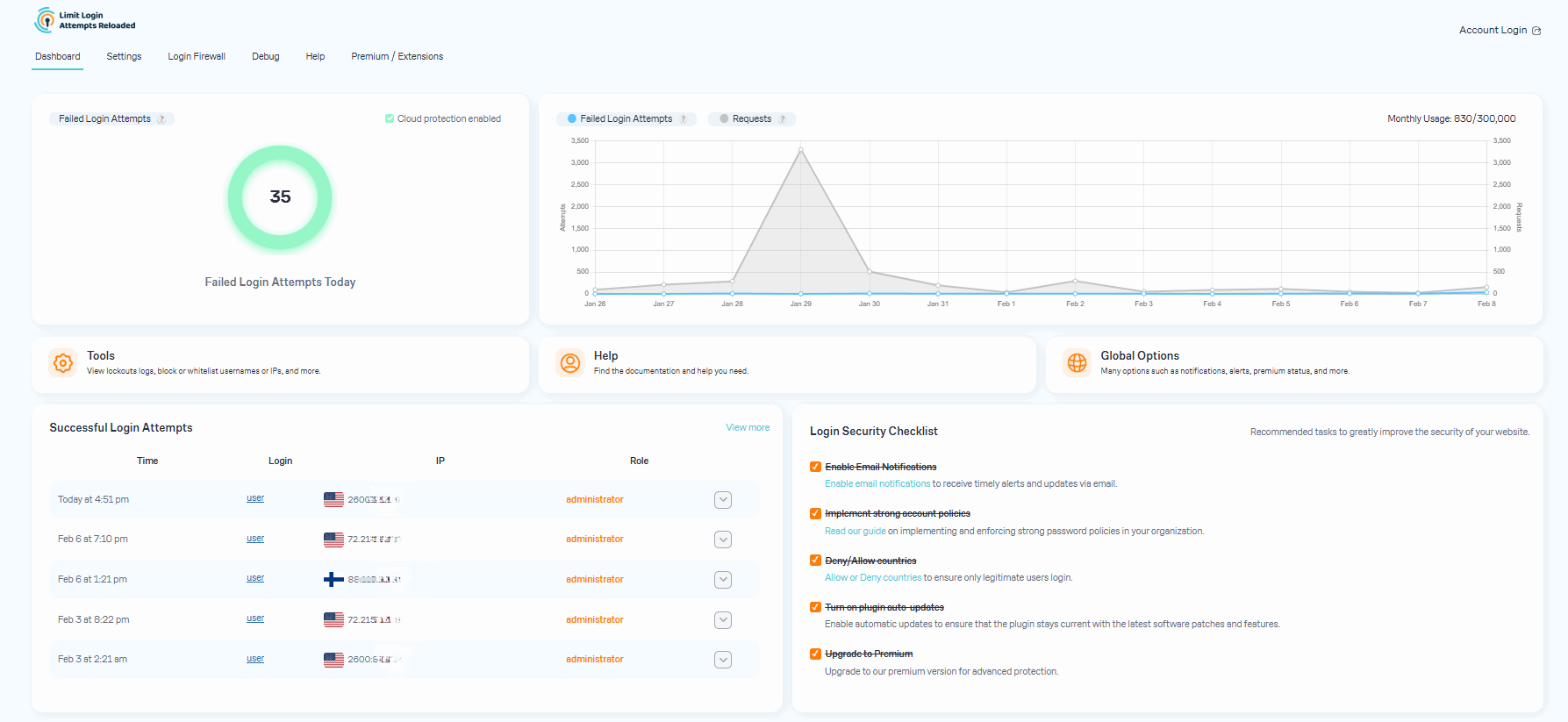
- Log of successful login attempts implemented for Micro Cloud (Free) and Premium users.
- Checklist of recommended actions implemented.
- Settings page reorganized.
2.26.9
- Chart library updated.
2.26.8
- Fixed possible WooCommerce conflict.
2.26.7
- Better informing on Micro Cloud.
2.26.6
- Micro Cloud API url fix.
2.26.5
- Better informing on cloud status.
2.26.4
- Added country translation.
- Better Micro Cloud API response handling.
- A link fixed.
2.26.3
- CSS issue fixed on Logs tab.
2.26.2
- CSS issue fixed.
2.26.1
- Micro Cloud link fixed.
2.26.0
- New design.
- Free Micro Cloud plan introduced.
2.25.29
- A link fixed.
2.25.28
- Improved cloud charts.
2.25.27
- Security improvement: Better shortcode escaping.
- Fixed date formatting on the logs page.
- Fixed top menu links on the front-end.
- Badge added to the top menu.
2.25.26
- Security improvement: Different nonce for each AJAX action.
- Security improvement: The toggle_auto_update_callback checks for the update_plugins cap.
2.25.25
- PHP 8.2/9 compatibility improved, thanks to Jer Turowetz!
- Button size and text typo fixed.
2.25.24
- Better loading of translations.
- Fixed PHP warning related to menu.
2.25.23
- Better side menu.
- Fixed I18N issues, thanks to alexclassroom!
2.25.22
- Interface changes.
- Tested with WP 6.3.
2.25.21
- Optimization: autoload for large options turned off.
- Interface changes.
2.25.20
- Fix against network requests caching removed b/c some misconfigured servers can’t handle it.
2.25.19
- Better handling of network connection issues.
- Fixed responsive formatting on dashboard.
- Added fix against network requests caching.
2.25.18
- Fixed errors occurring in situations where two versions of the plugin are installed (which should not normally happen).
2.25.17
- Refactoring.
- Server load reducing optimization.
2.25.16
- Double slashes in paths removed.
- Better handling of cloud response codes.
2.25.15
- Error messages logic fixed.
2.25.14
- Multisite support improved.
- CSS outside of the plugin issue fixed.
- Better number formatting on the dashboard.
- Lockout email template updated.
2.25.13
- Ultimate Member compatibility.
- Fixed conflicting URL parameters in some rare cases.
- Updated attempts counter logic.
2.25.12
- Fixed IPv4 validation when passed with a port number.
- Fixed texts and translations.
2.25.11
- PHP 8 compatibility fixed.
- Logs loading issue fixed.
- Help and Extensions tabs added.
- Notification about auto updates added.
- Displaying of plugin version added.
- Text changes made.
2.25.10
- Tested with PHP 8.
- Small styles refactoring.
- Fixed a rare issue with events log not being displayed correctly.
- Chart library updated.
2.25.9
- Welcome page replaced with a modal.
2.25.8
- Email text, links updated.
2.25.7
- Country flags added to log.
- Refresh button added to log.
- Email text updated.
2.25.6
- Email links updated.
2.25.5
- Fixed Woocommerce integration.
- Updated some interface links.
2.25.4
- Fixed session error in rare cases.
- Access rules explained.
- Improved session behavior on the login page.
- Fixed warning on some GoDaddy installations.
2.25.3
- Improved compatibility with WordFence.
- Better handling of HTTP_X_FORWARDED_FOR on Debug tab.
- Added option to hide warning badge.
2.25.2
- Security indicator fixed for multisite.
2.25.1
- Added setting to turn the dashboard widged off.
- The widget is visible to admins only.
2.25.0
- Dashboard widged added.
- Security indicator added.
2.24.1
- Fixed E_ERROR occurring in rare cases when the log table is corrupted.
2.24.0
- Protection increased: bots can’t parse lockout messages anymore.
2.23.2
- Cloud: better unlock UX.
- Litle cleanup.
2.23.1
- Added infinite scroll for cloud logs.
2.23.0
- Reduced plugin size by removing obsolete translations.
- Cleaned up the dashboard.
- Cloud: added information about auto/manually-blocked IPs.
- GDPR: added an option to insert a link to a Privacy Policy page via a shortcode, clarified GDPR compliance.
2.22.1
- IP added to the email subject.
2.22.0
- Added support of CIDR notation for specifying IP ranges.
- Texts updated.
- Refactoring.
2.21.1
- Fixed: Uncaught Error: Call to a member function stats()
- Cloud API: added block by country.
- Refactoring.
2.21.0
- GDPR compliance: IPs obfuscation replaced with a customizable consent message on the login page.
- Cloud API: fixed removing of blocked IPs from the access lists under certain conditions.
- Cloud API: domain for Setup Code is taken from the WordPress settings now.
2.20.6
- Multisite tab links fixed.
2.20.5
- Option to show and hide the top-level menu item.
2.20.4
- Sucuri compatibility verified.
- Wordfence compatibility verified.
- Better menu navigation.
- Timezones fixed for the global chart.
2.20.3
- More clear wording.
- Cloud API: fixed double submit in the settings form.
- Better displaying of stats.
2.20.2
- Updated email text.
2.20.1
- New dashboard more clear stats.
2.20.0
- New dashboard with simple stats.
2.19.2
- Texts and links updated.
2.19.1
- Welcome page.
- Image and text updates.
2.19.0
- Refactoring.
- Feedback message location fixed.
- Text changes.
2.18.0
- Cloud API: usage chart added.
- Text changes.
2.17.4
- Missing jQuery images added.
- PHP 5 compatibility fixed.
- Custom App setup link replaced with setup code.
2.17.3
- Plugin pages message.
2.17.2
- Lockout notification refactored.
2.17.1
- CSS cache issue fixed.
- Notification text updated.
2.17.0
- Refactoring.
- Email text and notification updated.
- New links in the list of plugins.
2.16.0
- Custom Apps functionality implemented. More details: https://limitloginattempts.com/app/
2.15.2
- Alternative method of closing the feedback message.
2.15.1
- Refactoring.
2.15.0
- Reset password feature has been removed as unwanted.
- Small refactoring.
2.14.0
- BuddyPress login error compatibility implemented.
- UltimateMember compatibility implemented.
- A PHP warning fixed.
2.13.0
- Fixed incompatibility with PHP < 5.6.
- Settings page layout refactored.
2.12.3
- The feedback message is shown for admins only now, and it can also be closed even if the site has issues with AJAX.
2.12.2
- Fixed the feedback message not being shown, again.
2.12.1
- Fixed the feedback message not being shown.
2.12.0
- Small refactoring.
- get_message() – fixed error notices.
- This is the first time we are asking you for a feedback.
2.11.0
- Blacklisted usernames can’t be registered anymore.
2.10.1
- Fixed: GDPR compliance option could not be selected on the multisite installations.
2.10.0
- Debug information has been added for better support.
2.9.0
- Trusted IP origins option has been added.
2.8.1
- Extra lockout options are back.
2.8.0
- The plugin doesn’t trust any IP addresses other than _SERVER[“REMOTE_ADDR”] anymore. Trusting other IP origins make protection useless b/c they can be easily faked. This new version provides a way of secure IP unlocking for those sites that use a reverse proxy coupled with misconfigurated servers that populate _SERVER[“REMOTE_ADDR”] with wrong IPs which leads to mass blocking of users.
2.7.4
- The lockout alerts can be sent to a configurable email address now.
2.7.3
- Settings page is moved back to “Settings”.
2.7.2
- Settings are moved to a separate page.
- Fixed: login error message. https://wordpress.org/support/topic/how-to-change-login-error-message/
2.7.1
- A security issue inherited from the ancestor plugin Limit Login Attempts has been fixed.
2.7.0
-
GDPR compliance implemented.
-
Fixed: ip_in_range() loop $ip overrides itself causing invalid results.
https://wordpress.org/support/topic/ip_in_range-loop-ip-overrides-itself-causing-invalid-results/ -
Fixed: the plugin was locking out the same IP address multiple times, each with a different port.
https://wordpress.org/support/topic/same-ip-different-port/
2.6.3
- Added support of Sucuri Website Firewall.
2.6.2
- Fixed the issue with backslashes in usernames.
2.6.1
-
Plugin returns the 403 Forbidden header after the limit of login attempts via XMLRPC is reached.
-
Added support of IP ranges in white/black lists.
-
Lockouts now can be released selectively.
-
Fixed the issue with encoding of special symbols in email notifications.
2.5.0
- Added Multi-site Compatibility and additional MU settings. https://wordpress.org/support/topic/multisite-compatibility-47/
2.4.0
- Usernames and IP addresses can be white-listed and black-listed now. https://wordpress.org/support/topic/banning-specific-usernames/ https://wordpress.org/support/topic/good-831/
- The lockouts log has been inversed. https://wordpress.org/support/topic/inverse-log/
2.3.0
- IP addresses can be white-listed now. https://wordpress.org/support/topic/legal-user/
- A “Gateway” column is added to the lockouts log. It shows what endpoint an attacker was blocked from. https://wordpress.org/support/topic/xmlrpc-7/
- The “Undefined index: client_type” error is fixed. https://wordpress.org/support/topic/php-notice-when-updating-settings-page/
2.2.0
- Removed the “Handle cookie login” setting as they are now obsolete.
- Added bruteforce protection against Woocommerce login page attacks. https://wordpress.org/support/topic/how-to-integrate-with-woocommerce-2/
- Added bruteforce protection against XMLRPC attacks. https://wordpress.org/support/topic/xmlrpc-7/
2.1.0
- The site connection settings are now applied automatically and therefore have been removed from the admin interface.
- Now compatible with PHP 5.2 to support some older WP installations.
2.0.0
- fixed PHP Warning: Illegal offset type in isset or empty https://wordpress.org/support/topic/limit-login-attempts-generating-php-errors
- fixed the deprecated functions issue
https://wordpress.org/support/topic/using-deprecated-function - Fixed error with function arguments: https://wordpress.org/support/topic/warning-missing-argument-2-5
- added time stamp to unsuccessful tries on the plugin configuration page.
- fixed .po translation files issue.
- code refactoring and optimization.

