

Improve your WordPress SEO: Write better content and have a fully optimized WordPress site using the Yoast SEO…
About Genesis Blocks
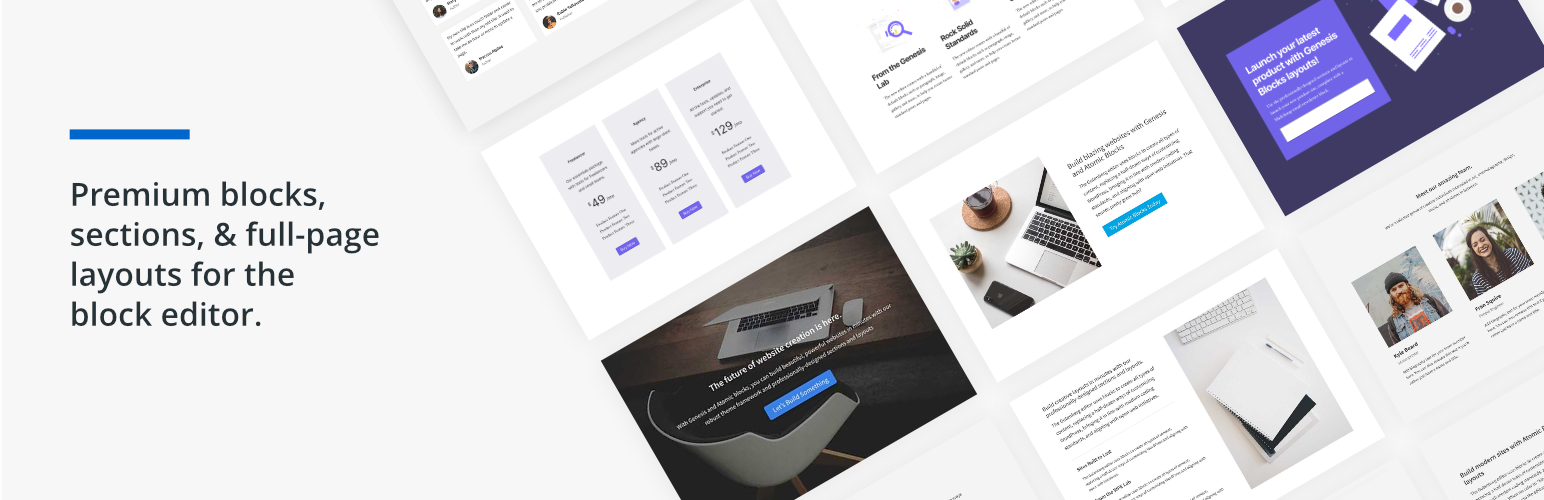
Genesis Blocks is a plugin for the Gutenberg block editor that allows you to easily build and customize pages. It provides a collection of beautiful and customizable blocks, including buttons, sections, and layouts. You can also enhance the Gutenberg editor with additional content blocks and a layout selector. Plus, there is support for Google AMP and a subscription option called Genesis Pro that offers even more features and tools.Screenshots
Frequently asked questions
What is Genesis Blocks?
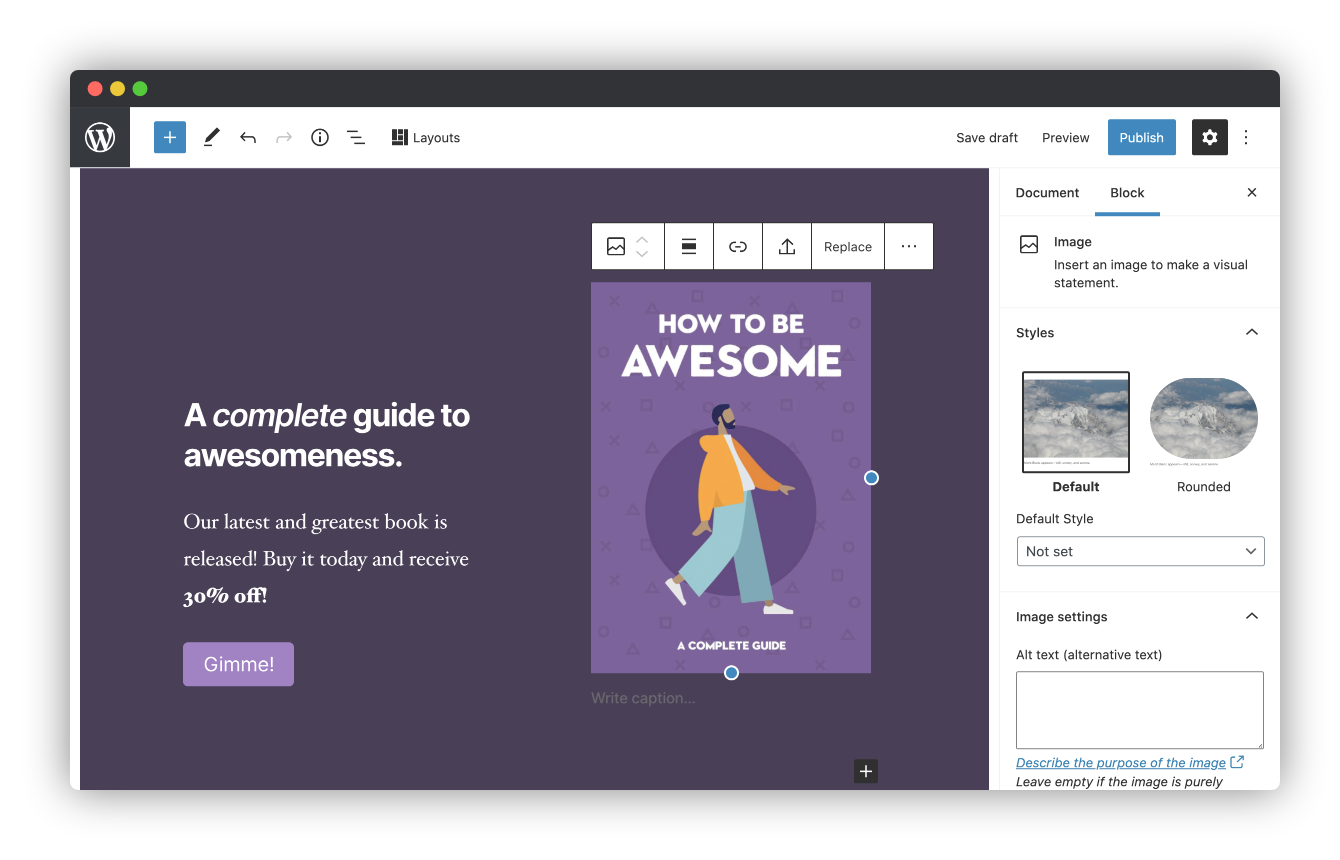
Genesis Blocks is a WordPress plugin that provides a collection of page building blocks for the Gutenberg block editor. It helps users create and launch various types of sites by offering more control over page design.
What features does Genesis Blocks offer?
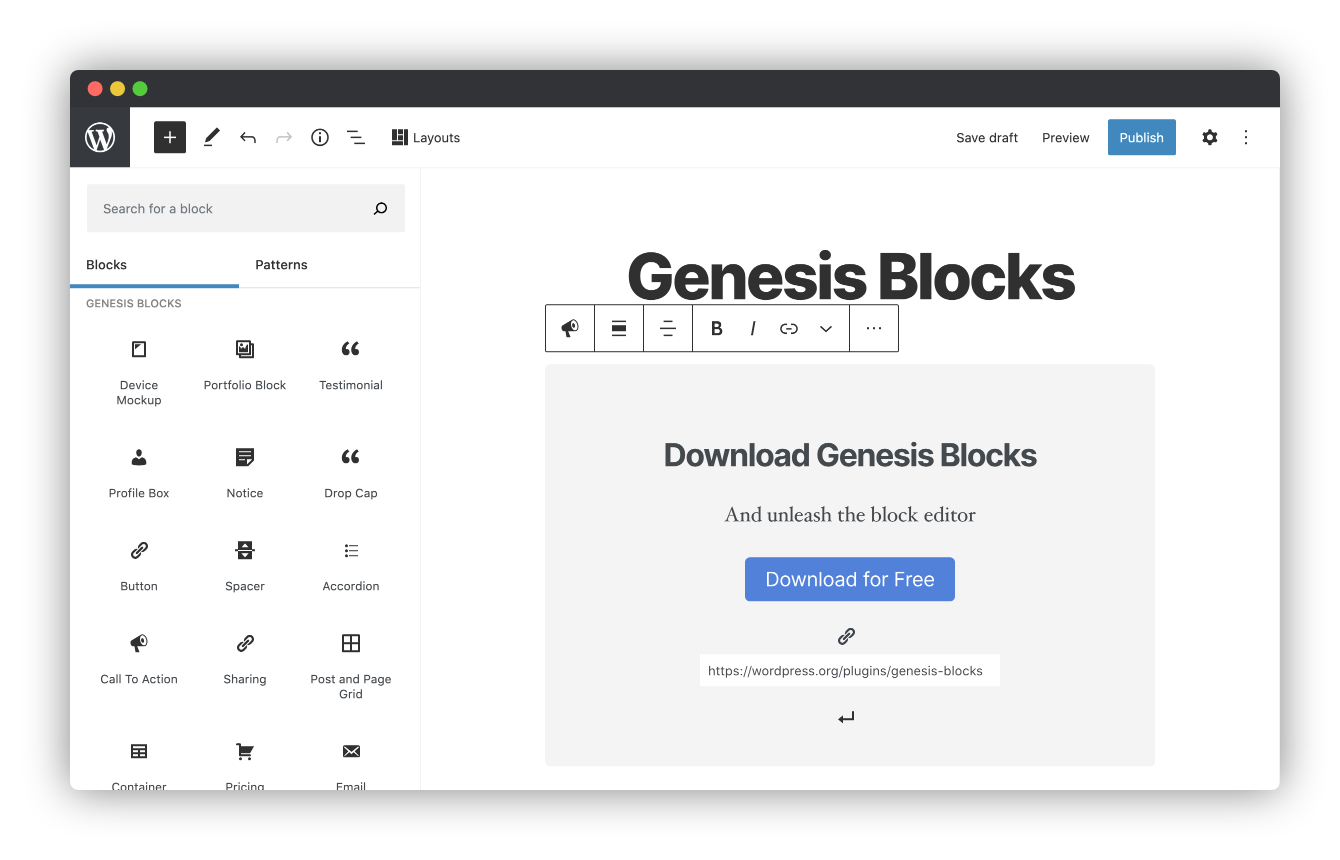
Genesis Blocks offers customizable blocks, page sections, and full-page layouts. It includes blocks like Section & Layout, Advanced Columns, Newsletter, Pricing, Post Grid, Container, Testimonial, Inline Notice, Accordion, Share Icons, Call-To-Action, Spacer & Divider, Author Profile, and Drop Cap.
How does Genesis Blocks enhance the Gutenberg editor?
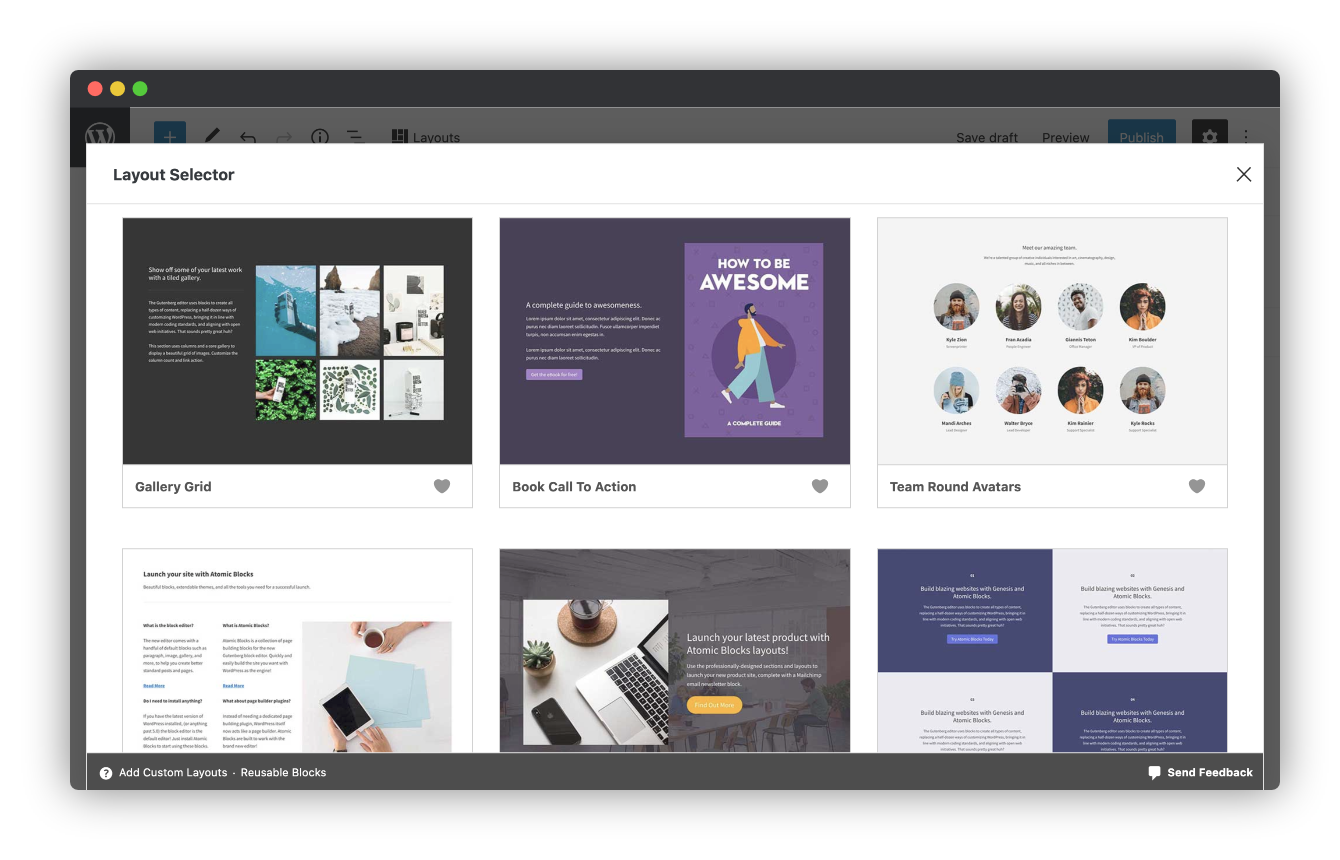
Genesis Blocks enhances the Gutenberg editor by providing additional content blocks and a layout selector. This allows users to create and use content quickly with prebuilt and custom content sections and full-page layouts.
Are there any breaking changes to be aware of?
Yes, the Genesis Blocks Button block is deprecated and will automatically convert to the Core Buttons block when the block editor is opened. This conversion might lead to some styling changes.
Changelog
3.1.5
- Fixed: Escape exception output as prompted by Plugin Check.
3.1.4
- Fixed: Security improvement for the sharing block.
3.1.3
- Fixed: Minor security vulnerability.
3.1.2
- Fixed: WP 6.5 compatibility problem with responsive font size controls.
3.1.1
- Fixed: Prevent block errors in wp-admin/widgets.php and in the Customizer with block widgets.
3.1.0
- Changed: Make the minimum required PHP version 7.1 again.
- Fixed: Prevent JS error on changing Paragraph and Heading block fonts.
3.0.1
- Changed: Bump the minimum required PHP version to 8.1.
3.0.0
- Breaking change: Deprecate the Call To Action block in favor of Core blocks. This will automatically convert your Call To Action blocks to Core blocks when opening the block editor. The blocks should look mainly the same, but there could be some styling changes, especially if you have custom styling for classes other than ‘gb-block-cta’.
- Breaking change: In the Product Features block (child of Pricing block), the settings ‘List Border Color’, ‘List Border Style’, and ‘List Border Width’ are removed. If you set a ‘List Border Color’, that color won’t appear anymore. But the styling for ‘List Border Width’ and ‘List Border Color’ will be the same, you just won’t be able to change those via the settings, only Advanced > Additional CSS Classes. This change will only happen when you open the block editor. So if you don’t open the block editor for the post, your Product Features blocks will stay the same as before.
2.0.0
- Breaking change: Deprecate the Button block in favor of Core Buttons block. This will automatically convert your GB Button blocks to Core Buttons blocks when opening the block editor. The buttons should look mainly the same, but there could be some styling changes, especially if you have custom styling for classes other than ‘gb-block-button’.
1.5.5
- Fixed: Prevent duplicate blocks in the inserter when another plugin uses a GB category.
1.5.4
- Fixed: Fix PHP 8 uksort.
- Fixed: Prevent a PHP error on the Newlsetter block.
- Changed: Add filter to disable responsive font size controls.
1.5.3
- Fixed: Fix a block error with Desktop responsive controls on the Heading and Paragraph blocks.
1.5.2
- Changed: NPM tooling overhaul.
- Changed: Unignore eslint rules, fix linting.
- Fixed: Prevent an error if another plugin incorrectly filters ‘admin_body_class’.
1.5.1
- Fixed: Revert changes that modified Profile Box avatar styling.
1.5.0
- Changed: Remove Google Analytics entirely.
- Fixed: Ensure styles are enqueued.
- Fixed: Fix post grid warning.
1.4.0
- Added: New Getting Started pages to assist with onboarding.
- Added: Optional analytics tracking for responsive styles and layout modal.
- Changed: Collections Tab is now the first tab in the layout modal for Sections and Layouts.
1.3.0
- Added: Responsive controls for the paragraph and heading core blocks.
1.2.5
- Added: block_categories_all filter for WordPress 5.8.
- Changed: Replace Font Awesome with SVG files in the Profile Box (aka Author Profile) block, and the Sharing block.
- Changed: Ensure the Post Grid block works outside of a post context (such as the WordPress 5.8 widgets screen).
- Fixed: Improve accessibility & readability of the Slate Collection colors.
1.2.4
- Added: The Post Grid block now allows for multiple categories to be selected.
- Changed: The Post Grid block now requires the user to begin typing the name of the category they wish to add, instead of selecting it from a dropdown menu.
- Fixed: The Post Grid block has been optimized to reduce load on server and wait times for sites with many categories/pages.
- Fixed: The Post Grid Block, when set to show pages, incorrectly used the “Number of items” option to limit the number of pages shown. This has been fixed. The “Number of items” option no longer applies to pages while previewing the block in the editor. The number of pages selected are the number of pages shown. Note that this bug did not affect the frontend, but only what you see in the block editor in wp-admin.
- Fixed: The genesis_blocks_allowed_layout_components filter was broken for Layouts (but not Sections) since version 1.2.2 and has been fixed here.
1.2.3
- Fixed: Layout link has been moved back to the left of the admin toolbar.
1.2.2
- Fixed: Corrected the settings link in the Newsletter Block.
- Added: Collection images to layout modal.
- Added: Fallback images for section/layout previews that fail to load.
- Added: Ability to use section keys to build layouts.
1.2.1
- Fixed: The layouts block is no longer left over in the editor if the modal is closed by the user.
- Fixed: The layouts button in the Block Editor header toolbar uses a more reliable javascript event to ensure it is always visible.
- Fixed: The Post and Page Grid block now shows all pages selected, instead of cutting it off at the number of posts set to show.
- New: Added a “Leave a review” button to the settings page.
1.2.0
- New: Introducing Collections, a curated suite of pattern designs to quickly build out beautiful pages and full websites.
- Added support for migrating Genesis Blocks Pro users.
1.1.1
- Fixed an issue for sites migrating from Atomic Blocks where in some cases the migration did not complete due to an error when deactivating the Atomic Blocks plugin.
1.1.0
- Added a way to migrate from Atomic Blocks to Genesis Blocks. Update now to learn more!
- Fixed issue with border radius in the Accordion block.
- Fixed minor bug in the Post Grid block that could cause PHP notices if the block is used in non-standard locations outside of post content.
- When using the Advanced Columns block, the inner column block now has a label of Column instead of Advanced Column to make it easier to distinguish from the outer column block that wraps it.
- Added a Getting Started page to make it easier to access documentation, discover Genesis themes, and provide us feedback about the plugin. Send us your thoughts!
1.0
- Initial release.

