

Improve your WordPress SEO: Write better content and have a fully optimized WordPress site using the Yoast SEO…
About Essential Blocks – Page Builder Gutenberg Blocks, Patterns & Templates
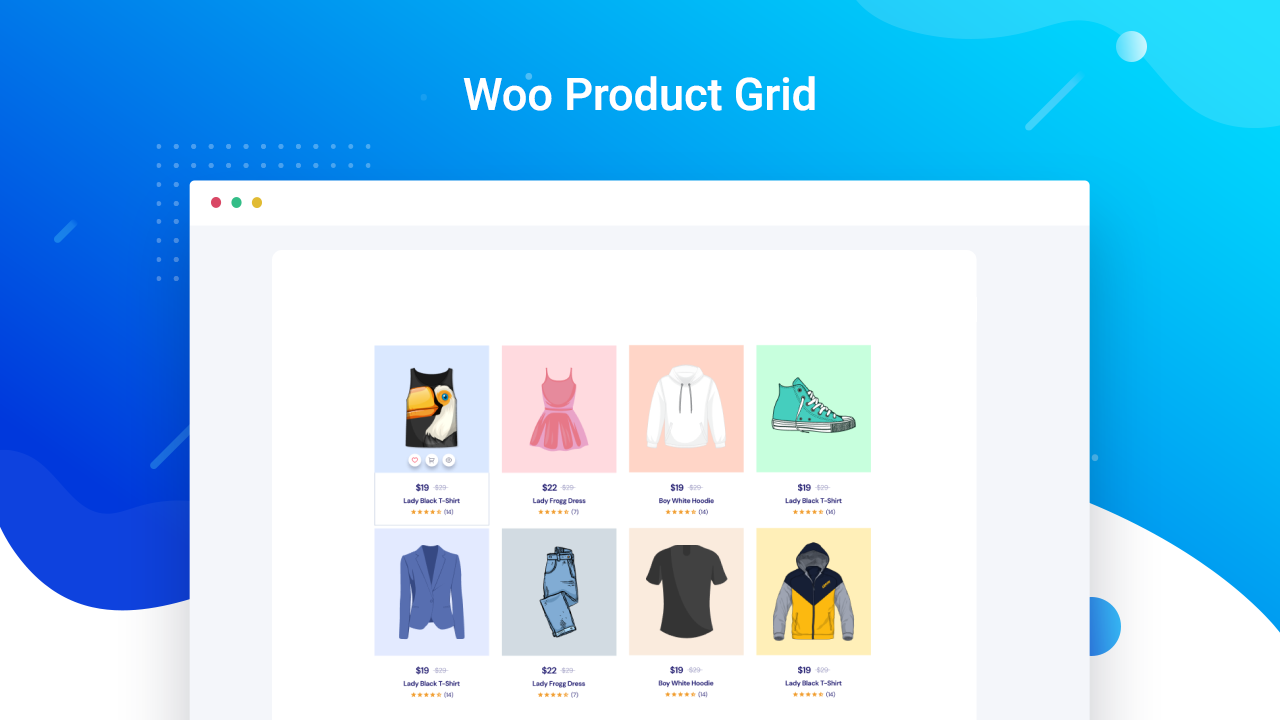
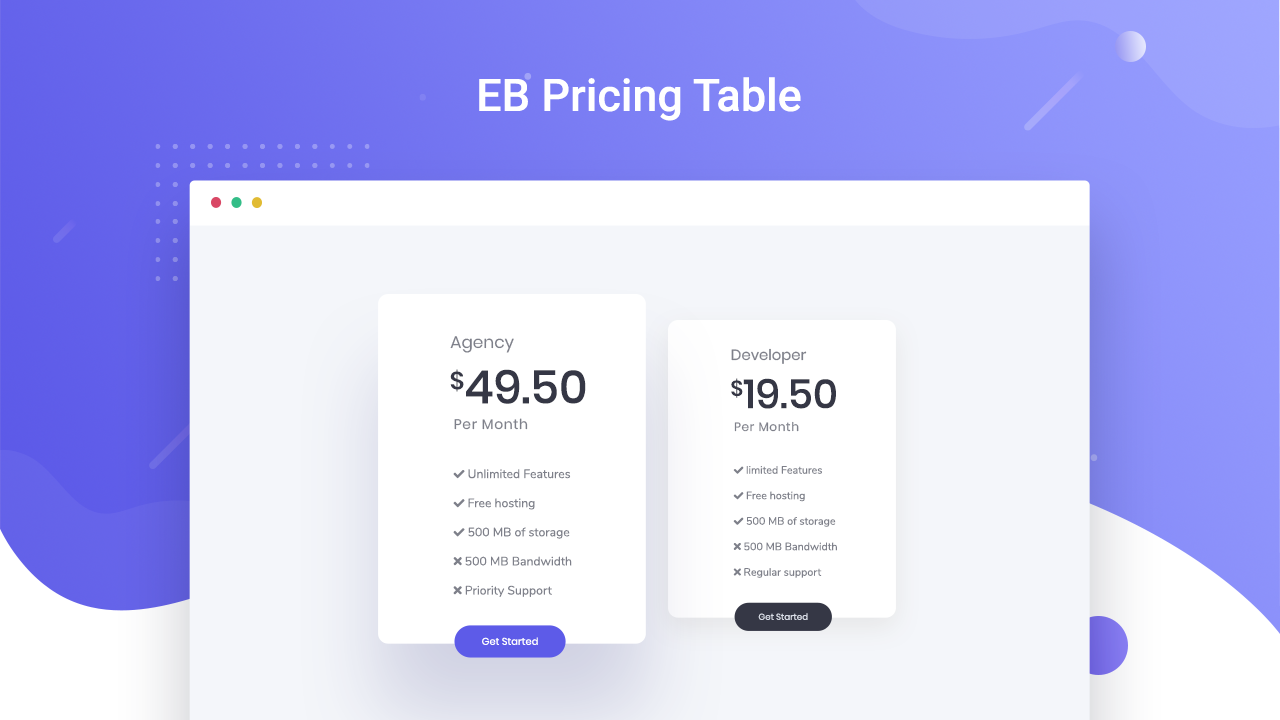
Essential Blocks for Gutenberg is a powerful Gutenberg blocks library for the WordPress default editor. It offers 60+ unique blocks that enhance your design options and make it easier to create beautiful web pages. The plugin is lightweight, offers global control over colors and typography, and is compatible with WPML for multilingual websites.Screenshots



Frequently asked questions
What is Essential Blocks for Gutenberg?
Essential Blocks for Gutenberg is the ultimate blocks library for WordPress. It offers 50+ unique blocks designed to make your WordPress page or post design easier and prettier.
Is Essential Blocks customizable?
Yes, each block comes with a bunch of options to control every aspect of your website design. You can design your page with endless customization options using this plugin.
Can I save and reuse customized blocks?
Yes, any block can be saved with customized styling and reused in other posts or pages. This boosts efficiency as you don't have to recreate the same block styling repeatedly.
Is Essential Blocks lightweight and fast?
Yes, it is optimized for super fast loading and instant live editing. It doesn't add extra resources or messy codes that could slow down your website.
Does Essential Blocks support Google Fonts?
Yes, you can choose any Google Font from a collection of 1,000+ font families available using Essential Blocks. This allows you to give your websites a customized look with stunning typographies.
Changelog
5.7.4 – 30/10/2025
- Added: AI Image Editing feature
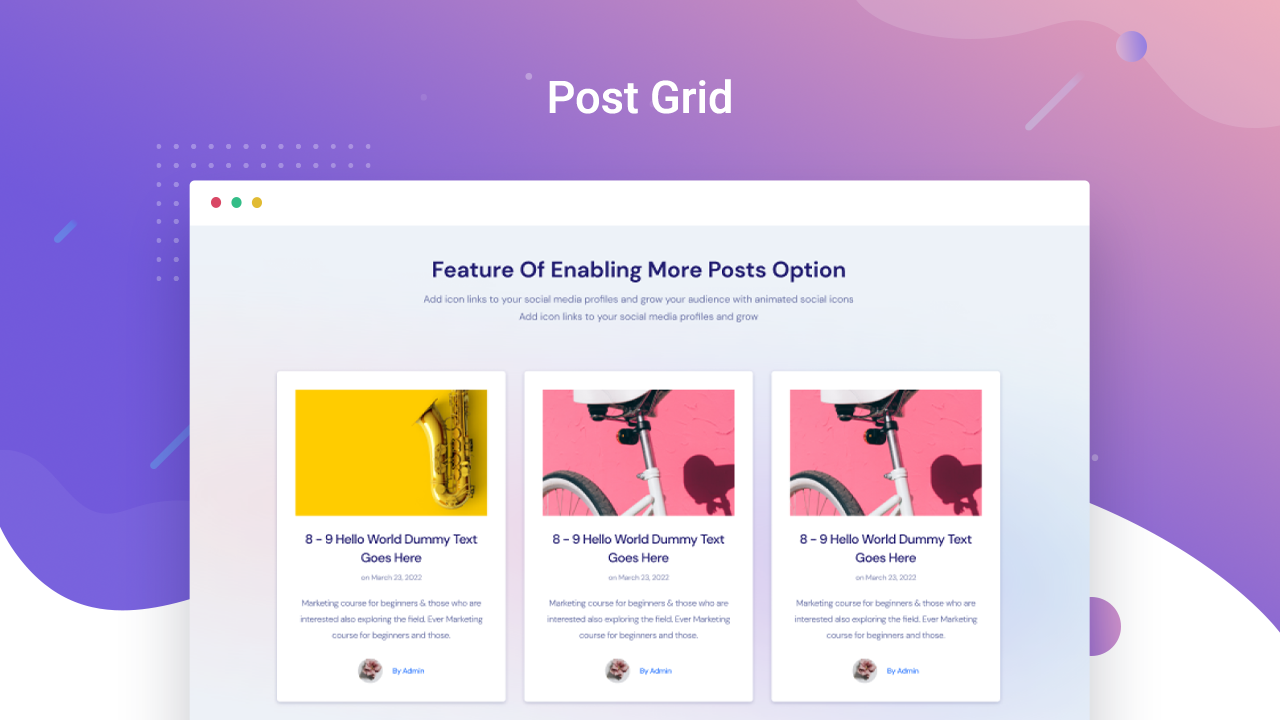
- Fixed: Post Grid | Custom Post Types not appearing in Taxonomy Filter
- Fixed: Post Grid | PHP warning fix
- Few minor bug fixes & improvements
5.7.3 – 23/10/2025
- Fixed: Advanced Video | Video ratio issue
- Fixed: Post Grid | Pagination conflict with Filter
- Fixed: Slider | JQuery dependency issue
- Improved: Security enhancements
- Few minor bug fixes & improvements
5.7.2 – 12/10/2025
- Fixed: Editor not working with the last update
- Improved: Security enhancements
- Few minor bug fixes & improvements
5.7.1 – 07/10/2025
- Improved: Loop Builder | Added support for more blocks
- Improved: Slider | Added more image styling options and images clickable option
- Improved: Post Grid | Added additional styling options for Title and Taxonomy
- Fixed: Custom Fonts | Fonts were not loading properly
- Fixed: Post Grid | Certain strings were not translatable
- Fixed: Filterable Gallery | ‘Add More Images’ cleared URLs of existing items
- Fixed: Advanced Navigation | Menu items geting extra spacing in dropdowns
- Fixed: Advanced Image | Custom height resetting issue
- Fixed: Advanced Image | Site logo not displaying properly
- Fixed: Animation conflict with Twentig plugin
- Few minor bug fixes and improvements
5.7.0 – 21/09/2025
- Added: Liquid Glass Effect
- Added: Block Patterns | 70+ block patterns
- Added: Text | Spacing options
- Fixed: Filterable Gallery | Showing pre-selected image on blank gallery
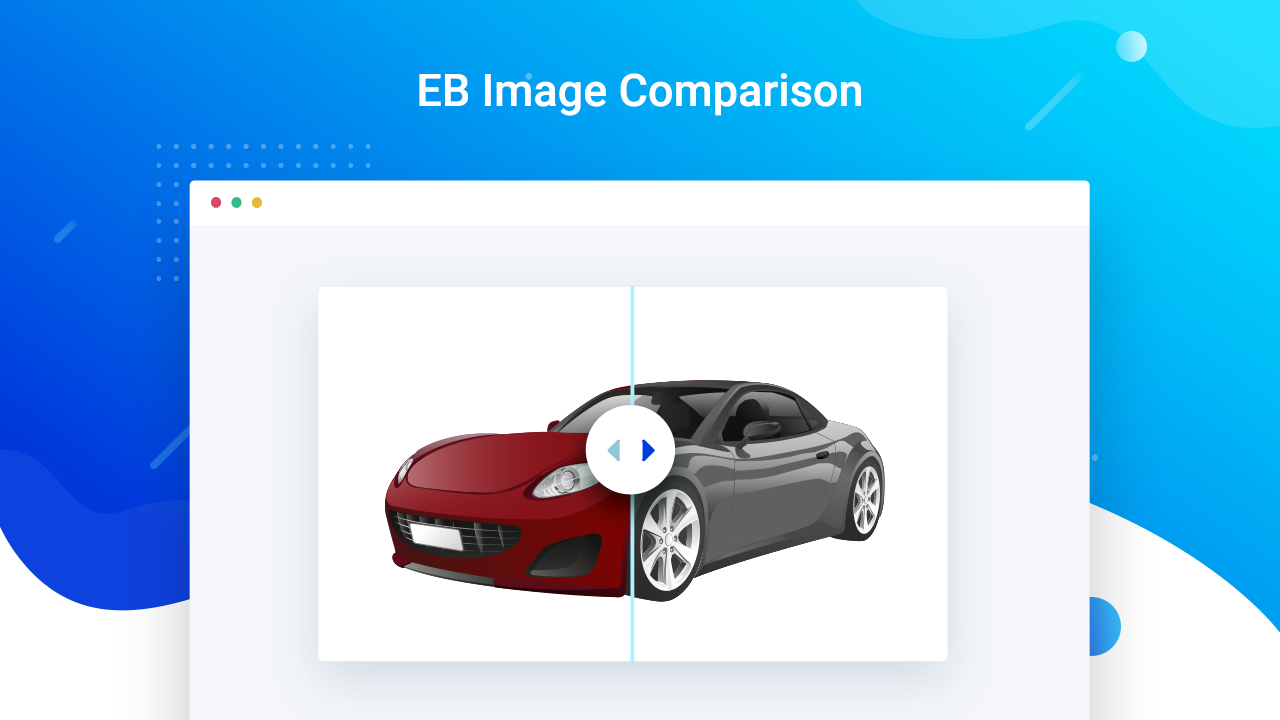
- Fixed: Image Comparison | Compatibility issue in vertical mode
- Improved: Security enhancements
- Few minor bug fixes & improvements
5.6.4 – 14/09/2025
- Few minor bug fixes & improvements
5.6.3 – 01/09/2025
- Fixed: Color Control | Color automatically reset to default color
- Fixed: Accordion | Performance improvements
- Few minor bug fixes & improvements
5.6.2 – 20/08/2025
- Minor bug fixes and improvements
5.6.1 – 20/08/2025
- Added: AI Content Generation | Added support for input fields
- Improved: Link Control | Added validation and security enhancements
- Fixed: Form | Email input field background color issue
- Fixed: Infobox | Image src issue
- Fixed: Slider | Full-width layout issue
- Fixed: Slider | Error when changing the arrow icon
- Fixed: Column | Editor performance improvements
- Fixed: Table of Contents | PHP fatal error
- Improved: Security enhancements
- Minor bug fixes and improvements
5.6.0 – 27/07/2025
- Added: New Feature | AI Image Generation
- Fixed: Infobox | Image border appearing rounded
- Fixed: Filterable Gallery | Missing image alt attribute
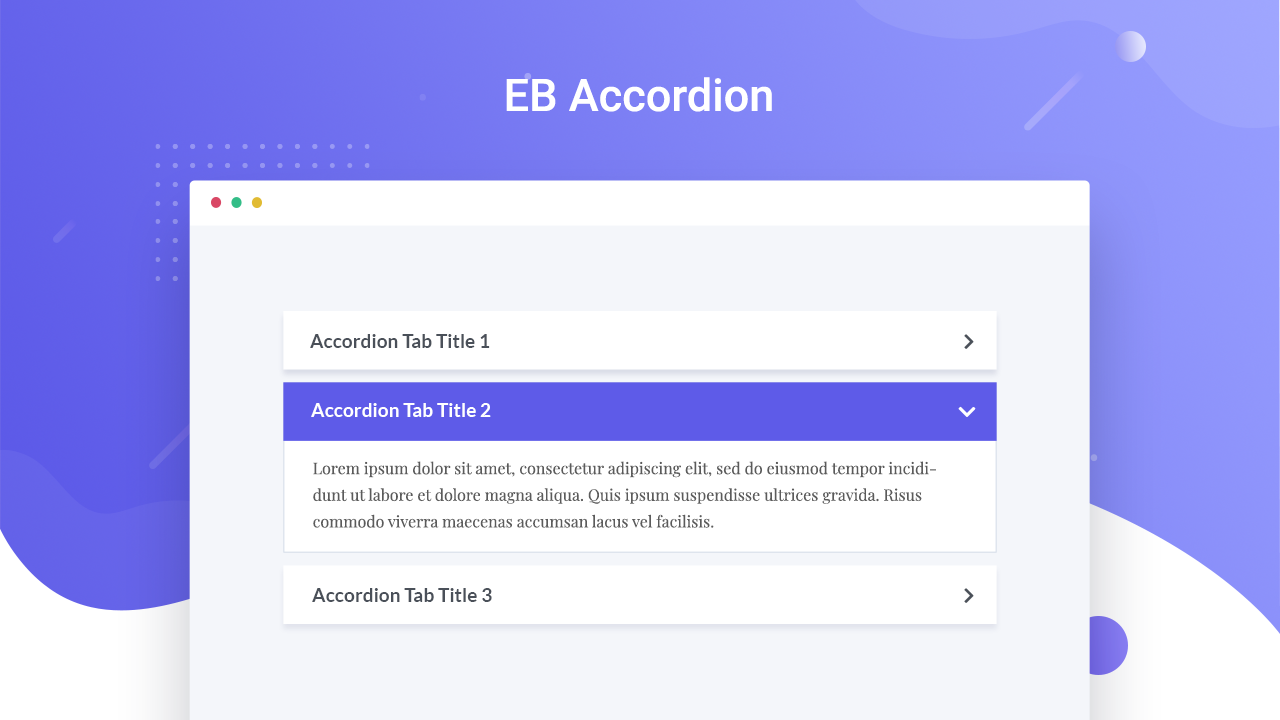
- Fixed: Accordion | Animation not smooth on first click
- Fixed: Slider | Image size issue in “Image with Content” layout
- Fixed: Post Grid | API request blocked on servers with 8G firewall enabled
- Fixed: Popup | Not Triggering in External Element
- Fixed: Animation | FadeInLeft not working correctly on initial viewport
- Improved: Accordion | Title editing experience enhanced
- Few minor bug fixes & improvements
5.5.3 – 29/06/2025
- Fixed: Google Map | Map Becomes Unresponsive When Entering Diacritic Characters
- Fixed: Row Column | Column gap issues with responsive device
- Few minor bug fixes & improvements
5.5.2 – 20/06/2025
- Few minor bug fixes & improvements
5.5.1 – 19/06/2025
- Fixed: AI Content Generation | Popup was closing upon clicking the generate button in Firefox
- Few minor bug fixes & improvements

