

The Elementor Website Builder has it all: drag and drop page builder, pixel perfect design, mobile responsive editing,…
About Gallery Plugin for WordPress – Envira Photo Gallery
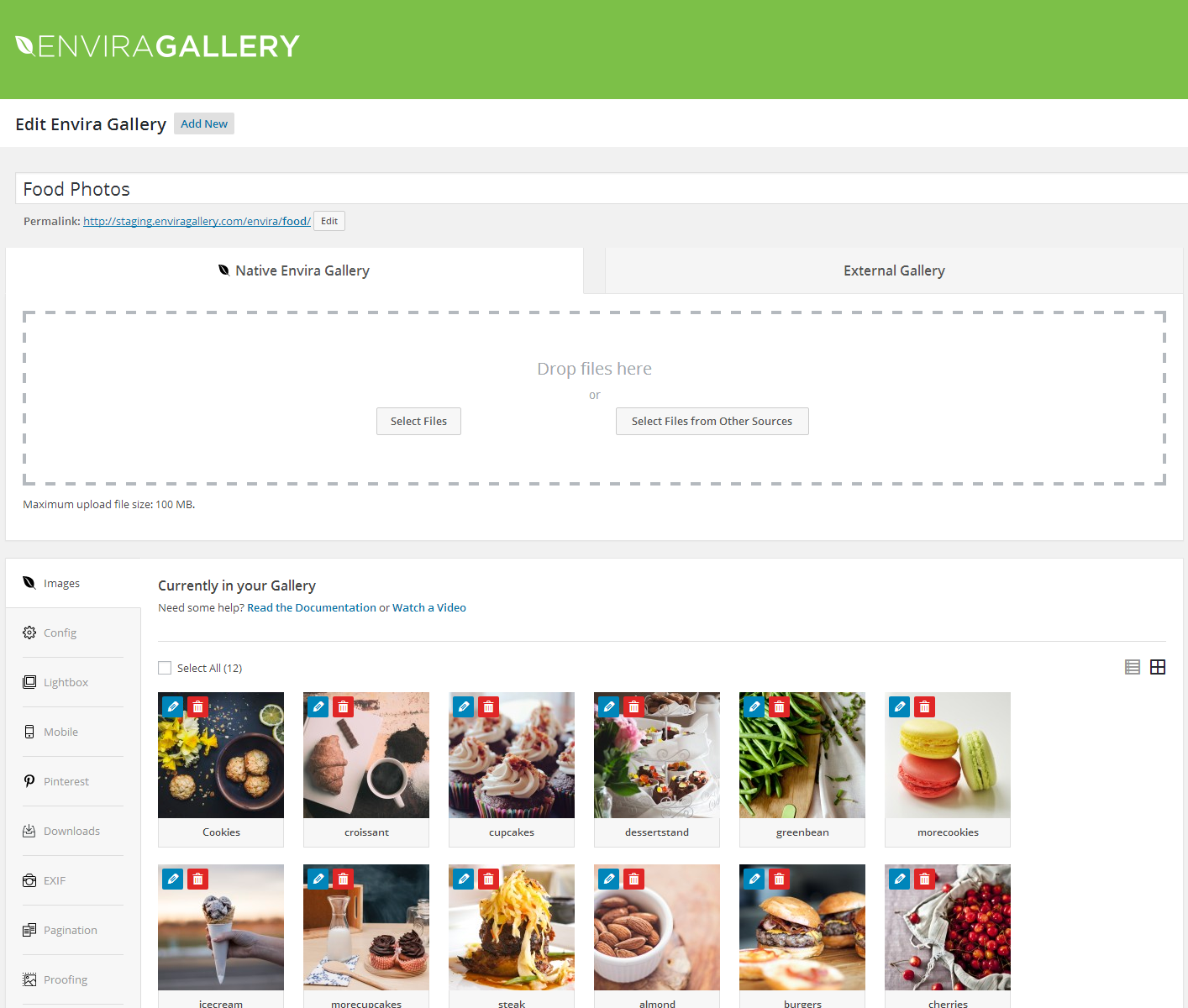
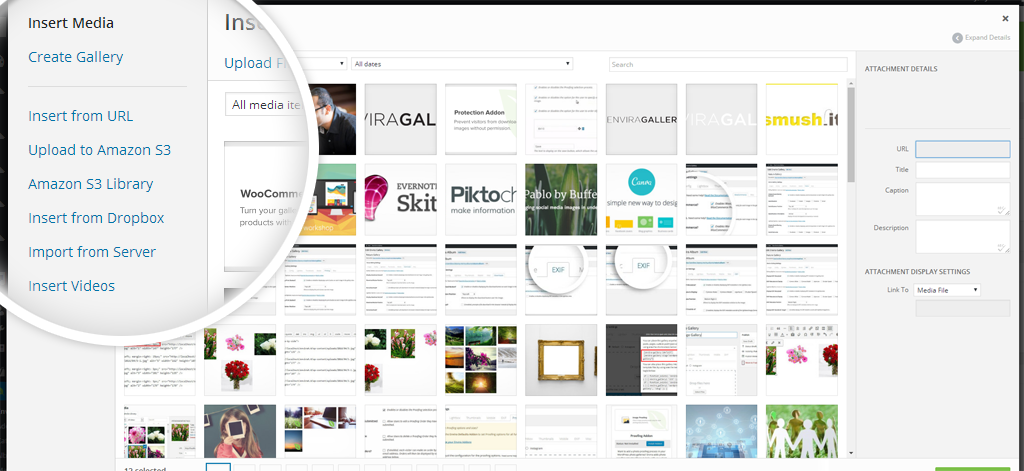
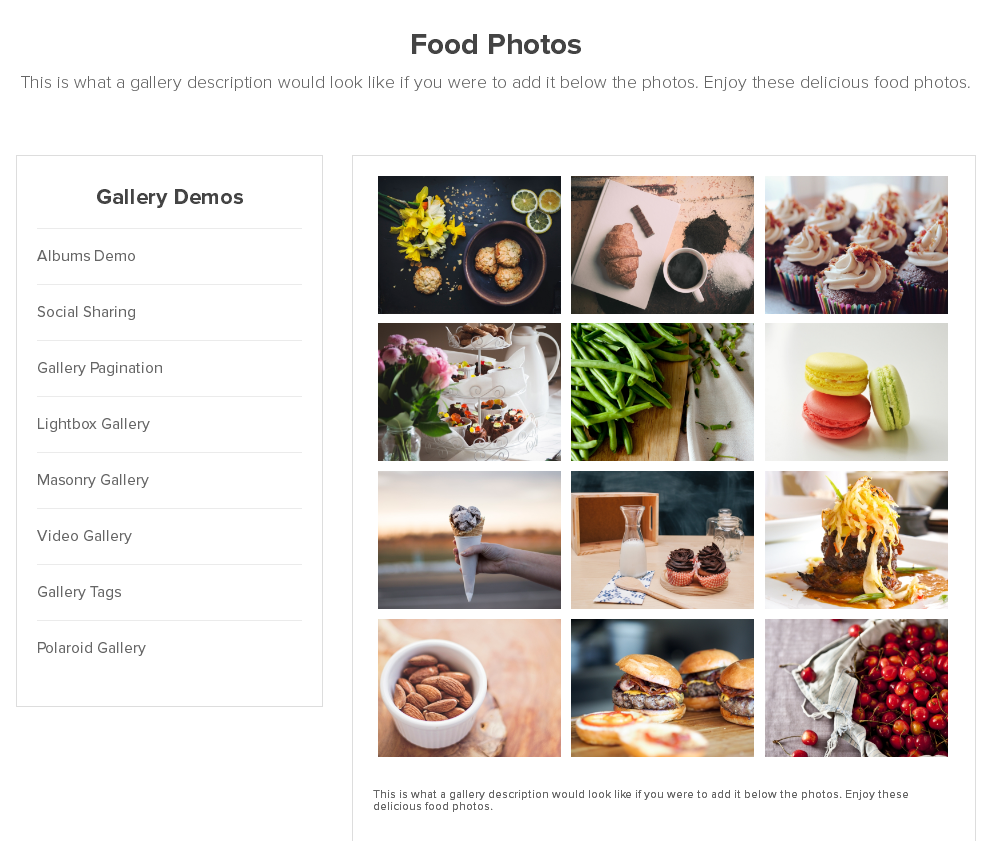
Envira Gallery is a drag and drop photo gallery plugin for WordPress that is easy to use and optimized for speed. It includes features like albums, social media integration, video galleries, watermarking, and more. It is highly recommended by photographers, designers, and developers.Screenshots
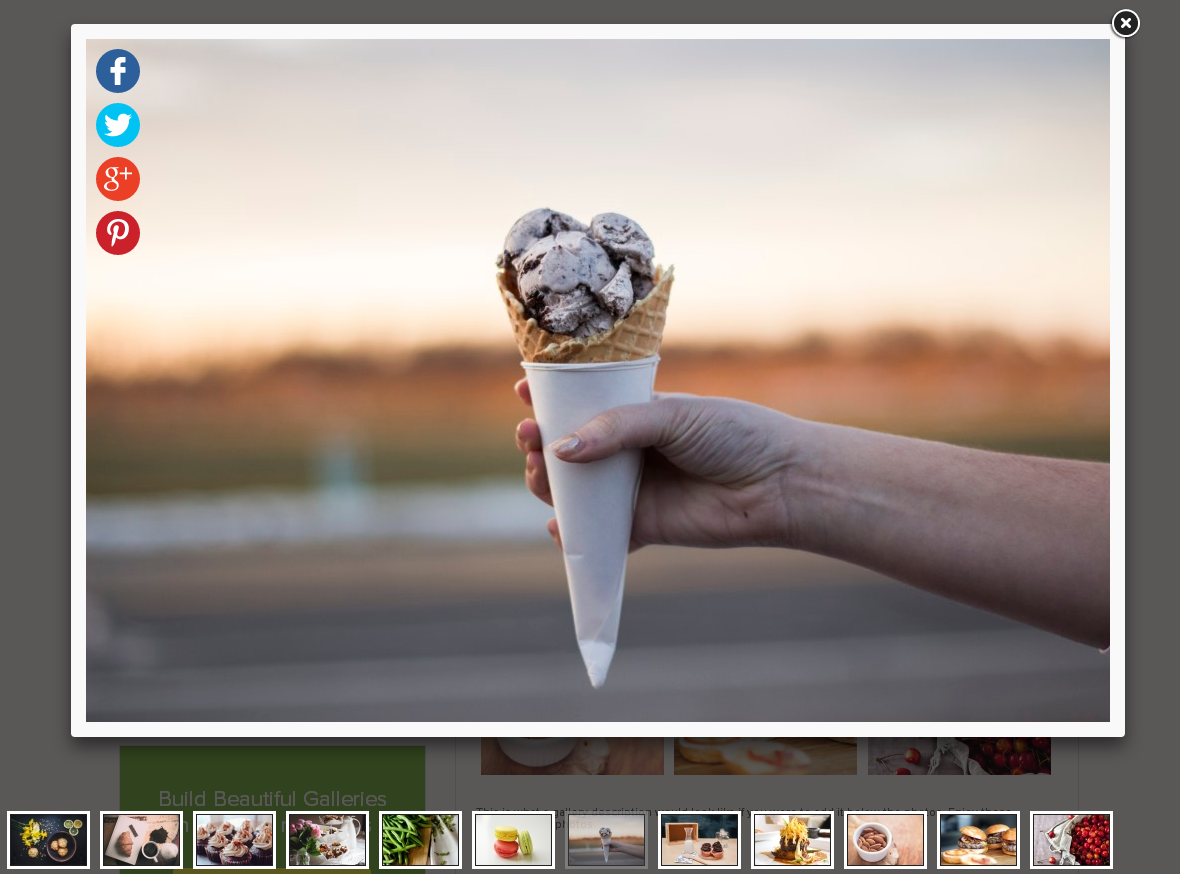

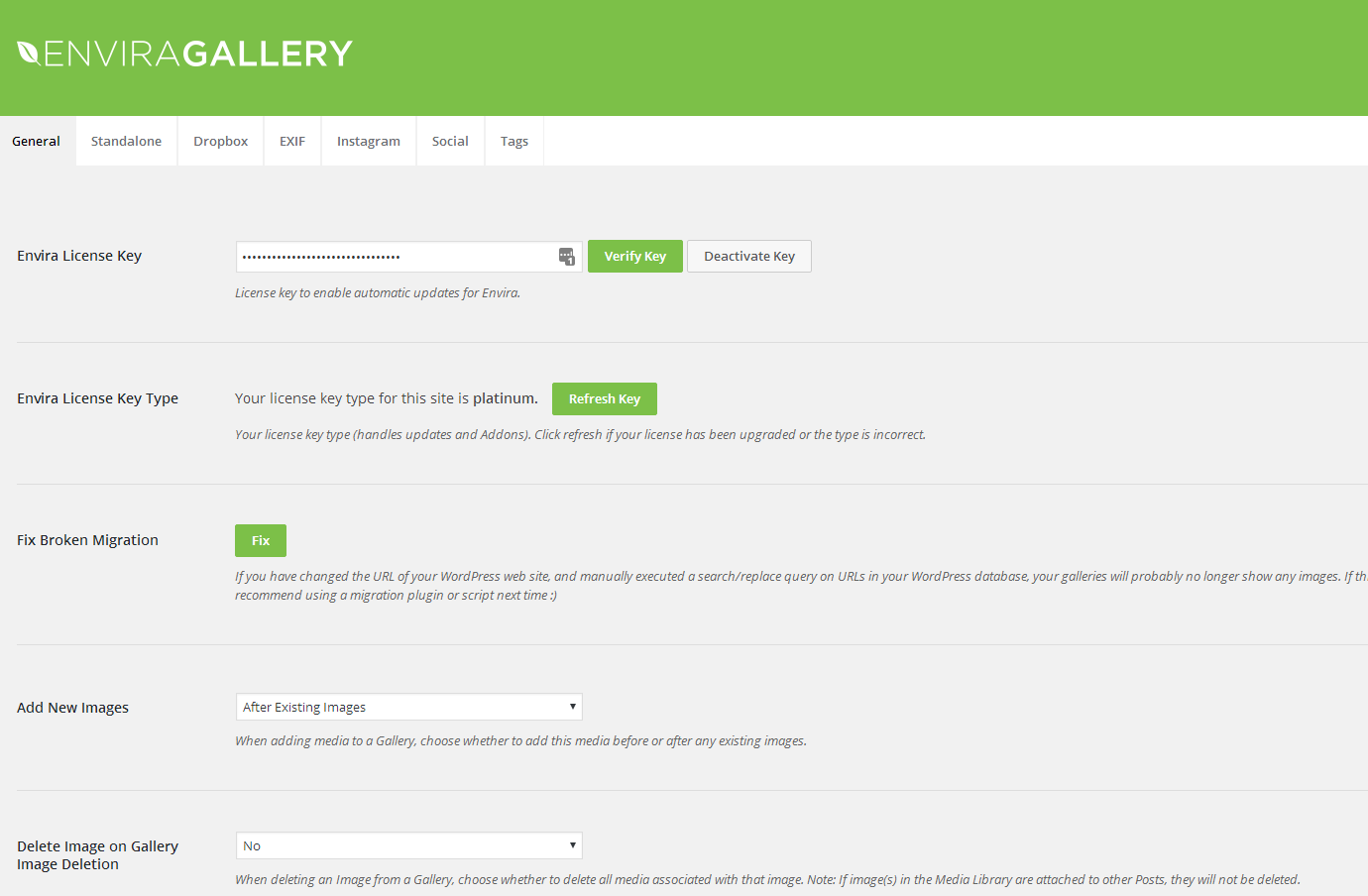
Frequently asked questions
What is Envira Gallery?
Envira Gallery is a WordPress image gallery plugin designed for ease of use and speed. It features a drag & drop builder to help users create photo galleries quickly.
What are the key features of Envira Gallery?
Envira Gallery offers a drag & drop photo gallery builder and works well with popular page builders like Elementor, Beaver Builder, Divi, and the block editor. It is optimized for web and server performance.
What is the difference between Envira Gallery and Envira Pro?
Envira Gallery is the lite version of Envira Pro. Envira Pro includes additional features such as albums, tags, social media integration, gallery templates, deeplinking, pagination, e-commerce, and image proofing.
Who is Envira Gallery designed for?
Envira Gallery is designed for anyone who wants to create a WordPress gallery without needing to hire a developer. It is loved by smart photographers, designers, and developers for its ease of use.
Changelog
1.9.1
* Added: Feature to convert WordPress Galleries to Envira Galleries
* Fixed: Upload images on block failing in some cases
1.9.0
* Added: Upsell tab for creating images with Envira AI
1.8.17
* Added: Comments Addon tab
* Added: New envira gallery layout option called Creative which available in Pro
* Fixed: Polaroid layout template on Gutenberg block
1.8.16
* Fixed: Improved caption sanitization
* Fixed: Improved permissions checks
1.8.15
* Fixed: Sanitization of image titles
* Fixed: User permissions control
1.8.14
* Added: Responsive CSS for the most popular tag
* Added: New gallery layout icon section
* Added: Upsell banner section for pro gallery layout
* Added: Show plugin names when a user selects an addon or plugin on the onboarding wizard.
* Added: made header logo clickable
* Added: New layout icon
* Added: Bump PHP version to a minimum of 7.0
1.8.13
* Fixes: Add gallery button alignment
* Fixes: Minimum PHP version required
* Added: Minified files improvements
1.8.12
* Added: Onboarding Wizard
* Added: Image Licensing tab
* Fixed: Capabilities check for some AJAX calls
1.8.11
* Fixed: Upgrade process validation
1.8.10
* Fixed: CSS selectors for admin page
1.8.9
* Added: Permission options
* Added: Animations tab
1.8.8
* Fixes: Gutenberg Block bug fixes
1.8.7.3
* Fixes: Adjust Ajax permissions
1.8.7.2
* Tweak: Changing SweetAlert library version to prevent the interference on .ru sites.
1.8.7.1
- Fixed: Notices for non-admin users in admin.
- Fixed: Capability checks for ajax calls
1.8.7
- Added: UI Enhancements
- Fixed: Empty src on add image to gallery
1.8.6.2
- Fixed: Link Validation when inserting images into galleries
1.8.6.1
- Fixed: depricated usort callback
1.8.6
- Fixed: php 8 compatibility
1.8.5.3
- Fixed: Links not opening in new window
1.8.5.2
- Fixed: Undefined function enviratope on mason layouts.
1.8.5.1
- Fixed: incorrect variable name.
1.8.5
- Fixed: Improve sanitization.
- Fixed: Remove legacy code.
- Fixed: Replace local scripts with WordPress core scripts
1.8.4.7
- Fixed: Improve admin sanitization.
1.8.4.6
- Fixed: Javascript warnings when adding a gallery in the block editor.
1.8.4.5
- Fixed: Tweaked icon spacing and placement in image editor blocks.
1.8.4.4
- Fixed: Issue involving not being able to edit caption or title in the block editor for individual images in a gallery in certain layouts.
1.8.4.3
- Fixed: Issue involving fatal error when empying a gallery from the trash.
1.8.4.2
- Fixed: Corrected text box type and visual look of subscription form signup modal.
1.8.4.1
- Fixed: Resolved fatal error upon checking for active plugins upon loading.
1.8.4.0
- Fixed: Issue involving margin resets in block editor.
- Fixed: Issue involving margin resets in block editor.
- Fixed: Issue involving gallery button with Classic Editor.
- Fixed: Resolved conflict with Enhanced Media Replace Pro.
- Fixed: PHP 8.x and related notices and warnings.
1.8.3.9
- Updated: Images
1.8.3.8
- Updated: Getting Started area – new tab and updated CSS.
1.8.3.7
- Fixed: Issue regarding lightbox and uploaded WebP images.
1.8.3.6
- Updated: Removed Additional Marketing Copy
- Added: WebP Support
1.8.3.5
- Updated: Expired Marketing Offer
1.8.3.4
- Updated: Promotional messages.
- Fixed: PHP 8 related notices.
1.8.3.3
- Fixed: Improving metadata sanitization.
1.8.3.2
- Fixed: Lightbox Bug with WordPress 5.6.0
1.8.3.1
- Added: Lifetime option notice.
1.8.3
- Updated: Recent News On Welcome Screen.
- Updated: Links On What’s New Screen.
1.8.2
- Added: Most Popular sort in Addons screen.
- Updated: Recent News On Welcome Screen.
- Updated: Links On What’s New Screen.
1.8.1.0
- Added: envira_gallery_output_item_src_retina filter.
- Added: envira_gallery_title_display filter.
- Added: filters for aspectRatio, loop, lightbox openclose effect, and more for Fancybox settings.
- Updated: Subscription number.
- Updated: Remove references to Facebook Video.
1.8.0.3
- Fix: Tweak UI for upcoming WordPress 5.5 admin visual changes.
- Fix: Removed outdated URL from translation files.
1.8.0.2
- Removed: Legacy style related to Gutenberg.
1.8.0.1
- Removed: Redirect upon updating.
1.8.0
- Added: Enable links in lightbox settings, when lightbox is deactivated.

