

Site Kit is a one-stop solution for WordPress users to use everything Google has to offer to make…

About Easy Social Icons
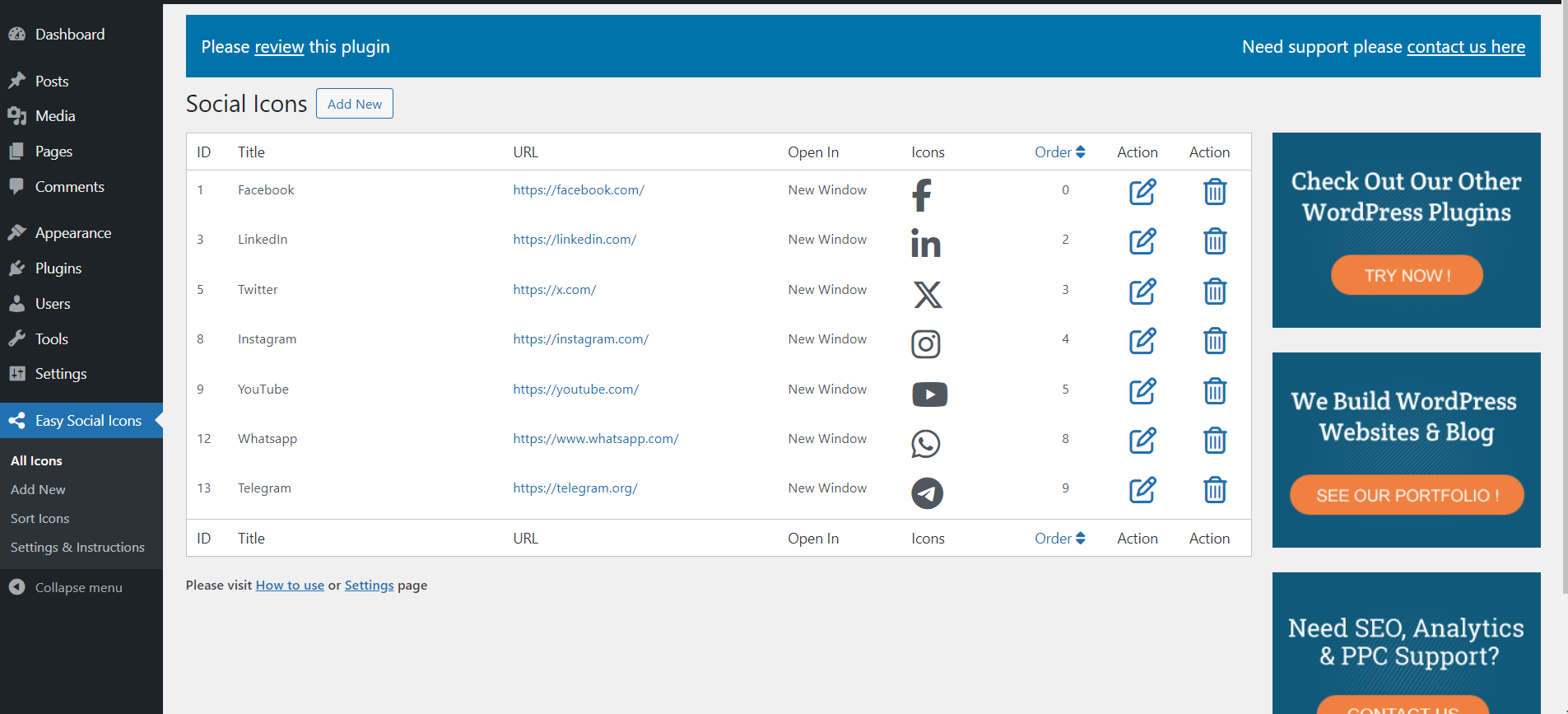
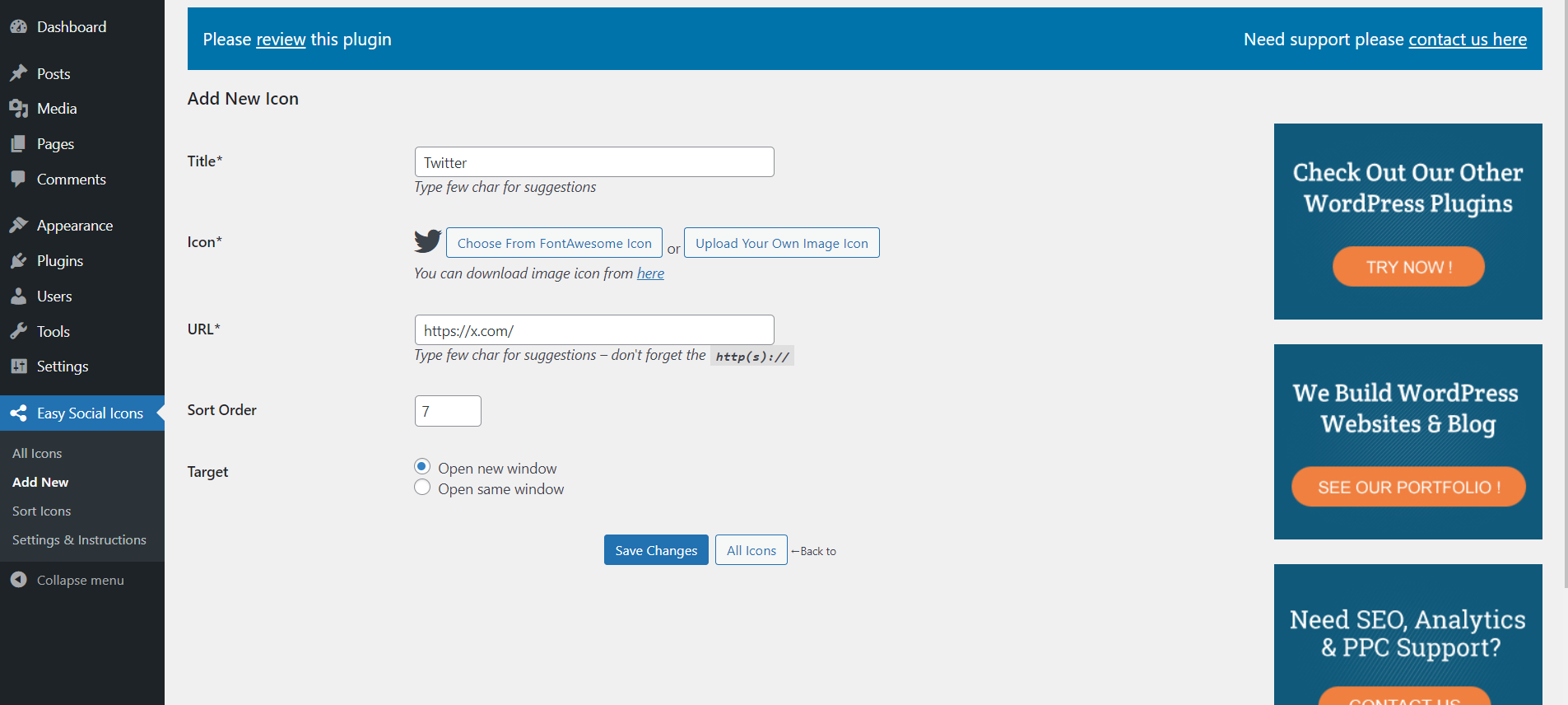
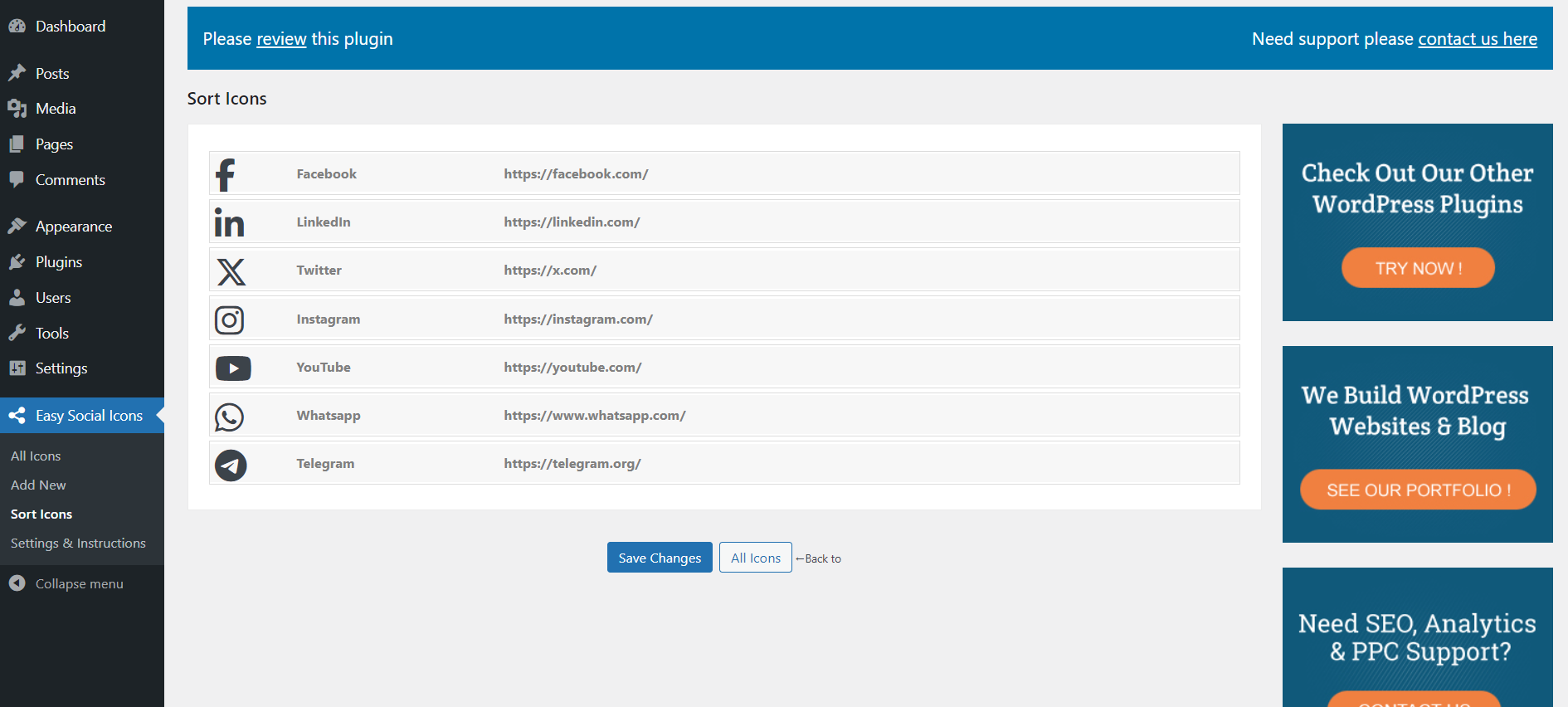
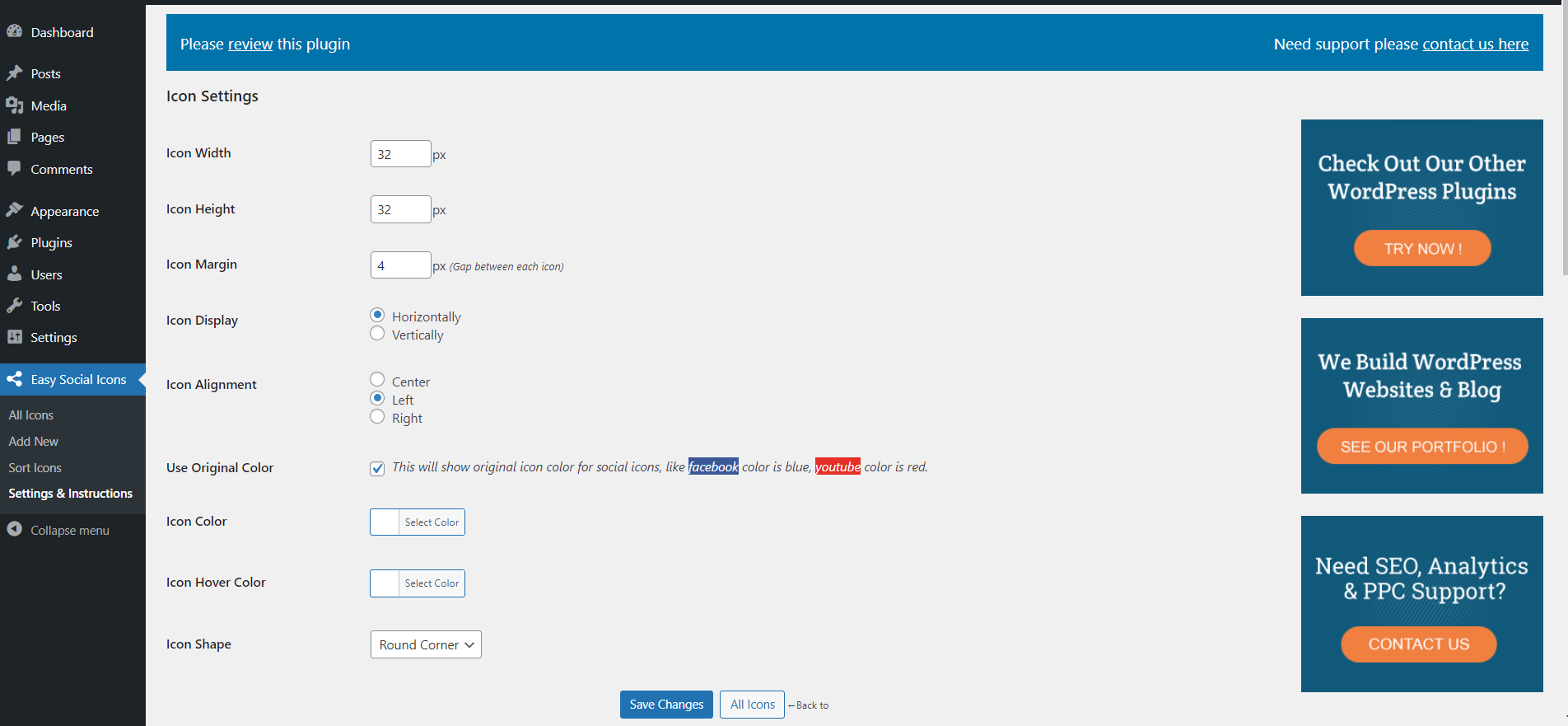
Easy Social Icons is a WordPress plugin that allows you to customize your social icons by uploading your own or using font-awesome icons. You can choose the alignment, size, and margins of the icons, and display them vertically or horizontally. You can use the shortcode, template tag, or widget to add the icons to your website.Screenshots
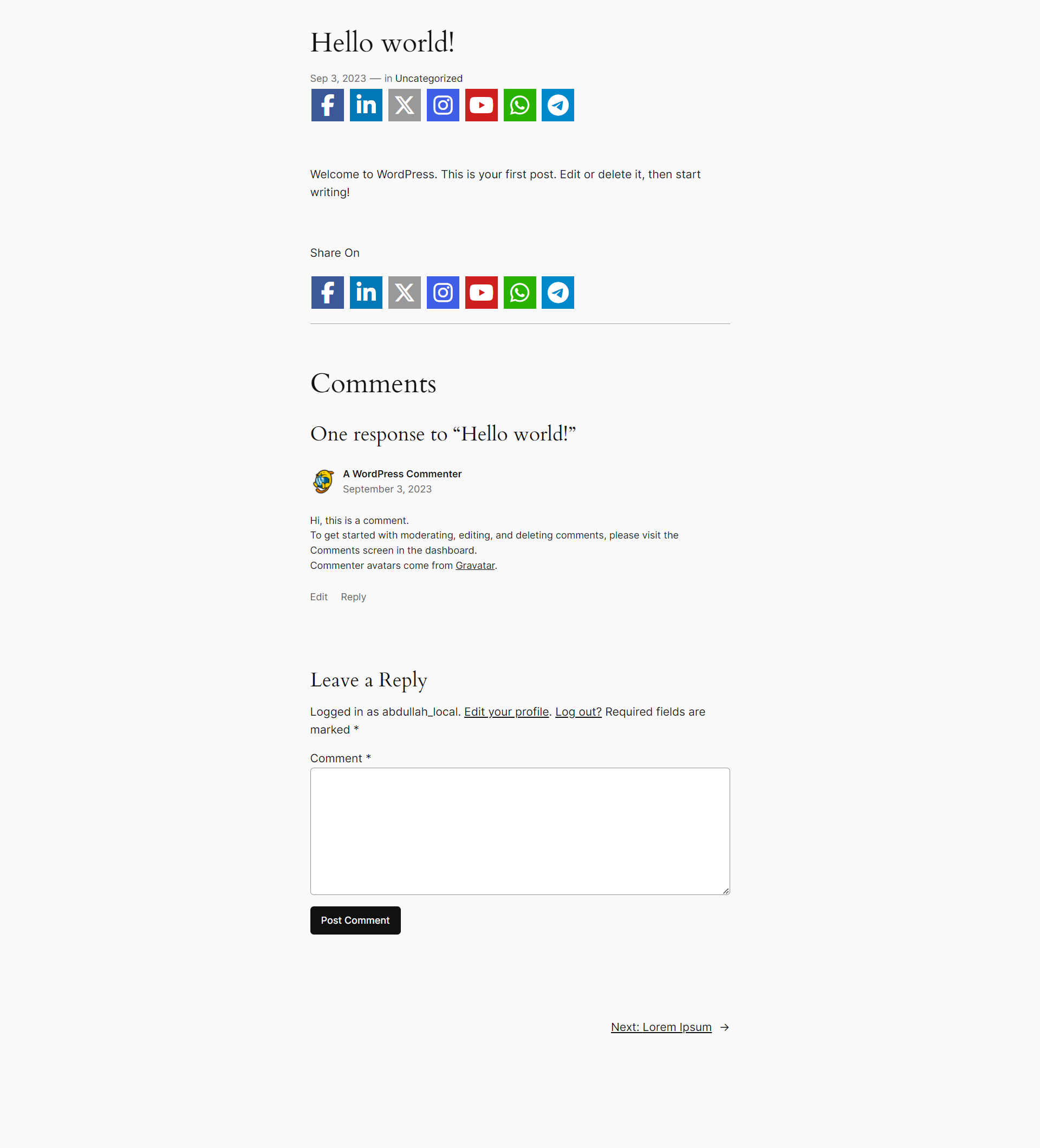
Frequently asked questions
How can I upload my own social icons?
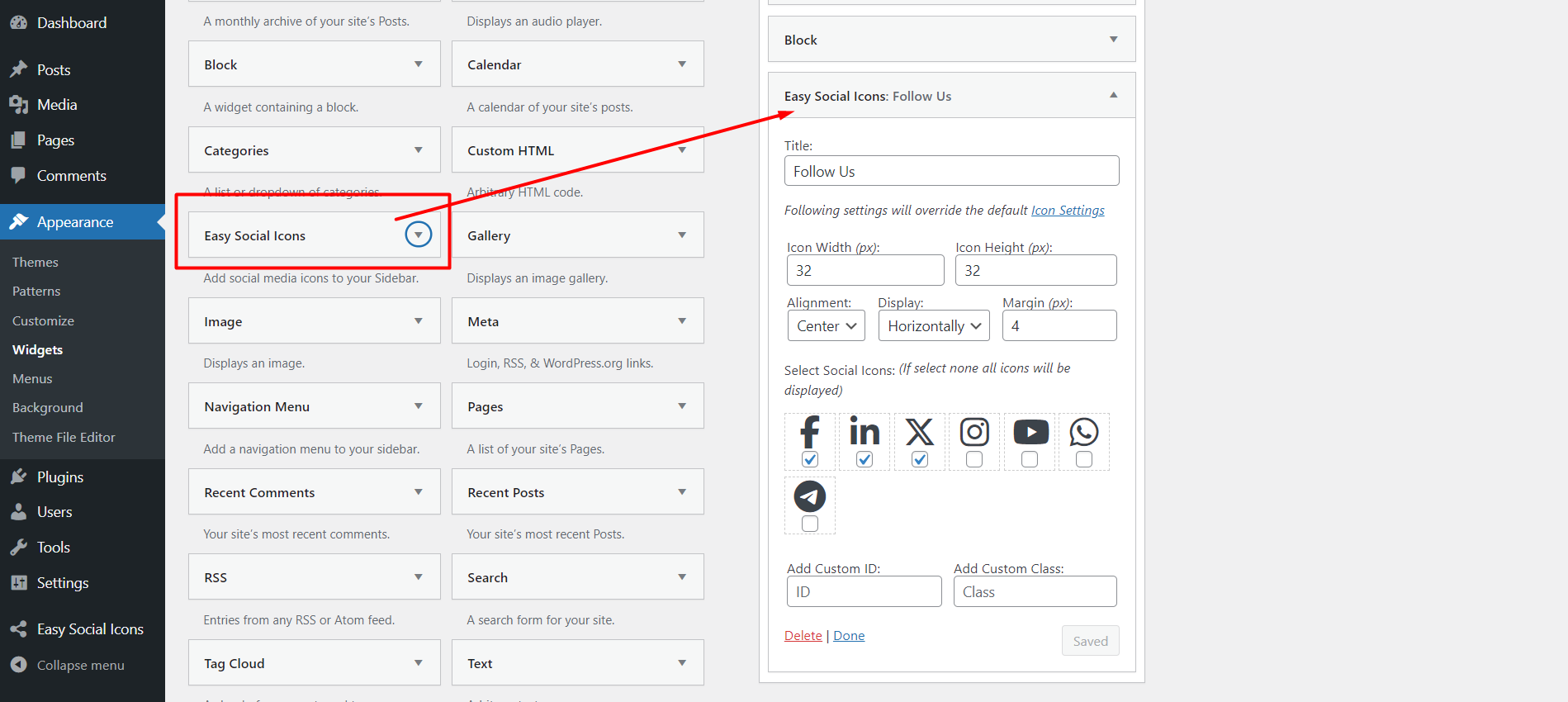
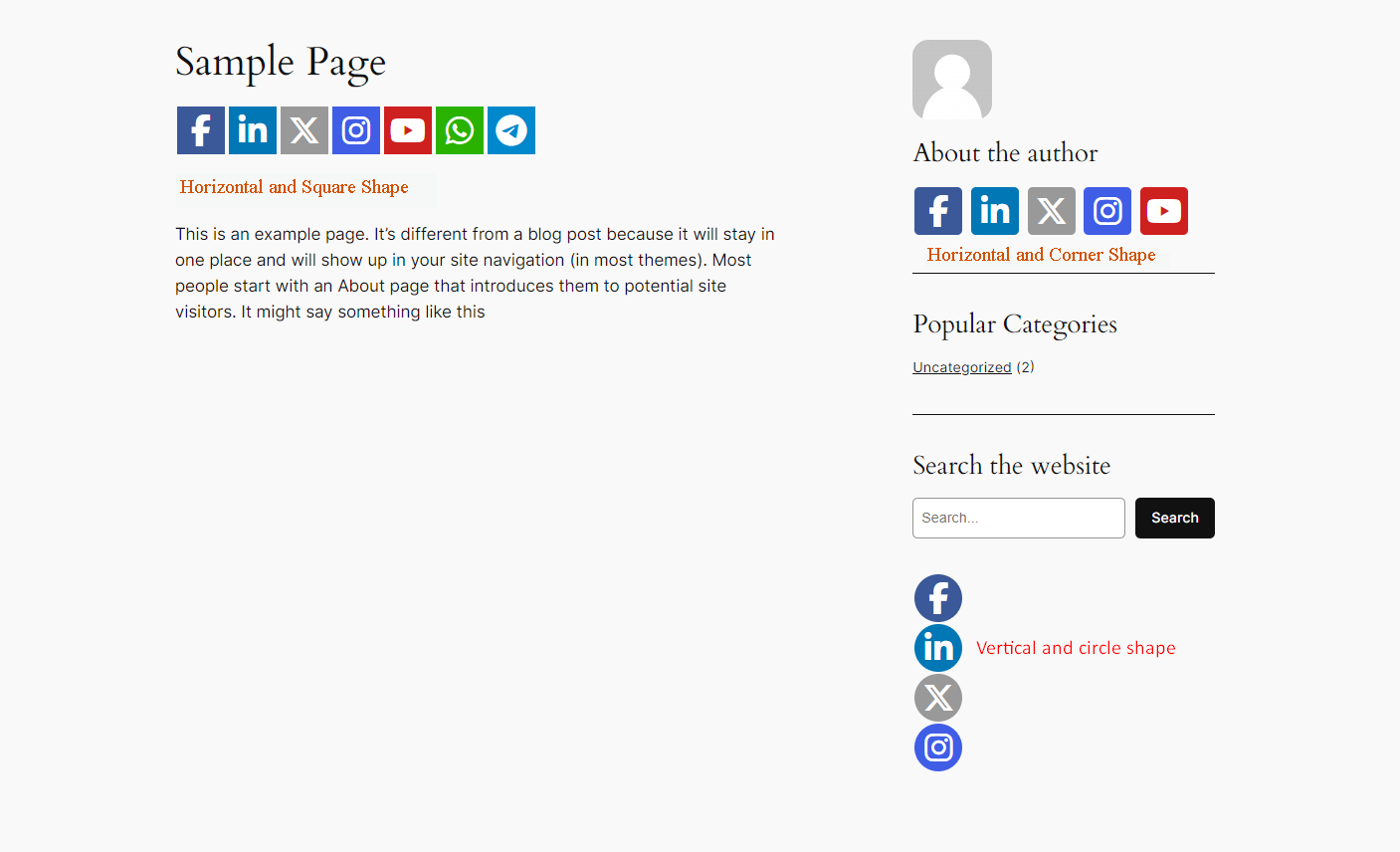
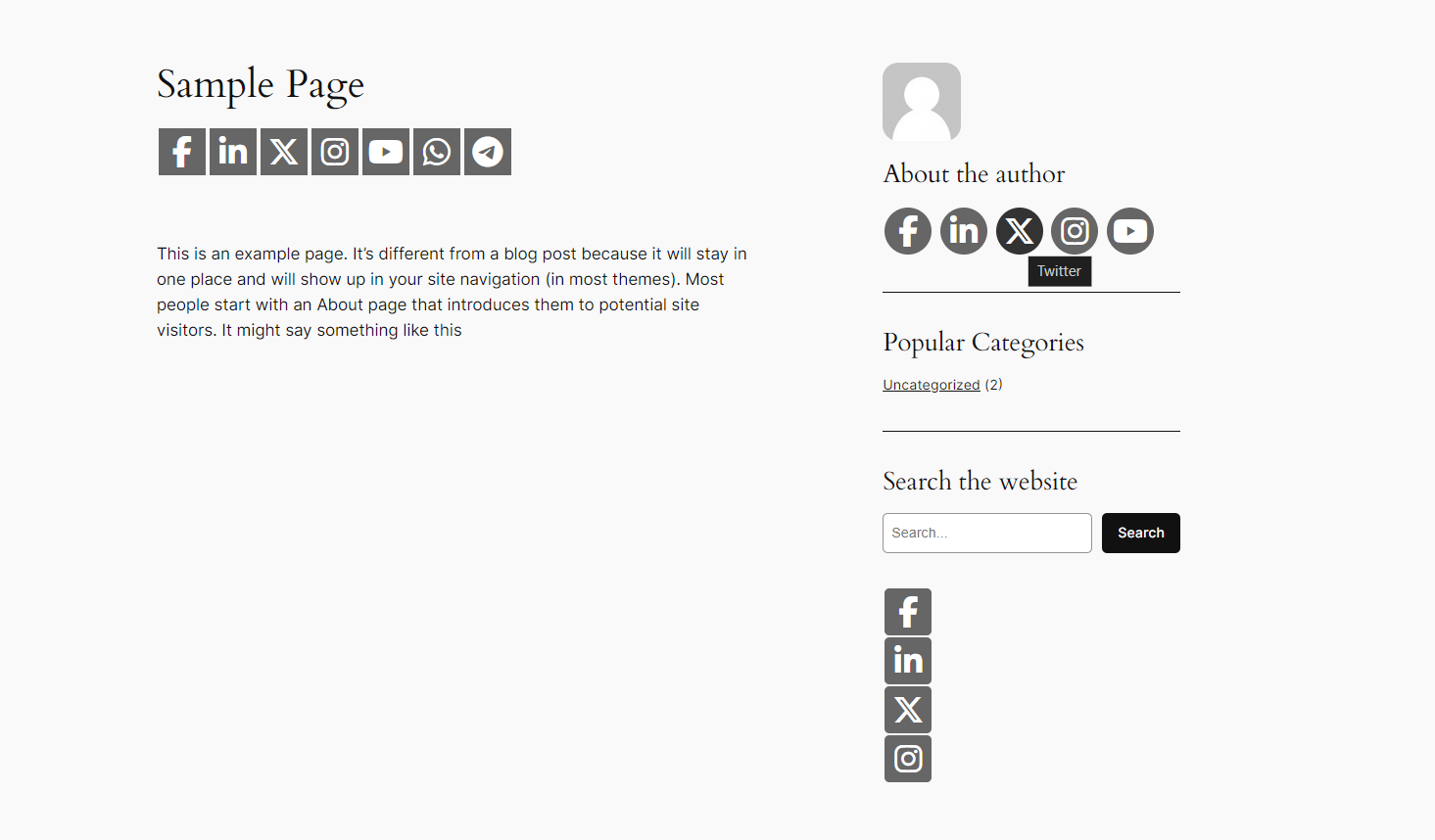
You can upload your own social icon or font-awesome social icons, set your social URL, choose whether you want to display vertically or horizontally, left or right or center aligned, icon width height or margins.
What shortcode can I use to display the social icons?
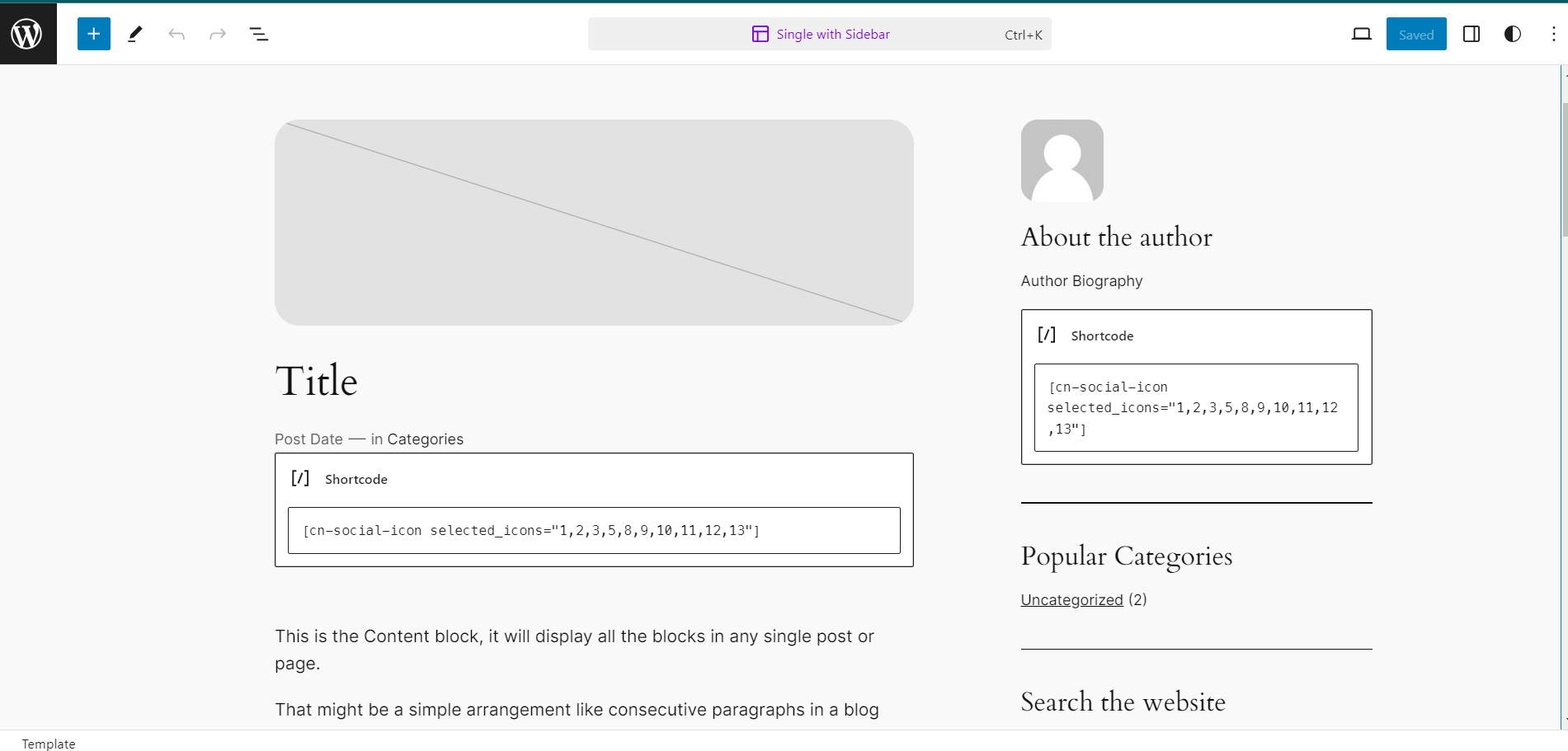
You can use the shortcode [cn-social-icon] in page/post, template tag for PHP file, <?php if ( function_exists('cn_social_icon') ) echo cn_social_icon(); ?> also you can use the widget “Easy Social Icons” for the sidebar.
Where can I download Easy Social Icons for Wordpress version lower than 3.5?
If you are using wordpress version lower than 3.5 please use “Easy Social Icons” version 1.1. You can download it from this link: https://downloads.wordpress.org/plugin/easy-social-icons.1.1.zip
How can I get faster support?
For faster support, please contact us here: http://www.cybernetikz.com/wordpress-magento-plugins/wordpress-plugins/easy-social-icons/#disqus_thread
What are the key features of Easy Social Icons?
The key features of Easy Social Icons are:n- You can upload your own social icons or select font icons from font-awesomen- You can create multiple icons sets using the widget or shortcoden- It works with responsive websitesn- You can customize the icon width, height, and alignmentn- You can display the icons vertically or horizontallyn- You can place the social icon set in the sidebar using the widgetn- You can insert the social icon set in pages/posts using shortcoden- You can sort the social media icons using drag and dropn- You can use the template tag to place the social icon set anywhere in the PHP template filen- It includes a Google Social Profile Links feature
Changelog
3.2.7
- fixed / updated Twitter X icon and TikTok icon
3.2.6
- fixed / updated security issue BAC+CSRF
3.2.5
- fix / update security issue CVE-2023-33998 and sql prepare issue in debug mode.
thanks to @ov3rfly
3.2.4
- fix / update security issue
3.2.3
- fix / update security issue
3.2.2
- fix / update security issue
3.2.1
- fix / update security issue
- fix security issue (Admin + Stored XSS) and unauthenticated icon deletion
3.2.0
- fix / update security issue
- check with latest wordpress version 5.9.2
- fix security issue (Admin + Stored XSS)
3.1.4
- fix/update security issue
- check with latest wordpress version 5.9.1
- fix security issue (Admin + SQL Injection)
3.1.3
- fix/update security issue
3.1.2
- check with latest wordpress version 5.8.1
- fix/update security issue
3.1.1
- fix/update security issue
3.1.0
- fix/update security issue
3.0.9
- fix/update security issue
- check with latest wordpress version 5.8
3.0.8
- fix version conflict issue
- check with latest wordpress version 5.5.1
3.0.7
- fix trademark issue
- check with latest wordpress version 5.2.3
3.0.6
- update font-awesome version 5.7.2
- fix compatibility issue with php version 7.0
3.0.5
- add color to youtube play icon
- css fix for icons list in admin panel
3.0.4
- add email, address, mobile font-awesome icons
- typo fix
3.0.3
- add review and support banner at top
- add original color for 39 font-awesome brand icons
- css fix for cybernetikz banner in responsive design
3.0.2
- fix v 1.0 & v 1.1 image icon compatibility
3.0.1
- fix font-awesome icons color for some specific themes
- automatically set sort order when add new icon
3.0.0
- add font awesome icons
- css fix/update to remove unwanted icon border, shadow for “Twenty Seventeen”
- Google Social Profile Links feature added
- “add new” button added to “All Icons” page
- arrow icon added in “All Icons” page to sort icon easily
- auto fill-up/suggestion added in “Add New Icon” for “title” and “url” field
- add client side validation in “Add New Icon” for for “title”, “icon” and “url” field
- update variables name to fix conflict with other plugins
- update php code for optimal performance
- delete plugins table and options data on uninstall
2.0.2
- css update to remove unwanted icon border
2.0.1
- bug fix for icon sorting feature
- screenshot update
2.0
- New feature added for widget, create mutiple widget instance with different settings
- New feature added for shortcode, use mutiple shortcode in page/post with different settings
- New feature added for PHP template tag, use mutiple PHP template tag in PHP themes files with different settings
- New feature added for shortcode generate
- Plugin’s settings & instructions page layout is updated
- “How to use?” section is added in plugin’s settings & instructions page
- ID column is added to manage icons page
- Button is updated throughout the plugin setup pages
- Layout is updated in sort icons page
- Screenshot updated
- CSS updated
- JavaScript updated
1.2.4.1
- Banner added in plugins pages
1.2.4
- Bug fix, Security updates
1.2.3.1
- CSS fix
1.2.3
- Responsive feature added
- Security updates
1.2.2
- PHP notice/warning fix
1.2.1
- Fix on WordPress media uploader for different WordPress version
1.2
- Integrate WordPress default media uploader
- Some security updates
- Remove preloaded sample icon as icon upload method change
1.1
- icon upload folder fix
1.0
- Add sorting icon using drag drop
- Built in 5 social icons preloaded as sample icon, to save your time (Facebook, Twitter, LinkedIn, Flickr, YouTube).
- Now you can display the icons split by rows, input the number of rows in the plugins admin option page
- CSS fixes
- Icons width / height adjustment fix

