

The Elementor Website Builder has it all: drag and drop page builder, pixel perfect design, mobile responsive editing,…
About Contact Form 7 – Dynamic Text Extension
Contact Form 7 - Dynamic Text Extension (DTX) is a WordPress plugin that enhances the functionality of the Contact Form 7 plugin. It allows you to create dynamic contact forms with pre-populated fields pulled from various sources such as URLs, post IDs, user information, and more. The plugin also supports different types of form fields, including email, URL, phone numbers, checkboxes, and dropdown menus. It is compatible with caching plugins and provides options for obfuscating values and setting form fields as read-only.Screenshots

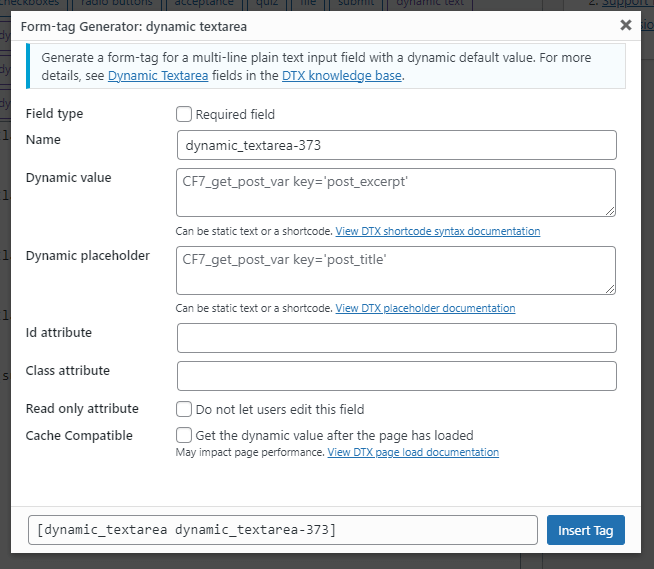
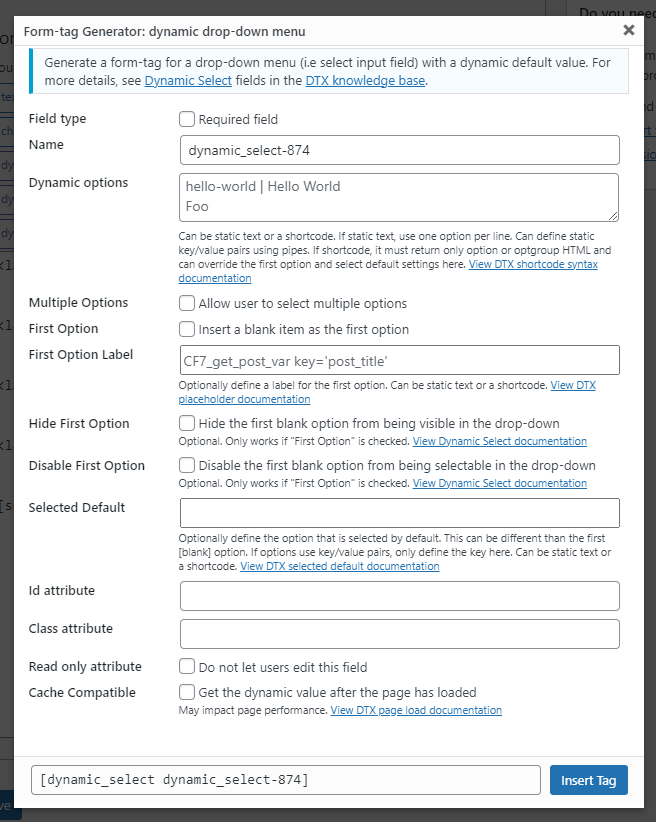
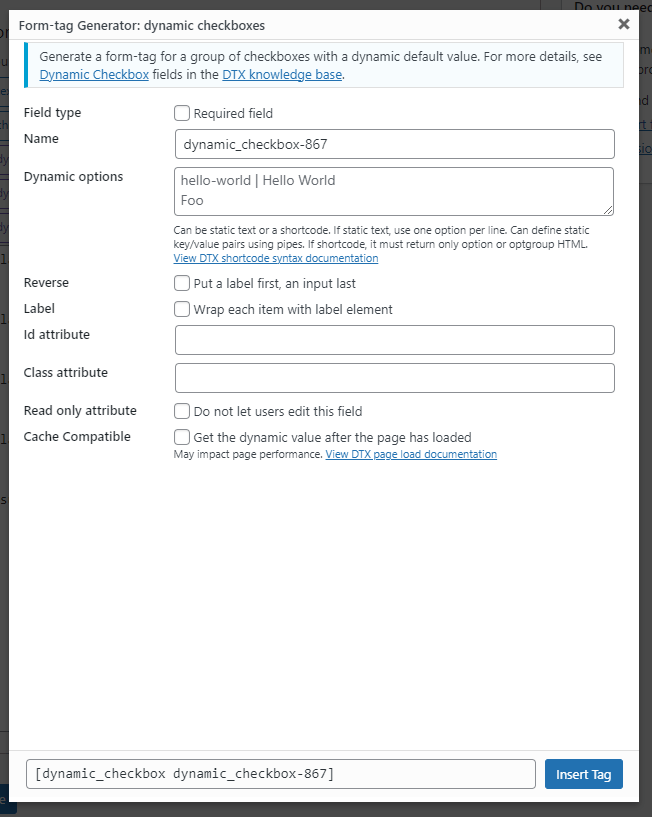
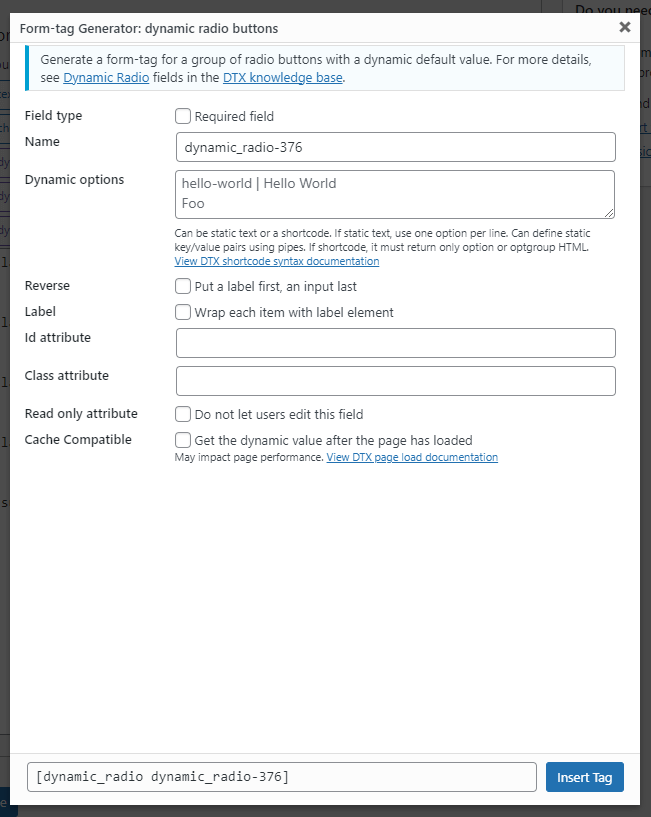
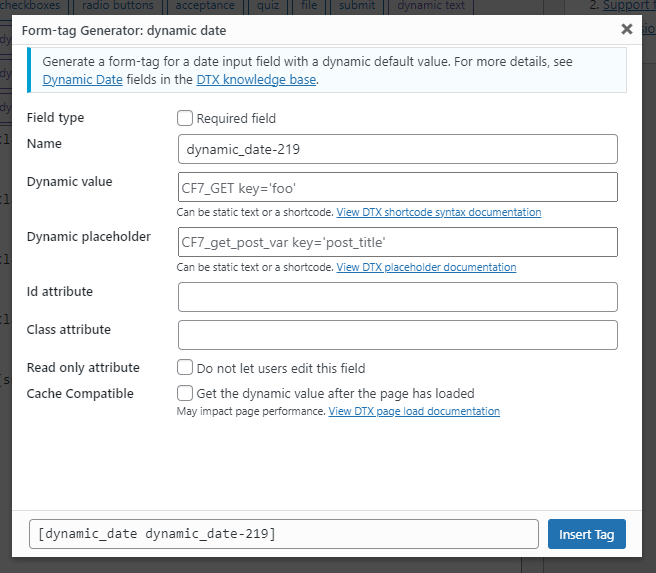
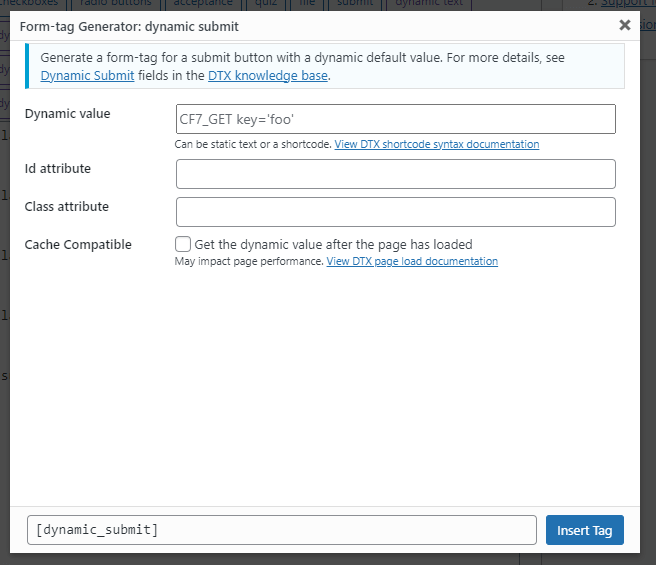
Frequently asked questions
What does the Contact Form 7 – Dynamic Text Extension plugin do?
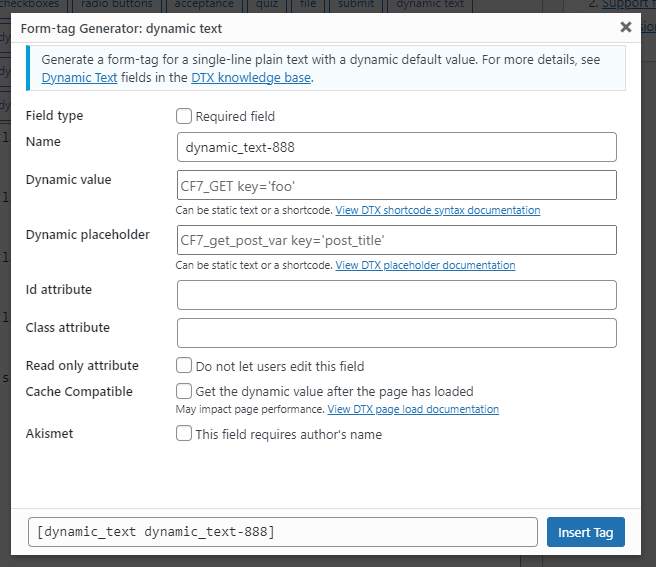
This plugin provides additional form tags for the Contact Form 7 plugin, allowing dynamic generation of content for text-based input fields. It enhances Contact Form 7 by adding dynamic content capabilities, enabling pre-populated fields pulled from various locations.
What types of fields can DTX dynamically populate?
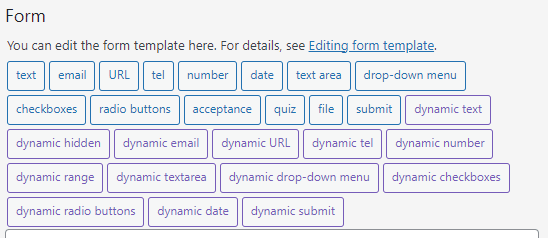
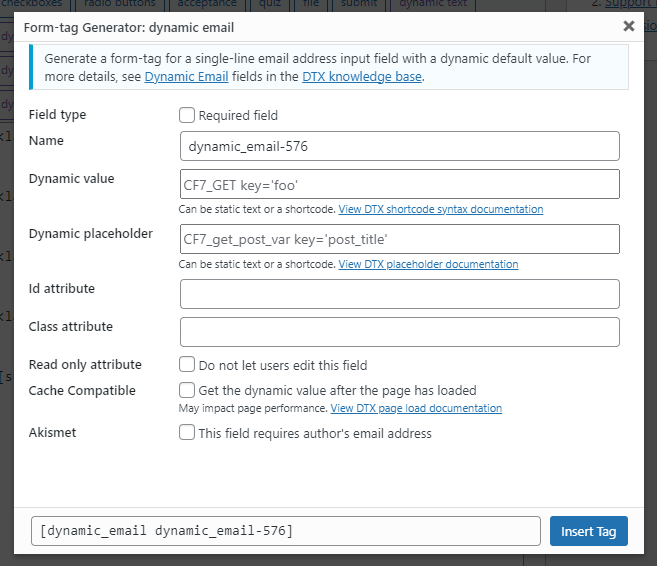
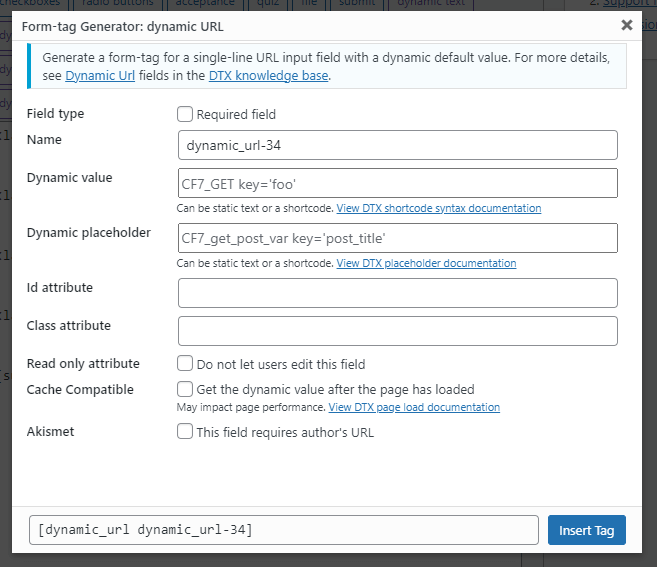
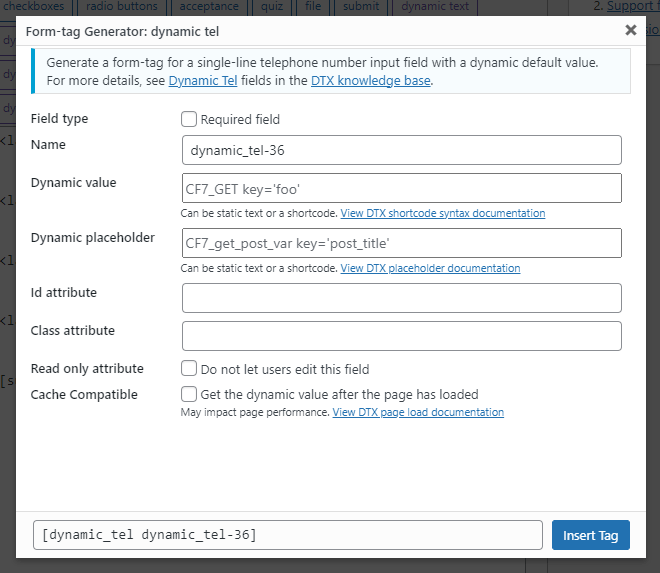
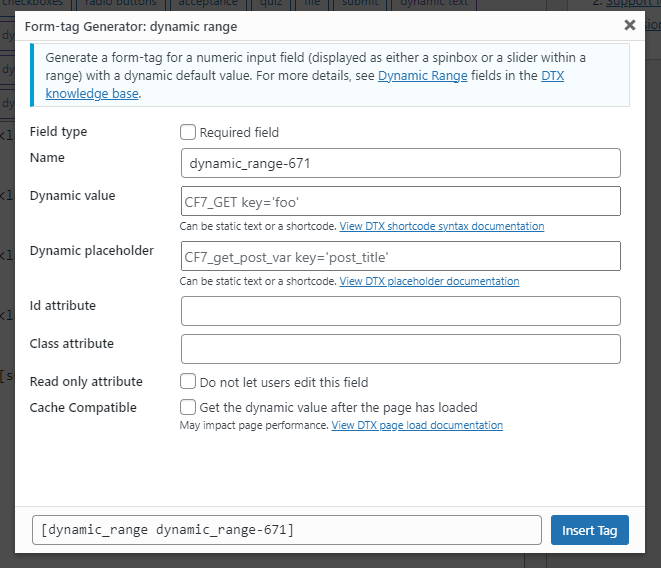
DTX can dynamically populate text, hidden, email, URL, tel, number, range, textarea, drop-down menu, checkboxes, radio buttons, date, and submit fields. Previously, it only handled text and hidden input types.
What are some examples of dynamic content DTX can provide?
DTX can auto-fill URLs, post IDs, titles, slugs, current page information, product numbers, and user information. It can also populate fields with custom and meta fields, generate unique identifiers, and get values from cookies or custom theme modifications.
Can I use custom shortcodes with DTX?
Yes, you can write custom shortcodes to populate fields. Any shortcode that returns a string or numeric value can be used with DTX.
Changelog
5.0.2
- Security: Addressed security vulnerability responsibly reported by Rafie Muhammad to Patchstack.
5.0.1
- Fix: updated the
wpcf7dtx_format_atts()function to only include attributes with string values if the string exists to avoid adding empty attributes likeidwhere they are supposed to be unique, see support thread. - Update: updated getting dynamic attributes to be more consistent across handler functions.
- Fix: Marked compatible with WordPress core version 6.7.
5.0.0
- Update: The form tag generator has been upgraded to version 2 to be compatible with version 6.0 of Contact Form 7. Related prefixed functions have been replaced with a class. See support thread.
4.5.1
- Security: Addressed security vulnerability #352992 responsibly reported by Francesco Carlucci to Wordfence. Thank you Carlucci. All built-in shortcodes now check for appropriate access and user permissions before returning information from any post.
- Translation: Added I18N improvements by alexclassroom, thanks!
4.5.0
- Feature: Added the hidden field
_wpcf7dtx_versionto include the current version of this plugin automatically in forms. It can be accessed via$_POSTinwpcf7_before_send_mailhook or viewed in the page’s source code along with Contact Form 7’s other default hidden fields. - Minor: Allowed images to be added in checkbox and radio button options, see support thread.
- Fix: Addressed the bug that prevented textarea fields to use placeholders, see support thread.
Older Releases
Please see our additional changelog.txt file

